Disclosure
ChatMitra is a WhatsApp Business API platform, so it can send API newsletters but not Channel posts, and this guide says where each tool fits. Channel, policy and pricing details were checked against WhatsApp's and Meta's own pages on 15 October 2026.
A WhatsApp newsletter is a regular update you send on WhatsApp to people who asked for it. You can run it two ways. A WhatsApp Channel is free and public: followers read your posts like a feed, but they can’t reply, and you can only post from the WhatsApp app. An API newsletter sends a marketing template through the WhatsApp Business API to each opted-in subscriber’s chat: it’s personal, can carry buttons and replies, and costs ₹0.8631 per delivered message in India. Small businesses with under 256 customers can also use a broadcast list in the WhatsApp Business app. Pick by whether you need reach, replies or both.
Key takeaways
- Use a Channel for free, public reach and an API newsletter for personal, measurable issues to opted-in customers. Many businesses run both.
- WhatsApp limits how many marketing messages each person receives from all businesses, so a WhatsApp newsletter should go out less often than an email one.
- Opt-in must name your business, and every user can stop your marketing messages from inside WhatsApp. Honour STOP replies too.
- An API issue to 2,000 subscribers in India costs about ₹1,726 in Meta charges, plus any platform fee. A Channel post costs nothing.
- Cloud API stops carrying marketing messages on 13 October 2027. API newsletters move to Meta's Marketing Messages API, so check your platform's plan.
Three ways to send a newsletter on WhatsApp
People use “WhatsApp newsletter” for three different tools. Before you collect a single subscriber, decide which one you’re building, because the rules, costs and limits differ sharply.
| WhatsApp Channel | API newsletter (marketing templates) | Business app broadcast list | |
|---|---|---|---|
| Who receives it | Anyone who follows the channel | Contacts who opted in to your messages | Up to 256 contacts per list, who saved your number |
| Where it appears | The Updates tab, notifications muted by default | The subscriber's chat list, like any message | The subscriber's chat list |
| Replies | No; emoji reactions and poll votes only | Yes, into your team inbox | Yes, as a private chat |
| Personalisation | None; everyone sees the same post | Name, order, city or any stored field | None |
| Cost | Free | Per delivered message (₹0.8631 marketing, India) plus any platform fee | Free, with a monthly limit in some countries |
| How it's posted | WhatsApp or WhatsApp Business app only; no official API | Through a Business API platform; can be scheduled | WhatsApp Business app on a phone |
| Insights | Growth and reach, only from 100 followers, delayed about a week | Delivered, read, link clicks, replies | Delivery ticks only |
| Best for | Public brands, creators, media, community updates | Customer newsletters, offers, B2B updates, anything that needs a reply | A shop with a few hundred regulars |
Channels are “a one-way broadcast rather than a conversation. Followers can’t reply directly to updates or send messages to channel admins” (WhatsApp Help Center). All channels are public, and you can share “one-way updates to an unlimited audience”. Followers don’t see your business profile name, picture or number. You, as admin, see followers’ profile names but not their numbers, unless they’re already your contacts (WhatsApp Help Center, follower privacy).
Broadcast lists in the WhatsApp Business app hold “up to 256 contacts in each broadcast list”, and “only people who’ve added you to their phone’s contacts will receive your broadcast message” (WhatsApp Help Center, broadcast lists). WhatsApp also says people in some countries may see a monthly limit on free broadcast messages. Our broadcast list guide covers that limit and the paid “business broadcasts” option in the app.
API newsletters use approved marketing templates sent through the WhatsApp Business Platform. Each one arrives as a normal chat message, so subscribers can tap a button, reply with a question or forward it. This is the only option that combines a private, personal message with a list of any size.
Channel or API newsletter: how to choose
Answer three questions:
- Do you need replies or sales from the newsletter itself? If a subscriber should be able to ask “is this in size 8?” or tap “Book a slot”, you need the API. A Channel can link to your site, but it can’t hold a conversation.
- Do you know your subscribers? A Channel is for anyone, including people you’ve never met, so it’s good for discovery. An API newsletter only goes to people who gave you their number and agreed to hear from you, so it suits customers and leads.
- What will each issue cost you? A Channel costs time, not money. An API newsletter’s cost grows with the list and the frequency (worked out below).
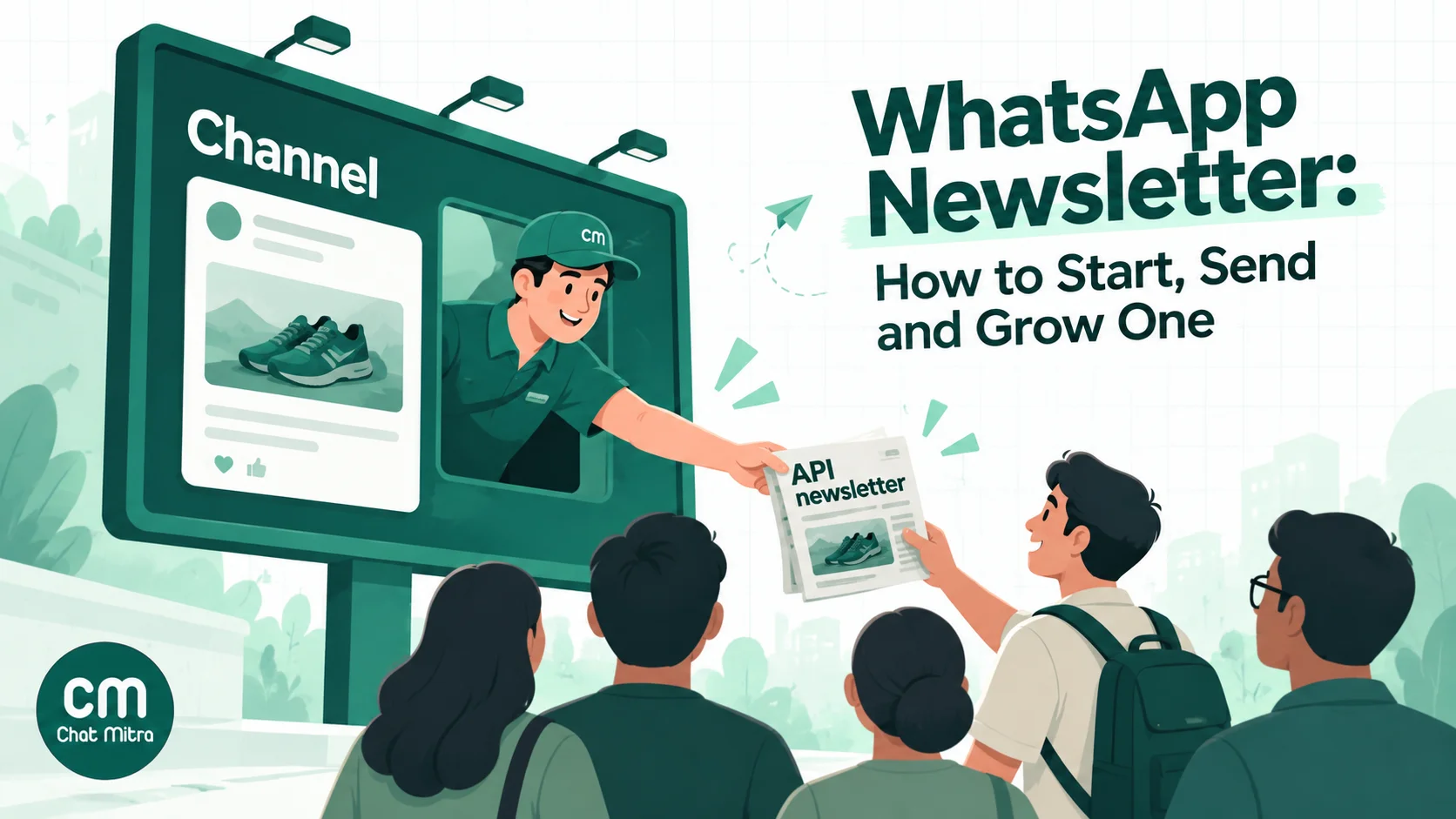
Using both is common and sensible. Post your public updates (new launches, tips, event dates) to a Channel, where anyone can follow for free. In every post, invite readers to “join the members’ list” for personal offers. That link starts a chat with your business number, where they opt in to the API newsletter. The Channel grows awareness for free, and the API newsletter turns the most interested followers into customers.
A coaching institute might post exam dates and study tips to a Channel, then send enrolled parents a personalised fortnightly progress-and-fees note through the API. A D2C brand might show new collections on a Channel and send a weekly members-only drop with a “Shop now” button to its subscriber list. A B2B software company might skip Channels altogether and send a monthly product update to customers who opted in, with a “Book a walkthrough” quick reply.
What a WhatsApp newsletter costs
A Channel is free. An API newsletter is billed per message, and the maths is simple once you know the inputs.
Meta’s charge. Meta bills marketing templates per delivered message, by the recipient’s country. For India, the rate card effective 1 October 2026 lists ₹0.8631 per marketing message. Meta adds that “businesses are only charged when a message is delivered” (Meta, pricing). Subscribers abroad cost their own country’s rate.
Your platform’s charge. This varies by provider. ChatMitra’s Starter plan has no monthly fee and charges ₹0.20 per conversation, meaning once per customer per 24 hours, however many messages you exchange in that window. Pro is ₹999 a month with 1,000 conversation credits included, then ₹0.20 per conversation. Enterprise is ₹2,499 a month with no per-conversation fee (ChatMitra pricing).
A worked example. A store sends a weekly newsletter to 2,000 subscribers in India, four issues a month, all delivered:
| Item | Calculation | Per month |
|---|---|---|
| Meta marketing charge | 2,000 × 4 × ₹0.8631 | ₹6,904.80 |
| ChatMitra fee, Starter | 8,000 conversations × ₹0.20 (issues are a week apart, so each is a new conversation) | ₹1,600.00 |
| Total on Starter | ₹8,504.80 | |
| Per subscriber | ₹8,504.80 ÷ 2,000 | about ₹4.25 |
| Same list, fortnightly | half of each line | ₹4,252.40 |
Two things move this number more than the rates do. First, frequency: every extra issue costs the same as the first, unlike most email plans. Second, list quality: a subscriber who never reads still costs ₹0.8631 per issue while their messages keep being delivered. On Enterprise, ₹2,499 replaces the per-conversation fee, which only saves money above 12,495 conversations a month (₹2,499 ÷ ₹0.20).
If the newsletter earns its keep, these costs are small next to the sales it brings in. If it doesn’t, sending it less often or to fewer, more engaged people is the fix, not a cheaper rate. For the full comparison with email costs, see WhatsApp vs email marketing.
How to set up an API newsletter, step by step
1. Write the promise
Before anything else, write one sentence a subscriber agrees to: “A weekly note every Friday with new arrivals and one members-only offer.” The promise sets your topic, your frequency and what “too much” means. Put it in every sign-up form, so the opt-in describes what you’ll actually send.
2. Collect opt-in that names your business
WhatsApp’s policy says you may message people only once “you have received opt-in permission from the recipient confirming that they wish to receive subsequent messages or calls from you” (WhatsApp Business Messaging Policy). Meta’s opt-in guidance adds that “businesses must clearly state the business’s name that a person is opting in to receive messages from” (Meta, getting opt-in).
Good places to ask:
- A WhatsApp link or QR code with a pre-filled message such as “JOIN the Friday newsletter”. When the message arrives, the person has clearly chosen to write to you. ChatMitra’s dashboard generates the wa.me link and a downloadable QR code.
- A checkbox at checkout or sign-up, unticked by default: “Send me the Friday newsletter from Sharma Organics on WhatsApp.”
- A Channel post or Instagram story linking to that same WhatsApp link.
Record when and how each person joined. ChatMitra has no dedicated consent field, so use a tag such as newsletter and a custom attribute such as newsletter_joined with the date. Our subscriber list guide has more sign-up ideas, and the opt-in guide covers wording.
3. Send a welcome message right away
When someone writes “JOIN”, reply within seconds: thank them, restate the promise, and tell them how to leave. On ChatMitra’s Pro plan, an Auto Reply rule matching the keyword “JOIN” can send that welcome and add the newsletter tag automatically. The reply goes inside the open 24-hour customer service window the subscriber just opened, so it’s a service reply rather than a marketing template.
4. Build the issue as a marketing template
Each issue is a WhatsApp template in the Marketing category, approved by Meta before you send it. A newsletter template usually has:
- A header: an image, a short video, or a PDF if you send a longer digest. Meta’s limits are 5 MB for images, 16 MB for video and 100 MB for documents (Meta, supported media).
- A short body with one or two variables, such as the subscriber’s first name.
- A URL button to the full story or offer, tagged with UTM parameters so visits show up in your analytics.
- A quick-reply button such as “Stop newsletter”, which Meta describes as “a button that allows your customer to easily opt-out of any marketing messages” (Meta, template components).
Templates are reusable. Build one “weekly newsletter” template with variables for the headline and link, and you won’t need a new approval every week. Our guide to WhatsApp marketing templates covers categories and approval.
5. Schedule each issue
In ChatMitra, create a campaign, choose the template, select your audience by tag (include newsletter, exclude unsubscribed), and switch on Schedule to pick a date and time. You can stop, reschedule or edit a scheduled campaign before it goes. ChatMitra schedules each campaign once; there’s no repeating schedule, so set up each issue as its own campaign. Our WhatsApp scheduler guide covers the options.
6. Clean the list before every send
Remove people who opted out, numbers that keep failing and, after a few months, people who never read. Opt-outs get their own section below, because they’re where most newsletters break the rules without meaning to.
7. Measure and adjust
After each issue, look at delivered, read and failed counts, link clicks in your analytics, replies, and opt-outs. Read receipts can be switched off by users, so read rates run low, but they’re still useful for comparing one issue with the next. ChatMitra’s campaign report shows sent, delivered, read and failed counts, and lets you resend a campaign to recipients by status, such as everyone who read it. For link clicks, see our guide to tracking WhatsApp in Google Analytics.
How to set up a WhatsApp Channel newsletter
Channels take minutes. In the WhatsApp or WhatsApp Business app, open the Updates tab, create a channel, then add a name, description and icon. “You can also access Channels through the WhatsApp Business app” (WhatsApp Help Center, create a channel). WhatsApp notes Channels are still rolling out, so a few accounts may not see the option yet.
Things to know before you rely on one:
- Reach comes from sharing. Each channel has a link and a QR code. Put them on your website, receipts and social profiles. Channels can also be found in the in-app directory.
- Notifications are muted by default, so followers see updates only if they open the Updates tab or turn notifications on. Ask followers to tap the bell.
- History is short. New followers see updates from the 30 days before they joined, and admins can edit or delete an update for up to 30 days.
- Up to 16 additional admins can help you post. The owner alone can invite or remove admins and delete the channel.
- Insights are basic. Channel insights show growth, reach and followers, but “aren’t available for channels with fewer than 100 followers”, and numbers “may be delayed by about a week” (WhatsApp Help Center, channel insights). There are no link-click figures, so use UTM-tagged links.
- There’s no official posting API. Meta’s WhatsApp Business Platform covers templates, service messages and groups, not Channels. Tools that promise to automate Channel posts aren’t using an official route.
- Monetisation is still rolling out. Meta announced channel subscriptions, promoted channels and ads in the Updates tab in June 2025. WhatsApp’s help pages still say these features are rolling out gradually and may not be available in your country.
Anatomy of a good newsletter issue
Whichever format you choose, a WhatsApp issue should read in under a minute. Use this structure:
- A visual that tells people what the issue is about before they read a word.
- One line that earns the open: the single most useful thing in the issue.
- Two to four short items, each one sentence with an emoji or number as a marker.
- One action: a button or a question to reply to. More than one dilutes both.
- A way out, in the template or in your welcome message.
Three examples you can adapt:
Bakery, weekly (API). Header image: this weekend’s cakes. “Hi Priya, this Saturday’s special is a mango cheesecake, only 20 made. Also new: eggless brownies, and pre-orders for Diwali hampers open Monday.” Buttons: Pre-order (URL) · Stop newsletter (quick reply)
B2B software, monthly (API). Header: a PDF of the month’s changes. “Hi Arjun, three things changed in September: bulk export, a faster search, and a new invoice layout for export orders. The PDF has screenshots.” Buttons: Book a walkthrough (quick reply) · Read the changelog (URL)
Fitness studio, twice weekly (Channel). Post: a photo of Thursday’s class schedule with a poll: “Which extra class should we add — 6 am yoga or 8 pm HIIT?” Link: “Members get early booking — join on WhatsApp” (wa.me link).
Write like a person, keep links few, and resist the urge to fit your whole website into one message.
How often to send, and the per-user limit
Meta doesn’t publish a recommended frequency, but it does enforce a ceiling you can’t see. “WhatsApp may limit the number of marketing template messages a WhatsApp user receives from any business in a given period of time”, and the limit adapts to each person’s recent read rate and activity (Meta, per-user marketing limits). When a message is held back, you get error 131049, “This message was not delivered to maintain healthy ecosystem engagement” (Meta, error codes).
What that means in practice:
- Your subscribers also get marketing from every other brand. The limit counts all of them together, so an engaged subscriber has more room than one who ignores marketing messages.
- Don’t hammer retries. Meta advises waiting at least 24 hours before retrying a 131049, and repeated retries can block delivery to that person for up to 24 hours. You aren’t charged for undelivered messages, but you also didn’t reach them.
- Replies change the rules. Marketing messages sent inside an open 24-hour customer service window don’t count toward the limit. A newsletter that gets replies is easier to deliver next time.
- US numbers don’t receive marketing templates at all under Meta’s current policy, so leave them out of API newsletters.
A reasonable starting point is weekly at most for consumer newsletters and fortnightly or monthly for B2B. After four issues, check read rates and opt-outs. If reads fall or opt-outs rise, send less often, not more. Time each issue for when your subscribers actually use WhatsApp; our guide to the best time to send a WhatsApp broadcast covers how to test it.
Opt-outs: the part most newsletters get wrong
People leave a WhatsApp newsletter in three ways, and you have to honour all three.
- Inside WhatsApp’s settings. Users have an Offers and announcements setting that lets them “stop or resume delivery of marketing template messages from your business” (Meta, marketing templates). After that, Meta won’t deliver your marketing messages to them and returns error 131050, “This recipient has chosen to stop receiving marketing messages on WhatsApp from your business.” Meta enforces this one for you.
- By tapping your “Stop newsletter” button or replying STOP, NO or “unsubscribe”.
- Anywhere else: by email, on a call, in your shop. The policy says “you must respect all requests (either on or off WhatsApp) by a person to block, discontinue, or otherwise opt out of communications from you”.
Meta only enforces the first. The other two are your job, and they’re the ones that get businesses reported and blocked.
In ChatMitra:
- Meta opt-outs are recorded. ChatMitra stores the stop/resume signal Meta sends on each contact, and you can filter the contact list by OPTED IN or OPTED OUT.
- Exclusions aren’t automatic. Broadcasts don’t skip opted-out contacts on their own. Meta won’t deliver to them anyway, but give them an exclusion tag such as
unsubscribedtoo, so your list stays honest. - Catch STOP replies. On Pro, an Auto Reply rule matching STOP and your button text can confirm the opt-out and add the
unsubscribedtag. - Exclude the tag every time. When you build each campaign from your tags, exclude
unsubscribed. If you hand-pick contacts instead, the exclusion tag isn’t applied, so check them yourself.
In India, the DPDP Act adds its own rules. Consent “shall be free, specific, informed, unconditional and unambiguous with a clear affirmative action”, and people have the right to withdraw it “with the ease of doing so being comparable to the ease with which such consent was given” (Digital Personal Data Protection Act, 2023, section 6). The DPDP Rules were notified in November 2025 with an 18-month phased timeline (PIB), so the consent and notice duties apply from May 2027. If joining took one tap, leaving should take about one tap too.
The Cloud API marketing change in 2027
Meta has announced that “Cloud API will stop supporting marketing messages on October 13, 2027” (Meta, Marketing Messages API). New messaging accounts created on or after 13 April 2027 can’t send marketing messages through Cloud API at all. Marketing moves to the Marketing Messages API, which keeps the same billing and templates and adds features such as message time-to-live and engagement benchmarks. Service, utility and authentication messages stay on Cloud API.
For a newsletter, that’s mostly a question for your provider: does it already send marketing through the Marketing Messages API? ChatMitra already routes marketing-template campaigns through it. If you run your own integration on Cloud API, plan the move before April 2027.
Mistakes that sink WhatsApp newsletters
- Importing a customer list and sending. A phone number from an old invoice isn’t opt-in. Ask first, with your business name in the request.
- Treating WhatsApp like email. Long text, five links and a daily send will get you muted, blocked or limited. Short, useful, and less often.
- No way out. If leaving is hard, people block or report you instead, which hurts your number’s standing with Meta.
- Ignoring STOP replies because Meta “handles opt-outs”. It handles only its own setting.
- Believing “98% open rate” claims. Many guides repeat this figure without a source. WhatsApp shows reads only where read receipts are on, so measure your own read and click rates instead.
- Promising Channel features you can’t deliver. Channels have no replies, no personalisation and no official posting API. If you need those, you need the API.
- Forgetting subscribers abroad. International numbers are charged their own country’s rate, and US numbers don’t get marketing templates.
Checklist for your first issue
- Decide between a Channel, an API newsletter or both, and write the one-sentence promise.
- Set up opt-in that names your business: a WhatsApp link or QR code, a checkout checkbox, or a Channel post.
- Tag subscribers and record the date they joined.
- Set up a welcome reply that restates the promise and explains how to leave.
- Get a reusable marketing template approved, with a header, a short body, one URL button with UTM tags and a “Stop newsletter” quick reply.
- Schedule the issue, including your
newslettertag and excludingunsubscribed. - Check opt-outs and failed numbers before every send.
- Review reads, clicks, replies and opt-outs after four issues, and adjust frequency.
Sources: WhatsApp Help Center: about channels, follower privacy, create a channel, channel visibility, channel insights, channel subscriptions, broadcast lists; WhatsApp Business Messaging Policy; Meta for Developers: pricing, getting opt-in, marketing templates, per-user limits, error codes, template components, supported media, Marketing Messages API; Meta Newsroom: channels and Updates tab, June 2025; Government of India: DPDP Act, 2023, PIB on the DPDP Rules. All checked 15 October 2026.