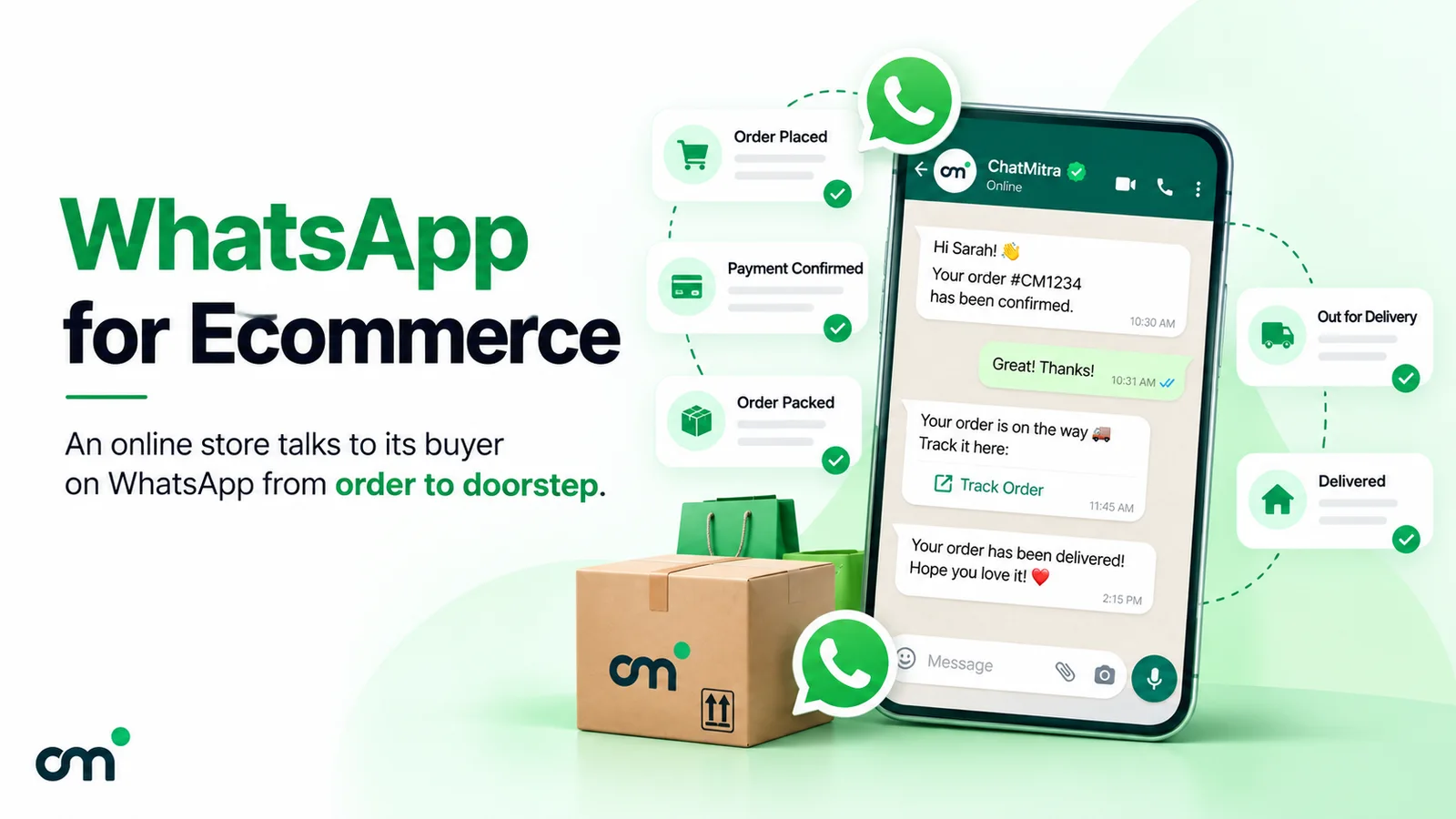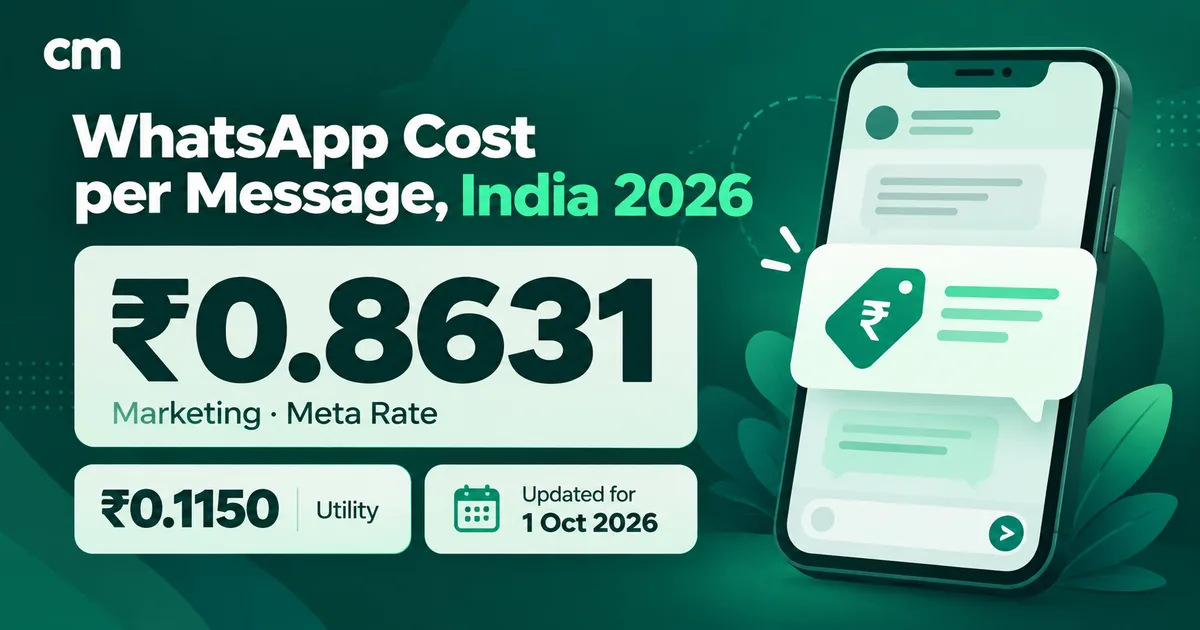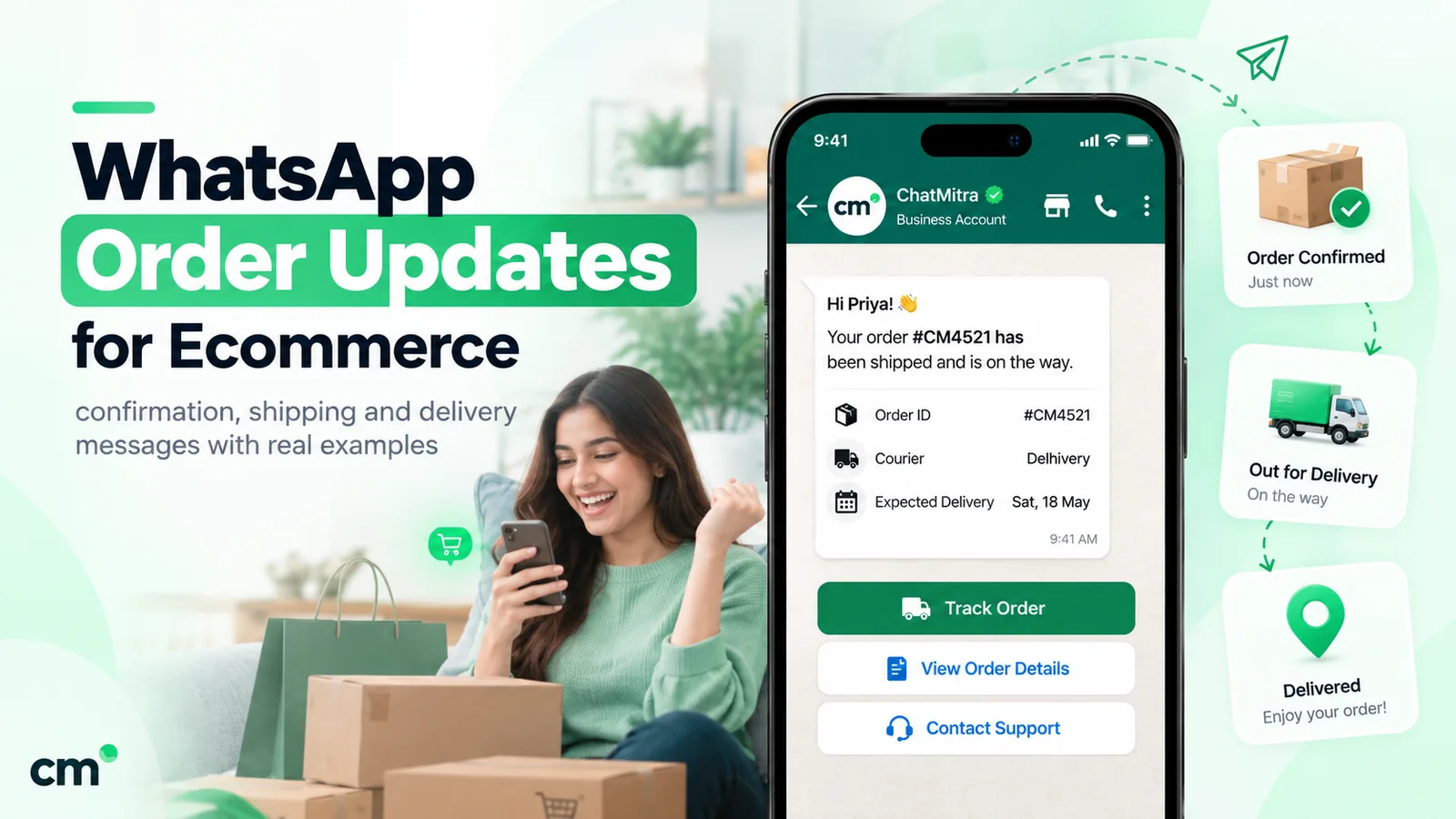
An order confirmation message is the note a store sends right after a purchase to prove the order went through. It gives the order number, what was bought and paid, when it should arrive, and how to get help. On WhatsApp it is a utility template, which costs ₹0.1150 per message in India, as long as it carries no offer.
This guide gives store owners copy-ready wording for every order message, from confirmation and cash-on-delivery (COD) checks to shipping, delivery and the review request, plus the variables, buttons, timing and category rules that decide what each one costs.
Key takeaways
- Write each lifecycle message as its own template with one job. Mixing an update with an offer changes the price and the rules.
- Buttons do the work: Track for shipping, Confirm and Cancel for COD, Reschedule or Update address for failed deliveries.
- Send when the event happens, not in batches, and set a short validity for time-sensitive updates such as "out for delivery".
Facts checked against Meta's and WhatsApp's documentation on 25 September 2026. Rupee figures are Meta's India rates and exclude tax.
What is an order confirmation message?
It opens the chain of order updates and answers the buyer’s first question: “Did that work?” The essentials are the same on email, SMS or WhatsApp:
| Element | Why it's there | WhatsApp tip |
|---|---|---|
| Order number | The reference for every later question | Put it in the first line; customers search chats for it |
| Items and total | Confirms they bought the right thing at the right price | A short summary ("2 items, ₹1,480"), not a full invoice |
| Payment method | Prepaid and COD orders need different next steps | Say "paid" or "pay ₹X on delivery" plainly |
| Delivery city or pincode | Catches a wrong address before dispatch | City plus pincode is enough; a full address makes the message long |
| Dispatch or delivery estimate | Sets expectations and cuts "where is my order?" chats | A range ("3–5 days") is more honest than a date you can't promise |
| How to get help | Gives the customer one clear next step | A button beats a line of text |
Tax breakdowns, the billing address and a line-by-line invoice belong in an email receipt or on your order status page.
Email, SMS or WhatsApp for order updates?
Many searches for “order confirmation message” are about email, which is still the right home for a full receipt. The channels do different jobs:
| Channel | Best for | Weak spot |
|---|---|---|
| Full itemised receipt, invoice PDF, returns policy | Easy to miss for time-sensitive updates like "out for delivery" | |
| SMS | Reaching any phone, including people not on WhatsApp | Plain text only; in India, commercial SMS needs DLT registration of your templates |
| Short status updates with buttons, and replies in the same thread | Needs opt-in, an approved template and a customer on WhatsApp |
A common split is an email receipt plus WhatsApp for updates that need a tap or a reply. For the SMS trade-offs, see WhatsApp vs SMS for business. For how order messages fit a store’s wider WhatsApp plan (ads, catalogues, cart recovery, support), see our WhatsApp for ecommerce guide.
The order lifecycle at a glance
Every message below is a template: WhatsApp’s pre-approved message format that a business uses to start a conversation. In Meta’s words, templates “are the only message type that can be sent outside of a customer service window” (Meta pricing).
| Stage | Triggered by | Goal | Useful buttons | Meta category |
|---|---|---|---|---|
| Order confirmed | Order created and paid | Reassure; share the order number | View order, Talk to us | Utility |
| COD confirmation | COD order created | Get a yes or no before packing | Confirm, Cancel, Change address | Utility |
| Packed (optional) | Label printed | Show progress on slow dispatches | None | Utility |
| Shipped | Fulfilment with tracking number | Hand over tracking | Track parcel | Utility |
| Out for delivery | Courier scan | Make sure someone is home, with cash ready for COD | Reschedule, Change address | Utility |
| Delivered | Courier proof of delivery | Close the loop; catch problems early | Report a problem | Utility |
| Failed delivery | Courier exception (NDR) | Save the parcel before it goes back | Deliver tomorrow, Update address | Utility |
| Review request | Some days after delivery | Order-specific feedback | Two or three rating replies | Utility, if specific to the order |
You don’t need every stage. Start with confirmation, shipped and delivered, then add COD and failed-delivery messages where returns hurt.
Order confirmation message examples
The examples below use named variables in double curly braces, such as {{order_number}}. Meta’s template system accepts named or numbered ({{1}}) variables. When you submit a template, you add a sample value for each one. Buttons are listed under each message.
Prepaid order (India)
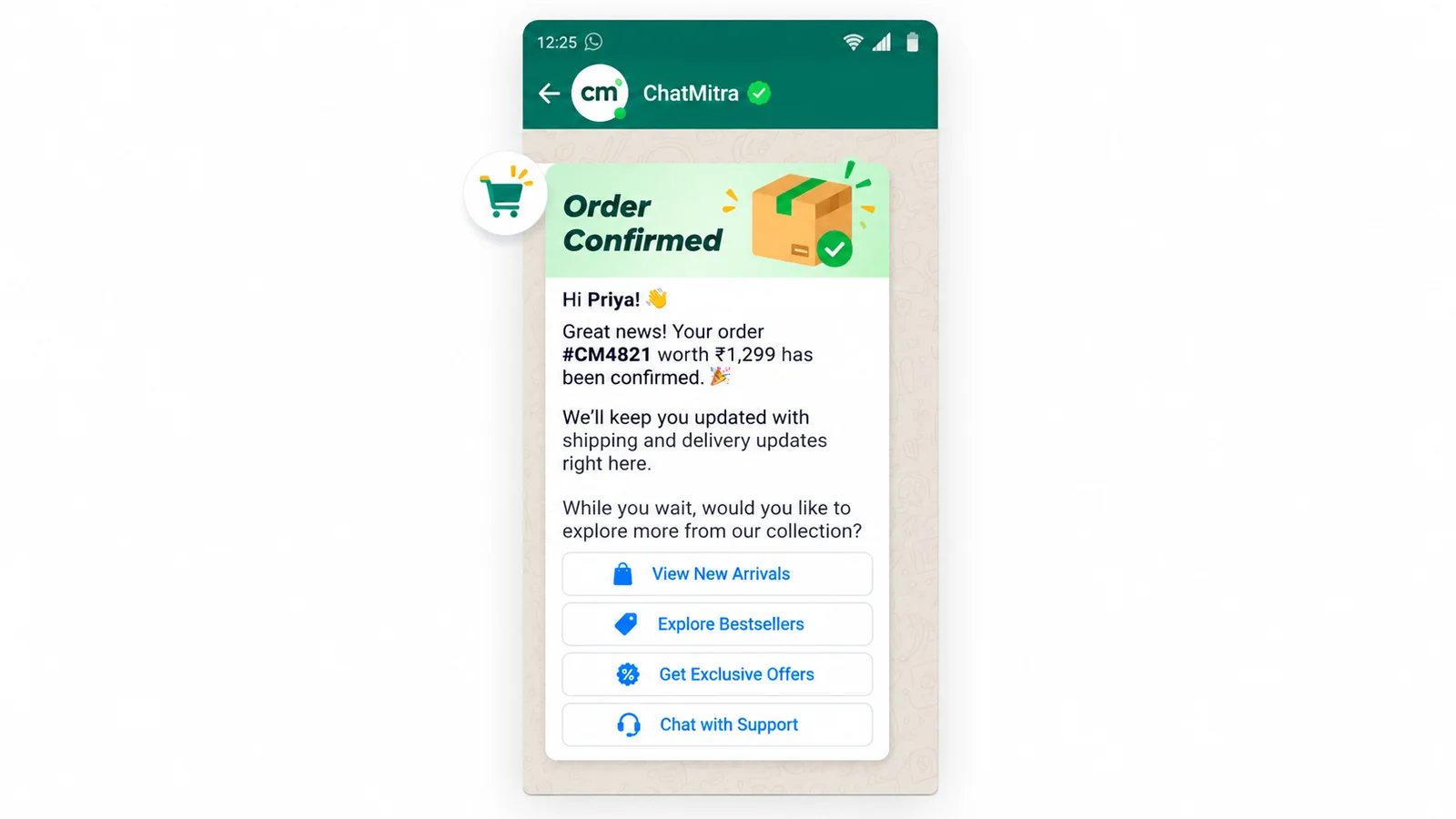
Hi {{first_name}}, thank you for shopping with {{store_name}}. Order {{order_number}} is confirmed and paid: {{item_summary}}, total {{order_total}}. We’ll pack it within {{dispatch_time}} and send tracking here as soon as it ships.
Buttons: View order (URL) · Talk to us (quick reply)
Standard order (global)
Thanks for your order, {{first_name}}. We’ve received order {{order_number}} ({{item_count}} items, {{order_total}}) and it’s heading to {{city}}. Estimated delivery: {{delivery_window}}. Tracking details will follow once it leaves our warehouse.
Button: Order details (URL)
Cancellation and refund
Order {{order_number}} has been cancelled. A refund of {{refund_amount}} is on its way to your original payment method and usually reaches it in {{refund_days}} working days. Reply here if you have any questions.
Notice that every example starts and ends with plain text. Meta’s template review guidance lists “The message template cannot start or end with a parameter” among common rejection reasons, so “Your refund: {{refund_amount}}” as the last line would be rejected.
COD confirmation message examples
In India, one WhatsApp message can stop a COD parcel that was never wanted, before you pay to ship it. The full COD process (holding orders, measuring returns) is in the COD section of our ecommerce guide. Here is the wording.
The confirmation request
Hi {{first_name}}, you’ve placed order {{order_number}} for {{order_total}} with Cash on Delivery, to be delivered to {{city}} {{pincode}}. Please confirm so we can pack it. If you didn’t place this order, tap Cancel and we won’t ship it.
Buttons: Confirm order · Cancel order · Change address (quick replies)
Replies to each button
A quick-reply tap reaches you as a message from the customer. It opens a 24-hour customer service window, so you can answer in free-form text (a service message, not a template).
- Confirm: “Thanks, {{first_name}}. Order {{order_number}} is confirmed and goes for packing today. Please keep {{order_total}} ready for the delivery partner.”
- Cancel: “Done. Order {{order_number}} is cancelled and won’t be shipped. If you cancelled by mistake, reply here and we’ll help.”
- Change address: “Sure. Please reply with the full address, including landmark and pincode, and we’ll update it before dispatch.”
The follow-up when nobody replies
Sending a template doesn’t open a customer service window. Only the customer messaging or calling you does. So if the buyer stays silent, your follow-up has to be another approved template:
Reminder: order {{order_number}} ({{order_total}}, Cash on Delivery) is still waiting for your confirmation. We’ll hold it until {{hold_until}}. Tap Confirm to ship it or Cancel if you no longer need it.
Send one follow-up at most, then apply your agreed rule, such as a phone call.
Offering online payment instead of cash
A plain option (“If you’d rather pay now, use the secure link below; otherwise pay the courier as planned”) can read as an order update, but Meta decides the category from the content. Add an incentive (“pay online and save ₹50”) and it has promotional intent, so it counts as marketing. Send that separately, only to people who agreed to offers.
Shipping confirmation message examples
A shipping confirmation (also called a shipping or dispatch notification) should hand over tracking and nothing else.
Good news, {{first_name}}: order {{order_number}} has shipped with {{courier_name}}. Tracking number {{tracking_number}}, expected delivery {{delivery_date}}. Tap below to follow the parcel.
Button: Track parcel (URL:
https://track.example.com/{{1}})
For split parcels:
Part {{parcel_number}} of order {{order_number}} is on its way with {{courier_name}}. The rest ships separately and will get its own tracking message.
A URL button can carry one variable, “appended to the end of the URL string” (template components). The domain is fixed at approval and only the tail changes, so if your couriers use different tracking domains, point the button at your own order-status page.
Out-for-delivery and delivery message examples
Out for delivery
India, COD:
Your parcel for order {{order_number}} is out for delivery today in {{area}}. Amount to pay on delivery: {{cod_amount}}. The delivery partner may call from an unknown number, so please keep your phone nearby.
Buttons: Reschedule · Change address (quick replies)
Global, prepaid:
Order {{order_number}} is out for delivery and should arrive {{time_window}}. If nobody will be home, tap Reschedule and we’ll pass it to the courier.
Only offer Reschedule or Change address if someone can act on the reply the same day.
Delivered
Order {{order_number}} was delivered on {{delivery_date}}. If anything is missing or damaged, tap Report a problem and we’ll sort it out right here.
Button: Report a problem (quick reply)
Failed delivery
In Indian ecommerce this is often called an NDR (non-delivery report). A fast message here can save a return to origin.
We couldn’t deliver order {{order_number}} today ({{failure_reason}}). The courier will try again on {{next_attempt_date}}. If the address or pincode needs fixing, tap Update address and reply with the full address and a landmark.
Buttons: Deliver tomorrow · Update address · Cancel order (quick replies)
Inside the service window, Meta’s address messages give the customer a form to share a corrected address, but the feature “is only available for businesses based in India and their India customers” (Meta, address messages). Check that your WhatsApp tool supports it first.
Review and feedback requests that stay utility
Meta’s utility guidelines allow feedback surveys but set a condition: “Specificity of the order or interaction to which these relate is necessary. A general/generic survey or request for feedback will not be approved as utility” (template categorization).
Hi {{first_name}}, how is the {{product_name}} from order {{order_number}} working out? Tap one option below or reply with a comment. Your answer goes straight to our team.
Buttons: Love it · It’s fine · Something’s wrong (quick replies)
A coupon for reviewing, “shop the new collection” or a question about your brand in general turns it into marketing.
Utility or marketing? How Meta categorises order messages
The rule. Utility templates must be “non-promotional, not containing any promotional or persuasive intent” and “specific to or requested by the user”. For order management specifically, Meta says the message should “Confirm, update, or cancel an order or transaction with a customer, using specific order or transaction details in the body of your message” and “should not promote, recommend, upsell, or cross-sell products; include offers; or attempt to secure renewals.”
The trap. Meta also lists “Templates with mixed content (for example, both utility and marketing, such as an order update with a promo or a feedback survey with promotional content)” as marketing (template categorization).
| Line added to an order update | Result |
|---|---|
| "Use code THANKS10 on your next order" | Marketing (offer) |
| "Customers who bought this also loved…" | Marketing (recommendation, cross-sell) |
| "Pay online now and get free shipping" | Marketing (incentive) |
| "Rate your overall experience with our brand" | Marketing risk (generic survey) |
| "Your tracking number is {{tracking_number}}" | Stays utility |
What happens if you get it wrong. You don’t just get rejected. Since 9 April 2025, if you submit a template as utility and WhatsApp decides it is marketing, “the template is approved as MARKETING”. Approved templates are also re-checked. Meta runs “a recurring process to identify and update approved templates that should be of a different category”. A utility template that should be marketing gets one day’s notice before it switches, and none if your business has been warned for misuse. Its status stays approved, so it keeps sending, but at the marketing rate. Meta’s pricing page is blunt about who pays: “Whenever a template is used, a business accepts the charges associated with the category applied to the template at time of use.”
There is a second cost outside India: marketing templates don’t reach everyone. Meta’s per-user limits page says “WhatsApp does not currently deliver marketing template messages to WhatsApp users with United States phone numbers” (Meta). An order confirmation reclassified as marketing because of one promo line could stop reaching your US customers altogether.
How to stay safe: give each template one job, name the order number or tracking ID in the body, watch for category-change emails and webhooks, and request a review within 60 days if you think WhatsApp got it wrong.
Variables and buttons: building the template
A template has up to four parts: header, body, footer and buttons. Only the body is required. Our guide to template elements walks through each one. These are the limits that matter for order messages, from Meta’s components reference and utility templates page:
| Part | Limit | Order-message use |
|---|---|---|
| Text header | 60 characters, 1 variable | "Order {{order_number}} confirmed" |
| Media or location header | Image, video, document; location for utility and marketing only | Product photo, invoice PDF, pickup-point map |
| Body | 1,024 characters, many variables | The update itself |
| Footer | 60 characters | "You opted in to order updates on WhatsApp" |
| Buttons | Up to 10 in total | Track, Confirm, Cancel, Talk to us |
| Quick reply | Up to 10; label up to 25 characters | COD Confirm/Cancel, ratings |
| URL button | Up to 2; one variable at the end of the URL | Track parcel, View order, Pay online |
| Phone number button | 1 per template | Call support |
Variable rules that get order templates rejected. Meta’s review page lists these among the common reasons (template review):
- Special characters inside the braces, such as
{{#order}}or{{$amount}}. - Numbered variables out of sequence, such as
{{1}},{{2}},{{4}}. - “Too many variable parameters relative to the message length.” A body like
{{1}} {{2}} {{3}}with no surrounding words fails. - A variable at the very start or end of the message.
- No sample values. Every variable needs one when you submit.
Missing data. If a field is empty, use a fallback (“there” instead of a name) or hold the message until the data exists. Never send a blank.
Button choices. Quick replies suit fixed answers (COD, ratings); URL buttons suit “go and look” actions (tracking). If a template has more than three buttons, “two buttons appear in the delivered message” and the rest sit behind a “See all options” button. Templates with four or more buttons, or a quick reply mixed with another button type, can’t be viewed on WhatsApp desktop clients. For order messages, two or three buttons is usually right.
Inside an open service window you can also use interactive reply buttons and lists without a template; our guide to WhatsApp interactive messages covers them.
When to send each message
| Message | Send | Watch out for |
|---|---|---|
| Order confirmation | Within a minute or two of payment | Pending payments: wait for "paid" |
| COD confirmation | Within minutes of the order | Night-time orders: consider holding until morning |
| Shipped | When the tracking number exists | Tracking links that show nothing before the first scan |
| Out for delivery | Morning of delivery, from the courier's scan | Late delivery of the message itself (see validity below) |
| Delivered | Within an hour of proof of delivery | Duplicating the courier's own WhatsApp message |
| Failed delivery | Same day as the failed attempt | Offering a fix nobody can act on in time |
| Review request | When the product has had time to be used | Asking before delivery, or asking twice |
Set a validity period on time-sensitive templates. If WhatsApp can’t deliver a message, it keeps retrying for the message’s time-to-live. The default is 30 days. For utility templates you can set it anywhere from “30 seconds to 12 hours” (Meta, time-to-live). Meta drops a message it can’t deliver within that time, so an out-for-delivery alert with a 6-hour validity won’t turn up a day late, after the parcel has arrived. Ask your provider whether you can set it.
Don’t double up. If your courier already sends WhatsApp updates, pick one sender per stage.
What does it cost per order?
Meta charges per delivered template, by category and the customer’s country. From Meta’s pricing page and the rate card effective 1 October 2026:
- Utility template, India: ₹0.1150 each.
- Marketing template, India: ₹0.8631 each.
- Utility inside an open window: charged since 1 October 2026. From July 2025 until 30 September 2026, a utility template sent while the customer’s 24-hour window was open was free.
- Service (free-form) replies: “Each business phone number has one shared free tier of 1,000 delivered service messages per month”. After that they cost the same as utility, ₹0.1150 in India.
- Exception: if the customer messaged you from a Click-to-WhatsApp ad or a Facebook Page call-to-action button on WhatsApp’s mobile app, and you reply within 24 hours, a free entry point window opens: “FEP windows remain open for 72 hours. While open, you can send any type of message to the user at no charge.”
Worked example: one order in India
Assume a COD order gets four templates: COD confirmation, shipped, out for delivery and delivered. The buyer taps Confirm, and you send one free-form reply.
| Message | Type | Meta charge |
|---|---|---|
| COD confirmation | Utility template | ₹0.1150 |
| "Thanks, confirmed" reply | Service (within free 1,000) | ₹0 |
| Shipped | Utility template | ₹0.1150 |
| Out for delivery | Utility template | ₹0.1150 |
| Delivered | Utility template | ₹0.1150 |
| Total per order | ₹0.46 |
At 1,000 orders a month, that is ₹460 in Meta charges. Those 1,000 replies also use up the number’s free service tier for the month, so any other support replies that month cost ₹0.1150 each. Now put one upsell line in the confirmation. That message becomes marketing, and each order costs 3 × ₹0.1150 + ₹0.8631 = ₹1.2081. At 1,000 orders that is ₹1,208.10, or ₹748.10 more for one sentence, before you count the consent problem.
The same four-message lifecycle in other markets
Meta publishes rate cards by market in several currencies. In USD, from the card effective 1 October 2026:
| Market | Utility (per message) | Four utility messages | Marketing (per message) |
|---|---|---|---|
| India | $0.0014 | $0.0056 | $0.0118 |
| North America | $0.0034 | $0.0136 | $0.025 |
| Brazil | $0.0068 | $0.0272 | $0.0625 |
| United Kingdom | $0.022 | $0.088 | $0.0635 |
| Indonesia | $0.025 | $0.10 | $0.0411 |
Utility rates can drop further with volume: Meta offers lower utility and authentication rates based on messaging volume. Rates can change only at the start of a quarter.
Provider fees come on top. They vary: monthly plans, per-message markups, per-conversation fees. On ChatMitra’s Starter and Pro plans, a ₹0.20 platform fee is charged once per contact per 24-hour conversation window, and a customer’s own message can open a window too. In the example above, if the four templates go out on four different days and the buyer’s Confirm tap lands inside the first window, that’s up to ₹0.80 per order. The Enterprise plan is ₹2,499 a month with no per-conversation fee. For every category and volume tier in detail, see our WhatsApp Business cost per message guide.
How to send order messages automatically
The usual setup:
- Collect opt-in at checkout. WhatsApp’s Business Messaging Policy says you may contact people only if “they have given you their mobile phone number or username” and “you have received opt-in permission from the recipient”. Its best practices suggest an opt-in that covers the message types you’ll send, such as “order updates, relevant offers”. Our WhatsApp opt-in guide has wording that works.
- Get each template approved. Approval “can take up to 24 hours”.
- Connect store events. Your store sends an event (order created, fulfilled, cancelled) to your WhatsApp tool, which fills the variables and sends the matching template. Courier events (out for delivery, delivered, failed) usually come from your shipping aggregator.
- Route replies to people. Button taps and free-text replies need a shared inbox and someone to act on them.
- Track delivery status. Meta’s status webhooks report sent, delivered, read and failed. “Failed” on an out-for-delivery message is a reason to call. Our webhooks and message status guide explains each status.
Developers building this directly on the Cloud API can start with sending WhatsApp messages with Python.
What ChatMitra does for Shopify orders
ChatMitra connects to Shopify and sends your approved templates on store events. We checked this against the product’s code, not its marketing pages:
| Capability | ChatMitra | Detail |
|---|---|---|
| COD confirmation | Yes | Sent when a new order's payment method is Shopify's "Cash on Delivery (COD)". A COD app that uses a different payment-method name won't trigger it |
| Order confirmation (prepaid) | Yes | Sent for new orders that are paid, authorised or partly paid |
| Order cancelled | Yes | Also cancels any pending fulfilment or feedback message for that order |
| Order fulfilled (shipped) | Yes | Can include the tracking link of the order's first shipment in Shopify |
| Feedback request | Yes | Sent 2 to 40 days after fulfilment, as you choose |
| Send delay | Yes | A delay you choose from a list: 1, 10, 20 or 30 minutes, or 1, 6 or 24 hours after the event |
| Variables from Shopify | Yes | Name, order number, amount, line items, shipping address, order date, order-status link, tracking link; a fallback value per variable; a message with a variable that has neither a value nor a fallback isn't sent |
| Out for delivery, delivered, failed delivery | No | No courier tracking events; use your courier or shipping tool |
| COD reply updates the Shopify order | No | Taps arrive in the shared inbox; your team tags, holds or cancels in Shopify |
| WhatsApp opt-in check | No | Messages go to the phone number on the order; collect opt-in at checkout yourself |
| WooCommerce or other stores | No ready-made connector | Developers can send templates through ChatMitra's REST API (a Pro plan feature, per ChatMitra's pricing page) |
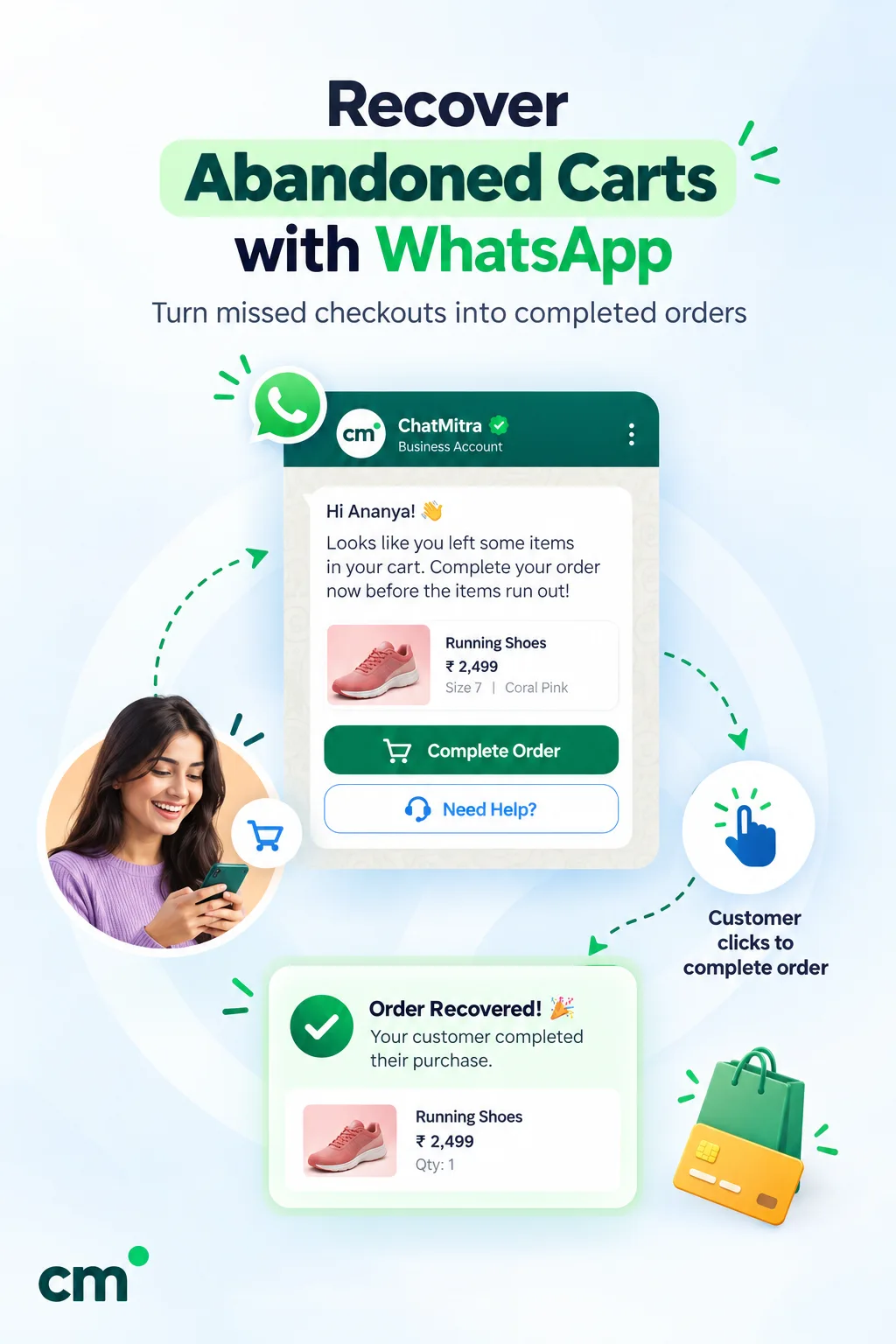
If you run Shopify and want order, COD, fulfilment and feedback messages plus a shared inbox for the replies, the Shopify integration covers that. If you need courier-level updates or automatic write-back of COD replies, pair it with a shipping tool that sends those, or choose a platform that documents them, and test with a real order either way.
Mistakes that cost money or trust
- Promoting in the confirmation. One coupon line turns a ₹0.1150 message into a ₹0.8631 one, and outside India it can stop the message reaching some customers.
- One template for everything. “Your order status has changed to {{status}}” is vague and can be flagged as unclear content. Write one template per stage.
- Tracking links that don’t work yet. Wait for the courier’s first scan.
- Buttons nobody answers. A Reschedule tap nobody sees is worse than no button.
- Treating a checkout phone number as consent. Get opt-in for order updates, and a separate one for offers.
Getting started
Start with three templates: confirmation (or COD confirmation), shipped with tracking, and delivered. Get them approved as utility, send them from real store events, and read the replies for a month. Then add failed-delivery and review messages where you see the need. If your store is on Shopify, you can compare ChatMitra’s plans and test the flows with a real order before you commit.
Sources: Meta for Developers: pricing and the rate cards effective 1 October 2026, template categorization, template components, utility templates, template review, time-to-live, per-user marketing limits, address messages and status webhooks; WhatsApp Business Messaging Policy. ChatMitra behaviour verified in ChatMitra’s code on 25 September 2026.
Facts checked against Meta's and WhatsApp's documentation on 25 September 2026.