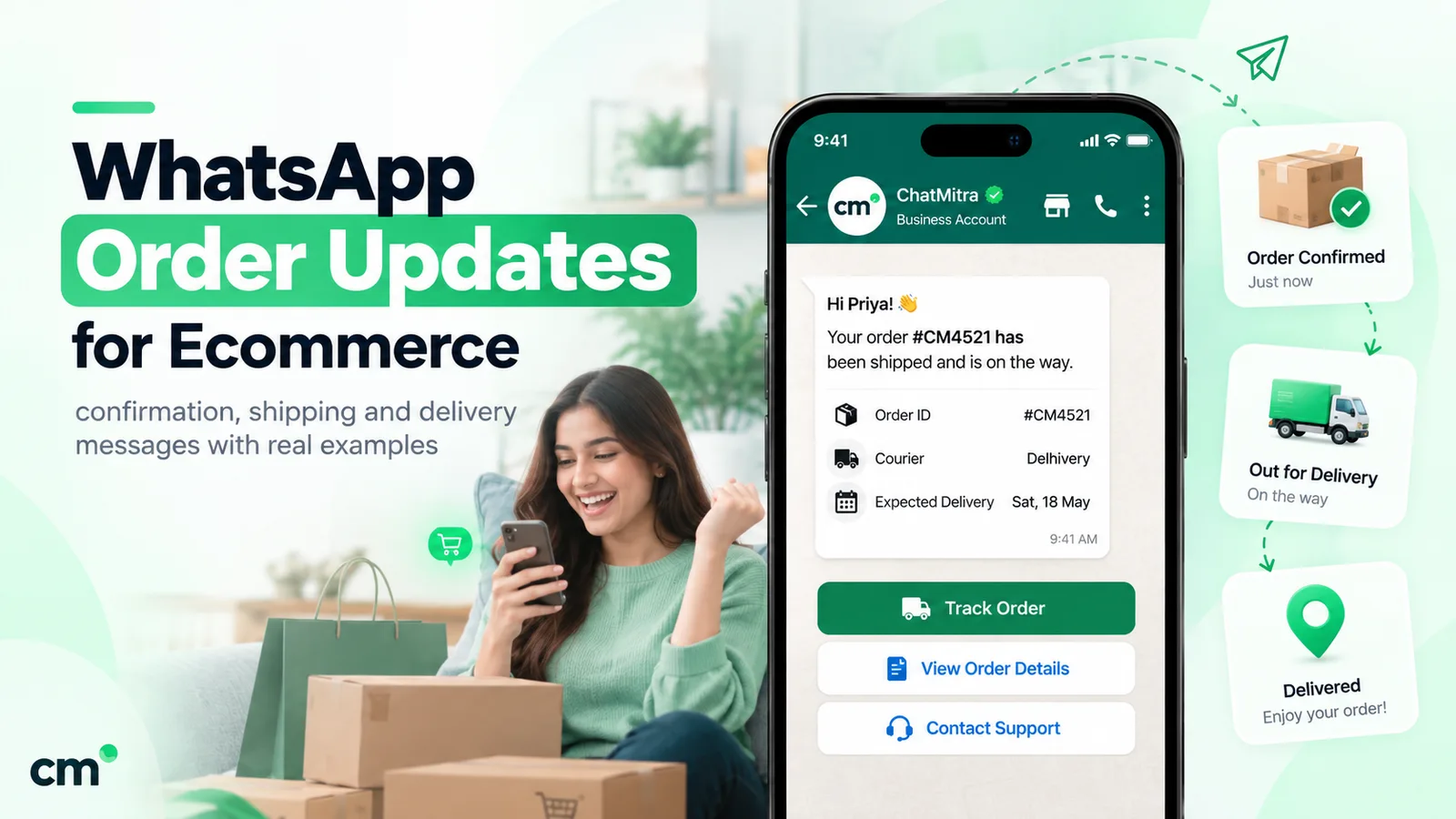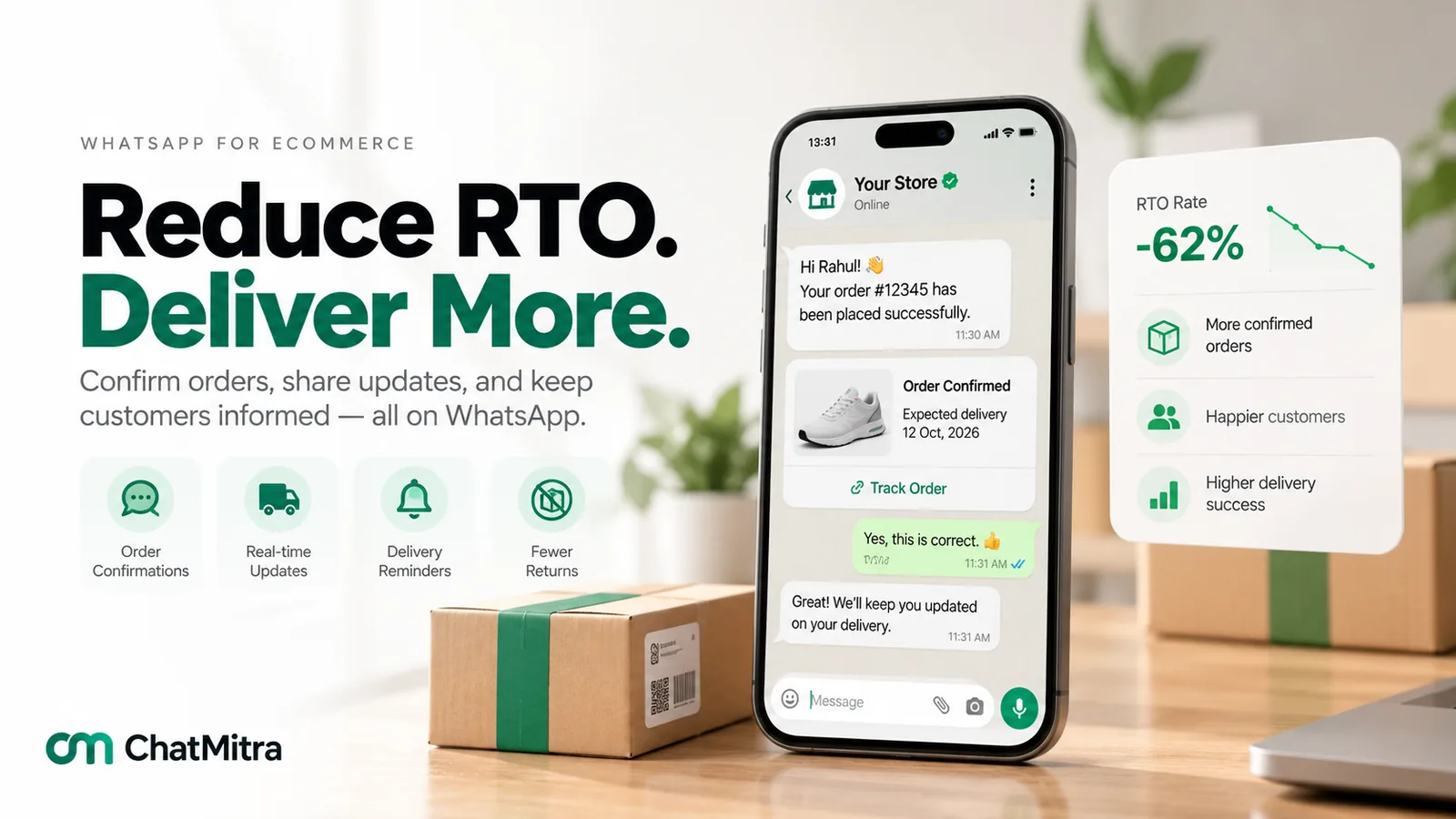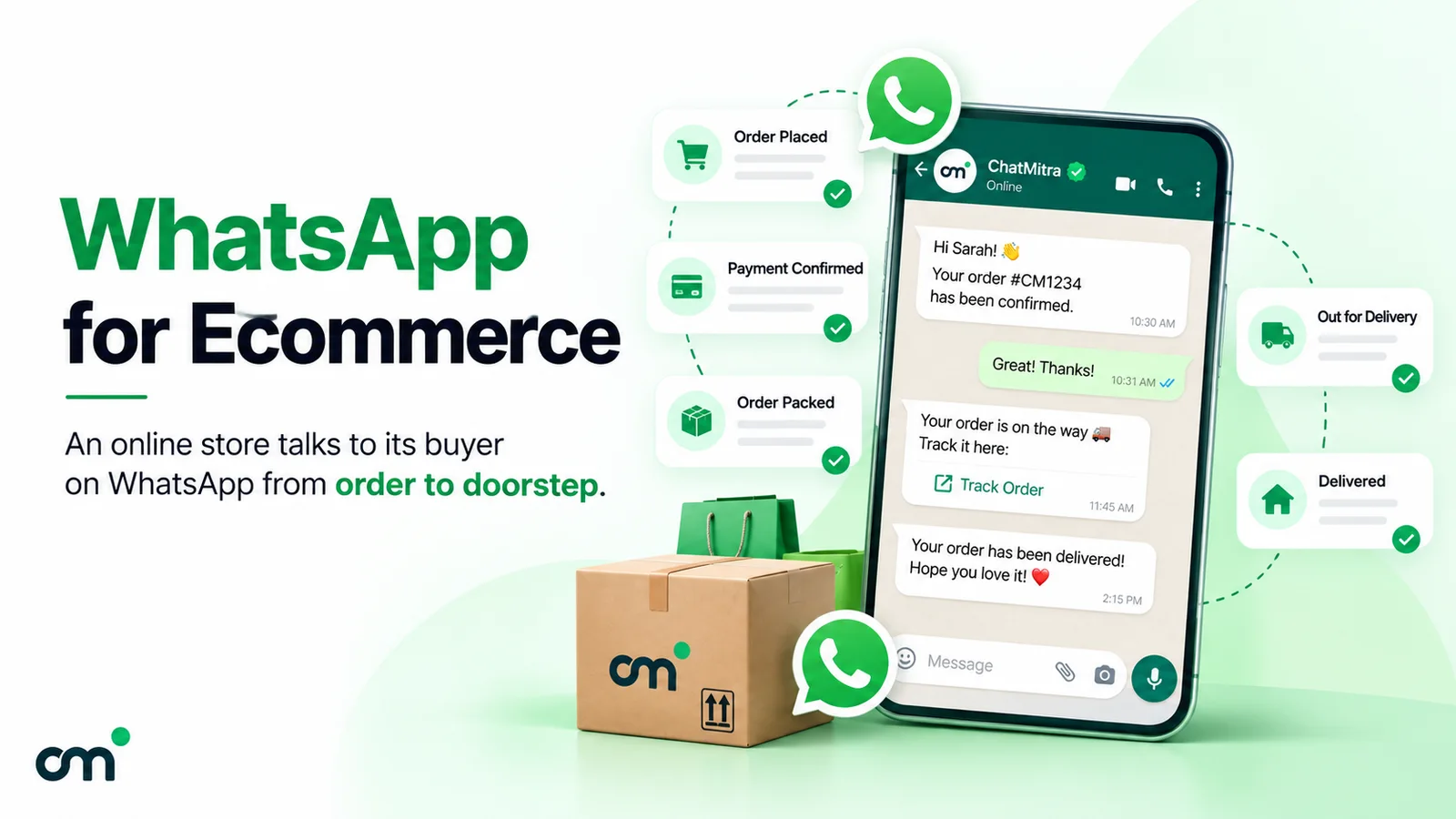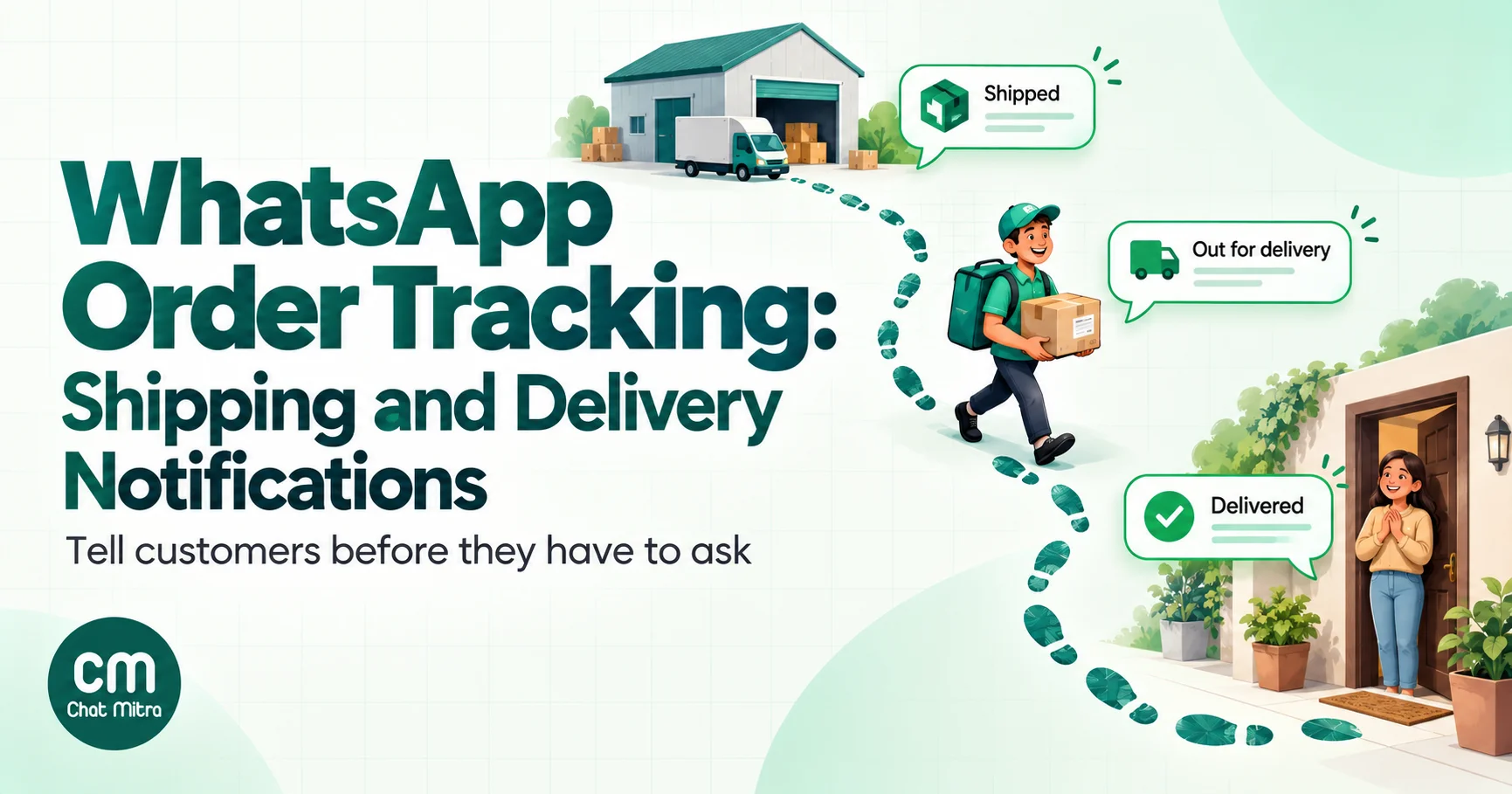
A customer who has paid for something wants two answers: when will it arrive, and will anyone tell me if something goes wrong? A good delivery notification answers both before they have to ask.
WhatsApp is a natural place for those answers. The customer already has the app open, they can reply in the same thread, and the message carries your verified business name instead of an unknown SMS sender. But the message is the easy part. The real work is deciding which shipping events deserve a message, getting clean status data out of your store and courier, and acting quickly when a delivery fails.
This guide covers that whole system. If you want copy-ready wording for each message, our order confirmation message examples has shipped, out-for-delivery, delivered and failed-delivery templates you can adapt. Here we focus on the plumbing, the rules and the numbers.
What is a delivery notification?
A delivery notification is an automatic message that tells a customer where their order is after it leaves your hands: picked up by the courier, in transit, out for delivery, delivered, or stuck. It’s triggered by a status change, not written by a person.
You’ll see three overlapping names for the same family of messages:
| Term | What it usually means | Typical trigger |
|---|---|---|
| Shipping notification (or shipment notification) | The order has left the warehouse; includes the courier and tracking number | Fulfilment created, label scanned at pickup |
| Order tracking notification | Any update during transit, often with a link to a tracking page | Courier status change |
| Delivery notification | The last mile: out for delivery, delivered, or an attempt that failed | Courier’s final-mile scans |
On WhatsApp, every one of these goes out as a template message. Templates are pre-approved by Meta and can be sent at any time, which matters here, because almost none of these updates arrive while the customer happens to be chatting with you. Free-form messages are allowed only inside the 24-hour window that opens when the customer writes to you.
Why send tracking updates on WhatsApp?
Email still carries the receipt, and a tracking page is still worth having. WhatsApp earns its place in the middle of the journey for four reasons.
It’s two-way. A customer who reads “Delivery attempted, nobody available” can tap Reschedule right there. With email or SMS, the same customer has to find a support number, wait, and explain the order from scratch.
It’s tied to the order. Each message names the order number and courier. When the customer does write in, your team sees the history above the question.
It’s identifiable. Business messages show your business name and profile, so the customer isn’t left wondering whether a text from an unknown sender is a delivery scam.
It can carry buttons. A template can have up to two URL buttons, and one variable can be appended to the end of the URL, which is how a single “Track order” button links to each customer’s own tracking page (Meta, template components).
| Channel | Best at | Weak at |
|---|---|---|
| Time-sensitive updates the customer may need to act on; replies and buttons | Needs opt-in and an approved template per message; costs per delivered message | |
| SMS | Reaching any phone, with no app needed | One-way in practice; plain text; sender trust is lower |
| Receipts, invoices, long detail | Slow to be seen; poor for “the driver is 10 minutes away” | |
| Tracking page | Full scan history on demand | Customer has to go and look |
Most stores end up with a mix: email for the receipt, WhatsApp for the moments that matter, and a tracking page behind the WhatsApp button.
Which shipping events deserve a WhatsApp message?
Couriers generate far more scans than customers want to read. A parcel can be scanned at pickup, at two or three hubs, on a linehaul vehicle and at the delivery centre before it’s ever out for delivery. Message every scan and you pay for each one, and the customer learns to ignore the thread, including the one message that actually needed a reply.
A useful test: send a message only when the customer’s expectation changes or they need to do something.
Shopify’s fulfilment event statuses make a good shared vocabulary, because most courier systems map onto something similar. Shopify lists 11 of them, from LABEL_PURCHASED to DELIVERED (Shopify, FulfillmentEventStatus). Here’s how each one maps to a decision:
| Status | What it means | Send on WhatsApp? | Why |
|---|---|---|---|
LABEL_PURCHASED, LABEL_PRINTED, CONFIRMED | Internal preparation | No | Nothing has changed for the customer yet |
CARRIER_PICKED_UP (or fulfilment created with a tracking number) | Parcel handed to the courier | Yes: “Shipped” | First proof the order is moving; carries the tracking link |
IN_TRANSIT | Moving between hubs | Usually no | Repeats many times; put it on the tracking page |
DELAYED | Behind schedule | Only if the promised date moves | A delay the customer won’t notice doesn’t need an apology |
OUT_FOR_DELIVERY | With the delivery agent today | Yes | The customer may need to be home, keep cash ready or leave instructions |
ATTEMPTED_DELIVERY | Agent tried and failed | Yes, urgently | The customer can still save the delivery |
READY_FOR_PICKUP | Waiting at a pickup point | Yes | The customer has to act |
DELIVERED | Handed over | Yes | Closes the loop and gives a route to report problems |
FAILURE | The fulfilment failed | Alert your team first | Usually needs a person to decide what to tell the customer |
That leaves three messages for a smooth order (shipped, out for delivery, delivered) and one or two more when something goes wrong. International or long-haul orders can justify one extra in-transit update, such as “cleared customs”, because the wait is long enough for customers to start worrying.
What each message should contain
Keep every template to one job, and fill it with details only that order would have:
- Shipped: order number, courier name, tracking number, expected delivery date or window, a Track order button.
- Out for delivery: today’s date, what the customer should prepare (cash amount for COD, ID for age-restricted goods), and a button to reach you.
- Attempt failed: the reason the courier gave, what happens next, and two or three quick-reply buttons (Reschedule, Change address, Call me).
- Delivered: time of delivery and a way to report a problem such as a missing item. No discount codes; more on that below.
- Delay: the new expected date and the reason if you have one. Don’t send this for a few hours’ slip.
For finished wording for each of these, see the shipping, out-for-delivery and delivered examples in our order messages guide.
Where the tracking data comes from
WhatsApp doesn’t know where a parcel is. Every tracking notification starts as a status change in another system, which then has to reach whatever sends your WhatsApp templates. There are three common sources.
1. Your store platform. When you create a fulfilment, the store usually knows the courier and tracking number straight away. That’s enough for the “Shipped” message. Some platforms also receive courier updates through carrier integrations. Shopify, for example, records fulfilment events with the statuses in the table above, but whether you get OUT_FOR_DELIVERY or DELIVERED depends on the carrier or shipping app feeding it.
2. Your courier or shipping aggregator. This is where the final-mile events live. Most couriers and multi-courier aggregators offer a status webhook or a tracking API. Each uses its own status codes, sometimes dozens of them, so you’ll need to map them onto your own short list. Some aggregators also sell their own WhatsApp notification add-ons. Using one is fine, but check whose WhatsApp number the messages come from, because replies will land there.
3. Your own order or warehouse system. Larger stores often sit an order management system in the middle, which already normalises courier statuses. If you have one, take events from there rather than wiring every courier separately.
Four engineering rules that prevent embarrassing messages
Whoever builds the connection, whether your developer, your provider or a no-code tool, check that it does these four things.
- Normalise statuses. Map every courier code to your short list (shipped, out for delivery, attempt failed, ready for pickup, delivered, delayed, exception). Unknown codes should alert a person, not send a message.
- Remove duplicates. Couriers resend webhooks, and so does Meta. Store a key per order, shipment and status, and refuse to send the same notification twice. “Your order is out for delivery” arriving three times reads as a broken system.
- Respect order. Events can arrive late. If you’ve already sent “Delivered”, a late
IN_TRANSITmust not trigger anything. Let statuses move only forward, with one deliberate exception: after a failed attempt, a new out-for-delivery is real news. - Handle split shipments. One order can leave in two parcels with two tracking numbers. Say “1 of 2 items shipped” rather than letting the second shipment’s message look like a duplicate.
Setting up tracking notifications, step by step
The order below works whether you use a provider’s dashboard or build on Meta’s Cloud API yourself.
- Collect WhatsApp opt-in at checkout. WhatsApp’s Business Messaging Policy allows you to message people only if they’ve given you their number and you’ve received opt-in permission. A checkbox or clear line beside the phone field (“Send order updates on WhatsApp”) is the usual approach. Our WhatsApp opt-in guide has wording that works.
- Pick your events. Use the table above. Write down the exact status that triggers each message, and what happens for unknown statuses.
- Write one template per event, in the utility category. Name the order and the courier in the body, and keep promotions out. Our guide to WhatsApp utility templates covers what passes review.
- Add the buttons. A URL button with the tracking ID or order token appended at the end of the URL (Meta allows one variable there), plus quick replies on the failed-delivery template.
- Get the templates approved. Submit them through your provider or WhatsApp Manager. Approval is usually quick, but plan for up to a day per round of edits.
- Connect the events. Point your store, courier or aggregator webhooks at your WhatsApp tool, or at a small service of your own that normalises them and calls the send API.
- Set a time-to-live on time-sensitive templates. More on this in the timing section.
- Route replies to people. Decide who watches the inbox for “Reschedule” taps and how fast they must act. A failed-delivery reply that sits for a day is worse than no message at all.
- Test with real orders. Ship two or three real parcels to team members in different cities, including a COD order and a deliberately failed delivery, and check every message, link and button on an actual phone.
Failed deliveries: the message that pays for the rest
If you only automate one tracking message, make it the failed-attempt message. Shipped and delivered updates are reassuring; a failed-attempt update can save the sale.
In India this event is usually called an NDR (non-delivery report). The courier records why the delivery failed, such as customer not available, address incomplete, customer refused or a COD payment not ready, and gives the seller a short window to tell it what to do next before the parcel starts heading back. Every parcel that goes back becomes an RTO (return to origin), and you pay shipping both ways. Our guide to RTO in ecommerce covers the costs and the courier rules in detail.
The same idea exists everywhere, even where nobody calls it NDR: a “missed delivery” card, a parcel held at a depot, an address the courier couldn’t find.
Here’s what a good failed-delivery flow looks like:
- Message within minutes of the failed scan, while the delivery agent may still be nearby.
- Say what happened in plain words, using the courier’s reason when you have it: “We couldn’t deliver order #4521 today. The courier says nobody was available.”
- Offer two or three actions as buttons: Deliver tomorrow, Update address, Call me.
- Push the answer back to the courier fast. A reply that never reaches the courier’s system changes nothing. Whether this is automatic or a person updating the courier panel, someone must own it.
- Follow up once if nobody answers, a few hours later, then call. Don’t send a stream of reminders.
The reason matters too. A customer who wasn’t home needs a new slot. A customer who “refused” may never have refused at all. Courier-reported refusals are sometimes wrong, and a WhatsApp message is the cheapest way to find out.
Two cases that change the plan: COD and cross-border orders
The five-message plan fits a prepaid domestic order. Two common situations need a few adjustments.
Cash on delivery
With COD, the customer still has a decision to make when the parcel arrives, so the tracking messages carry more weight.
- The out-for-delivery message is the important one. Put the exact amount due in it, and say which payment methods the delivery agent accepts if your courier allows anything other than cash. A customer who knows “₹1,249 due today” can be ready. One who finds out at the door is a refusal risk.
- Confirm the order before it ships. A COD confirmation message straight after the order, with Confirm and Cancel buttons, removes a share of the orders that would otherwise fail at the door. It belongs to the order stage rather than tracking, and our order confirmation guide covers it.
- Keep the prepaid nudge out of tracking templates. “Pay online now and skip the cash” is an incentive, and an incentive makes the template marketing. If you want to convert COD orders to prepaid, do it in a separate message, ideally before dispatch. Our guide to converting COD orders to prepaid covers timing and incentives.
- Read the failed-attempt reasons. For COD, “customer refused” and “cash not ready” are the reasons to watch. A quick WhatsApp check often shows the customer still wants the order and just needs another day.
Cross-border orders
International shipments are slower and pass through more hands, so customers go quiet for longer and then worry.
- Add one in-transit message at the moment the parcel clears customs or reaches the destination country. That’s real news; a hub scan in the origin country isn’t.
- Warn about anything due on delivery. If the customer may have to pay import duties or taxes before handover, say so in the shipped message and again when out for delivery. A surprise charge at the door is one of the most common reasons cross-border parcels come back.
- Use the customer’s time zone for quiet hours, not your warehouse’s.
- Check what the destination allows. Meta doesn’t currently deliver marketing templates to US numbers at all. That restriction is about marketing, so it’s one more reason to keep tracking messages strictly utility.
- Expect handovers between carriers. The tracking number can change when a local carrier takes over the last mile. If your shipping tool reports the new number, send it in the next message; otherwise the old link may stop updating just when the customer checks it most.
Handling “where is my order?” messages
Proactive updates cut down on “where is my order?” questions. They don’t eliminate them. Customers will still write in, and how you answer decides whether WhatsApp feels like help or like a dead end.
You have three levels to choose from:
| Level | How it works | Good for |
|---|---|---|
| Inbox | A person looks up the order and replies | Low volume; complex cases |
| Self-serve link | Every tracking template carries a Track order button, and a saved reply sends the tracking link | Most small and mid-size stores |
| Automated lookup | A bot asks for the order number or matches the phone number, calls your order system and replies with the latest status | High volume, with a clean order API |
Whichever you choose, a customer’s message opens a 24-hour customer service window. Inside it you can reply with free-form messages, and from 1 October 2026 those are service messages: Meta gives each business phone number 1,000 free service messages a month and charges the utility rate after that (Meta, pricing). If you answer with a template instead, that template is charged at its own rate, even inside the window.
Utility or marketing? Keeping tracking messages in the right category
Tracking updates fit Meta’s utility category easily, as long as you don’t decorate them. Meta’s description of order-management utility templates is to “confirm, update, or cancel an order or transaction with a customer, using specific order or transaction details”, and the same guidance says they shouldn’t promote, upsell or include offers (Meta, template categorization).
The trouble starts with good intentions:
- An “Out for delivery” message with “Use code NEXT10 on your next order” at the bottom.
- A “Delivered” message that adds “You may also like…” with a product carousel.
- A “Sorry for the delay” message that offers a voucher as an apology.
Each of these is mixed content, and Meta treats mixed utility and marketing content as marketing. Since April 2025, a template submitted as utility that Meta judges to be marketing is simply approved as marketing, and approved templates are re-checked over time. Two consequences follow:
- Cost. In India a marketing template costs ₹0.8631 against ₹0.1150 for utility on the October 2026 rate card.
- Reach. Meta says it doesn’t currently deliver marketing templates to WhatsApp users with US phone numbers. A delivery notification that gets reclassified because of one promo line can stop reaching your American customers.
Keep the offer for a separate, opted-in marketing message a few days later. The order guide’s section on utility vs marketing order messages has more examples of lines that flip the category.
Timing, frequency and time-to-live
Time-to-live: don’t deliver yesterday’s news
By default, WhatsApp keeps trying to deliver a template for 30 days if the customer’s phone is off or offline. That’s fine for “Delivered”. It’s wrong for “Out for delivery”: a phone that comes back online the next morning would show a message that’s no longer true.
Meta lets you set a shorter time-to-live (TTL) on utility templates, anywhere from 30 seconds to 12 hours. Messages that can’t be delivered within the TTL are dropped, and Meta’s advice is to assume a message was dropped if you don’t receive a delivered status before the TTL runs out (Meta, time-to-live).
| Message | Suggested TTL | Reasoning |
|---|---|---|
| Out for delivery | 4–8 hours | Useless after the delivery window |
| Attempt failed | 6–12 hours | Must arrive before the reattempt decision |
| Ready for pickup | 12 hours | Pickup windows usually run for days, but a fresh reminder can follow |
| Shipped, delivered, delay | Default | Still accurate if it arrives late |
These are starting points, not Meta rules. Tune them to your couriers’ delivery hours.
Quiet hours and batching
Courier scans arrive at all hours, often in bursts after midnight when hubs sync. Hold non-urgent messages (shipped, in transit, delay) until a reasonable local morning hour, and send them then. Out-for-delivery and failed-attempt messages happen during the working day anyway.
If two events arrive within a few minutes, such as shipped and in transit straight after, send only the latest one. A short debounce of 10 to 15 minutes on non-urgent statuses removes most of this noise.
Language
If you sell across regions, store the customer’s language with the order and keep a template per language. A delivery agent’s note in English is fine to pass through; the surrounding message should be in the language the customer bought in.
What WhatsApp order tracking costs
Meta charges per delivered template message, by category and the customer’s country. Sent but undelivered messages aren’t charged. Three changes that took effect on 1 October 2026 matter for tracking (Meta, pricing):
- Utility templates inside an open window are charged again. From July 2025 to 30 September 2026, a utility template sent while the customer’s 24-hour window was open was free. That’s over.
- Service replies have a free tier. Each business phone number gets 1,000 free service (free-form) messages a month; after that they’re charged.
- Volume tiers can lower utility rates as monthly volume grows, per market.
Worked example: 1,000 orders a month in India
Assume a prepaid store sends four utility templates per order: shipped, out for delivery, delivered, and a failed-attempt message on 8% of orders. Rates are from Meta’s rate card effective 1 October 2026.
| Message | Count | Rate | Meta charge |
|---|---|---|---|
| Shipped | 1,000 | ₹0.1150 | ₹115.00 |
| Out for delivery | 1,000 | ₹0.1150 | ₹115.00 |
| Delivered | 1,000 | ₹0.1150 | ₹115.00 |
| Attempt failed (8%) | 80 | ₹0.1150 | ₹9.20 |
| Replies to customers who write in | Within the 1,000 free service messages | ₹0 | ₹0 |
| Total | ₹354.20 (about ₹0.35 per order) |
Now suppose the “Delivered” message picks up a discount code and becomes marketing. That line alone costs 1,000 × (₹0.8631 − ₹0.1150) = ₹748.10 more a month, more than tripling the bill.
The same three core messages elsewhere
From the same USD rate card:
| Market | Utility (per message) | Shipped + out for delivery + delivered |
|---|---|---|
| India | $0.0014 | $0.0042 |
| North America | $0.0034 | $0.0102 |
| Brazil | $0.0068 | $0.0204 |
| United Kingdom | $0.022 | $0.066 |
| Indonesia | $0.025 | $0.075 |
Provider fees come on top, and they’re structured differently everywhere: monthly plans, per-message markups or per-conversation fees. On ChatMitra’s Starter and Pro plans, a ₹0.20 fee applies once per customer per 24-hour conversation window, so tracking messages sent on three different days add up to ₹0.60 per order; the Enterprise plan has no per-conversation fee. Our WhatsApp pricing calculator works out your own numbers by market.
How to measure whether it’s working
Sending tracking messages is easy to measure. Whether they help is harder. Track both.
| Metric | How to get it | What it tells you |
|---|---|---|
| Delivery rate | Delivered ÷ sent, from Meta’s status webhooks | Data quality: wrong numbers, people not on WhatsApp |
| Read rate | Read ÷ delivered | Rough attention signal. Undercounts, because customers can turn off read receipts |
| Tracking-link clicks | A tagged or short link on the Track order button | Whether customers want more than the message gives them |
| ”Where is my order?” contacts per 100 orders | Tag these conversations in your inbox or helpdesk | The main reason to do any of this. Measure before and after |
| Failed-attempt response rate | Replies ÷ failed-attempt messages | Whether your NDR message is clear and timely |
| First-attempt delivery rate | From your courier data | Whether out-for-delivery messages help customers be ready |
| RTO rate | Returned ÷ shipped | The money metric for COD-heavy stores |
| Blocks and quality rating | WhatsApp Manager | Whether customers find the messages useful or annoying |
Run the comparison honestly: same period last year, or one warehouse with messages and one without, rather than “before vs after” across a festive season. Our webhooks and message status guide explains each status Meta reports.
Common mistakes
- Messaging every scan. Five “in transit” updates teach customers to mute you.
- “Delivered” before it’s delivered. Couriers sometimes mark parcels delivered early. Give the customer an easy “I haven’t received it” button and take that reply seriously.
- No owner for replies. Buttons that nobody acts on are worse than no buttons.
- Promo lines in tracking templates. They flip the category, raise the cost and can stop delivery to US numbers.
- Broken tracking links. Test the dynamic URL with real tracking numbers, including ones with letters and hyphens.
- Duplicate sends from webhook retries. Use a send key per order, shipment and status.
- Sending from a different number than the one customers know. If your aggregator’s add-on sends from its own number, replies go there, not to your team.
- Ignoring time zones and quiet hours for cross-border orders.
Troubleshooting tracking messages
| Symptom | Likely cause | Fix |
|---|---|---|
Message fails with 131026 | The number can’t receive it, often not on WhatsApp | Fall back to SMS or email for that order |
Fails with 132000 | Wrong number of variables, often after a template edit | Update the sending integration to the new variable list |
Fails with 132001 | Template name or language doesn’t exist or isn’t approved | Check the exact name and language code |
Fails with 132015 or 132016 | Template paused or disabled for low quality | Read the feedback; rewrite before resending |
Fails with 131047 | You sent free text more than 24 hours after the customer’s last message | Send a template instead |
| Customer says “I never got it” | Phone offline beyond the TTL; message dropped | Check delivered status; resend only if still relevant |
| Bill higher than expected | A template was recategorised as marketing | Check category-change notices; remove promo lines and resubmit |
Our error codes reference covers the rest.
How ChatMitra handles order tracking
ChatMitra runs on Meta’s official WhatsApp Business Platform. Here’s what it does for tracking today, checked against the product’s code in October 2026 rather than its marketing pages.
| What you need | ChatMitra today | Detail |
|---|---|---|
| ”Shipped” message from Shopify | Yes | Sent when Shopify marks the whole order fulfilled, with an optional delay. Can include the tracking link of the order’s first shipment, as text or behind a Track order button |
| Courier name and tracking number as variables | No | The tracking link is available; the number and courier name aren’t |
| Partial shipments | No | Partly fulfilled orders don’t trigger the message |
| Out for delivery, attempt failed, delivered | Not from Shopify | No courier or aggregator integration. Use the incoming webhook below |
| Incoming webhook trigger | Yes | An Automation workflow gets its own URL and secret. Any system that can send JSON, such as your courier, aggregator or order system, can trigger it; fields in the JSON become template variables, and an idempotency header stops repeat sends. You map the courier’s fields yourself; there are no courier presets |
| Developer API | Yes | Send any approved template from your own code, with an idempotency key to prevent duplicates and per-number pacing (API access is a Pro plan feature) |
| “Where is my order?” replies | Partly | Keyword auto-replies can call your own order or tracking API (up to two calls per rule) and put the result into the reply. There’s no built-in order lookup |
| Failed-delivery (NDR) actions | Manual | Button taps land in the shared team inbox; your team updates the courier |
| Automatic opt-out handling | No | A “STOP” reply isn’t suppressed automatically. Tag and exclude those customers yourself |
So, for a Shopify store, ChatMitra covers the shipped message out of the box, and the last-mile messages need one connection from your courier or shipping tool to an incoming-webhook workflow. If you don’t use Shopify, the incoming webhook or the REST API is the route. The Shopify integration page covers the store connection, and webhook and API integration covers the developer side. Test the whole chain with a real parcel before going live.
A short checklist
Before switching tracking messages on:
- Opt-in is collected at checkout and stored with the order.
- Every courier status maps to one of your short list, and unknown statuses alert a person.
- One utility template per event, with no offers anywhere.
- Tracking button tested with real tracking numbers.
- Time-to-live set on out-for-delivery and failed-attempt templates.
- Duplicate protection by order, shipment and status.
- A named owner for failed-delivery replies, with a response target in hours.
- A baseline count of “where is my order?” contacts per 100 orders, so you can measure the change.
Summary
Delivery notifications on WhatsApp work best when they’re rare, accurate and useful. Send a message when the parcel ships, when it’s out for delivery, when it arrives, and when something goes wrong; leave the rest on the tracking page. Get the status data clean before you worry about the wording. Keep every template free of promotions so it stays utility, and remember that since October 2026 every delivered utility template is charged. Above all, treat the failed-delivery message as a conversation someone has to finish, because that’s where WhatsApp saves orders rather than just reporting on them.