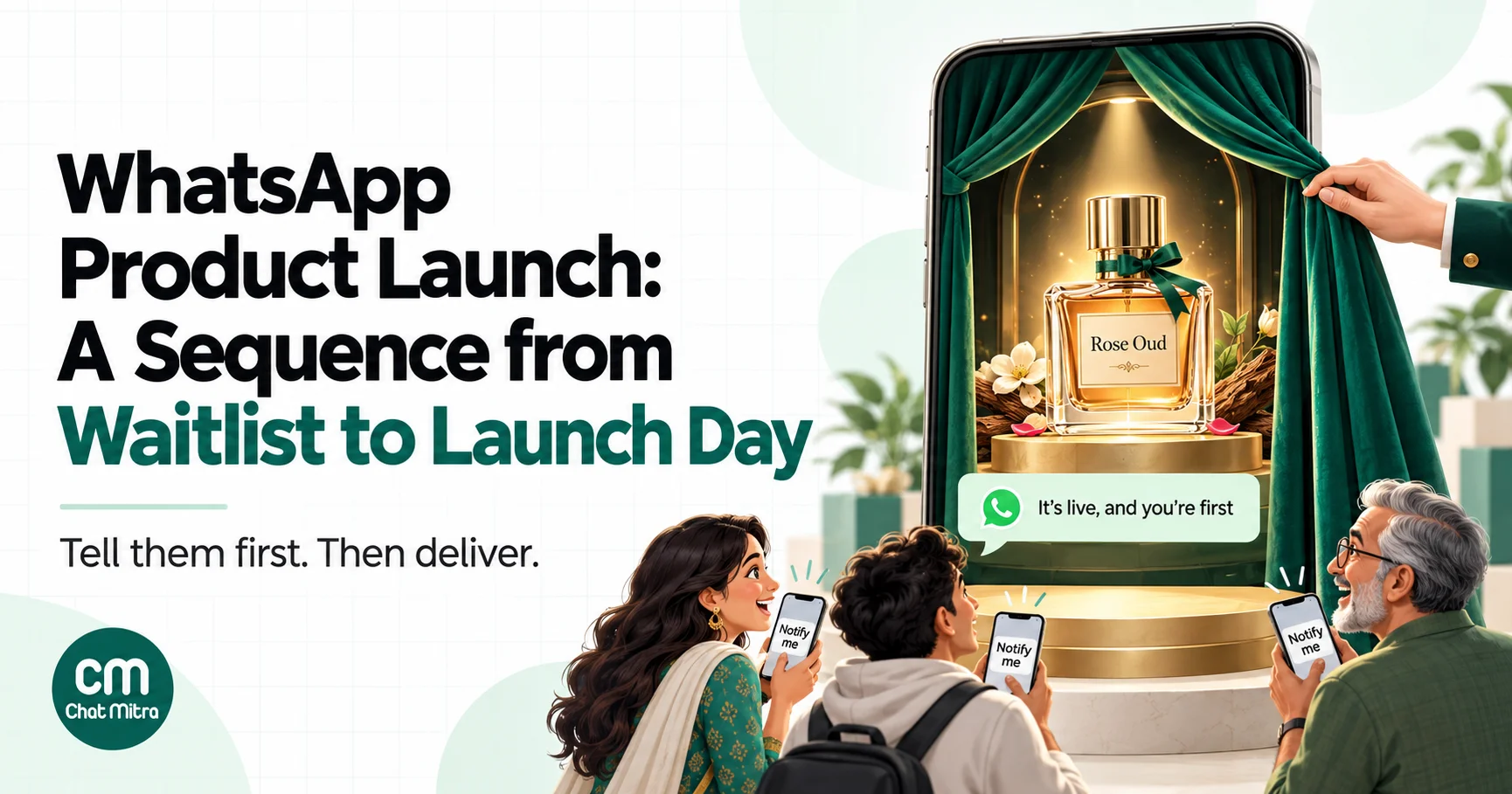
A WhatsApp product launch is a short sequence of messages sent to people who asked to hear about a new product: a waitlist sign-up, a teaser a few days before, the launch-day announcement, one last call before the launch offer ends, and a follow-up. Built on a waitlist, it reaches people who already want the product, and it costs less, because their sign-up opens a conversation you can reply to without a paid template. The launch messages themselves are marketing templates, subject to Meta’s per-user limits.
Most launches on WhatsApp look the same: on launch day, the whole contact list gets one message with a product photo and a “Shop now” button. Some people buy. Many ignore it, a few block the number, and the brand wonders why WhatsApp “didn’t work this time”.
The difference between that and a launch that sells out is rarely the message. It’s who receives it and when. A customer who tapped “Notify me” two weeks ago and gets a message the moment the product goes live is in a different frame of mind from someone who bought a phone case in 2023.
This guide sets out a five-stage launch sequence, with the timing, message category and cost of each stage, and the Meta rules that decide how many messages actually arrive. It also covers sample wording, a budget for a 2,000-person waitlist, how to measure the result and the mistakes that cost launches their momentum. If you want ideas beyond launches, our list of WhatsApp marketing campaign ideas covers the other campaigns a brand runs through the year.
Using ChatMitra?
Generate a "Notify me" link and QR code from your dashboard, tag everyone who sends the keyword with an auto-reply, and schedule the teaser, launch and last-call campaigns to that tag in advance. ChatMitra sends marketing campaigns through Meta's Marketing Messages API and charges ₹0.20 per conversation, never per message. See How ChatMitra helps.
When WhatsApp is the right channel for a launch
WhatsApp suits launches where customers already know you and the product is easy to show on a phone: a new fragrance from a D2C brand, a festive collection from a clothing store, a menu item from a restaurant chain, a course batch from a coaching institute, or an app feature for existing users.
It’s a weaker fit when:
- Nobody on your list has opted in to marketing. You can’t message people just because they’re customers. Build the waitlist first.
- The product needs a long explanation. WhatsApp is for the announcement and the conversation, not a 2,000-word spec sheet. Link to a page for the detail.
- Your audience is mostly in the United States. Meta says WhatsApp “does not currently deliver marketing template messages to WhatsApp users with United States phone numbers”.
- You can’t answer replies. A good launch message gets questions. If nobody is there to answer “Is this available in size M?”, you lose the sale you created.
This guide is about something new. Telling waitlisted customers that a sold-out product is back follows a similar pattern but needs different wording; our out-of-stock message guide covers restocks.
You’ll often see claims that WhatsApp messages have open rates of 90% or more. They come from vendors, not from Meta, and your launch shouldn’t be planned around them. Plan around your own numbers from previous campaigns, and treat the first launch as the baseline for the next.
The launch sequence at a glance
| Stage | When | Who receives it | Message type | Cost per person (India) |
|---|---|---|---|---|
| 1. Waitlist sign-up and confirmation | 2–4 weeks before | Anyone who messages “Notify me” or signs up | Customer messages first; your reply is a service message | Reply: free within 1,000 a month per number, then ₹0.115 |
| 2. Teaser | 3–7 days before | Waitlist | Marketing template | ₹0.8631 |
| 3. Launch day | Launch hour | Waitlist, then other opted-in customers if you choose | Marketing template | ₹0.8631 |
| 4. Last call | 12–24 hours before the launch offer ends | Waitlist members who haven’t bought | Marketing template (limited-time offer format optional) | ₹0.8631 |
| 5. After the launch | After purchase | Buyers: order messages. Non-buyers: nothing more | Utility templates for orders | ₹0.115 per order message |
ChatMitra’s ₹0.20 fee applies once per customer per 24 hours on top of Meta’s charges, so a stage sent on its own day counts once per person. Customer replies are free to receive.
The sequence is deliberately short. Each additional marketing message adds cost, uses up part of that customer’s per-user allowance across all businesses, and raises the chance they block you. Three marketing messages across a launch is enough for most products.
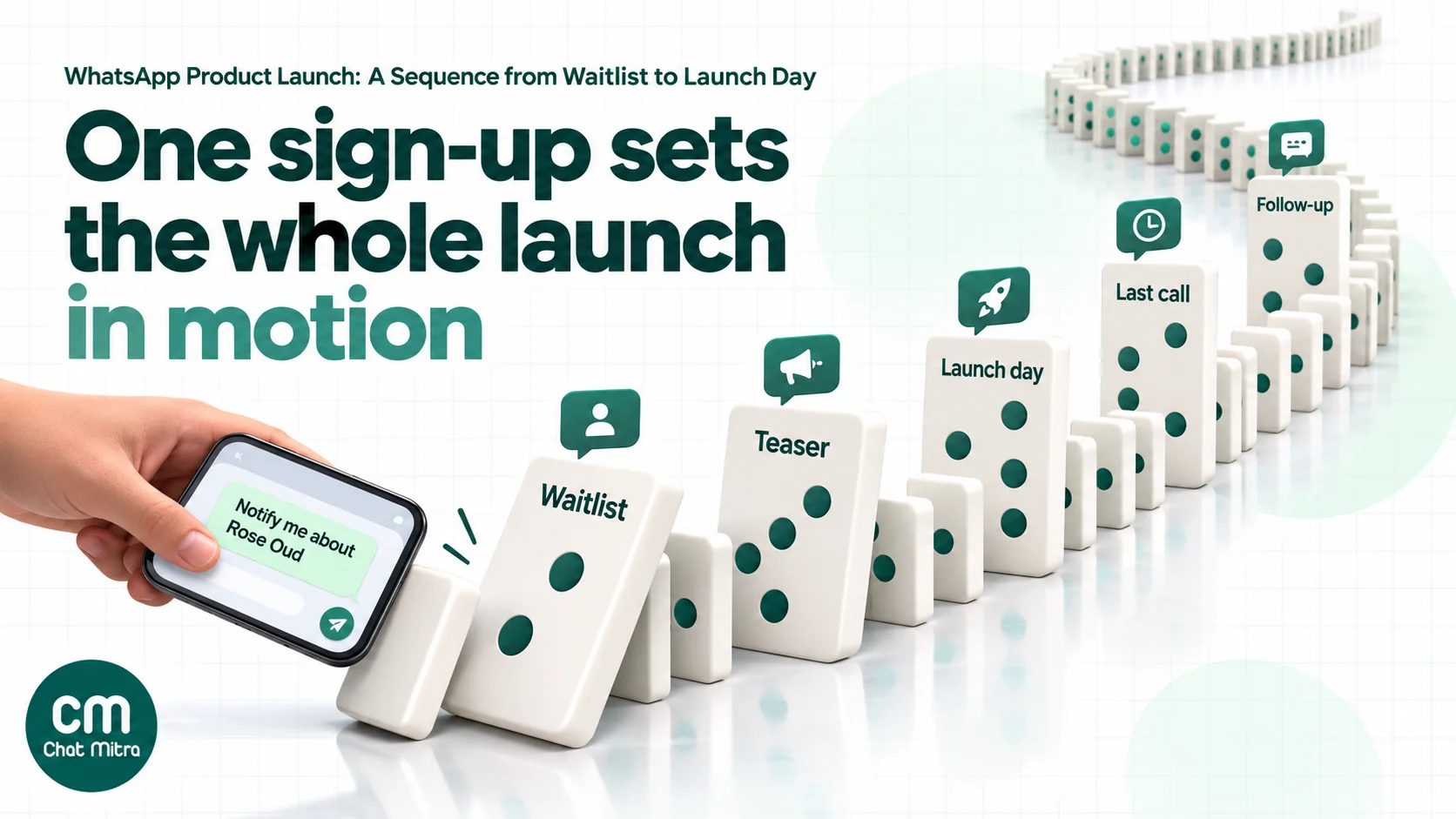
Stage 1: Build a waitlist people actually asked to join
The waitlist does three jobs. It tells you how much interest there is before you order stock, it gives you an audience that has opted in to this specific product, and it starts each relationship with the customer messaging you, not the other way round.
Ways to collect sign-ups
- A click-to-chat link with pre-filled text, such as
wa.me/91XXXXXXXXXX?text=Notify%20me%20about%20Rose%20Oud. The customer taps it, WhatsApp opens with the message typed, and they press send. Our chat link generator builds one. Put it in Instagram stories, your bio, email newsletters and the product’s “coming soon” page. - A QR code that opens the same link, printed on packaging inserts, shop counters, receipts and event stands.
- A website form with an unticked WhatsApp checkbox, if you’d rather collect sign-ups on your own site. You then message them first, so the confirmation has to be a template.
- Click-to-WhatsApp ads that open a chat with the pre-filled text, for launches big enough to need paid reach.
Our guide to growing a WhatsApp subscriber list covers more sign-up placements.
What the sign-up must say
Meta’s opt-in guidance says businesses “must clearly state that a person is opting in to receive communication from the business” and must state the business’s name. When the customer messages “Notify me about Rose Oud” themselves, that’s clear. On a website form, the checkbox should say something like: “Send me WhatsApp updates from Sunrise Fragrances about the Rose Oud launch.”
Keep the scope honest. Someone who joined a waitlist for one fragrance agreed to hear about that launch, not to receive your daily offers. You can ask during the sequence whether they’d like to hear about future launches, and tag those who say yes. Our WhatsApp opt-in guide explains how to record consent and keep it within its scope.
The confirmation message
When a customer sends “Notify me”, WhatsApp’s 24-hour customer service window opens, and your reply is a service message. Meta’s pricing page gives every business phone number 1,000 free service messages a month, then charges per message (₹0.115 in India). Use that reply well:
You’re on the list for Rose Oud. 🌹 We launch on Friday 14 November at 7 pm, and waitlist members get first access for 24 hours. We’ll send you one reminder before launch and one message when it’s live. Reply STOP any time to leave the list.
That message sets expectations for exactly what they’ll receive, which is the single best protection against blocks later.
If the sign-up came from your website instead, send the confirmation as a template. Meta’s template categorization rules list “confirm opt-in to receive messages on WhatsApp as a follow-up to opt-in collected via other channels” as a utility use case, as long as the message stays non-promotional.
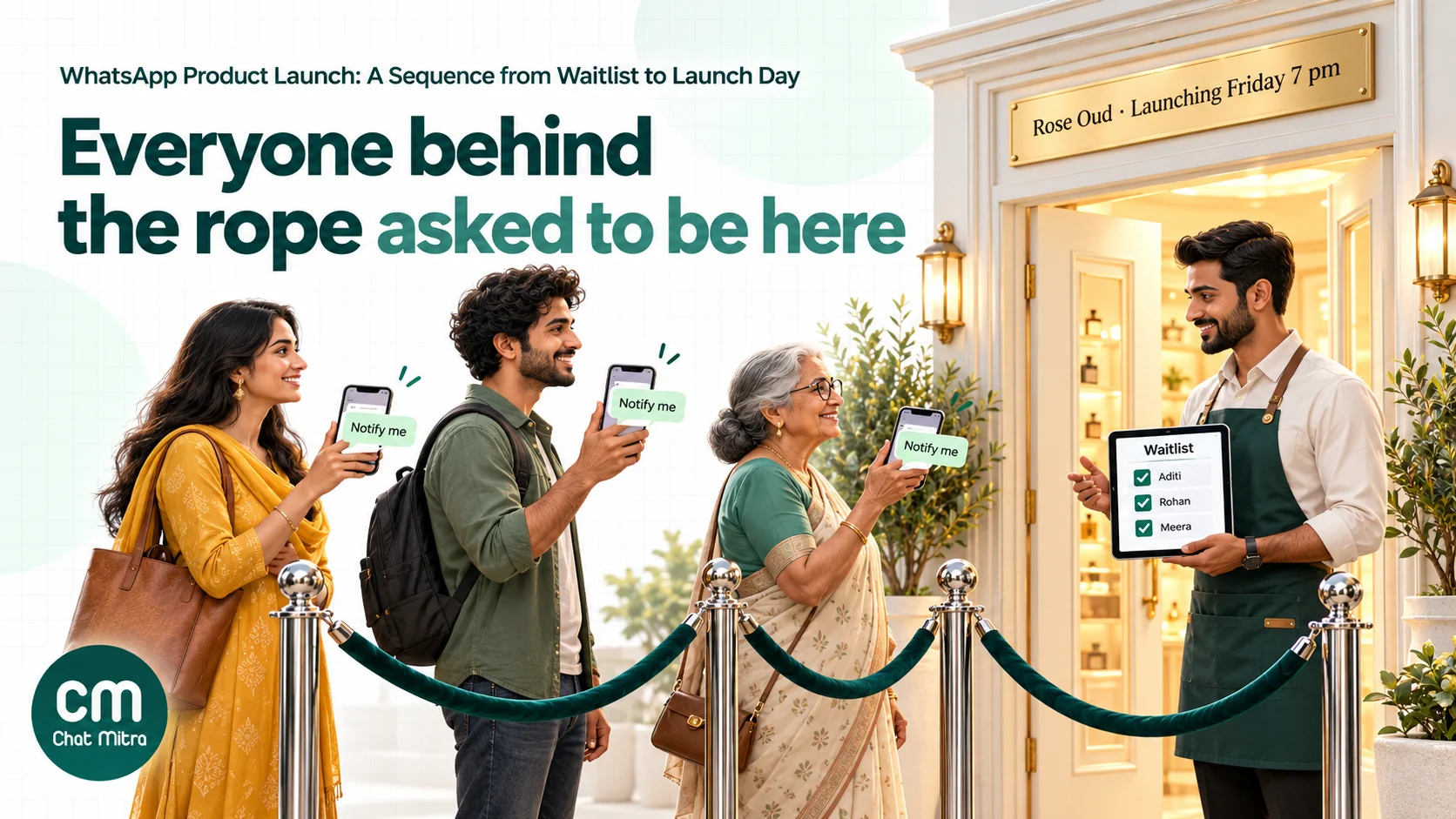
Stage 2: The teaser
Send one teaser three to seven days before launch. Its job is to confirm the date and give people a reason to be ready, not to sell yet.
What works in a teaser:
- One new piece of information. The price, a close-up of the texture, the first review from a tester, or the launch-day perk.
- The exact launch time. “Friday at 7 pm” is better than “this week”.
- A reply prompt. A quick-reply button such as “Remind me” or “Tell me more”. When someone taps it, the 24-hour service window opens and you can answer follow-up questions with normal messages.
The teaser is a marketing template. It costs ₹0.8631 per delivered message in India and counts towards each person’s per-user marketing limit. If you send it to the waitlist only, the people receiving it have already shown interest, which is the best defence against that limit (see the rules section).
Stage 3: Launch day
Send the launch message at the time you promised, to the waitlist first. If you plan to tell your wider opted-in customer base, send to them an hour or two later, so waitlist members genuinely get first access.
Choose the right template format
| Format | Best for | Things to know |
|---|---|---|
| Image or video header with buttons | Most launches | A video header shows the product moving; keep it short. URL buttons can carry a tracking parameter |
| Media card carousel | A collection with several products | Up to 10 cards, each with its own image and buttons. Cards’ URL buttons open the browser, outside WhatsApp |
| Product card carousel or multi-product message | Brands with a Meta catalogue | Customers browse and add to cart inside WhatsApp |
| Limited-time offer | A launch discount with a deadline | Shows an expiry and a countdown for an offer code. Marketing only, no footer, and not shown on WhatsApp Web or desktop |
Meta’s media card carousel documentation allows “up to 10 product media cards in a horizontally scrollable view” and notes that orders placed through a card’s URL happen outside WhatsApp, so no order webhook reaches you. Our guides to product card carousels and limited-time offer templates cover the setup.
Open a conversation, not just a link
The most useful button on a launch message is often a quick reply, not a URL. “Show me the sizes” or “Is it in stock in Pune?” invites a reply. Once the customer replies, the service window opens, and for the next 24 hours your answers are normal messages: no further marketing template needed, and Meta’s per-user limits page says marketing messages sent within that window “do not count towards the limit”.
Pair one quick reply with one URL button (“Buy now”), and make sure someone is ready to answer the replies for the first few hours.
Stage 4: The last call
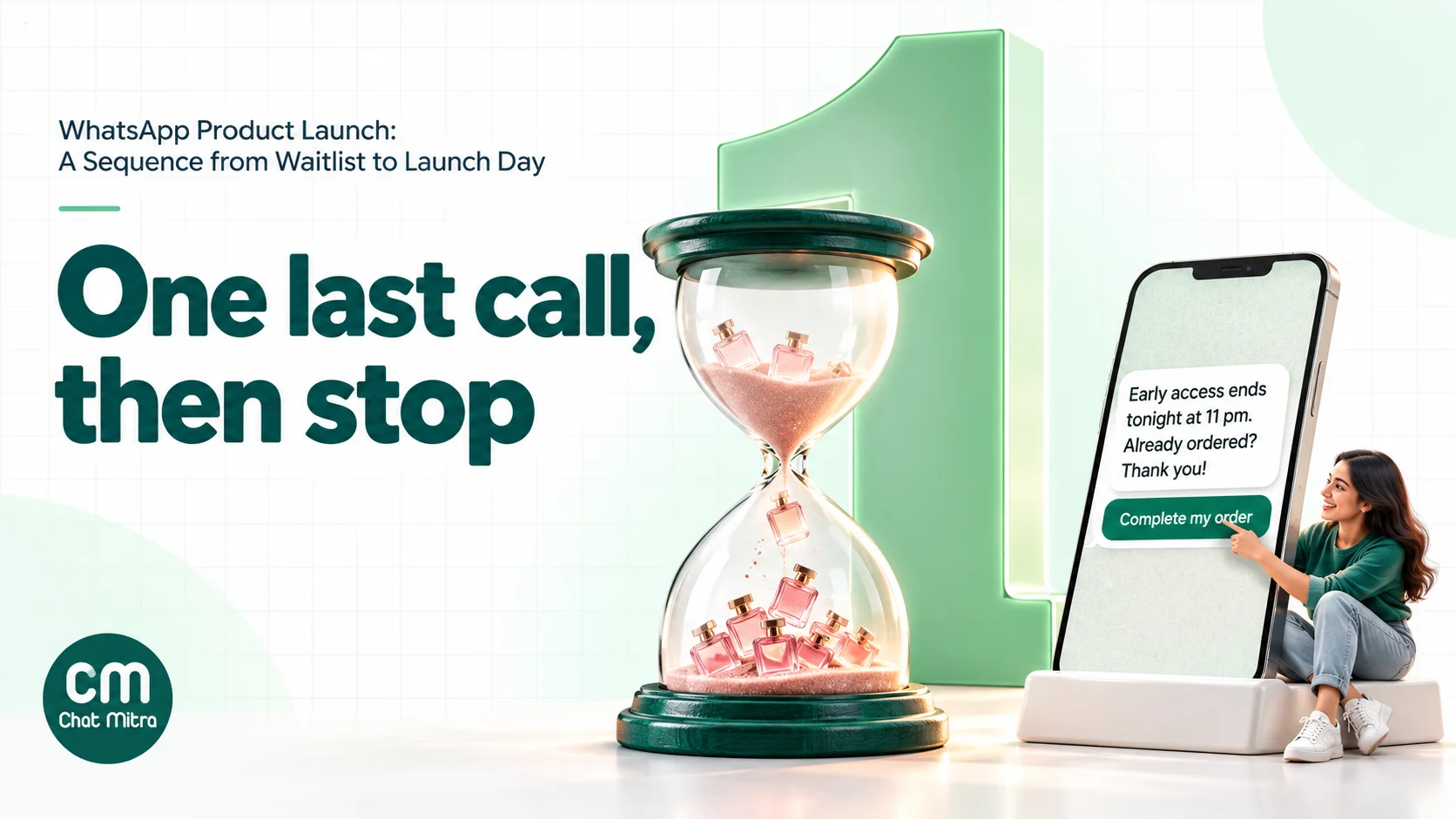
If the launch has an early-access window or a launch price, send one last call 12 to 24 hours before it ends, only to waitlist members who haven’t bought. If you can’t tell who bought, send it to everyone on the waitlist with wording that works for both (“If you’ve already ordered, thank you”).
A limited-time offer template suits this stage: Meta’s LTO documentation says it can “display expiration dates and running countdown timers for offer codes”. Remember the limitation: customers who read it on WhatsApp Web or the desktop app see a notice that the offer isn’t supported, so write the end time in the body text too.
Only say stock is running low if it is. A false scarcity message on WhatsApp is easy to screenshot and share.
Stage 5: After the launch
Buyers move into your normal order messages: order confirmation, dispatch with tracking, delivery and, a week or two later, a request for feedback. These are utility templates when they contain no offers (₹0.115 each in India). A short “How are you finding Rose Oud?” check-in also gives you the reviews and photos for your next launch.
Non-buyers get nothing more about this launch. If someone joined the waitlist and didn’t buy after a teaser, a launch message and a last call, a fourth message is more likely to earn a block than a sale.
Everyone can be asked once, inside a conversation that’s already open, whether they’d like to hear about future launches. Tag the yeses. That tag is the start of your next waitlist.
The Meta rules that decide how many messages arrive
Per-user marketing limits
Meta’s per-user limits page says WhatsApp “may limit the number of marketing template messages a WhatsApp user receives from any business in a given period of time when they are less likely to be receptive”. The limit depends on the person’s recent marketing read rate and how many messages are in their inbox, and it adapts over time.
What this means for a launch:
- Some launch messages won’t be delivered, and they fail with error 131049.
- Meta says to “wait at least 24 hours before attempting to resend” to someone who has reached their limit. Resending sooner causes more errors and less accurate reporting.
- Messages sent while the customer’s 24-hour service window is open don’t count towards the limit. That’s another reason to get waitlist members replying.
- You’re only charged for delivered messages.
You can’t see anyone’s limit in advance. The practical defence is the one in this guide: message people who asked, keep the sequence short, and make every message worth reading.
Marketing on the Cloud API ends in October 2027
Meta’s Marketing Messages API overview says “Cloud API will stop supporting marketing messages on October 13, 2027”. From then, marketing templates are delivered through the Marketing Messages API for WhatsApp. Messaging accounts created on or after 13 April 2027 can’t send marketing through the Cloud API at all.
If you send launch campaigns yourself through the API, check which endpoint your integration uses. If you use a provider, ask them. Our explainer on the Marketing Messages API covers the differences, including the optional max price per message.
Quality and blocks
Each block or report tells WhatsApp your messages weren’t wanted. Too many hurt your phone number’s quality rating, which can limit how many people you can message. A launch sent to an old, unsegmented list is the fastest way to run into that. Our quality rating guide explains the signals.
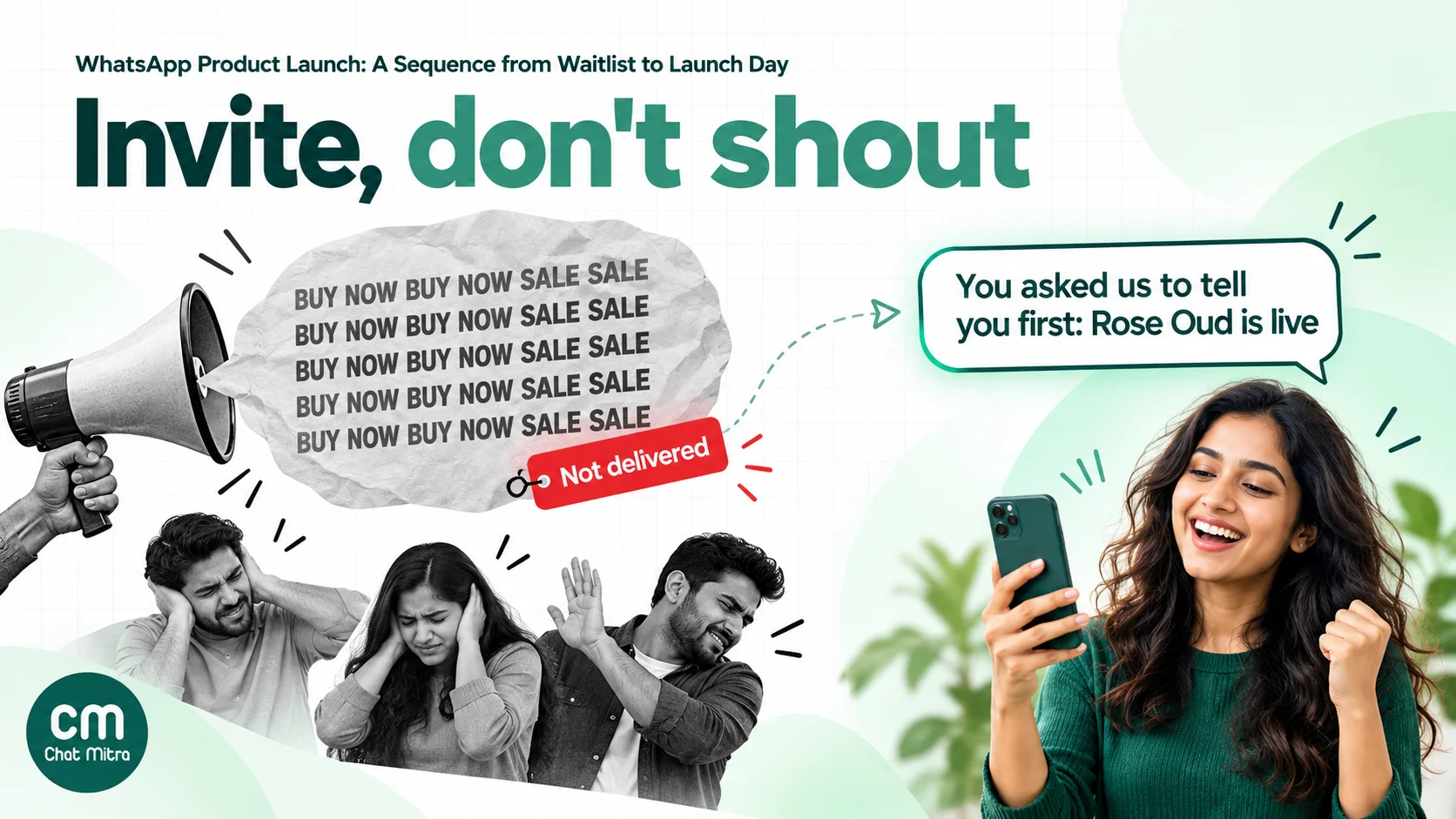
What a launch costs: a worked budget
Take a fragrance brand with 2,000 people on its waitlist, all of whom joined by messaging “Notify me”. Rates are Meta’s India rates from 1 October 2026 and ChatMitra’s current fee; the example assumes every message is delivered and 300 people buy on launch day.
| Stage | Messages | Meta charges | ChatMitra fee |
|---|---|---|---|
| Sign-up confirmations (service replies) | 2,000 | ₹115 if 1,000 are free, ₹230 if none are | 2,000 × ₹0.20 = ₹400 |
| Teaser (marketing) | 2,000 | 2,000 × ₹0.8631 = ₹1,726.20 | ₹400 |
| Launch day (marketing) | 2,000 | ₹1,726.20 | ₹400 |
| Last call to 1,700 non-buyers (marketing) | 1,700 | 1,700 × ₹0.8631 = ₹1,467.27 | ₹340 |
| Total | ₹5,034.67 to ₹5,149.67 | ₹1,540 |
That’s ₹6,574.67 to ₹6,689.67, about ₹3.30 per waitlist member. Divided by the 300 launch-day orders in this example, it’s about ₹22 per order. With 100 orders it would be about ₹66.
Things the table leaves out: answers your team sends during launch-day conversations (service messages, inside the same 24-hour fee), order messages to buyers (utility, ₹0.115 each) and any click-to-WhatsApp ad spend used to grow the waitlist. Per-user limits will usually reduce the number of delivered marketing messages, and therefore the cost.
For other volumes, use our pricing calculator, or see how each category is charged in our guide to WhatsApp business cost per message.
Sample launch messages
Replace the brand, product, dates and links with your own. Keep the body short: the image or video does most of the work. For more wording to adapt, see our WhatsApp broadcast message examples.
Teaser (marketing template, image header):
Rose Oud launches this Friday at 7 pm. 🌹 Warm rose, smoky oud, made in small batches in Kannauj. As a waitlist member you get it 24 hours before everyone else, at ₹1,499 instead of ₹1,799.
Buttons: Remind me · What does it smell like?
Launch day (marketing template, video header):
Rose Oud is live, and for the next 24 hours it’s yours first. Launch price ₹1,499 for waitlist members, ends Saturday at 7 pm.
Buttons: Buy now (URL) · Help me choose a size
Last call (limited-time offer template):
Early access ends tonight at 11 pm. If Rose Oud is still in your basket, now’s the time. Already ordered? Thank you, your bottle is on its way.
Countdown: offer code ROSEFIRST · Button: Complete my order
Opt-in to future launches (free-form reply inside an open conversation):
Glad you love it! Want us to tell you first when the next fragrance launches? Reply YES and we’ll add you to the list.
Soft launch or full launch?
A soft launch goes to a small group first, such as your most loyal customers or one city, before everyone else. On WhatsApp it doubles as a test: you find out whether the template gets approved in the right category, whether the link works, which questions people ask, and whether your team can keep up with replies. Fix those before the full send.
A full launch goes to the whole waitlist at once, usually because the moment matters: a festival, an influencer post or a stock drop. Even then, send to the waitlist before the wider list.
Whichever you choose, get your templates approved several days early. Template review is usually quick, but a rejection on launch morning is a problem you can avoid.
Launch plans for different businesses
The five stages stay the same, but the timing and the hook change with the business. Four examples:
A D2C skincare brand launching a new serum. The waitlist link goes into the order-confirmation page and a packaging insert for existing customers, so past buyers can opt in to hear about it. The teaser shares the ingredient list and who it’s for; the launch message carries a short video of the texture and a launch price for 48 hours. The last call goes only to waitlist members who haven’t bought, and buyers get a check-in two weeks later asking how their skin is responding. That reply is the review for the next launch.
A restaurant chain adding a seasonal menu. The waitlist is built at the table, with a QR code on the bill folder: “Get the monsoon menu first”. The launch message goes out on a weekday afternoon, a few hours before dinner, with a photo of the hero dish and a “Book a table” button. There’s no last call: the follow-up is the menu itself, staying on the table for the season.
A coaching institute opening a new batch. Sign-ups come from a “Notify me when admissions open” link on the course page and from parents who ask at the front desk. The teaser shares the batch dates, timings and fee; the launch message opens admissions with a link to the form. The last call is about the deadline for the early fee. Because parents often ask detailed questions, the launch day needs counsellors in the inbox, not just a bot.
A software company releasing a feature. Existing users who opted in to product updates get one launch message with a 30-second screen recording and a link to try it. There’s no teaser and no discount; a feature launch earns attention by being useful. Users who reply with questions get a demo slot, and the questions feed the help article.
In each case the pattern is the same: ask first, tell them when, deliver at that moment, follow up once, then stop.
Measuring the launch
| Metric | Where to find it | What it tells you |
|---|---|---|
| Waitlist sign-ups by source | Tags or the pre-filled text of each link | Which channels created real interest |
| Delivered and read | Your WhatsApp platform’s campaign report | How many people the message reached |
| 131049 failures | Failed messages in the campaign report | How much the per-user limit held you back |
| Replies | Conversations started after each send | Whether the message invited a conversation |
| Clicks and orders | UTM parameters on URL buttons, read in your store analytics; or a launch-only coupon code | Whether WhatsApp actually sold the product |
| Blocks and opt-outs | Replies like STOP, and quality rating changes | Whether the frequency was right |
The most reliable revenue measure is a code or link used only in the WhatsApp sequence. Compare the cost per order with your other launch channels, not with a target you heard about. To improve the next launch, test one variable at a time, such as the header or the send time; our guide to A/B testing WhatsApp campaigns shows how to split a list fairly.
Common mistakes
- Launching to everyone. Customers who never asked about the product are the ones who block, and their blocks hurt delivery for the people who did ask.
- No waitlist. Without one, every message is cold and every message is a paid marketing template.
- Too many reminders. A countdown every day of launch week feels like spam, and each message counts against people’s per-user limits.
- Resending failed messages straight away. Messages that failed with 131049 should wait at least 24 hours, and usually shouldn’t be resent at all for a launch.
- Promising a time and missing it. If the waitlist expects 7 pm, the message must arrive at 7 pm. Schedule it, and check the template was approved days earlier.
- Nobody answering replies. Launch messages create questions. Staff the inbox for the first hours.
- A countdown that only works on mobile. Limited-time offer templates don’t show the offer on WhatsApp Web or desktop, so put the deadline in the text.
- Fake scarcity. “Only 3 left” when there are 300 will be noticed, and WhatsApp messages are easy to screenshot.
How ChatMitra helps
ChatMitra runs on the official WhatsApp Business API and covers the waitlist, the scheduled sends and the launch-day conversations.
| ChatMitra feature | Role in a launch | Why it matters |
|---|---|---|
| WhatsApp link and QR generator | Create the “Notify me” link with pre-filled text, and a QR code for packaging and counters | Sign-ups start with the customer messaging you |
| Keyword auto-replies that add a tag | A message starting with “Notify me” gets the confirmation reply and a rose-oud-waitlist tag | The waitlist builds itself, with no manual entry |
| Automation on “WhatsApp Message Received” | Match the keyword and add tags or update a contact field, such as the sign-up source | Track which link or QR brought each person in |
| CSV import with a Tags column | Bring in sign-ups collected on your website or at events | One waitlist tag for every channel |
| Scheduled campaigns with include and exclude tags | Schedule the teaser, launch and last call days ahead, to the waitlist tag, excluding opted-out contacts or anyone you’ve tagged as a buyer | Messages go out at the promised minute |
| Image and video headers, URL buttons with dynamic suffixes, quick-reply buttons | Show the product and add a tracking parameter to each link | Measure orders in your store analytics |
| Retarget by status | Send the last call to recipients whose launch message was delivered or read, or retry failed ones | Follow up without rebuilding the list |
| Marketing Messages API sending | Marketing campaigns go through Meta’s Marketing Messages API | Ready for the October 2027 change |
| Shared team inbox | Agents answer launch-day questions from one inbox | Replies within the 24-hour window are normal messages |
| ₹0.20 per conversation, never per message | A customer who asks five questions on launch day counts once in 24 hours | Launch-day conversations don’t multiply the platform bill |
Setting it up:
- Create the waitlist link. In the dashboard’s WhatsApp link generator, enter your number and the pre-filled text “Notify me about Rose Oud”, and download the QR code.
- Add the confirmation auto-reply. Create a keyword rule matching messages that start with “Notify me”, with your confirmation text, and turn on Add tag for the waitlist tag. Add a second rule for STOP that tags
rose-oud-optout. - Submit your templates. Create the teaser, launch and last-call templates as marketing, at least a week before launch.
- Schedule the campaigns. Create each campaign with the waitlist tag included and the opt-out tag excluded, and set its date and time.
- On launch day, watch the inbox, and after the offer ends, use the campaign’s status tabs to tag recipients for next time.
Good to know:
- Campaigns don’t yet send limited-time offer, carousel or catalogue templates, and copy-code coupon buttons aren’t filled in by the campaign sender. Put a launch code in the message text and use an image or video header with URL buttons.
- ChatMitra doesn’t track link clicks or retarget by reply. Use UTM parameters on your links and a launch-only code to measure orders.
- Contacts who opt out of marketing in WhatsApp, or reply STOP, aren’t removed from campaigns automatically. Tag them (a STOP keyword rule does this) and exclude the tag.
- Campaign retries can include messages that failed with 131049. Meta advises waiting at least 24 hours before trying those users again, so time any retry accordingly.
- Broadcasts, automation and scheduling depend on your plan. Check the pricing page.
A launch checklist
- Set the launch date, launch price and early-access window.
- Create the “Notify me” link and QR code, and an auto-reply that confirms and tags sign-ups.
- Promote the link for two to four weeks.
- Write and submit the teaser, launch and last-call templates at least a week before launch.
- Schedule the teaser for three to seven days before launch, to the waitlist tag.
- Schedule the launch message for the promised time, waitlist first.
- Staff the inbox for the first hours after launch.
- Send one last call to non-buyers before the offer ends.
- Move buyers into order messages, and ask everyone once about future launches.
- Record sign-ups, deliveries, 131049 failures, replies, orders and opt-outs for the next launch.
The best WhatsApp launches feel less like a broadcast and more like keeping a promise: you said you’d tell them first, and you did.
Sources
- Meta for Developers: Get opt-in for WhatsApp, Pricing on the WhatsApp Business Platform (updated 30 September 2026), Template categorization, Per-user marketing template message limits, Limited-time offer templates, Media card carousel templates, Marketing Messages API for WhatsApp (updated 13 October 2026).
- India rates (marketing ₹0.8631, utility ₹0.115, service after the free 1,000 at ₹0.115) are Meta's rates from 1 October 2026 as listed on ChatMitra's pricing page. All sources read on 22 October 2026.