A WhatsApp service message is any free-form message a business sends through the WhatsApp Business Platform while a 24-hour customer service window is open. The window opens when a customer messages or calls you and resets every time they do. Service messages need no template approval. From 1 October 2026, Meta gives each business phone number 1,000 free delivered service messages a month, then charges each one at the market’s utility rate, which is ₹0.115 for an Indian number.
For most of 2025 and 2026, nobody had to think hard about service messages, because they were free. That changed on 1 October 2026. Support replies now have a price after the first thousand, and the utility templates that many teams fired off inside the window stopped being free on the same day. This guide explains what counts as a service message, how the window works, what you can send, what it costs in India and other markets, how to check your bill, and how to run good support on WhatsApp without paying for messages you didn’t need to send.
Key takeaways
- Service messages are replies, not outreach. You can only send them after the customer messages or calls you.
- The window is 24 hours from the customer's latest message or call, not from your first reply.
- Each business number gets 1,000 free service messages a month from 1 October 2026. Every delivered message counts, including chatbot replies.
- Inside an open window, a free-form reply now costs the same as a utility template or less, because only service messages draw on the free tier.
What is a WhatsApp service message?
Meta defines service messages as “free-form messages that you can send to WhatsApp users during a customer service window” (Meta: Send messages). Three ideas sit inside that sentence.
- Free-form. You write the message when you need it. There’s no template to submit and no approval to wait for.
- Customer service window. You can only send one while a window is open, which means the customer has messaged or called you in the last 24 hours.
- A pricing category. On Meta’s invoices and in webhooks, these messages are billed under the
servicecategory, separate from marketing, utility and authentication templates.
Older guides call them “session messages” or “non-template messages”. Under the conversation-based pricing Meta used until mid-2025, the matching idea was a “service conversation”. The name changed, but the rule underneath didn’t: if the customer starts the exchange, you can reply freely for 24 hours.
One boundary is worth stating early. Service messages are a WhatsApp Business Platform concept, the API businesses use through a provider such as ChatMitra. If you reply from the free WhatsApp Business app on your phone, there’s no service category and no per-message charge. Everything that follows applies to the Platform.
How the 24-hour customer service window works
Meta’s rule is short: “When a WhatsApp user messages you or calls you, a 24-hour timer called a customer service window starts. If the user messages or calls you again before the timer expires, the timer resets to 24 hours.” When the window closes, “you can only send pre-approved template messages.”
A day in the life of one conversation makes it concrete:
| Time | What happens | Window | What you can send |
|---|---|---|---|
| Mon 10:00 | Customer asks whether a jacket comes in large | Opens, closes Tue 10:00 | Any service message |
| Mon 10:04 | You reply with photos and a size chart | Unchanged (your replies don't reset it) | Any service message |
| Mon 19:30 | Customer replies "I'll take it" | Resets, now closes Tue 19:30 | Any service message |
| Tue 12:00 | You send the payment link and confirm the order | Still open | Any service message |
| Wed 09:00 | You want to share the tracking number | Closed | Approved templates only, such as a utility shipping update |
Four details trip teams up:
- Only the customer resets the window. Your own messages, however many, don’t extend it.
- Calls count. A customer calling your WhatsApp business number opens or resets the window too.
- The clock is exact. At 24 hours and one minute, a free-form reply fails. The Cloud API returns error 131047, which our error codes guide explains.
- Opt-in still applies. Meta reminds businesses that “you can only send messages to WhatsApp users who have opted in to receiving messages from you”. A customer writing to you is a clear signal for that conversation, not permission for future marketing.
The free entry point window
There’s one special case. When a customer messages you from a Click-to-WhatsApp ad, Meta opens a free entry point window. Meta’s pricing page says “all messages are free within the free entry point window that may extend up to 7 days” (Meta: Pricing). Messages sent inside it don’t touch your 1,000 free service messages. Our learn guide to Click-to-WhatsApp ads covers how those ads work.
How customers open a window
Since you can’t send a service message until the customer reaches out, it’s worth knowing every way a window gets opened. Any message from the customer counts, whatever prompted it:
- A click-to-chat link or QR code. The customer taps a link on your website, invoice or packaging and sends the pre-filled message. Our chat link generator builds one in seconds.
- A reply to one of your templates. This is the one teams forget. When a customer replies to your order confirmation or reminder, even with “Thanks” or a question, a fresh 24-hour window opens and your next replies are service messages.
- A tap on a quick-reply button in a template. A button tap arrives as a message from the customer, so it opens the window too.
- A Click-to-WhatsApp ad. The window opens, and the free entry point window applies on top, as described above.
- A WhatsApp call to your business number.
This is why a good template ends with an easy way to reply. A shipping update with a “Need help?” button doesn’t only help the customer. It also means the follow-up conversation runs on service messages rather than another template.
What you can send as a service message
The freedom of a service message isn’t only in the wording. You can use almost every message type the Platform supports. Meta lists these for an open window:
| Type | What it does | Typical support use |
|---|---|---|
| Text | Plain text with an optional link preview | Most answers |
| Image, video, audio, document | Media with an optional caption | Product photos, how-to videos, invoices, manuals |
| Sticker | Static or animated sticker | A light touch at the end of a chat |
| Location | Map pin with coordinates | Store or service-centre directions |
| Contacts | A contact card | Passing on a technician's or branch's number |
| Reply buttons | Up to three tap-to-answer buttons | "Track order / Return / Talk to us" |
| List | A menu of options | Choosing a branch, a time slot or a product |
| CTA URL button | A button that opens a link | Payment, tracking or booking pages |
| Location request | Asks the customer to share their location | Delivery or pickup |
| Address request | Asks for a delivery address | Completing an order |
| Flow | A multi-screen form inside WhatsApp | Returns, appointments, warranty claims |
| Voice call button | Invites the customer to call you on WhatsApp | Escalating a complex issue |
| Reaction | An emoji reaction to the customer's message | Acknowledging a photo or a thank-you |
Two of these are especially useful now that service messages have a price. Interactive buttons and lists let one message replace three rounds of “which order?” questions. And reactions are the only service message type Meta still doesn’t charge, and they don’t count toward the free 1,000. Our interactive messages guide shows how buttons, lists and Flows look in practice.
Service messages vs template messages
Every message a business sends on the Platform is one of two kinds. The difference decides when you can send it and how it’s billed.
| Service message | Template message | |
|---|---|---|
| Who starts | The customer must message or call first | Either side; it's how a business starts a conversation |
| Approval | None | Meta must approve each template |
| When you can send it | Only inside an open 24-hour window | Any time, to people who opted in |
| Categories | Service | Marketing, utility or authentication |
| Content | Anything relevant, in any supported format | Fixed text with variables, buttons and media |
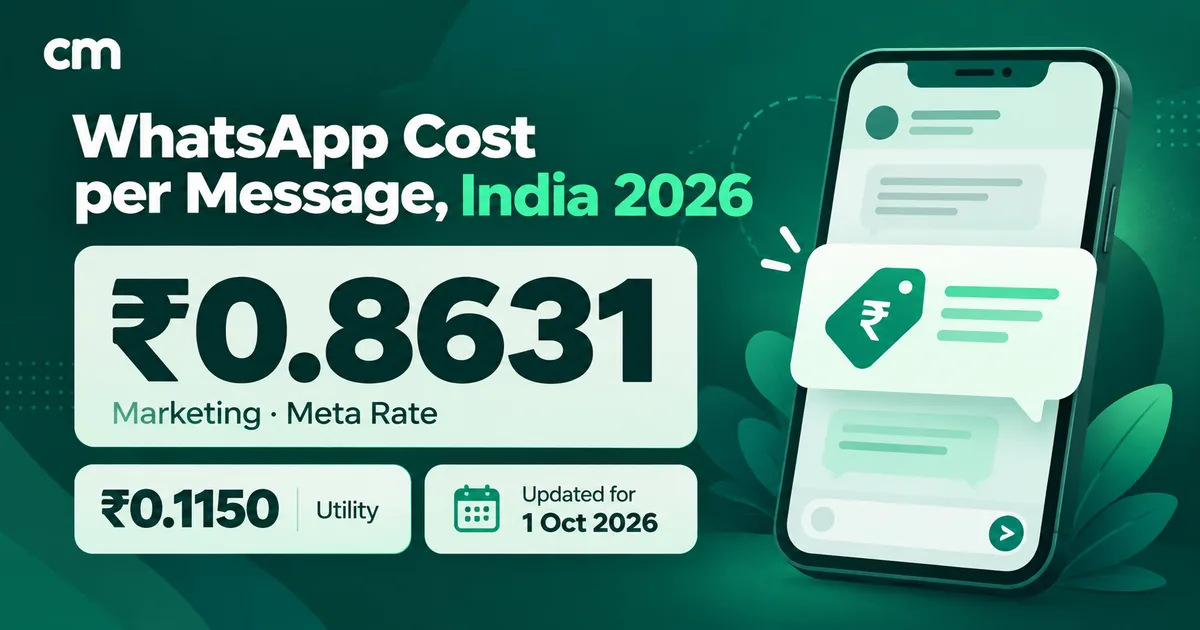
| Price from 1 Oct 2026 (India) | 1,000 free per number per month, then ₹0.115 | Marketing ₹0.8631; utility and authentication ₹0.115 |
If you’re unsure which template category fits a message, our learn guide on marketing, utility and authentication messages explains the categories, and our utility templates guide covers writing the ones that follow up after the window closes.
How much do WhatsApp service messages cost?
How the pricing got here
- 1 November 2024: Meta made service conversations free for all businesses.
- 1 July 2025: Meta moved to per-message pricing. Non-template messages stayed free, and utility templates sent inside an open window became free too.
- 1 October 2026: Meta started charging for service messages, with a free monthly tier, and started charging again for utility templates sent inside the window.
The October change is set out on Meta’s pricing page. For the news itself and how it affects ChatMitra customers, see our October 2026 service message pricing update. This section explains how the charges work day to day.
The 1,000 free service messages
Meta’s rules for the free tier, as published:
- Per number, not per account. “Each business phone number has one shared free tier of 1,000 delivered service messages per month.” Three numbers get three allowances.
- Delivered messages, not conversations or customers. A reply that isn’t delivered doesn’t count. Ten replies to one customer count as ten.
- One-to-one and group share it. Group service messages, sent through Meta’s Groups API, use the same allowance, with one unit per delivered recipient.
- No roll-over. Unused messages don’t carry into the next month.
- No payment method, no messages after 1,000. If your WhatsApp Business account has no payment method, Meta delivers service messages within the free tier “but not deliver them after the free tier has been used”.
- Exceptions. Reactions stay free for everyone and don’t count. Service messages stay free for eligible governments and non-profits, and Meta charges AI providers differently.
Service rates by market
After the free tier, Meta charges service messages “the same as those of utility and authentication, by market”. The rate depends on the customer’s country calling code, not on where your business is. A sample from Meta’s rate cards effective 1 October 2026:
| Customer's market | Service (INR card) | Service (USD card) | Marketing (USD card), for comparison |
|---|---|---|---|
| India | ₹0.115 | $0.0014 | $0.0118 |
| Indonesia | ₹1.8316 | $0.025 | $0.0411 |
| Brazil | ₹0.4984 | $0.0068 | $0.0625 |
| United Kingdom | ₹1.6122 | $0.022 | $0.0635 |
| North America | — | $0.0034 | $0.025 |
| United Arab Emirates | — | $0.0157 | $0.0576 |
| Germany | ₹4.0322 | $0.055 | $0.1365 |
Meta bills in your account’s currency, so a business on an INR account pays the INR figures. Meta can change rates on the first day of any quarter, so check the current card before you budget. Your provider’s fees come on top. ChatMitra, for example, adds a flat ₹0.20 per conversation on its Starter and Pro plans, and its Enterprise plan removes that fee; the pricing page has the details.
Utility templates inside the window are charged again
This is the change that catches most teams. Until 30 September 2026, a utility template sent while the customer’s window was open, such as an order confirmation right after they asked about their order, was free. From 1 October 2026, Meta charges it at the utility rate for the customer’s market, and it doesn’t use the 1,000 free service messages.
The practical result: inside an open window, prefer a free-form reply. It carries the same information, it draws on the free tier first, and after that it costs the same as the utility template would have. Keep utility templates for updates that go out after the window has closed, or for automated sends that have to work whether or not a window is open.
A worked example for an Indian business
Here is an illustrative month, not a customer’s real bill. A home-appliance brand runs support on one WhatsApp number. All customers are in India.
| Item | Volume | Meta charge |
|---|---|---|
| Customer messages received | 5,000 | ₹0 (incoming messages are never charged) |
| Service messages delivered (agents and chatbot) | 4,600 | First 1,000 free; 3,600 × ₹0.115 = ₹414 |
| Reactions sent | 800 | ₹0 (not counted) |
| Utility templates sent inside open windows | 500 | 500 × ₹0.115 = ₹57.50 |
| Utility templates after the window closed (delivery updates) | 2,000 | 2,000 × ₹0.115 = ₹230 |
| Total Meta charges | ₹701.50 |
Two cheap fixes are hiding in that table. The 500 in-window utility templates could have been free-form replies. And if the chatbot’s greeting, menu and “one moment please” go out as three messages instead of one interactive message, roughly a third of the service volume is avoidable. Neither fix makes the support worse.
A simple formula for your monthly service bill
For each business phone number, the Meta part of the service bill is:
(delivered service messages − 1,000) × the service rate for each customer’s market, and zero if the result is negative.
Reactions and messages inside a free entry point window don’t count toward the delivered total. If your customers are spread across countries, apply the free 1,000 first and then price the rest by market. Meta’s invoice works through the same logic, so use the webhook pricing data described below to check it rather than estimating from chat counts.
Should you add numbers to get more free messages?
Each number has its own 1,000, so it’s tempting to spread support across several numbers. For most businesses it isn’t worth it. At ₹0.115 per message for Indian customers, an extra 1,000 free messages is worth ₹115 a month. A second number means a second display name to get approved, a second quality rating and messaging limit to watch, and customers who don’t know which number to message. Add numbers when the business genuinely needs them, such as separate brands, regions or departments, and treat the extra free tier as a side benefit.
What counts as a service message, and what doesn’t
| Message | Counted as | Uses the free 1,000? |
|---|---|---|
| Customer's message or call to you | Not charged | No |
| Your agent's free-form reply in an open window | Service | Yes |
| Chatbot or auto-reply message in an open window | Service | Yes |
| Media, document, buttons, list or Flow in an open window | Service | Yes |
| Emoji reaction to the customer's message | Free | No |
| Utility template inside an open window | Utility | No |
| Marketing template, at any time | Marketing | No |
| Any message inside a free entry point window | Free | No |
| Group service message (Groups API) | Group service, per delivered recipient | Yes |
| A reply that fails or isn't delivered | Not charged | No |
Examples of service messages in real conversations
The point of a service message is that it fits the moment. Here are short, original examples for common situations. Names, numbers and prices are made up.
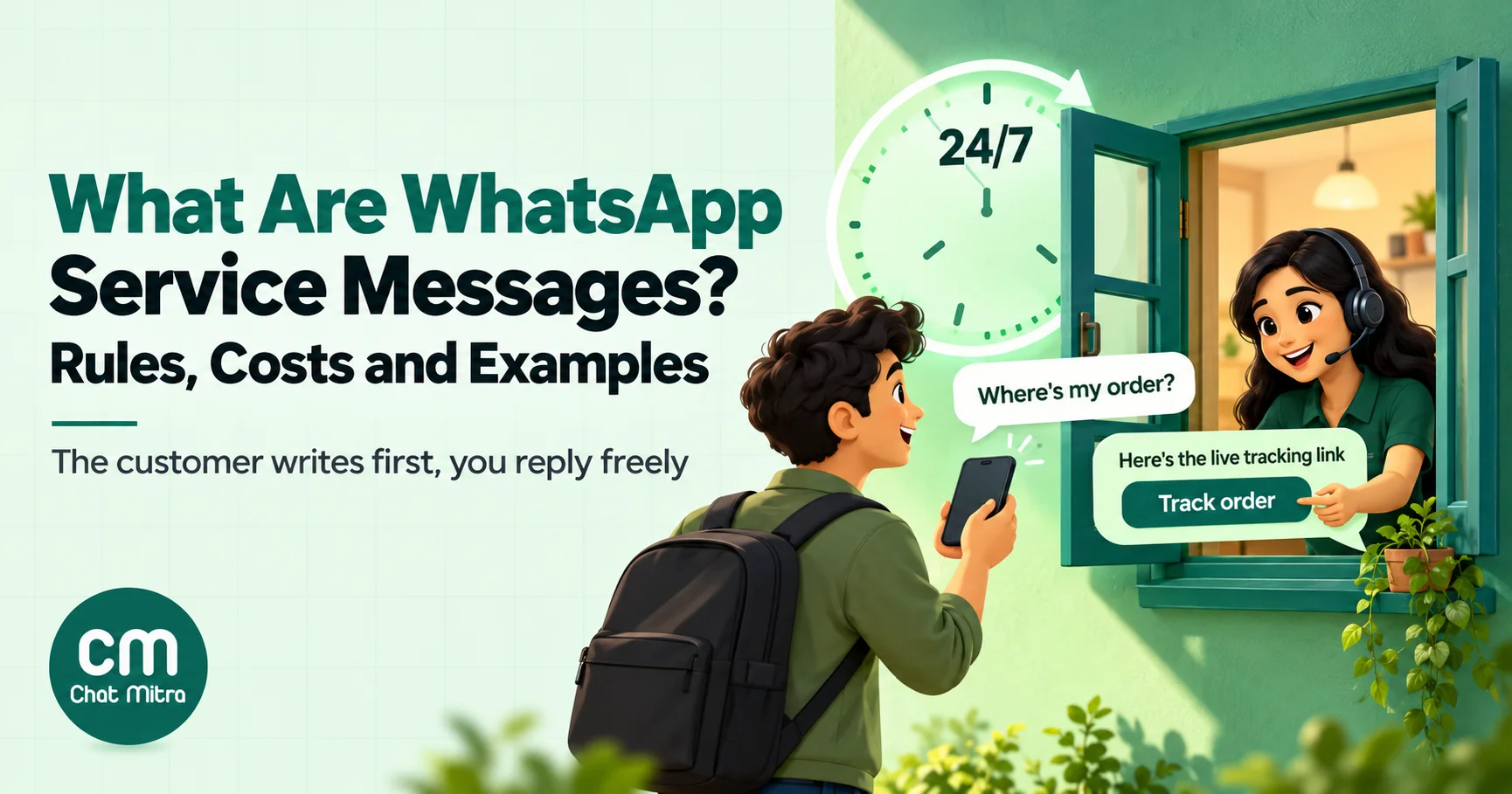
Order status. Customer: “Where’s my order?” Reply: “Hi Ananya, order 48213 left our Pune warehouse this morning and should reach you by Thursday. Here’s the live tracking link: [link]. Anything else I can check?”
Return request. Customer: “The shoes are too small.” Reply, as one message with buttons: “Sorry about that. Would you like to exchange them for a bigger size or return them for a refund?” Buttons: Exchange · Refund · Talk to us.
Pre-sales question. Customer: “Does the 1.5-ton model work on a 15A socket?” Reply: “Yes, it needs a 15A socket and a stabiliser for voltage below 160V. Here’s the installation sheet [PDF]. Want me to book a free site check?”
Appointment change. Customer: “Can I move tomorrow’s 4 pm cleaning?” Reply, as a list: “Of course. Pick a new slot:” with options for the next three days.
Troubleshooting. Customer sends a photo of an error light. Reply: a short video showing the reset steps, followed by “If the light is still red after the reset, tap below to call our technician.” with a voice call button.
Payment query. Customer: “I paid but didn’t get a receipt.” Reply: the invoice as a PDF, plus “Your payment of ₹2,349 was received at 11:42 today. The receipt is attached.”
Delivery address. Customer: “Send it to my office instead.” Reply: an address request message, so they fill in the new address in a form instead of typing it out.
Notice the pattern. Each reply answers the question, gives the next step, and packs everything into one or two messages. That’s good support and, since October 2026, sensible cost control.
How to run WhatsApp support well under the new pricing
Service messages are still cheap. At ₹0.115, a thousand extra replies to Indian customers cost ₹115 at Meta’s rate. Don’t let the price make your support curt. Do make each message count.
- Answer completely in one message. Merge the greeting, the answer and the next step. Three short messages cost three times as much as one good one.
- Use buttons and lists for choices. One interactive message replaces a typed exchange of “which order?” and “which item?”.
- React instead of acknowledging. A thumbs-up on “Thanks!” closes the loop at no cost. A typed “You’re welcome 😊” is a billable message.
- Tune your chatbot and auto-replies. Audit every automated message. Welcome messages, “an agent will be with you shortly” and repeated menus are all service messages. Keep the ones that help and cut the rest.
- Reply inside the window. If you miss it, you’ll need an approved template to reach the customer, and the free-form reply you meant to send becomes a paid template at best. Set response-time targets well inside 24 hours.
- Prefer free-form over utility templates while the window is open. The free tier covers service messages only.
- Watch your volume against the free tier. If you’re near 1,000 a month on one number, a little tidying keeps you in the free zone. If you’re well past it, focus on message count per resolved chat.
- Hand off cleanly. When a bot can’t help, move the chat to a person quickly. A bot looping through menus burns messages and patience.
Our guide to WhatsApp for customer service covers team setup, response times and escalation in depth, and the auto-reply examples show greetings that do their job in one message.
When the window closes
After 24 quiet hours, you have three honest options:
- Send a utility template if there’s a real transactional update: a shipment, a refund processed, an appointment reminder. Our reminder messages guide has examples.
- Send a marketing template only if the customer opted in to marketing and the message is genuinely relevant. It costs ₹0.8631 per delivery in India.
- Wait. If there’s nothing the customer needs, don’t invent a reason to message them.
What not to do: ask customers to “reply YES to keep chatting” just to reopen the window for future sales messages. It annoys people, and repeated low-value messages hurt your quality rating, which Meta bases on blocks, reports, mutes and similar signals over the past seven days.
Common mistakes with service messages
- Treating the window as starting with your reply. It starts with the customer’s message or call.
- Assuming your messages extend it. Only the customer’s do.
- Sending a utility template inside the window out of habit. Since 1 October 2026 it’s charged, and it doesn’t use the free tier.
- Forgetting the chatbot. Automated messages are service messages, and they’re often the biggest share of the count.
- Splitting answers. Five one-line messages are five charges.
- Budgeting per customer or per conversation. The free tier and the charges are per delivered message, per number.
- Leaving the account without a payment method. Replies stop once the 1,000 free messages are used.
- Using a service message for marketing. A customer asking about one product isn’t consent for a promotional campaign. Our opt-in guide explains what is.
Troubleshooting
| Problem | Likely cause | Fix |
|---|---|---|
| Reply fails with error 131047 | More than 24 hours since the customer's last message or call | Send an approved template, or wait for the customer to write |
| Service messages stop being delivered mid-month | Free tier used and no payment method on the account | Add a payment method in Meta's Billing Hub or through your provider |
| Bill higher than expected | Chatbot sending several messages per turn, or utility templates sent inside the window | Combine messages; reply free-form while the window is open |
| Messages arrive out of order | Meta doesn't guarantee delivery order for a series of messages | Wait for a delivered status before sending the next one, or combine them |
| Customer says they replied but the window shows closed | Rare known issue Meta lists for the customer service window | Check the webhook for the inbound message; contact your provider if it's missing |
Check what you were charged
Every message status webhook carries a pricing object. For a one-to-one service message inside the free tier, Meta returns "billable": false with "type": "free_customer_service" and "category": "service". After the free tier is used, the same message returns "billable": true with "type": "regular". Our learn guide to webhooks and message status explains where to find these fields, and the pricing explainer shows how they add up on your bill.
A one-hour audit for the new pricing
If you already run support on the WhatsApp Business Platform, an hour with last month’s data tells you whether the October 2026 change matters to you, and what to fix if it does.
- Count service messages per number. Take last month’s outgoing free-form messages for each number. Under 1,000 means you’d have paid nothing; well over it means the rest of this list is worth doing.
- Work out messages per resolved chat. Divide outgoing service messages by the number of support chats you closed. If the average is above eight or ten, look at a sample of the longest chats for split messages and repeated questions.
- List every automated message. Write down each welcome, menu, holding message and auto-reply your system sends, and when. Delete or merge the ones that add nothing.
- Find utility templates sent inside open windows. Many order and booking systems send a template automatically even when the customer is mid-chat. Where the window is likely to be open, a free-form message does the job without a separate charge.
- Check the payment method. Confirm your WhatsApp Business account has one, so replies don’t stop once the free tier is used.
- Set a monthly review. Add service messages per number and messages per resolved chat to your support report. Both numbers drift as you add automations.
None of these steps reduces what customers get from you. They remove messages that never helped anyone.
Where ChatMitra fits
ChatMitra runs on the WhatsApp Business Platform, so everything above applies to messages you send through it. The team inbox lets several people answer customers from one number inside the window. Auto-replies and the AI chatbot handle common questions, and each message they send is a service message, so it’s worth reviewing them against the advice above. Meta’s charges are passed through, and ChatMitra’s own fee is listed on the pricing page. For a full view of Meta’s charges, our cost per message guide covers every category.
Summary
A WhatsApp service message is the reply you send after a customer reaches out: free-form, unapproved, and possible only within 24 hours of their latest message or call. You can send almost anything in it, from text to buttons, Flows and address requests.
Since 1 October 2026, those replies have a price after 1,000 free a month per number, at the market’s utility rate (₹0.115 for Indian customers). Utility templates inside the window are charged too. The businesses that pay least won’t be the ones that reply less. They’ll be the ones whose replies are complete, interactive and sent in one go.
Sources
- Meta for Developers, Pricing on the WhatsApp Business Platform (updated 28 September 2026; service rates, free tier, utility change, pricing history, webhook pricing types), and its INR and USD rate cards effective 1 October 2026 (checked 1 October 2026).
- Meta for Developers, Send messages (customer service windows, service message types, message quality, delivery order).