WhatsApp subscription management is sending each member the right message at each stage of their plan: a welcome when they join, a notice before they’re charged, a reminder before the plan ends, a nudge when a payment fails, a confirmation when they pause or cancel, and one honest invitation to come back. Done well, it keeps members from lapsing by accident. Done badly, it turns into renewal spam that Meta charges at marketing rates and members block.
This guide is for gyms, studios, clubs, coaching memberships, daily-delivery and box subscriptions, and software products sold on a plan. It maps every message in the membership lifecycle to Meta’s template categories, explains how India’s autopay rules change what you need to send, gives copy-ready templates and a worked ₹ cost, and shows where ChatMitra fits and where it doesn’t.
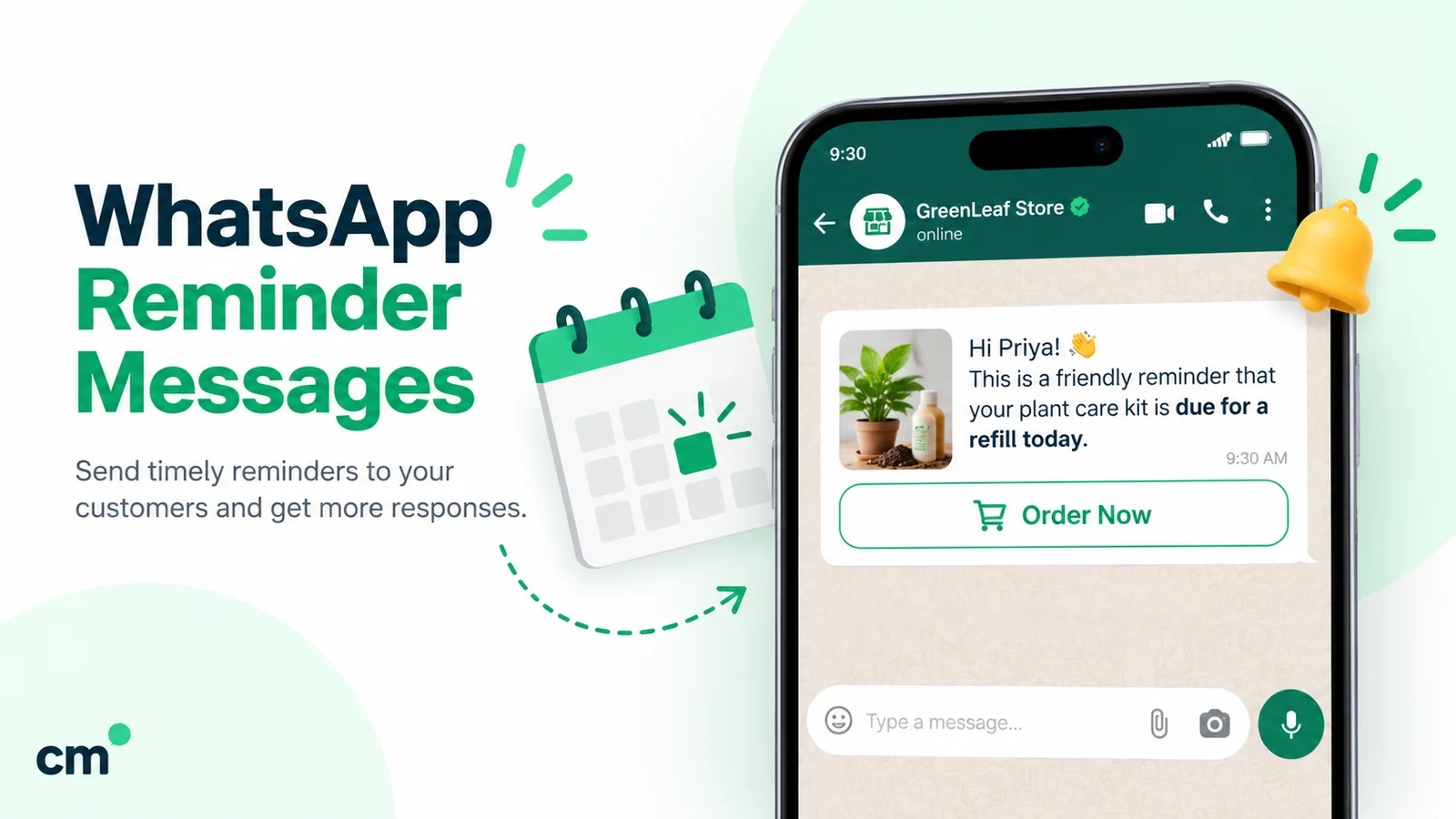
Using ChatMitra? Keep expiry dates in a Google Sheet or in contact fields, and ChatMitra’s automation can send a template a set number of days before or after each date, with your payment link and reply buttons. Jump to running it on ChatMitra.
Key takeaways
- Most membership messages can be utility (₹0.115 in India). Anything that tries to win the renewal is marketing (₹0.8631), by Meta's own rule.
- With autopay, the bank or UPI app already sends a pre-debit notice. Your message should add what the bank can't: what the plan includes and how to change it.
- Treat a failed payment as a service problem, not a sales moment: a short, neutral notice with a way to pay.
- Offer a pause, but never hide the cancel option.
- Stop every sequence the moment the member renews, pauses or cancels.
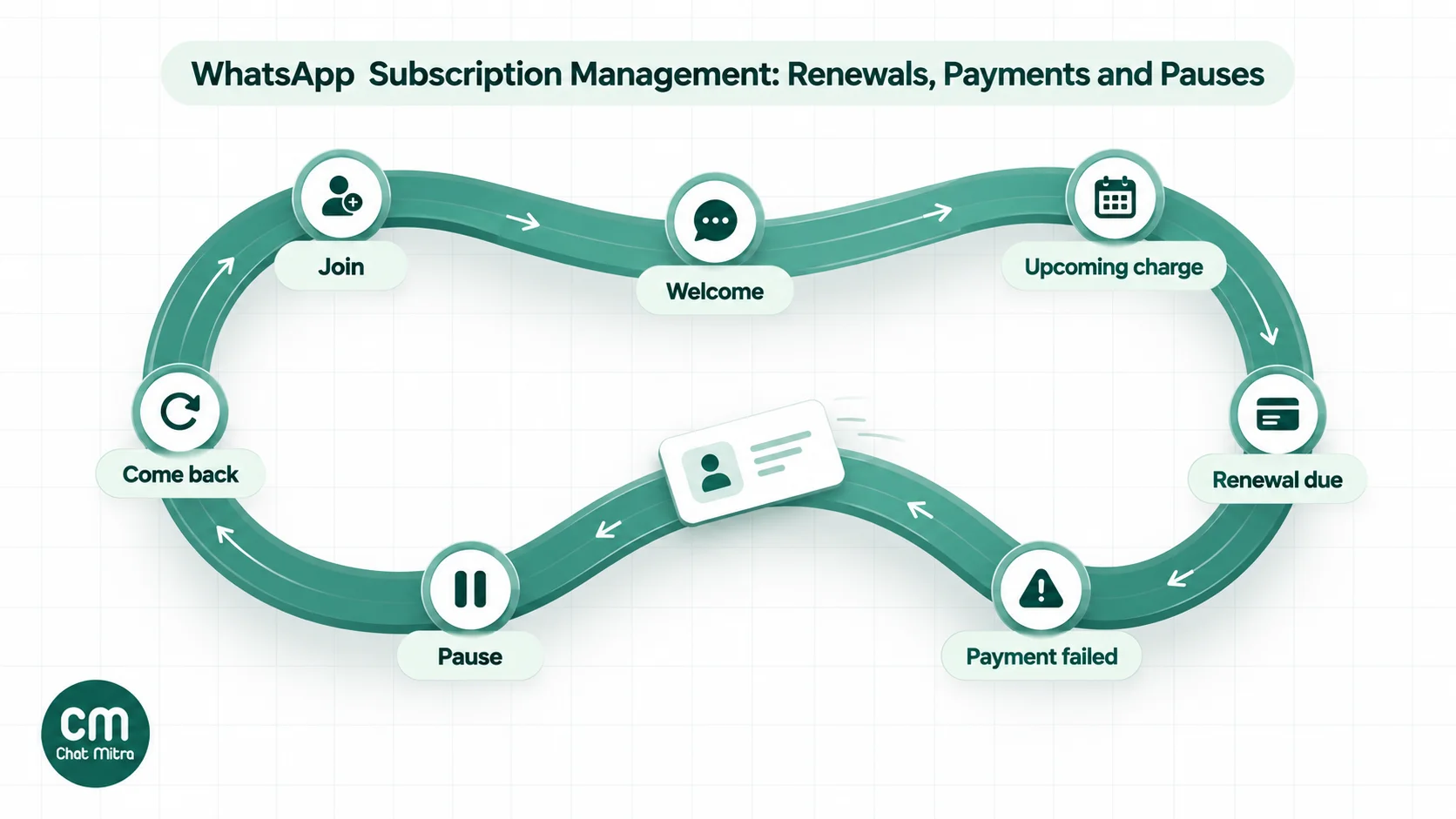
Two meanings of “subscription” on WhatsApp
Search “WhatsApp subscription management” and half the results are about consent: whether a contact is opted in to your WhatsApp messages. The other half are about paid plans. You need both, in that order.
- Consent. WhatsApp’s Business Messaging Policy lets you message someone only if they’ve given you their number and “you have received opt-in permission from the recipient confirming that they wish to receive subsequent messages or calls from you”. It also requires you to honour every request “to block, discontinue, or otherwise opt out”. Collect a WhatsApp opt-in on the membership form, and keep a record of who opted out. Our WhatsApp opt-in guide has compliant wording.
- The paid plan. Once consent is in place, the messages below run the membership itself.
WhatsApp’s policy also recommends “obtaining separate opt-in by specific message category”. For a membership business, that means asking separately: “Plan and payment updates” (which almost everyone accepts) and “Offers and events” (which fewer do). It keeps your billing messages flowing to people who don’t want promotions.
The membership lifecycle, message by message
Every subscription business, from a gym to a milk delivery round, has the same stages. This table shows the message for each one and the template category Meta is likely to give it.
| Stage | Message | When | Likely Meta category |
|---|---|---|---|
| Join | Welcome: plan, start date, what's included, how to get help | Right after sign-up | Utility |
| First weeks | How to book, class timetable, delivery slot, login link | Days 1–7 | Utility if it's about their plan; marketing if it sells add-ons |
| Upcoming charge (autopay) | "Your plan renews on {date} for ₹{amount}" | 2–3 days before the debit | Utility, if there's no offer or push |
| Plan ending (manual payment) | "Your plan ends on {date}" | Before the end date | Utility if purely factual; marketing if it asks them to renew |
| Renewal push | "Renew now and get…" | Before or after expiry | Marketing |
| Payment failed | "Your payment didn't go through; here's how to fix it" | Same day as the failure | Utility |
| Pause or plan change | Confirmation of the new dates or plan | Immediately | Utility |
| Cancellation | Confirmation and the last active day | Immediately | Utility |
| Win-back | An invitation to rejoin, perhaps with an offer | 2–6 weeks after the lapse | Marketing |
Two practical consequences follow. First, a membership business that keeps its messages factual pays mostly utility rates. Second, the expensive messages, renewal pushes and win-backs, are also the ones members are most likely to ignore, so they deserve the most restraint.
Utility or marketing: Meta’s renewal rule
Meta’s template categorization guidelines (updated 15 September 2026) are blunt about renewals.
- Utility account alerts “should not promote, recommend, upsell, or cross-sell products; include offers; or attempt to secure renewals”.
- Marketing includes messages that “attempt to renew subscriptions”, and “these are marketing even if requested by users”.
- Meta’s own marketing example is close to what most businesses send: “Your subscription will expire on {{date}}! Renew today to save {{discount}}.”
Utility needs two things: the message must be “non-promotional, not containing any promotional or persuasive intent”, and it must be specific to the user’s “order, account, services, or transactions”. Meta’s utility examples include a billing reminder (“Your monthly payment for {{service}} will be billed on {{date}} to the {{card}} you have saved on file”) and a plan running low (“Remember to top up your account by {{date}} to avoid disruptions”).
Meta doesn’t publish an example of a failed recurring payment or a membership. By analogy with its billing and top-up examples, a neutral failed-payment notice or a plain “your plan ends on” notice fits the account-alert type. Meta decides at review, though, so treat the category Meta gives your template as the answer.
Here’s how the same moment reads in each category:
| Moment | Likely utility | Marketing |
|---|---|---|
| Before an autopay charge | "Your Monthly Plus plan renews on 20 Nov for ₹1,499. To change or pause your plan, reply below." | "Your plan renews on 20 Nov. Upgrade to Annual today and save ₹3,000!" |
| Plan ending, manual payment | "Your 3-month plan ends on 30 Nov. Your last class is on that day." | "Only 5 days left! Renew now so you don't lose your progress." |
| Payment failed | "Your payment of ₹1,499 on 20 Nov didn't go through. You can pay here to keep your plan active." | "Payment failed? Pay in the next 24 hours and get a free PT session." |
Mis-categorising isn’t free. Meta’s guidelines describe escalating enforcement for businesses that repeatedly submit marketing content as utility: a warning, then rate limiting, then a utility restriction of 7 days (30 for repeat violations) during which “all approved utility templates on the Messaging account are recategorized to MARKETING”, and finally a 30-day restriction at business-portfolio level. Write the factual version and send the promotional one as marketing.
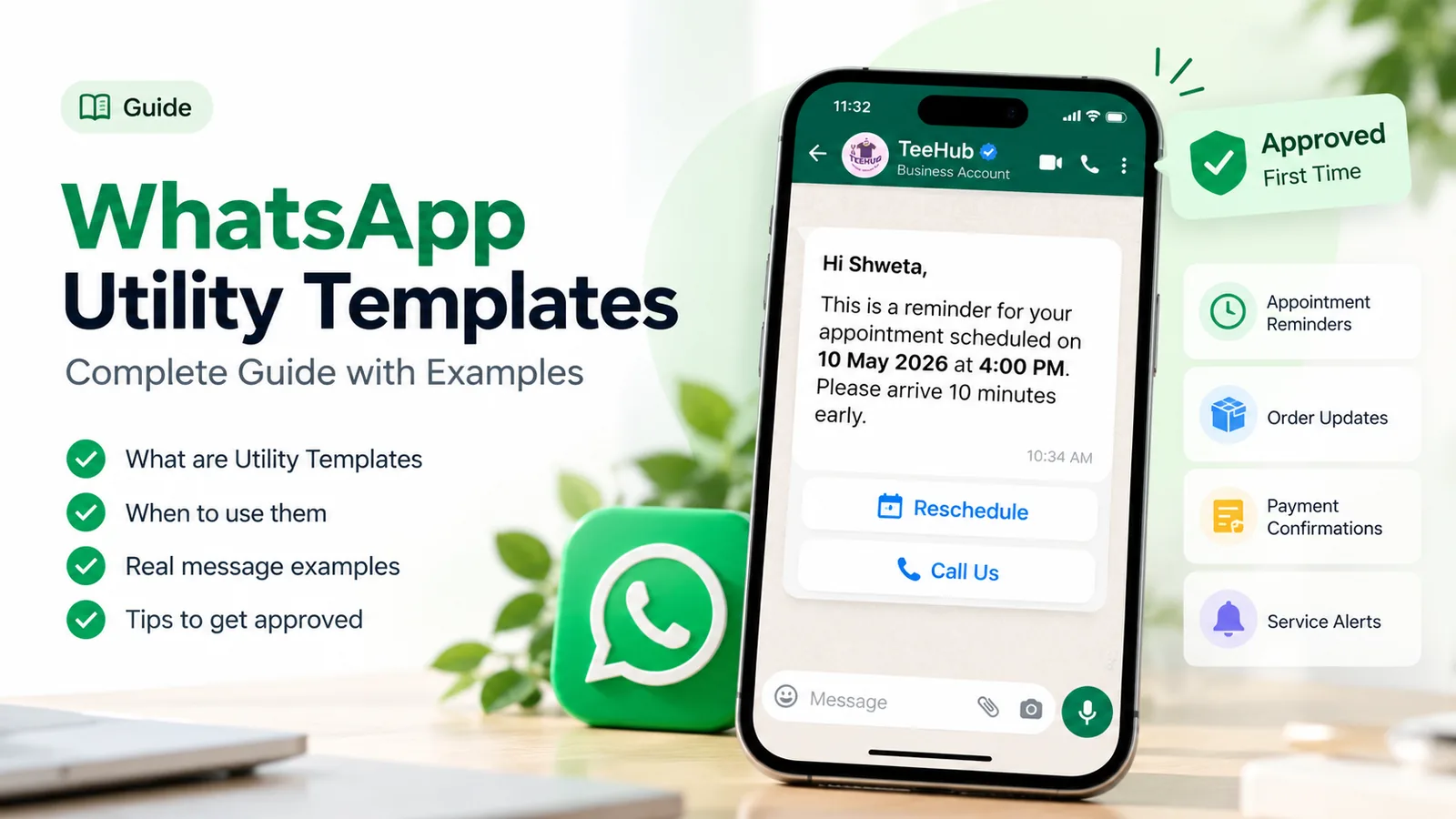
For more on writing templates that stay utility, see our WhatsApp utility templates guide, and for reminder wording in general, WhatsApp reminder messages.
Autopay or manual renewal: what changes in India
How a member pays decides which messages you need.
Autopay (card or UPI mandate). RBI’s Master Direction – Digital Payments – E-mandate Framework, 2026 (21 April 2026) covers recurring transactions “using cards / PPI / UPI”. Three rules matter for subscription businesses:
- The issuer notifies the customer. “An issuer shall send a pre-transaction notification to the customer, at least 24 hours prior to the actual charge / debit”, stating the merchant’s name, amount, date and reason.
- Members can opt out. The issuer must let the customer “opt-out of any particular transaction or the e-mandate”, and withdraw the mandate “at any point of time”.
- Limits. Recurring transactions “may be authorised without AFA up to ₹15,000/- per transaction”; above that, the customer has to authenticate each charge. Insurance premiums, mutual fund subscriptions and credit card bills have a higher limit of ₹1,00,000.
So your members already get a bank SMS or UPI notification before each debit. Your WhatsApp message, sent a day or two earlier, does what the bank’s can’t: it says what the charge is for in your words, reminds them what the plan includes, and gives a way to change or pause the plan before the money moves. It also means fewer surprised members asking their bank about a charge they don’t recognise.
Plans above ₹15,000 a debit, like annual gym memberships, can’t run silently: the member has to approve each charge. Treat those renewals more like manual payments, with a clear notice and a payment link.
Manual renewal (UPI, payment link, cash at the desk). Nothing happens unless the member acts. That makes the end-date notice and the failed-renewal follow-up essential, and it’s where most businesses overdo the reminders. The schedule below keeps it to the useful minimum.
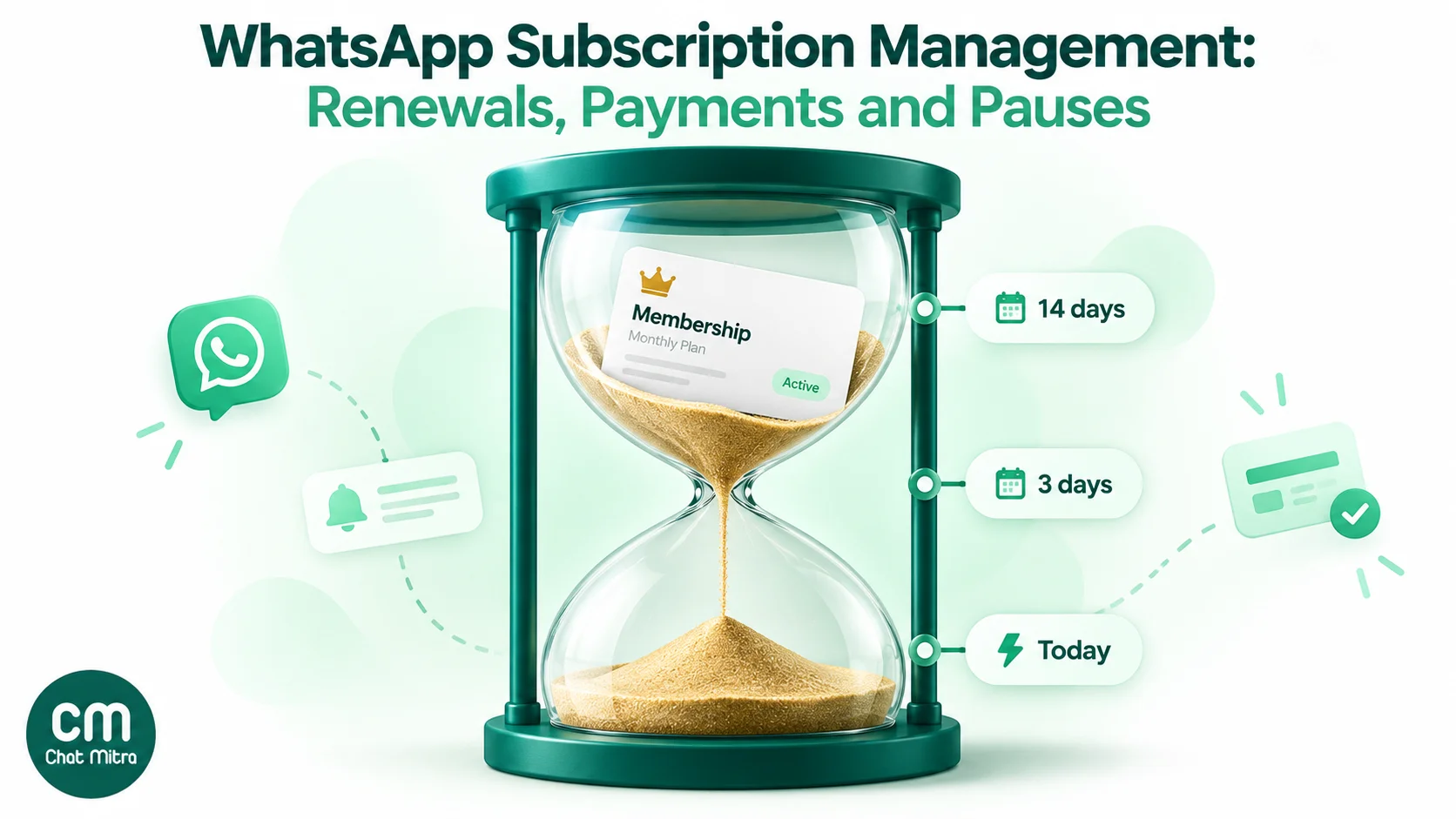
A renewal schedule that doesn’t nag
| Plan type | Before | On the day | After |
|---|---|---|---|
| Monthly autopay | One notice 2–3 days before the debit | Nothing unless it fails | Failed-payment notice on the day, one follow-up 2–3 days later |
| Monthly, manual payment | One notice 3 days before the end date | One notice if not paid | One follow-up 3 days after; then move to win-back |
| Quarterly or annual | 14 days and 3 days before | One notice if not renewed | One follow-up after 7 days; win-back after 3–6 weeks |
| Daily delivery (milk, tiffin, newspaper) | One balance or end-of-cycle notice 2 days before | Pause-or-continue message if unpaid | Deliveries paused notice, then stop |
Rules that keep it polite:
- Stop on action. The moment someone pays, pauses or cancels, no more reminders in that cycle.
- One message a day, maximum, across all your templates.
- Send in the morning or early evening, in the member’s time zone.
- No reminders to people who’ve cancelled. Their plan isn’t “about to expire”; it has ended.
- Watch for 131049 failures. Meta’s per-user marketing limits can hold back marketing templates from people who rarely read them, and the webhook returns error 131049. Meta says to “wait at least 24 hours before resending”. If your renewal push is marketing, that’s one more reason to send it once, not daily.
Handling failed payments
Most failed payments aren’t a decision to leave. A card expired, a UPI mandate lapsed, the account was short that day, or a charge above ₹15,000 wasn’t approved. The member usually wants the plan; they need a quick, easy way to fix it.
A good failed-payment sequence:
- Same day: a neutral notice with the amount, the date, what happens next (“your plan stays active until 25 Nov”) and a payment link or instructions. Utility.
- 2–3 days later, if still unpaid: one reminder with the same facts and the new deadline.
- On the deadline: a short notice that the plan is now paused or ended, and how to restart. Then stop.
Keep the tone factual. Members read a failed-payment message as a message about their money, and threats (“final warning”, “legal action”) damage the relationship and invite blocks. A grace period of a few days costs little and saves most of the members who’d otherwise drift away.
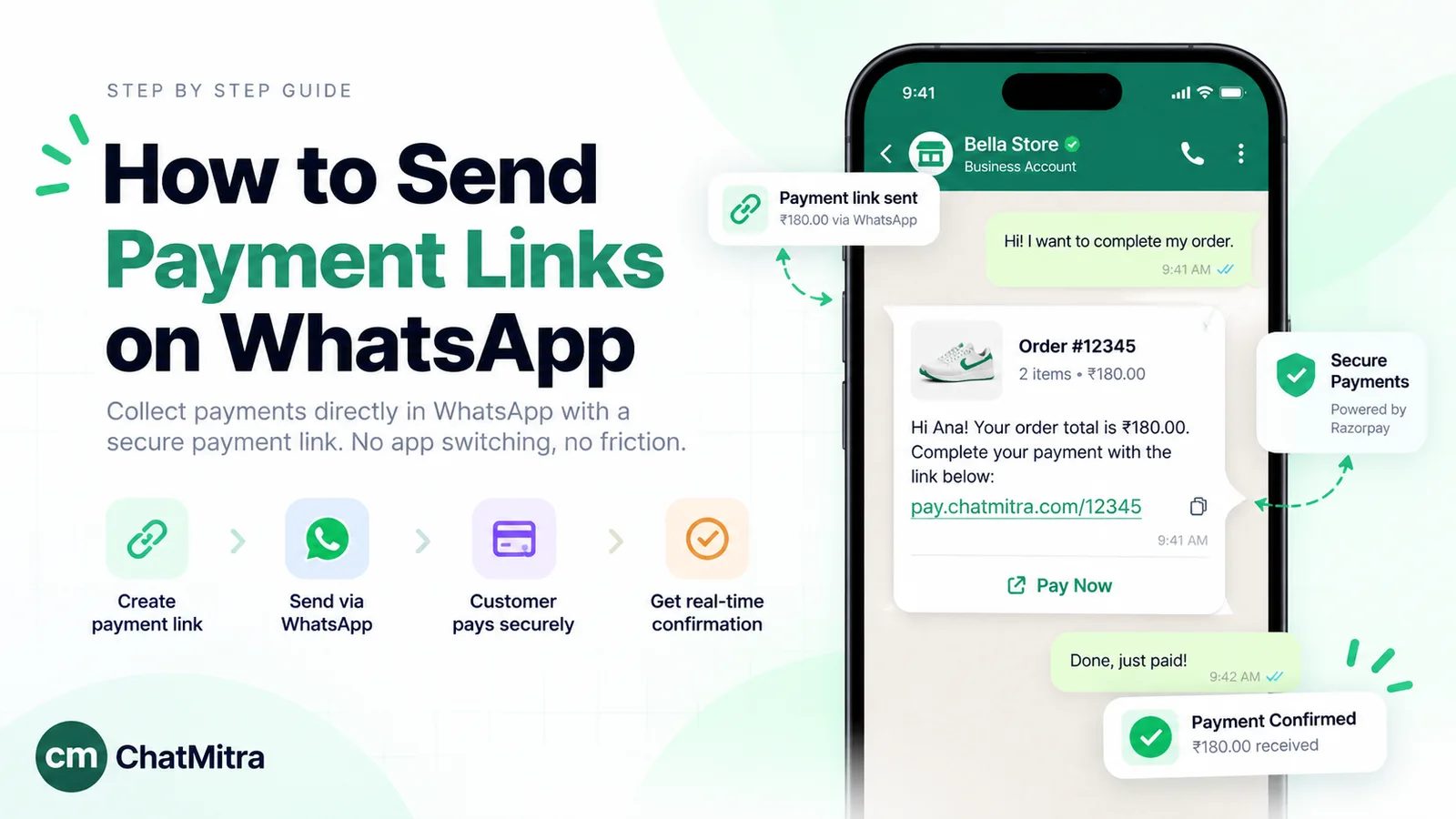
If you take manual payments, add the payment link to the template as a URL button. Our guide to WhatsApp payment links covers UPI and gateway links and how to confirm the payment before you reactivate.
Pause instead of cancel, without a subscription trap
Many cancellations are really “not this month”: travel, exams, an injury, a wedding. A pause keeps the member; a cancellation usually loses them. So offer a pause at the moments people consider leaving: the renewal notice, the failed-payment notice and any cancellation request.
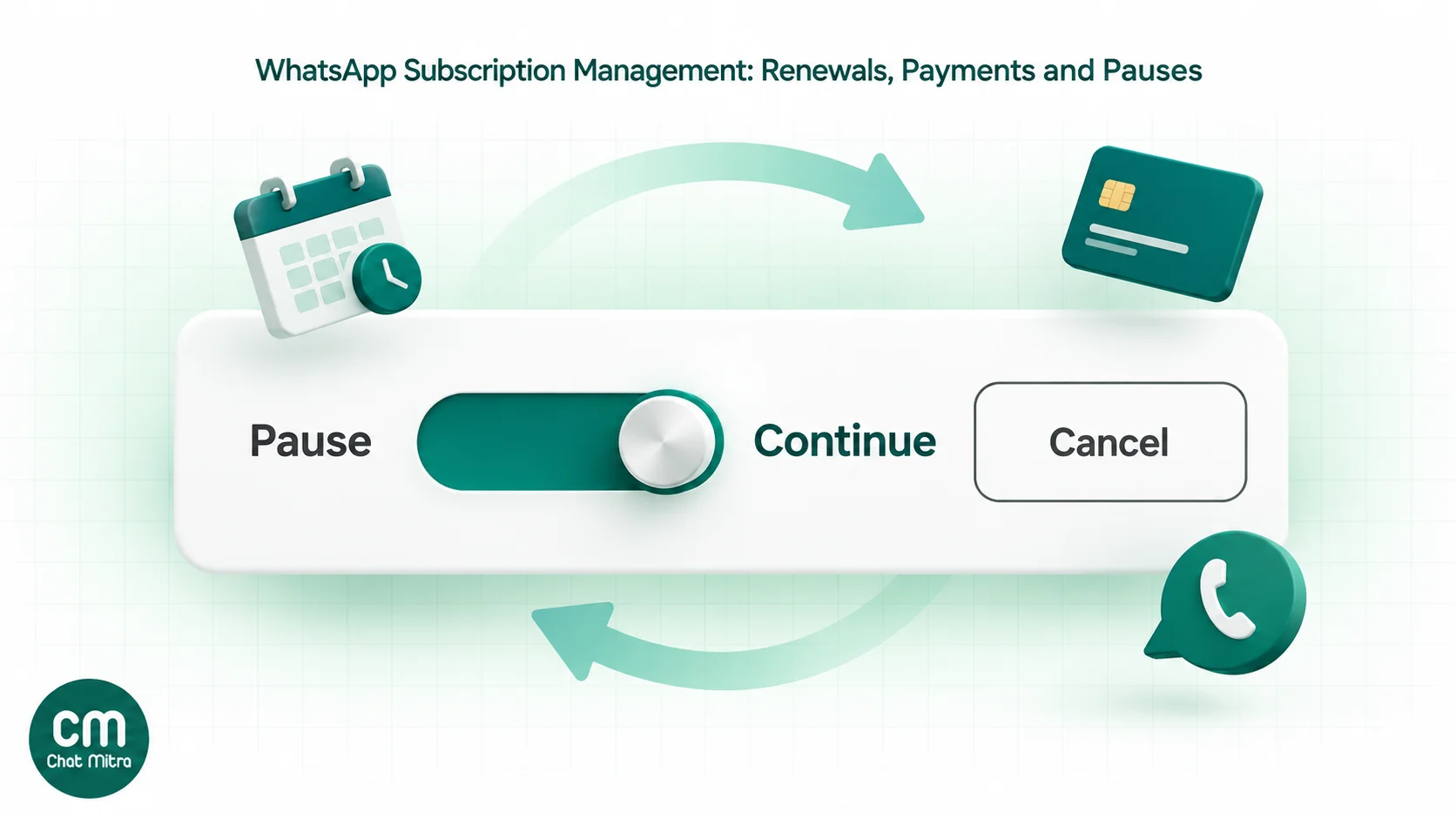
On WhatsApp, that’s a template with quick-reply buttons:
- Continue my plan
- Pause for a month
- Cancel my plan
Each reply should do what it says. A pause updates the member’s record and sends a confirmation with the restart date. A cancel request gets the same respect: confirm the cancellation and the last active day, then ask one optional question about why.
Don’t make cancelling hard. India’s Guidelines for Prevention and Regulation of Dark Patterns, 2023 apply to platforms, advertisers and sellers, and define a “subscription trap” as, among other things, “making cancellation of a paid subscription impossible or a complex and lengthy process” or “hiding the cancellation option for a subscription”. The same guidelines list “silent recurring transactions” and free trials that convert to paid without notice as examples of a separate dark pattern. A clear notice before each charge and a visible Cancel button keep you on the right side of both.
Winning back members who lapsed
Win-back messages are marketing, so they’re the most expensive and the most likely to be ignored. Make them count:
- Wait. Two to six weeks after the lapse works better than the next day, when the reason they left still applies.
- Send one, maybe two. Then stop. A member who ignored two invitations has answered.
- Make it specific. A new batch timing, a coach they liked, a new delivery area. A generic “We miss you!” is easy to scroll past.
- Exclude anyone who cancelled for a reason you can’t fix, such as moving city, and anyone who asked not to be contacted.
- Respect the opt-out. Marketing templates can carry Meta’s opt-out option, and anyone who uses it, or replies STOP, should leave every marketing list.
For timed sequences in general, see WhatsApp drip marketing.
Templates you can copy
Replace the {curly} parts with variables when you submit the template. Categories are what we’d expect Meta to give; check the category on approval.
1. Welcome (utility)
Hi {name}, welcome to {business}! Your {plan} membership starts on {start date} and runs to {end date}. Timings: {timings}. Questions? Just reply here.
2. Upcoming autopay charge (utility)
Hi {name}, your {plan} plan renews on {date} for ₹{amount}, charged to your saved {payment method}. Nothing to do if you’d like to continue. To change or pause your plan, use the buttons below. Buttons: Change plan · Pause plan
3. Plan ending, manual payment (utility)
Hi {name}, your {plan} plan at {business} ends on {date}. Your access continues until then. You can renew at the front desk or online. Button: View my plan (URL)
4. Renewal invitation (marketing)
Hi {name}, your plan ends on {date}. Renew this week and we’ll add {benefit}. Tap below to renew, or reply if you’d like to pause instead. Buttons: Renew now (URL) · Pause instead
5. Payment failed (utility)
Hi {name}, your payment of ₹{amount} for {plan} on {date} didn’t go through. Your plan stays active until {grace date}. You can pay using the link below or update your payment method. Button: Pay now (URL)
6. Pause confirmed (utility)
Hi {name}, your {plan} plan is paused from {pause start} to {pause end}. It restarts automatically on {restart date}, and your next charge is on {charge date}.
7. Cancellation confirmed (utility)
Hi {name}, your {plan} plan is cancelled. Your last active day is {date}, and you won’t be charged again. If you’d like to tell us why, just reply. Thank you for being a member.
8. Win-back (marketing)
Hi {name}, it’s been a while! {specific reason to return, e.g. new 7 a.m. batch}. If you’d like to restart, tap below. Reply STOP if you’d rather not hear from us. Button: Restart my plan (URL)
Template 4 is honest about being a sales message, so submit it as marketing. Templates 2, 3 and 5 avoid offers and urgency words on purpose.
Playbooks by business type
Gyms and fitness studios. Welcome on day one, a booking or timetable message in week one, a “plan ends” notice for manual plans, and pause buttons (travel and injury are common reasons to stop). A drop in attendance is the earliest warning of a lapse; if your gym software tracks visits, a check-in from a trainer, sent as a normal reply in an open chat or as a template, does more than a discount. Our health and wellness page covers bookings and reminders.
Clubs, societies and associations. Annual dues are usually manual payments, so the 14-day, 3-day and on-the-day notices matter, along with a receipt-style confirmation after payment. Keep event promotions in a separate, opt-in marketing list.
Coaching and tuition memberships. Fee reminders go to parents, so the opt-in must be the parent’s. Keep fee messages factual and separate from new-course promotions. See WhatsApp for coaching institutes.
Daily delivery and subscription boxes. Milk, tiffin, newspaper and box subscriptions need a different rhythm: a balance or end-of-cycle notice, a “pause deliveries” button for holidays, and a delivery-skipped confirmation. Pauses are frequent and short here, so make them one tap.
Software and apps. Trial-to-paid conversion needs a clear notice before the first charge (the dark-patterns guidelines call out silent trial conversions), plus seat or usage alerts. See WhatsApp for SaaS.
What it costs: a worked month for a gym
Meta charges per delivered message. India rates from 1 October 2026, from Meta’s pricing page and its INR rate card: utility ₹0.115, marketing ₹0.8631, service ₹0.115 after 1,000 free per number per month. Since 1 October 2026, utility messages are charged even when sent inside an open 24-hour customer service window.
Take a gym with 400 members on monthly plans:
| Messages in the month | Category | Meta charge |
|---|---|---|
| 400 upcoming-charge notices | Utility | 400 × ₹0.115 = ₹46.00 |
| 30 failed-payment notices + 30 follow-ups | Utility | 60 × ₹0.115 = ₹6.90 |
| 50 win-back messages to last quarter's lapsed members | Marketing | 50 × ₹0.8631 = ₹43.16 |
| About 300 replies to members' questions | Service | Within the 1,000 free: ₹0 |
| Meta total | ₹96.06 |
On ChatMitra’s Starter and Pro plans, a ₹0.20 platform fee applies once per contact per 24-hour conversation, not per message. These sends open about 510 conversations (400 + 60 + 50, on separate days), so about ₹102. That puts the month at roughly ₹198. On Enterprise (₹2,499 a month) there’s no conversation fee.
If the 50 win-backs were replaced by daily “renew now” pushes to all 400 members for five days, the marketing bill alone would be 2,000 × ₹0.8631 = ₹1,726, before counting the members who block you. Full rates are in WhatsApp Business cost per message.
Keep one membership record
Every message above depends on clean data. A Google Sheet or your gym or billing software works, as long as each member has:
- Name
- Phone in full international format (91…)
- Plan and amount
- Start date and end or next-charge date, written the same way in every row
- Payment mode: autopay or manual
- Status: Active, Paused, Payment failed, Cancelled or Lapsed
- WhatsApp consent: plan updates yes or no; offers yes or no
- Last message sent, filled in by the automation
The Status column does the most work. Every reminder checks it first, so nobody who paid, paused or cancelled gets the wrong message.
Running subscription messages on ChatMitra
ChatMitra sends and receives the WhatsApp messages; your payment gateway or membership software keeps doing the billing. Here’s what fits, checked against the product in October 2026:
| Need | ChatMitra feature |
|---|---|
| Reminders before or after a date | Automation triggers N Days Before a Date and N Days After a Date, on a Google Sheet date column or a contact date field, with a daily Run at time in IST |
| Skip members who paid, paused or cancelled | Check Conditions step on the Status column, and Update Sheet Row to record each send |
| Follow-ups | Delay step, then re-read the row and check Status before sending again |
| Pause and cancel buttons | A WhatsApp Message trigger that starts on a button reply such as "Pause my plan" and updates the sheet row or contact field |
| Welcome series | Welcome Message sequence, which can also tag new contacts |
| Win-back campaigns | Campaigns with include and exclude tags, for example include "lapsed-oct", exclude "moved-city" |
| Members' questions | Shared team inbox with contact notes |
Good to know
- Sheet dates repeat every year. On a Google Sheet, the date trigger compares day and month only, so a row with an end date of 20 Nov 2026 matches again on 20 Nov 2027. Keep the Status check in every workflow and move ended memberships to another tab. A date stored in a contact field matches the full date, year included.
- No billing. ChatMitra doesn’t run recurring billing, UPI AutoPay or card mandates for your members, and its Razorpay links are built for catalog orders. Put your own payment link in a sheet column and map it to the template’s URL button.
- Sequences don’t stop on a reply. A member who answers “already paid” still gets the next scheduled reminder unless the Status changes. Have whoever handles replies update the row, or use a button reply that updates it automatically.
- Opt-outs need a tag. ChatMitra doesn’t suppress contacts who reply STOP, and campaigns don’t automatically skip contacts who used Meta’s marketing opt-out. Tag them and exclude that tag from every marketing campaign.
- No recurring campaigns. A campaign sends once (now or at a scheduled time). Repeating messages come from automations.
- Plan features. Auto Reply rules and the AI chatbot are on Pro and Enterprise, not Starter. Check the pricing page for current limits on tags and custom fields.
Why membership businesses use ChatMitra
| ChatMitra advantage | What it means for subscriptions | How it compares |
|---|---|---|
| Meta’s rates with no markup, plus ₹0.20 per 24-hour conversation | A utility notice costs about ₹0.32 in India, with the Meta part at cost | Check whether a provider adds a margin to every template |
| Date triggers on a Google Sheet or contact field | Renewal and failed-payment notices run from the sheet you already keep | Some tools need a CRM or developer work for date-based sends |
| Button replies can update the member’s record | ”Pause my plan” changes the sheet without anyone typing | Check whether button replies can trigger actions or only reach the inbox |
| Shared inbox for members’ replies | The front desk and the owner see the same conversation | Some tools charge per agent seat |
| Free Starter plan; Pro at ₹999 a month with a 15-day free trial; Enterprise at ₹2,499 removes the ₹0.20 fee | Try one renewal cycle on real members before you commit | Compare the total monthly cost, not just the plan price |
The step-by-step sheet setup for each trigger is in our WhatsApp reminder messages guide.
Common subscription messaging mistakes
- Submitting renewal pushes as utility. Meta re-categorises them, and repeat attempts can turn all your utility templates into marketing for a week or more.
- Reminding people who already paid. Every send must check Status first.
- Daily countdowns. Three well-timed notices for an annual plan, one for a monthly plan.
- Treating a failed payment as a sales moment. Give the facts and a way to pay; save offers for later.
- Hiding the cancel option. It’s a dark pattern under Indian guidelines and a reason members block you.
- Duplicating the bank’s pre-debit notice. Add context the bank can’t, or skip it.
- Win-back campaigns that never end. One or two messages, then let them go.
- Using one consent for everything. Ask separately for plan updates and offers.
- Phone numbers without the country code. Messages fail silently if the number isn’t in full international format.
Where to start
Start with the two messages that save the most members for the least money: the upcoming-charge or plan-ending notice, and the failed-payment notice. Put your members in one sheet with a Status column, get both templates approved as utility, and run them for one billing cycle. Add pause buttons next, then a single win-back message for last quarter’s lapsed members. Everything else is optional.