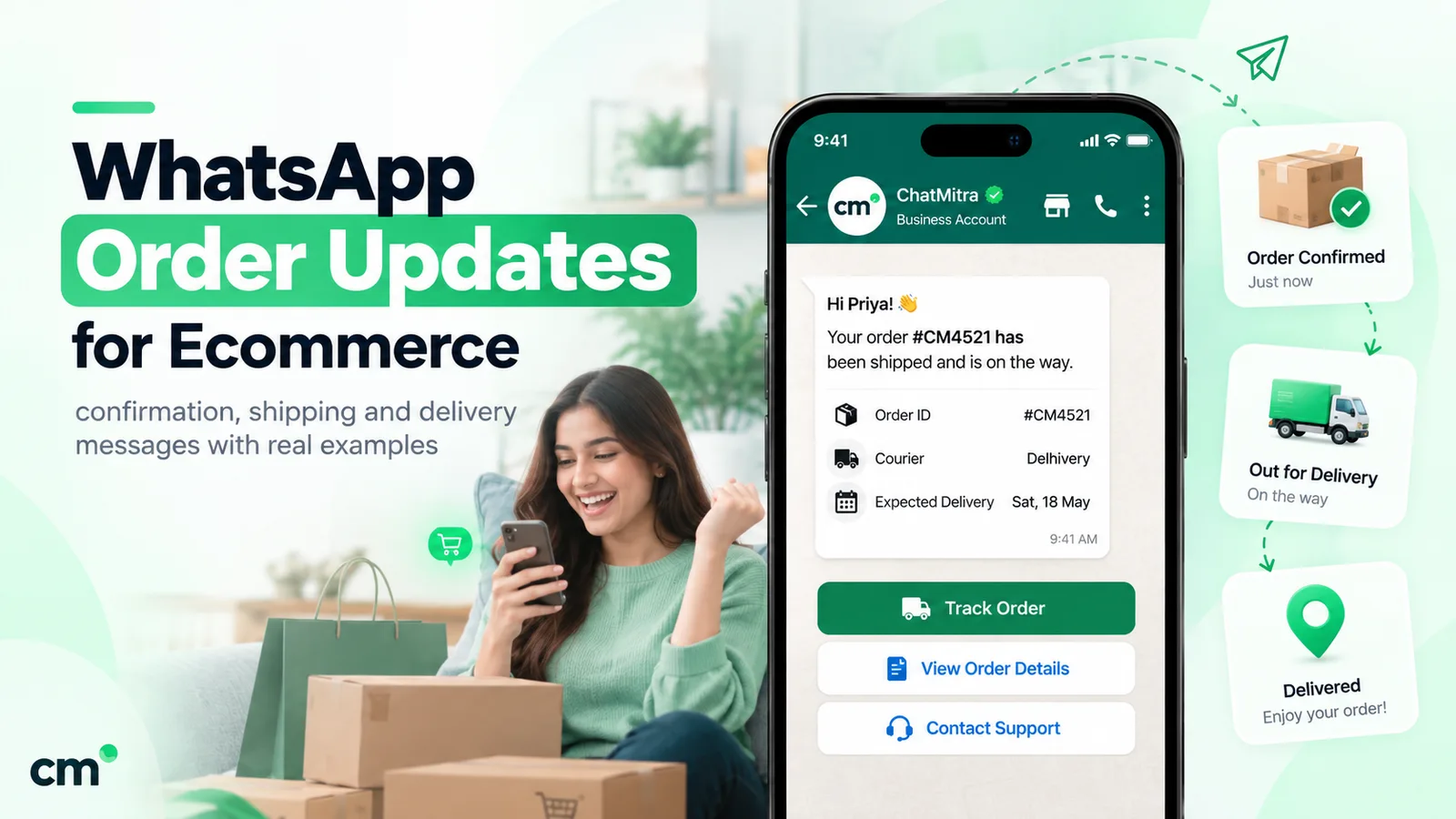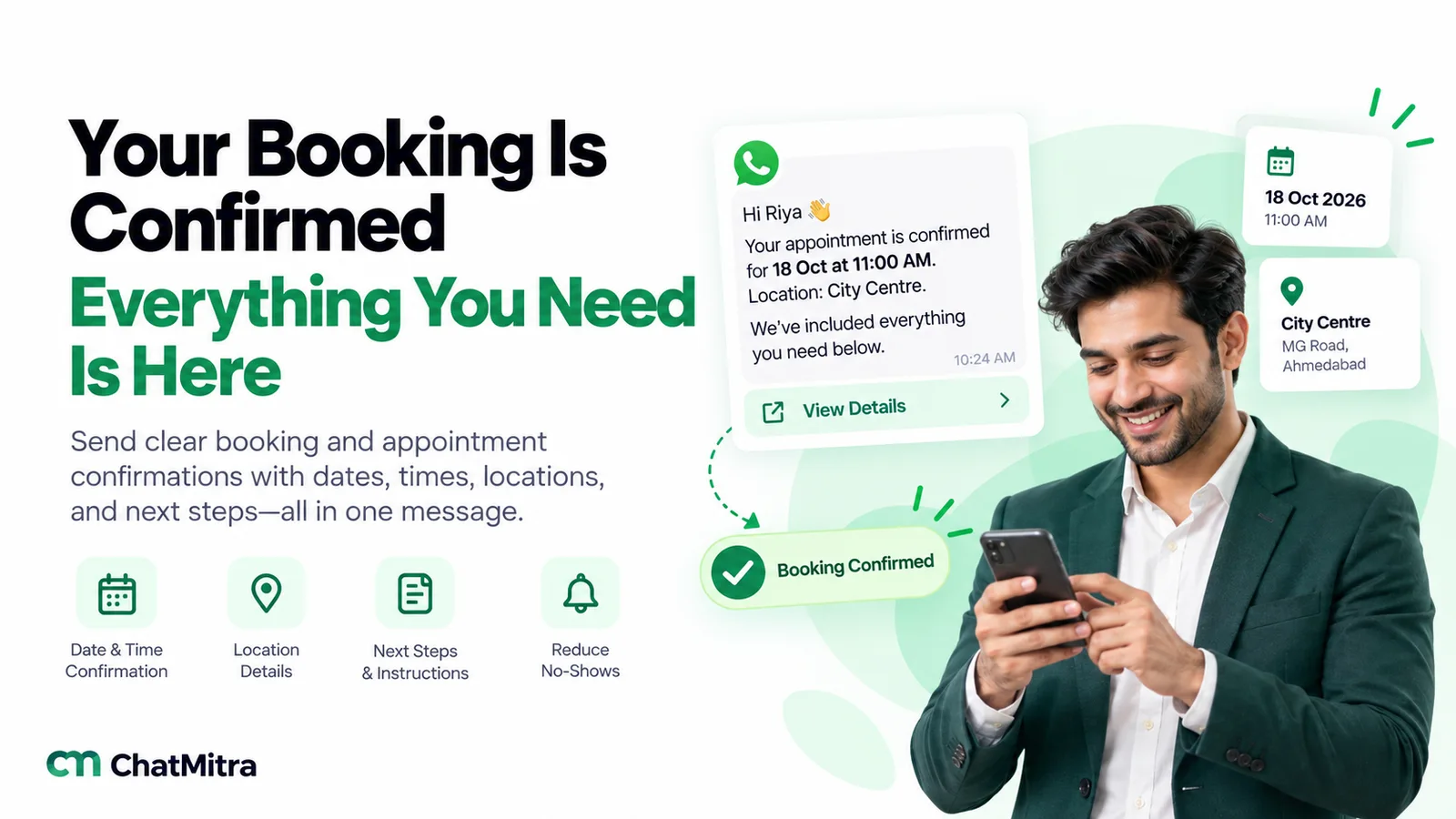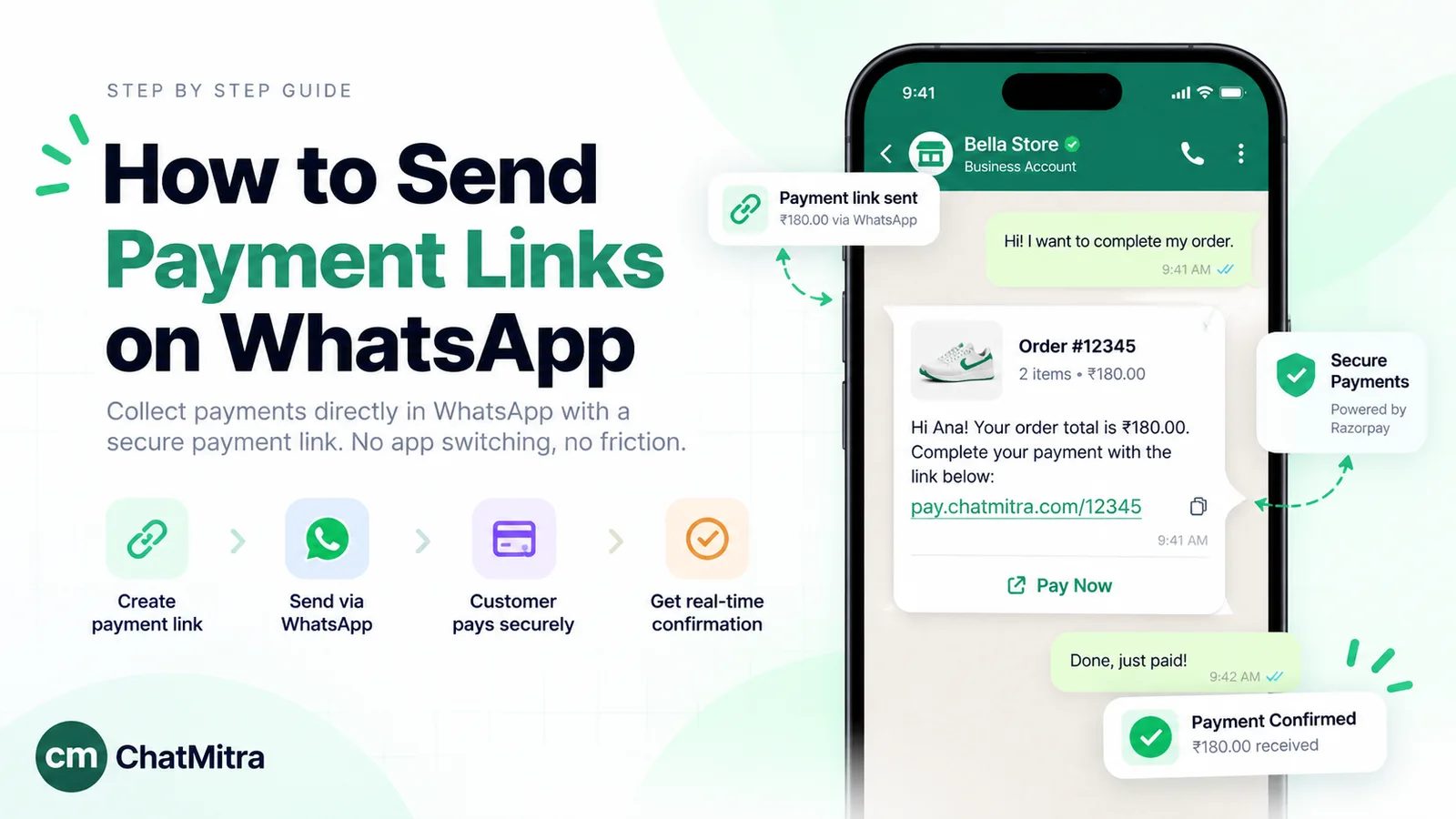
WhatsApp templates for restaurants are pre-approved messages a restaurant, café or cloud kitchen sends when the guest hasn’t messaged in the last 24 hours: table booking confirmations, order and delivery updates, feedback requests, and offers. Meta approves each template and gives it a category, and the category sets the price. In India a utility template, such as “your order is out for delivery”, costs about ₹0.115, while a marketing template, such as a weekend special, costs about ₹0.8631.
Below are 20 templates written for dine-in restaurants, takeaway counters, cloud kitchens and cafés. They’re grouped by the moment you’d send them: around a table booking, during an order, after the meal, and when you want a guest back. Each one shows its likely category, the variables to fill in and the buttons to add. Copy them, adjust the wording to sound like your place, and submit them for approval.
Using ChatMitra? Create each template under Templates, then send it one of three ways: one at a time from the inbox, as a campaign to a tagged group of guests, or automatically from a Google Sheet (“Row Added” for a new booking or order, “N Days Before a Date” for reminders). ChatMitra’s template library already includes a “Food delivered” utility template with a feedback button. Jump to sending restaurant templates with ChatMitra.
All 20 templates at a glance
| # | Template | When to send | Likely category | Meta cost per send (India) |
|---|---|---|---|---|
| 1 | Table booking confirmation | Right after the booking | Utility | ₹0.115 |
| 2 | Same-day booking reminder | Morning of the booking | Utility | ₹0.115 |
| 3 | Your table is ready (waitlist) | When the table frees up | Utility | ₹0.115 |
| 4 | Restaurant-side change | As soon as you know | Utility | ₹0.115 |
| 5 | Group booking deposit received | After the deposit | Utility | ₹0.115 |
| 6 | Order confirmed | Right after the order | Utility | ₹0.115 |
| 7 | Payment link for an order | With the order total | Utility | ₹0.115 |
| 8 | Ready for pickup | When the bag is packed | Utility | ₹0.115 |
| 9 | Out for delivery | When the rider leaves | Utility | ₹0.115 |
| 10 | Delivery running late | When the delay is known | Utility (no coupon) | ₹0.115 |
| 11 | Item unavailable | Before cooking starts | Utility | ₹0.115 |
| 12 | Order cancelled and refund | After cancelling | Utility | ₹0.115 |
| 13 | Delivered, with feedback | 30–60 minutes after delivery | Utility | ₹0.115 |
| 14 | Dine-in feedback | Evening of the visit | Utility | ₹0.115 |
| 15 | Review request | After good feedback | Utility (no incentive) | ₹0.115 |
| 16 | Loyalty points balance | After each bill | Utility | ₹0.115 |
| 17 | Weekend special or new menu | Thursday or Friday | Marketing | ₹0.8631 |
| 18 | Festival menu and pre-orders | 1–2 weeks before the festival | Marketing | ₹0.8631 |
| 19 | Birthday or anniversary offer | Before the date | Marketing | ₹0.8631 |
| 20 | We miss you | After a long gap | Marketing | ₹0.8631 |
Rates are from Meta’s India rate card effective 1 October 2026 (Meta: pricing). “Likely” because Meta makes the final call when it approves the template.
Four rules before you copy anything
1. The category depends on what the message does, not what you call it. Meta treats a template as utility only when it’s non-promotional and also tied to something the customer did, such as their booking or order, or is critical to them. Order-management templates “should not promote, recommend, upsell or cross-sell products; include offers; or attempt to secure renewals” (Meta: template categorisation). An order update with a promo, or a feedback survey with an offer, is “mixed content” and counts as marketing. Since April 2025, Meta approves a wrongly submitted template under the category it thinks is right, so a disguised promotion simply gets the marketing price. Our explainer on marketing, utility and authentication messages covers the categories in depth.
2. Apologies with compensation are marketing. This catches a lot of restaurants. Meta’s own list of marketing examples includes “We apologize for the delay in your delivery. We have deposited a credit to your account.” Send the delay notice on its own (template 10). If you want to make it up to the guest, do it in the chat they reply to, or with a separate marketing template.
3. Promotions need an opt-in that names your restaurant. WhatsApp lets you message people who gave you their number and agreed to hear from you. Meta’s opt-in rules add that the person must be told they’re opting in to messages from your business, and the business must be named (Meta: getting opt-in). A guest who orders by WhatsApp has asked for messages about that order. Weekend specials, birthday offers and festival menus need a separate yes. Our WhatsApp opt-in guide has wording you can use.
4. Write templates the way Meta reviews them. Bodies that start or end with a variable, variables out of order, too many variables for the text, or symbols such as #, $ or % inside a variable get rejected (Meta: template review). Each variable also needs a sample value. That’s why the templates below say “order {{2}}” rather than “order #{{2}}”, and why every body ends with words, not a placeholder. If one is rejected anyway, our guide to why WhatsApp templates get rejected shows how to read Meta’s reason and fix it.
Templates for table bookings
These cover dine-in, from the moment a guest books to the moment they sit down. They’re utility as long as they’re about the guest’s own booking and carry no offer.
1. Table booking confirmation
Hi {{1}}, your table for {{2}} at {{3}} is confirmed for {{4}}. We’ll hold it for 15 minutes after that time. Use the buttons below if your plans change.
Buttons: Quick reply “Change booking” · Quick reply “Cancel” · URL “Get directions”
Variables: guest name, number of guests, branch, date and time. Saying how long you hold the table prompts late guests to tell you. A guest who booked by WhatsApp is already in an open chat, so a typed confirmation is enough; the template is for phone, website and walk-in bookings. For more confirmation wording across industries, see our booking confirmation messages.
2. Same-day booking reminder
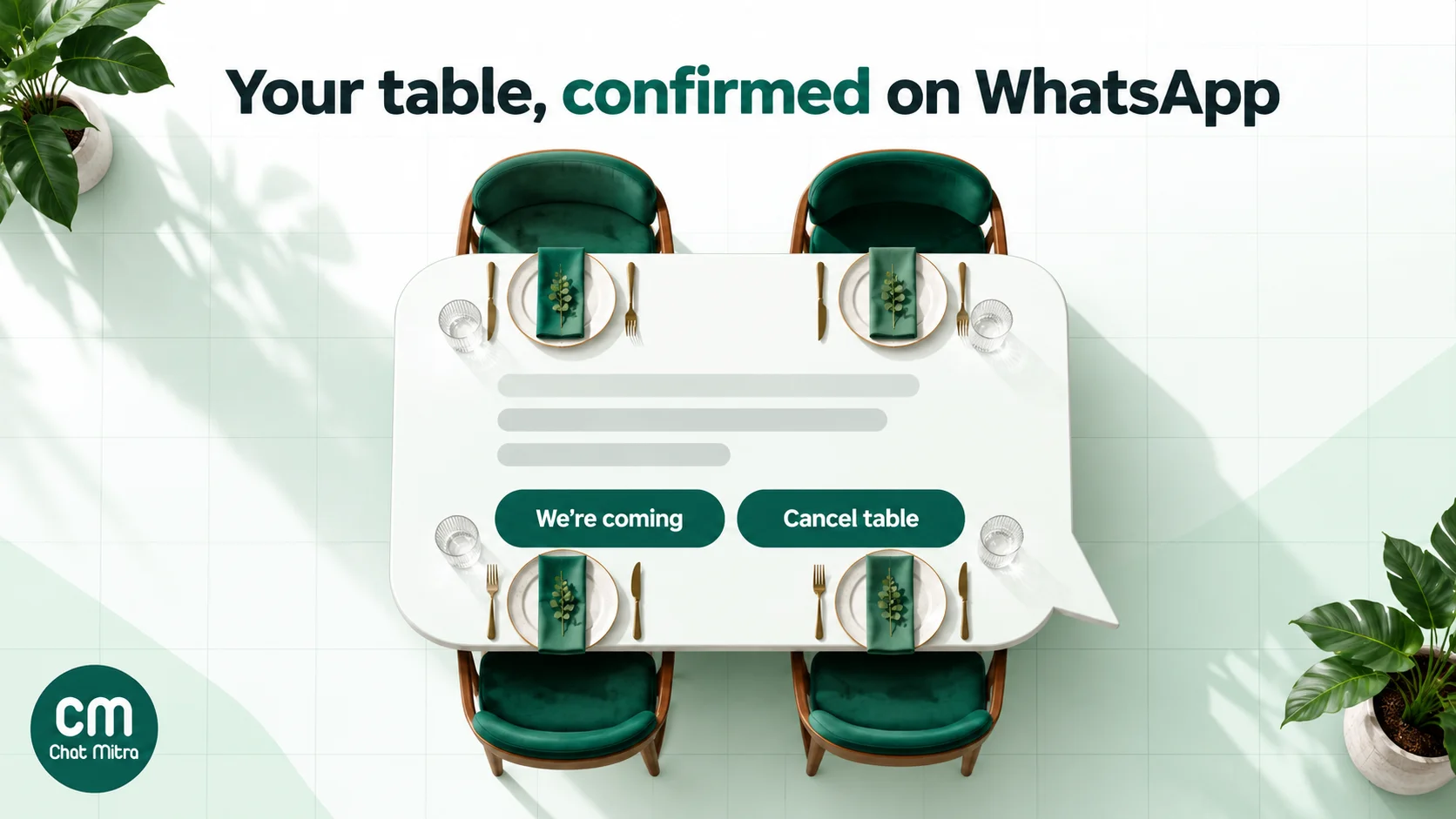
Hello {{1}}, this is a reminder of your table for {{2}} today at {{3}}. Please tap a button so we know whether to keep it for you.
Buttons: Quick reply “We’re coming” · Quick reply “Cancel table”
Send it in the morning for dinner, or a few hours ahead for lunch. A “Cancel table” tap that frees a Friday-night table is worth far more than the message. Any button tap opens a 24-hour chat for your reply. Our reminder message guide covers timing in more detail.
3. Your table is ready (waitlist)
Hi {{1}}, your table for {{2}} is ready at {{3}}. Please come to the host desk within 10 minutes, or tap below if you need a little longer.
Buttons: Quick reply “On my way” · Quick reply “Need 10 more minutes” · Quick reply “Leave the list”
It’s utility because the guest asked to join the waitlist. Cheaper still: a QR code at the door that opens a chat. The guest sends “Join waitlist”, and a typed message can tell them their table is ready.
4. Restaurant-side change
Hello {{1}}, we’re sorry, but we have to change your booking for {{2}} because {{3}}. We can seat you at {{4}} instead. Please choose an option below.
Buttons: Quick reply “New time is fine” · Quick reply “Another day” · Quick reply “Cancel”
Use it for a private event, a kitchen problem, a power cut or a closure. Send it as soon as you know, with the reason in plain words. Keep offers out; mention a complimentary dessert when the guest replies.
5. Group booking deposit received
Hi {{1}}, we’ve received your deposit of {{2}} for the group booking of {{3}} guests on {{4}}. Your table and set menu are now secured. Keep this message as your receipt.
Buttons: URL “View booking”
For birthday dinners, office parties and set-menu bookings. Write the amount as a sample like “₹5,000” in the variable rather than with symbols such as #.
Templates for takeaway and delivery orders
These are for orders that come to you directly, through your website, your own ordering page, a phone call or WhatsApp itself. Each one refers to a specific order, which is what keeps it in the utility band. Our general order confirmation messages guide has more wording for online stores.
6. Order confirmed
Hi {{1}}, thank you for your order {{2}}: {{3}}. The total is {{4}}, and it’ll be ready in about {{5}} minutes. Reply here if anyone has a food allergy we should know about.
Buttons: Quick reply “Looks right” · Quick reply “Change order”
Variables: name, order number, items, total, preparation time. Listing the items catches mistakes before they reach the kitchen. The allergy line invites the guest to tell you without promising anything; that conversation belongs with your staff.
7. Payment link for an order
Hello {{1}}, your order {{2}} comes to {{3}}. Please pay using the button below so we can start preparing it. The link is valid for {{4}} minutes.
Buttons: URL “Pay now” (the URL ends in a variable holding the payment link ID)
Create the link in your payment gateway, then put its ID in the button variable. A payment request for an order the guest has placed is order management, so it’s utility. Our guide to sending payment links on WhatsApp explains how to set up the button. If you take cash on delivery and want more prepaid orders, the same idea is covered in converting COD orders to prepaid.
8. Ready for pickup
Hi {{1}}, your order {{2}} is packed and waiting at the {{3}} counter. Please show this message when you collect it.
Buttons: URL “Get directions”
For takeaway and drive-in collection. If the guest placed the order in a WhatsApp chat in the last 24 hours, a typed message is enough.
9. Out for delivery
Hello {{1}}, your order {{2}} has left our kitchen with {{3}}, who will reach you in about {{4}} minutes. You can call the rider on {{5}} if you need to.
Buttons: URL “Track order”
Variables: name, order number, rider’s name, ETA, rider’s contact number. If your delivery partner gives you a masked number or a tracking link, use those instead of the rider’s own phone.
10. Delivery running late
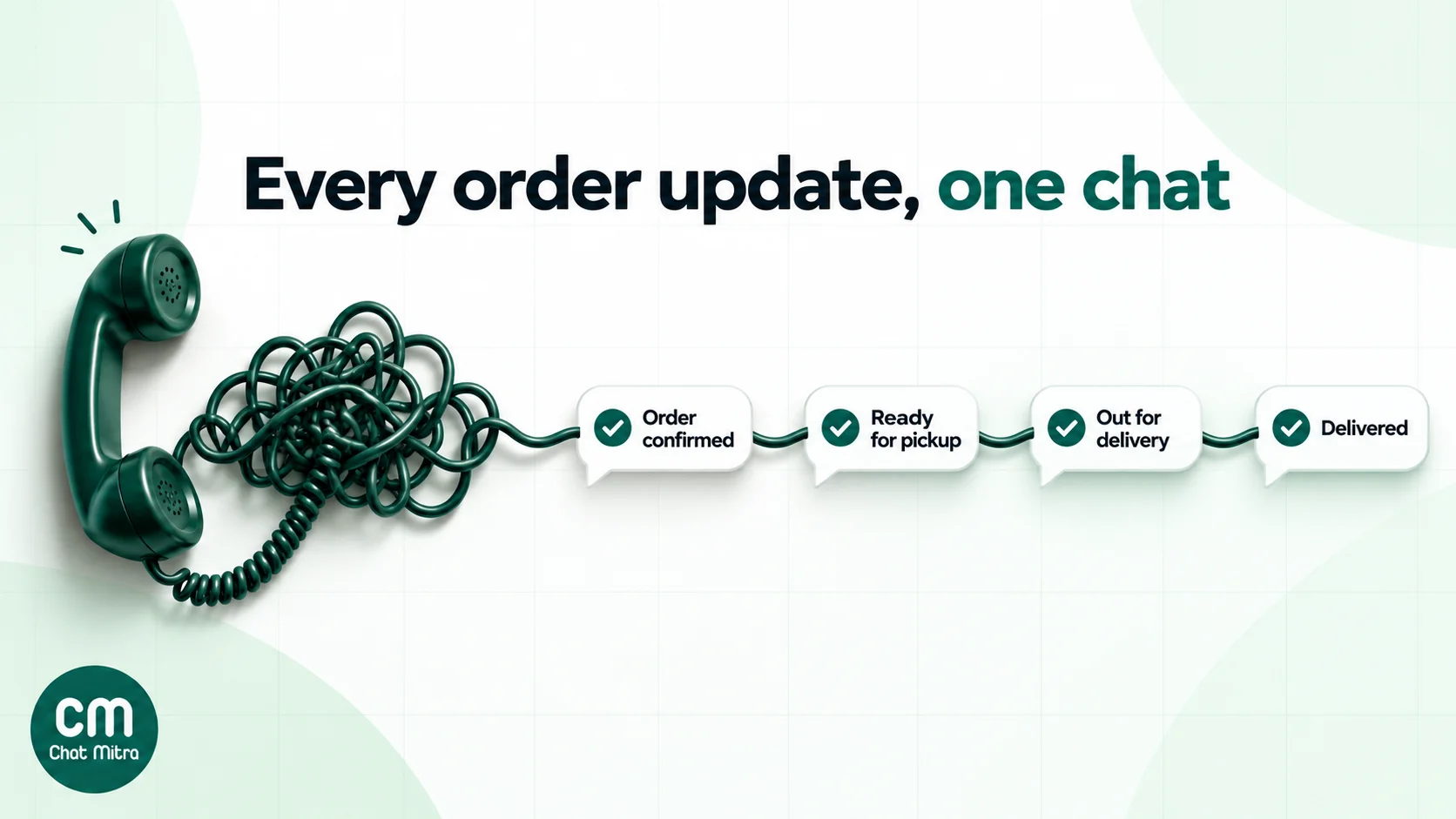
Hi {{1}}, we’re sorry, your order {{2}} is running about {{3}} minutes late because {{4}}. It’s on its way, and we’ll message you again if anything changes.
Buttons: Quick reply “OK, thanks” · Quick reply “Call me”
Say why: heavy rain, a traffic jam, a large order ahead of theirs. Leave out compensation; as rule 2 explains, a credit or coupon makes this a marketing template.
11. Item unavailable
Hello {{1}}, we’ve just run out of {{2}} from your order {{3}}. We can replace it with {{4}} at no extra cost, or remove it and refund the difference. Please choose below.
Buttons: Quick reply “Replace it” · Quick reply “Remove and refund” · Quick reply “Call me”
Send it before the kitchen starts cooking, and offer a like-for-like swap. Suggesting a pricier dish turns it into an upsell, which is marketing. For more stock-out wording, see our out of stock message guide.
12. Order cancelled and refund
Hi {{1}}, your order {{2}} has been cancelled. A refund of {{3}} has been started to your original payment method and should arrive within {{4}} working days.
Buttons: URL “Refund details”
State the refund amount and time frame your gateway gives you, not a faster one you hope for.
13. Delivered, with feedback
Hi {{1}}, we hope you’re enjoying your order {{2}}. How was the food and the delivery? Tap a rating below; it takes a second and helps our kitchen.
Buttons: Quick reply “Loved it” · Quick reply “It was OK” · Quick reply “Something went wrong”
Feedback on a specific order is utility. Meta asks for that specificity: “A general/generic survey or request for feedback” is not utility. Send it 30 to 60 minutes after delivery, when the meal is fresh in their mind. Reply to every “Something went wrong” by a person, within the hour if you can. ChatMitra’s built-in “Food delivered” template is a ready-made version with a “Give Feedback” link button.
Templates for after the meal
14. Dine-in feedback
Hello {{1}}, thank you for dining at {{2}} today. How was your meal and the service? Your answer goes straight to our manager.
Buttons: Quick reply “Excellent” · Quick reply “Good” · Quick reply “Could be better”
Send it the evening of the visit, not the next morning. Our guide to asking customers for feedback has more question formats and timing.
15. Review request
Hi {{1}}, thank you for the kind words about your visit to {{2}}. If you have a minute, a short review on Google helps other food lovers find us. The button below opens our page.
Buttons: URL “Write a review”
Send it only to guests who tapped “Excellent” or “Loved it”, and never offer a reward. Google’s policies don’t allow incentives for reviews, and a reward also turns the template into marketing. Our Google reviews guide explains how to get your review link.
16. Loyalty points balance
Hi {{1}}, thank you for your visit to {{2}}. You earned {{3}} points on this bill, and your balance is now {{4}} points.
Buttons: URL “See my points”
A plain balance update is about the guest’s account, so it’s likely utility. Meta’s utility rules exclude anything that tries to upsell or “secure renewals”, so leave out “redeem before Sunday” and “double points this week”. Those lines belong in a marketing template.
Templates to bring guests back
These are marketing templates. Send them only to guests who opted in, and give them an easy way to stop.
17. Weekend special or new menu
Hello {{1}}, this weekend at {{2}} we’re serving {{3}}. Book a table or order ahead with the buttons below.
Buttons: Quick reply “Book a table” · URL “See the menu” · Quick reply “Stop offers”
Add an image header of the dish; a good photo does more than any adjective. Send it on Thursday or Friday, when guests plan their weekend.
18. Festival menu and pre-orders
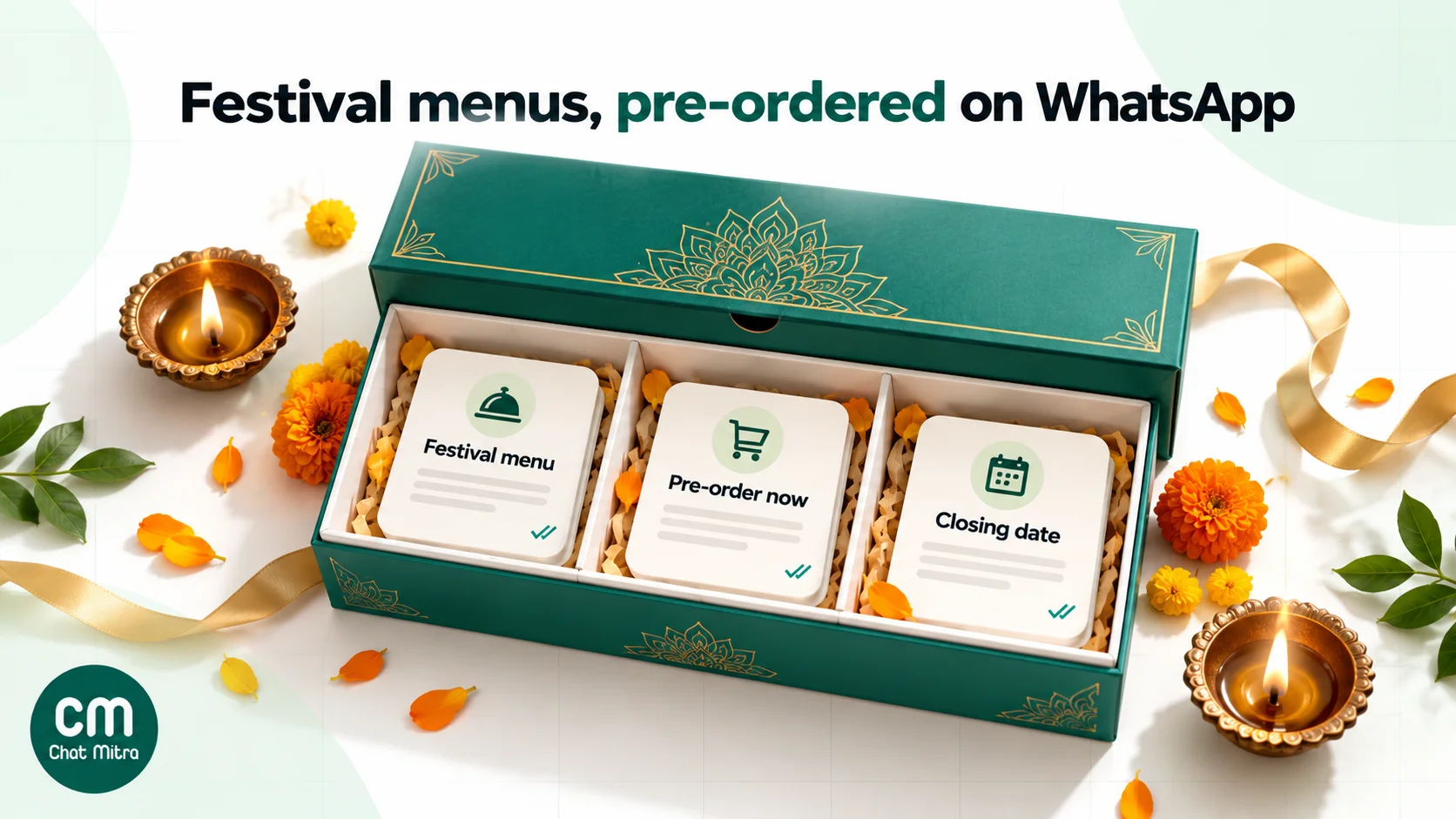
Hi {{1}}, our {{2}} menu at {{3}} is ready, with {{4}}. Pre-orders close on {{5}}, so tap below to book your order or a table.
Buttons: URL “Pre-order now” · Quick reply “Book a table” · Quick reply “Stop offers”
Works for Diwali sweets boxes, Eid feasts, Christmas cakes, Navratri thalis and New Year’s Eve dinners. Make the festival and the closing date variables, so the same approved template works all year. For festive greetings without an offer, see our Diwali and Navratri wishes.
19. Birthday or anniversary offer
Happy birthday in advance, {{1}}! Celebrate at {{2}} any day this week and the dessert is on us. Show this message when you order.
Buttons: Quick reply “Book a table” · Quick reply “Stop offers”
Meta treats birthday greetings as marketing even without an offer. Send it a few days early, so the guest can plan a dinner. Collect birthdays only with consent, for example in your loyalty sign-up.
20. We miss you
Hi {{1}}, it’s been a while since your last meal at {{2}}. Our new {{3}} menu is out, and we’d love to cook for you again.
Buttons: URL “See the menu” · Quick reply “Book a table” · Quick reply “Stop offers”
Send it to guests who haven’t ordered in, say, 60 days, and only once. If they don’t reply, don’t chase.
Can you message Swiggy and Zomato customers?
Not on the strength of an aggregator order alone. Food apps have long masked customer numbers, which the National Restaurant Association of India has argued against for years. In November 2025, Zomato began piloting an in-app prompt asking customers whether to share their phone number with restaurants for marketing and promotional messages (Outlook Business, 20 November 2025). Check the terms your aggregator gives you today. Even a shared number is not automatically a WhatsApp opt-in, which must name your restaurant.
The cleaner route is to give guests a reason to message you first:
- A QR code or link on the packaging and table tents. “Scan to order direct, get order updates and this week’s specials on WhatsApp.” Make your link with the free WhatsApp chat link generator and your code with the QR code generator.
- Ask for the opt-in in the first chat. “Would you like our weekend specials on WhatsApp? Reply Yes.” Record the answer as a tag.
- Keep order updates and promotions apart. A guest who ordered once agreed to updates about that order, not to a weekly menu.
Why orders that start in chat cost less
The pricing rules reward restaurants whose guests message first:
- Typed replies in the 24-hour window are service messages. When a guest messages you, a 24-hour customer service window opens, and your ordinary replies (menu, prices, order summary, address questions) are service messages. Each number gets 1,000 free a month, then each one costs ₹0.115.
- Utility templates in an open window are no longer free. Since 1 October 2026, Meta charges utility templates even when the guest’s window is open. Inside the window, a typed message does the same job for less.
- Ads that click to WhatsApp open a free window. If a guest arrives from a Click-to-WhatsApp ad on a phone, and you reply in time, Meta charges nothing for messages in that free entry point window, templates included. Our WhatsApp ads guide explains how it works.
Write them in your guests’ language
A dhaba in Ludhiana and a café in Chennai don’t write the same way. Meta supports templates in all major Indian languages, but each language is a separate template, submitted and approved on its own. Here’s template 1 in Hindi:
नमस्ते {{1}}, {{2}} लोगों के लिए आपकी टेबल {{3}} पर {{4}} के लिए बुक हो गई है। योजना बदले तो नीचे दिए बटन का उपयोग करें।
Buttons: Quick reply “बुकिंग बदलें” · Quick reply “रद्द करें”
Fill the variables in the same script. If a guest’s name is saved in English letters, send them the English template, or store the name in Devanagari for the Hindi one.
What these templates cost: a worked month
The volumes below are assumptions to show the arithmetic, not benchmarks. Take a restaurant in Pune with a dine-in floor and a delivery kitchen, on ChatMitra’s Pro plan (₹999 a month, which includes 1,000 conversation credits) because it uses keyword auto-replies for the menu.
| Messages | Volume | Meta (India) | ChatMitra conversations |
|---|---|---|---|
| Typed replies while taking 1,200 chat orders (about 3 per order; first 1,000 free) | 3,600 | ₹299.00 | 1,200 |
| ”Out for delivery” for the same orders (utility, same 24 hours) | 1,200 | ₹138.00 | 0 |
| Table booking confirmations for phone bookings (utility) | 300 | ₹34.50 | 300 |
| Same-day reminders (utility) | 300 | ₹34.50 | 300 |
| Feedback after dine-in and delivery (utility, next 24 hours) | 600 | ₹69.00 | 600 |
| Two weekend-special campaigns to 1,500 opted-in guests (marketing) | 3,000 | ₹2,589.30 | 3,000 |
| Birthday offers (marketing) | 120 | ₹103.57 | 120 |
| Total | ₹3,267.87 | 5,520 |
ChatMitra’s side is the ₹999 plan plus ₹0.20 for each of the 4,520 conversations beyond the 1,000 included, which is ₹904. The month comes to ₹5,170.87, or about ₹4.31 per chat order if you charge the whole bill to the 1,200 orders. Three things stand out:
- Promotions are 82% of Meta’s charges. The two marketing rows cost ₹2,692.87 of the ₹3,267.87 Meta bill. Every message about an existing booking or order costs paise. If the bill feels high, send the weekend special to fewer, more engaged guests before you cut a single order update.
- The ₹0.20 is charged once per guest per 24 hours. The “out for delivery” message adds nothing to ChatMitra’s fee because the guest already had a conversation that day. A long chat about a party menu costs the same ₹0.20 as a one-line confirmation.
- Pro fits this size. Enterprise (₹2,499 a month) removes the ₹0.20 fee but beats Pro only above about 8,500 conversations a month.
To try your own numbers, use the WhatsApp pricing calculator.
Sending restaurant templates with ChatMitra
Checked against the product in October 2026:
| Need | ChatMitra feature | Plan |
|---|---|---|
| Create and submit templates | Templates: Utility or Marketing, text, image, video or document header, up to 10 buttons (quick replies, up to 2 URL buttons, 1 phone button), numbered variables | All plans |
| A ready-made delivery template | Template library: “Food delivered” with a “Give Feedback” URL button | All plans |
| Booking confirmations and reminders from a sheet | Google Sheets automation: “Row Added” and “N Days Before a Date”, with variables mapped from sheet columns | All plans |
| Birthday offers | Sheets automation “Birthday Today” | All plans |
| Weekend specials and festival menus | Campaigns with include and exclude tags, custom fields from CSV import, fallback values, scheduling, and retargeting by delivered, read or failed | All plans |
| Personal links (payment, tracking, booking) | URL button ending in a variable | All plans |
| Menu and timings replies, after-hours message | Auto Reply keyword rules and an away message | Pro |
| Your ordering system or POS sends the updates | Developer API and webhooks | Pro |
Good to know:
- No in-chat payments yet. Send payment links from your gateway with template 7.
- No ready-made POS integration. Connect your ordering system through the developer API, or log orders in a Google Sheet.
- Sheet date triggers repeat yearly. They match the day and month only, so archive old booking rows after the date passes.
- Use a “Get directions” URL button instead of a location header. It’s simpler for guests to tap and works in every template.
- Exclude opted-out guests yourself. Tag guests who tap “Stop offers” and exclude that tag from every campaign. ChatMitra’s campaigns don’t yet remove marketing opt-outs automatically.
Why restaurants choose ChatMitra
| ChatMitra advantage | What it means for a restaurant | How it compares |
|---|---|---|
| Free Starter plan with templates, campaigns and Sheets automation | Booking confirmations, reminders and birthday offers without a subscription | Meta’s template rates are the same on every provider; the provider’s fee is what differs |
| Meta’s rates at cost, no markup | An order update costs ₹0.115 from Meta, nothing added | Check whether a provider adds a margin on Meta’s rates |
| ₹0.20 per conversation, not per message | Five updates on one order in a day cost one conversation | Per-message fees add up on busy order days |
| Pro at ₹999 includes 1,000 conversation credits | Auto-replies for the menu and timings, plus the API for your ordering system | Compare what other providers charge for automation and API access |
| Enterprise (₹2,499 a month) removes the ₹0.20 fee | High-volume kitchens pay one fixed fee | Cheaper than Pro above about 8,500 conversations a month |
Plans are on the pricing page. For the wider business case, see WhatsApp for restaurants.
Mistakes that get restaurant templates rejected or ignored
- A coupon in an order update. “Your order is on its way. Use FOOD10 next time!” turns a ₹0.115 utility template into a ₹0.8631 marketing one.
- A body that’s all placeholders. “Hi {{1}}, {{2}} {{3}} {{4}}” tells Meta nothing, and it gets rejected or treated as marketing.
- Daily offers. Guests mute or block a restaurant that messages them every day, and Meta limits how many marketing templates one person gets.
- Messaging aggregator customers who never opted in. It breaks WhatsApp’s policy, and the blocks lower your number’s quality rating.
- Mixing Hindi and English in one template. Submit each language separately.
Where to start
Start with the templates that protect money you already make: the booking confirmation (1), the same-day reminder (2), the order confirmation (6) and the out-for-delivery update (9). Get them approved and send them for a month. Then add the delay, stock-out and feedback templates (10, 11 and 13). Only then turn to the marketing templates, starting with a weekly special for guests who’ve said yes.
ChatMitra’s Starter plan is free and includes templates, campaigns and Sheets automation. Pro adds auto-replies and the API, with a 15-day free trial.
Sources: Meta for Developers: template categorisation (updated 15 September 2026), template review, per-user marketing limits, pricing (updated 30 September 2026; India rate card effective 1 October 2026), getting opt-in (updated 16 June 2026). WhatsApp Business Messaging Policy. Outlook Business on Zomato's data-sharing pilot (20 November 2025). ChatMitra product behaviour as checked in ChatMitra's code and pricing page (October 2026).