A salon’s WhatsApp templates are the messages Meta approves in advance so you can contact clients outside an open chat: booking confirmations, reminders, aftercare notes, rebooking nudges and offers. Meta approves each one and puts it in a category, and the category decides the price. In India, a utility template such as a reminder costs about ₹0.115, while a marketing template such as a birthday offer costs about ₹0.8631.
Below are 16 templates written for hair salons, beauty parlours, nail studios and spas, grouped by when you’d send them. Each one shows its likely category, the variables to fill and the buttons to add. Copy them, change the wording to sound like you, and submit them for approval. If you need the full booking journey, from inviting a client to booking to handling a no-show, our appointment booking templates guide covers it step by step.
Using ChatMitra? Create each template under Templates, then send it three ways: one at a time from the inbox, as a campaign to a tagged group of clients, or automatically from your bookings sheet with Google Sheets automation (“Row Added” for confirmations, “N Days Before a Date” for reminders). ChatMitra’s own template library already has a salon appointment reminder with “I will attend” and “Reschedule” buttons. Jump to sending salon templates with ChatMitra.
All 16 templates at a glance
| # | Template | When to send | Likely category | Meta cost per send (India) |
|---|---|---|---|---|
| 1 | Booking confirmation | Right after booking | Utility | ₹0.115 |
| 2 | Day-before reminder | The day before | Utility | ₹0.115 |
| 3 | Preparation note | 1–2 days before | Utility | ₹0.115 |
| 4 | Skin test reminder (colour) | Before the colour appointment | Utility | ₹0.115 |
| 5 | Salon-side change | As soon as you know | Utility | ₹0.115 |
| 6 | Waitlist slot open | When a slot frees up | Utility | ₹0.115 |
| 7 | Advance payment received | After payment | Utility | ₹0.115 |
| 8 | Aftercare note | Evening of the visit | Utility | ₹0.115 |
| 9 | Visit feedback | Same day or next day | Utility | ₹0.115 |
| 10 | Review request | After good feedback | Utility (no incentive) | ₹0.115 |
| 11 | Package or membership balance | After each session | Utility | ₹0.115 |
| 12 | Rebooking nudge | On the client’s usual cycle | Marketing | ₹0.8631 |
| 13 | Membership renewal | Before expiry | Marketing | ₹0.8631 |
| 14 | Birthday greeting and offer | On the birthday | Marketing | ₹0.8631 |
| 15 | Festive or wedding-season offer | Ahead of the season | Marketing | ₹0.8631 |
| 16 | We miss you | After a long gap | Marketing | ₹0.8631 |
Rates are from Meta’s India rate card effective 1 October 2026 (Meta: pricing). The category is “likely” because Meta, not you, makes the final call at approval.
Three rules to know before you copy
1. Meta decides the category, and offers make anything marketing. A template is utility only if it’s non-promotional and also tied to the client’s own booking, account or transaction, or is critical to them. “Templates with mixed content”, such as an update with a promotion or a feedback survey with an offer, are marketing (Meta: template categorisation). Since April 2025, a template you submit as utility that Meta judges to be marketing is approved as marketing. Meta’s own examples put birthday greetings and “renew today” messages in marketing. Our explainer on marketing, utility and authentication messages covers the categories in more depth.
2. Promotions need opt-in. WhatsApp’s Business Messaging Policy allows messages only to people who gave you their number and agreed to hear from you. A client who books by WhatsApp has asked for messages about that booking. Offers, birthday wishes and rebooking nudges need a separate yes. Ask at the front desk or in the booking chat (“Can we send you offers and reminders for your next visit on WhatsApp?”), and record the answer. Our opt-in guide has more wording.
3. Write templates the way Meta reviews them. Meta’s review guidelines reject templates whose body starts or ends with a variable, has variables out of order, has too many variables for its length, or puts symbols such as #, $ or % inside a variable (Meta: template review). You also have to give a sample value for each variable. Every template below keeps variables mid-sentence and in order. Don’t hard-code things that change, such as a percentage or a deadline, unless the template is for one campaign only.
Before the visit
These are utility templates when they’re about a booking the client has made. Keep them free of offers.
1. Booking confirmation
Hi {{1}}, your {{2}} with {{3}} is confirmed for {{4}} at our {{5}} salon. Please arrive 10 minutes early. Use the buttons below if you need to change anything.
Buttons: Quick reply “Reschedule” · Quick reply “Cancel” · URL “Get directions”
Variables: client name, service, stylist or therapist, date and time, branch. Naming the stylist matters more in a salon than in most businesses: clients book people, not slots.
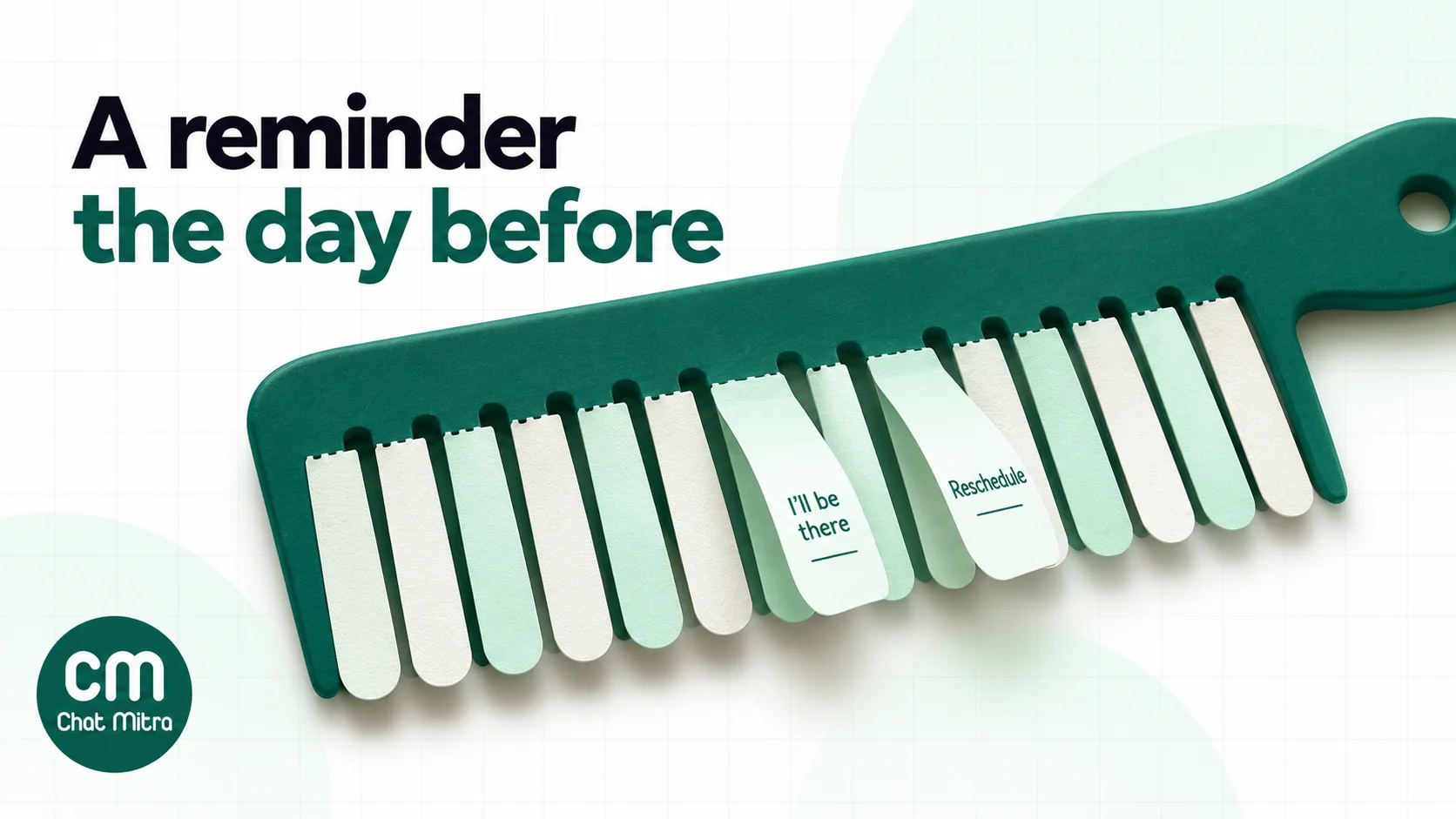
2. Day-before reminder
Hello {{1}}, a reminder that your {{2}} is booked for tomorrow at {{3}} with {{4}}. Please tap a button to confirm or change your appointment.
Buttons: Quick reply “I’ll be there” · Quick reply “Reschedule”
Say “tomorrow” in the text only if you always send it the day before; otherwise use a date variable instead. If you charge a late-cancellation fee, send the reminder before that window starts so the client can still move the booking.
3. Preparation note
Hi {{1}}, your {{2}} is on {{3}}. To get the best result, please {{4}}. Reply here if you have any questions before your visit.
Buttons: Quick reply “Got it” · Quick reply “I have a question”
Use the variable for the service’s instruction: “come with clean, dry hair”, “arrive 15 minutes early to change”, “avoid waxing the area for a week before”. Keep instructions practical. Anything medical, such as a skin condition or allergy, belongs in a conversation with your therapist, not in a template.
4. Skin test reminder for colour services
Hi {{1}}, your colour appointment is on {{2}}. Before then we need a quick skin test for {{3}}. Please pop in on {{4}} so we can do it before your visit.
Buttons: Quick reply “Book a time” · Quick reply “Already done”
If your salon does allergy tests before colouring, follow the timing in your colour brand’s instructions and fill it in through the date variable. It’s a utility message because it’s about a service the client has booked.
5. Salon-side change
Hello {{1}}, we’re sorry, but {{2}} is unavailable for your {{3}} on {{4}}. We can move you to {{5}} or another stylist at the same time. Please choose below.
Buttons: Quick reply “New time” · Quick reply “Other stylist” · Quick reply “Cancel”
Send it as soon as you know. A client who hears at the door that their stylist is off rarely comes back.
6. Waitlist slot open
Hi {{1}}, you asked to be told if a {{2}} slot opened up. One is free on {{3}} with {{4}}. Tap below to take it before it goes to the next person on the list.
Buttons: Quick reply “Book it” · Quick reply “Not this time”
This is utility only for clients who asked to join the waitlist. Sending “slots available today” to everyone is a marketing broadcast.
7. Advance payment received
Hello {{1}}, we’ve received your advance of {{2}} for your {{3}} on {{4}}. Your booking is now secured. Keep this message as your receipt.
Buttons: URL “View receipt”
Useful for bridal packages, spa days and long treatments that you hold with a deposit. Put the amount in a variable, not a symbol: “₹2,000” is safer as a sample than “#2000”.
After the visit
8. Aftercare note
Hi {{1}}, thank you for visiting today. For your {{2}}, please {{3}} for the next few days. Message us here if anything doesn’t feel right.
Buttons: Quick reply “Thanks” · Quick reply “I have a question”
Aftercare is utility because it’s specific to the service the client just had. Keep it to care instructions you’d give at the desk anyway, such as “use a sulphate-free shampoo” after a keratin treatment or “avoid hot showers” after a wax. Don’t recommend products to buy in the same template, or it becomes marketing.
9. Visit feedback
Hello {{1}}, how was your {{2}} with {{3}} today? Your answer goes straight to our salon manager.
Buttons: Quick reply “Loved it” · Quick reply “It was okay” · Quick reply “Not happy”
Meta’s guidelines say feedback requests are utility when they’re about a specific visit, and that “a general/generic survey or request for feedback will not be approved as utility”. Name the service and the date. Reply to every “Not happy” the same day, in person if you can.
10. Review request
Hi {{1}}, we’re glad you enjoyed your {{2}}. If you have a minute, would you share a review of our {{3}} salon? It helps other clients find us.
Buttons: URL “Write a review”
Send it to every client, or after the feedback template, but never offer a discount, free service or loyalty points in exchange. Google allows businesses to ask for reviews “without offering incentives” (our guide to asking for Google reviews has the details). A reward for a review breaks Google’s policy and would also make the template marketing.
11. Package or membership balance
Hello {{1}}, your session today has been recorded. You have {{2}} sessions left on your {{3}} package, valid until {{4}}. See you next time.
Buttons: Quick reply “Book next session”
Meta classes balance updates as utility as long as they “should not promote, recommend, upsell, or cross-sell products; include offers; or attempt to secure renewals”. So the balance message can’t also say “renew now and get two extra sessions”. Send that separately as template 13.
Bringing clients back
Everything in this section is marketing: there’s no booking behind it, and its purpose is a new visit or a sale. Meta’s guidelines say messages that recommend services or prompt a purchase are marketing “even if requested by users”. Send these only to clients who opted in, and less often than you think. Meta can hold back marketing templates from people who are “less likely to be receptive”, and clients can switch off offers from your business in WhatsApp (Meta: per-user marketing limits).
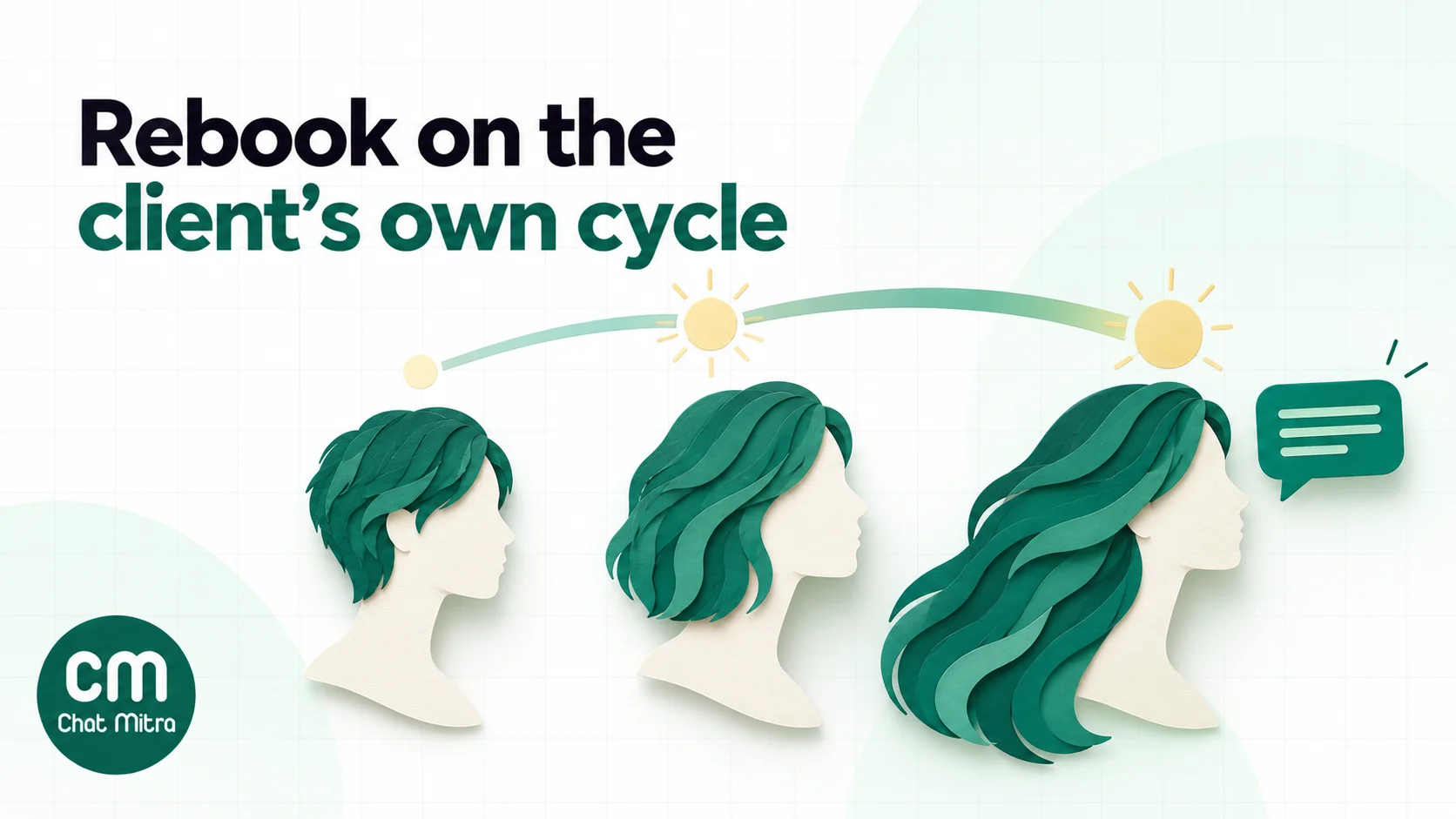
12. Rebooking nudge
Hi {{1}}, it’s been {{2}} since your last {{3}} with {{4}}. Would you like us to keep a slot for you this week?
Buttons: Quick reply “Yes, book me” · Quick reply “Not now” · Quick reply “Stop reminders”
Time it to the client, not the calendar. A client who has a cut every five weeks and one who comes twice a year shouldn’t get the same nudge on the same day. Work out each client’s usual gap from your booking history, store a “next visit due” date, and send a few days before it. The “Stop reminders” button lets clients opt out without having to type.
13. Membership renewal
Hello {{1}}, your {{2}} membership ends on {{3}}. Renew before then to keep your member prices on every visit. Tap below to see the renewal options.
Buttons: URL “Renew membership” · Quick reply “Talk to us”
Meta’s own example, “Your subscription will expire on {{date}}! Renew today”, is listed as marketing. Use a dynamic URL button that ends in the client’s membership ID so the link opens their own renewal page.
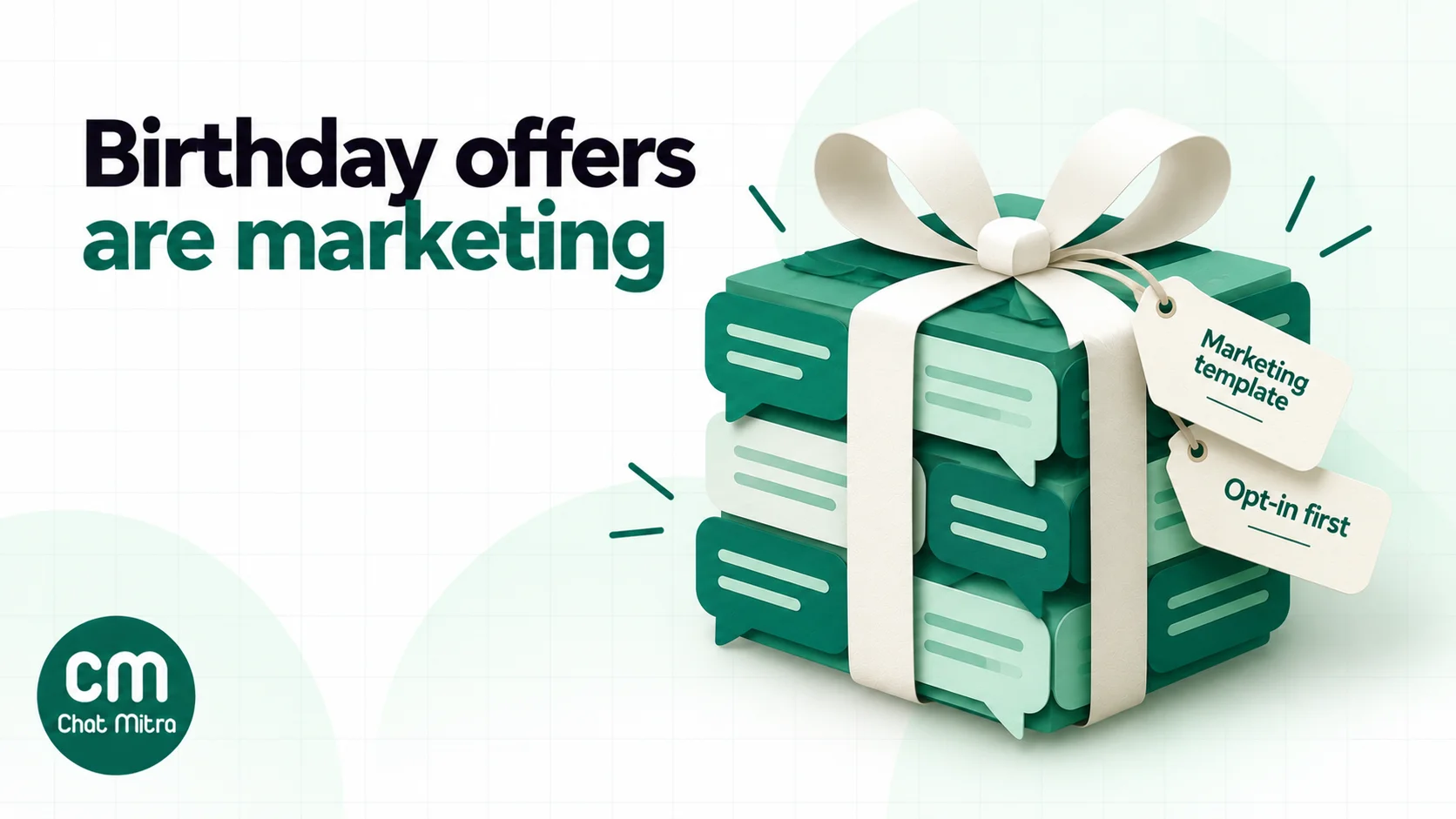
14. Birthday greeting and offer
Happy birthday, {{1}}! To celebrate, enjoy {{2}} on any service booked before {{3}}. Show this message at the desk or tap below to book.
Buttons: Quick reply “Book my treat” · Quick reply “Stop offers”
Even a birthday wish with no offer is marketing in Meta’s examples, so you might as well make it useful. Collect birthdays at the first visit, with the client’s permission, and keep the offer simple enough to explain in one line.
15. Festive or wedding-season offer
Hello {{1}}, {{2}} is coming up, and our {{3}} packages are now open for booking at {{4}}. Slots with senior stylists fill early, so tap below to see the details.
Buttons: URL “See packages” · Quick reply “Call me back” · Quick reply “Stop offers”
One template covers Diwali, Eid, Christmas, Onam, the wedding season or a spa’s monsoon menu, because the occasion and the package are variables. Add an image header with your real salon or packaging, not a stock photo.
16. We miss you
Hi {{1}}, we haven’t seen you since {{2}}, and we’d love to welcome you back to {{3}}. As a returning client, you get {{4}} on your next visit this month.
Buttons: Quick reply “Book a visit” · Quick reply “Stop offers”
Send it once, to clients who have been away well beyond their usual gap. If they don’t respond, stop. A second and third “we miss you” is how numbers get blocked and reported, which lowers your number’s quality rating.
Write them in your clients’ language
Many Indian salons have clients who would rather read Hindi, Marathi, Tamil or another language. Meta supports templates in all the major Indian languages, but each language is a separate template, submitted and approved on its own. Don’t mix two scripts in one message.
Here’s template 2 in Hindi:
नमस्ते {{1}}, आपकी {{2}} की बुकिंग कल {{3}} बजे {{4}} के साथ है। कृपया नीचे दिए बटन से पुष्टि करें या समय बदलें।
Buttons: Quick reply “पक्का” · Quick reply “समय बदलें”
Fill the variables in the same script too. If a client’s name is saved in English letters, send the English template to that client, or store the name in Devanagari for the Hindi one.
What these templates cost: a worked month
The figures below are assumptions to show the arithmetic, not benchmarks. Take a two-branch salon in Ahmedabad with 500 appointments a month, on ChatMitra’s free Starter plan.
| Messages | Volume | Meta (India) | ChatMitra fee (₹0.20 per conversation) |
|---|---|---|---|
| Confirmations for desk and phone bookings (utility) | 300 | ₹34.50 | ₹60.00 |
| Confirmations typed as replies in the booking chat (service, within the free 1,000) | 200 | ₹0.00 | ₹40.00 |
| Day-before reminders (utility) | 500 | ₹57.50 | ₹100.00 |
| Aftercare or feedback, evening of the visit (utility) | 480 | ₹55.20 | ₹96.00 |
| Rebooking nudges to opted-in clients (marketing) | 250 | ₹215.78 | ₹50.00 |
| Birthday offers (marketing) | 40 | ₹34.52 | ₹8.00 |
| Festive offer to opted-in clients (marketing) | 800 | ₹690.48 | ₹160.00 |
| Total | ₹1,087.98 | ₹514.00 |
The month comes to ₹1,601.98, about ₹3.20 per appointment. Three things stand out:
- Marketing is 86% of Meta’s charges. The three marketing rows cost ₹940.78 of the ₹1,087.98 Meta bill. Every message about an existing booking costs paise. If the bill feels high, send the festive offer to fewer, better-chosen clients before you cut any reminders.
- Utility inside an open chat is no longer free. Since 1 October 2026, Meta charges utility templates even when the client’s 24-hour window is open. An ordinary typed reply in that window is a service message instead, free for the first 1,000 a month per number. That’s why the in-chat confirmations above cost nothing from Meta.
- One message a day per client keeps the fee down. ChatMitra’s ₹0.20 is charged once per client per 24 hours, however many messages you exchange. On Enterprise (₹2,499 a month) it doesn’t apply at all.
Sending salon templates with ChatMitra
Checked against the product in October 2026:
| Need | ChatMitra feature | Plan |
|---|---|---|
| Create and submit templates | Templates: Utility or Marketing, text, image, video or document header, up to 10 buttons (quick replies, up to 2 URL buttons, 1 phone button), numbered variables | All plans |
| A ready-made salon reminder | Template library: “salon appointment reminder” with “I will attend” and “Reschedule” buttons | All plans |
| Confirmations and reminders from your bookings sheet | Google Sheets automation: “Row Added”, “N Days Before a Date” and “N Days After a Date”, with variables mapped from sheet columns, sent at a set time | All plans |
| Birthday offers | Sheets automation “Birthday Today” | All plans |
| Offers and rebooking to a chosen group | Campaigns with include and exclude tags, custom fields from CSV import as variables, fallback values, scheduling and retargeting by delivered, read or failed | All plans |
| Personal link per client (receipt, renewal page) | URL button ending in a variable | All plans |
| Answering button taps and after-hours chats | Auto Reply keyword rules and an away message | Pro |
| Booking software sends the messages | Developer API and webhooks | Pro |
Good to know:
- Sheet date triggers repeat yearly. They match the day and month only, so a reminder row left in the sheet fires again on the same date next year. Clear or archive past appointments, and update the “next visit due” date after each visit.
- No coupon-code button yet. Put offer codes in the body text.
- No built-in appointment calendar. Keep bookings in your salon software or a sheet, and let ChatMitra send the messages.
- Exclude opted-out clients yourself. Tag clients who tap “Stop offers” and exclude that tag from every campaign. ChatMitra’s campaigns don’t yet remove clients who opted out of marketing automatically.
Why salons choose ChatMitra
| ChatMitra advantage | What it means for a salon | How it compares |
|---|---|---|
| Free Starter plan with templates, campaigns and Sheets automation | Confirmations, reminders and birthday offers without a subscription | Meta’s template rates are the same on every provider; what differs is the provider’s fee |
| Meta’s rates at cost, no markup | A reminder costs ₹0.115 from Meta, nothing added | Check whether a provider adds a margin on Meta’s per-message rates |
| ₹0.20 per conversation, not per message | A chat about bridal packages costs the same as a one-line confirmation | Per-message fees add up when clients ask lots of questions |
| Enterprise (₹2,499/month) removes the ₹0.20 fee | Busy multi-branch salons pay one fixed fee | Above about 12,500 conversations a month, Enterprise costs less than Starter |
| Templates in all major Indian languages | Hindi, Marathi, Gujarati, Tamil, Telugu, Kannada, Malayalam, Bengali and Punjabi | Meta supports them all; check your provider’s template builder does too |
Plans and prices are on the pricing page. For the business case beyond templates, see WhatsApp for spas and salons.
Mistakes that get salon templates rejected or ignored
- A discount in a reminder. It turns a ₹0.115 utility template into a ₹0.8631 marketing one, and clients learn to ignore your reminders.
- Templates that are mostly variables. “Hi {{1}}, {{2}} {{3}} {{4}}” tells Meta nothing about the purpose, and it’s likely to be rejected or treated as marketing.
- Ending on a variable. “Your appointment is at {{3}}” gets rejected. Add a few words after it.
- Rewards for reviews. Google prohibits incentives for reviews, and the reward makes the template marketing.
- One rebooking date for everyone. It reaches most clients at the wrong time. Use each client’s own cycle.
- Offers to clients who never opted in. That’s against WhatsApp’s policy, and the blocks and reports lower your number’s quality rating.
- Mixing Hindi and English in one template. Write each language as a separate template.
Where to start
Start with the three templates that protect revenue you already have: the booking confirmation (1), the day-before reminder (2) and the salon-side change (5). Get them approved, connect them to your bookings sheet, and run them for a month. Then add aftercare and feedback (8 and 9), and only after that the marketing templates, beginning with rebooking nudges to clients who opted in.
ChatMitra’s Starter plan is free and includes templates, campaigns and Sheets automation. Pro adds Auto Reply for button taps, with a 15-day free trial. For more reminder wording, see our WhatsApp reminder messages.
Sources: Meta for Developers: template categorisation (updated 15 September 2026), template review, template components, per-user marketing limits, pricing (updated 30 September 2026; India rate card effective 1 October 2026), getting opt-in. WhatsApp Business Messaging Policy (updated 23 September 2026). Google's review policy as summarised in our guide to asking for Google reviews. ChatMitra product behaviour as verified in ChatMitra's code (October 2026) and ChatMitra's pricing page.