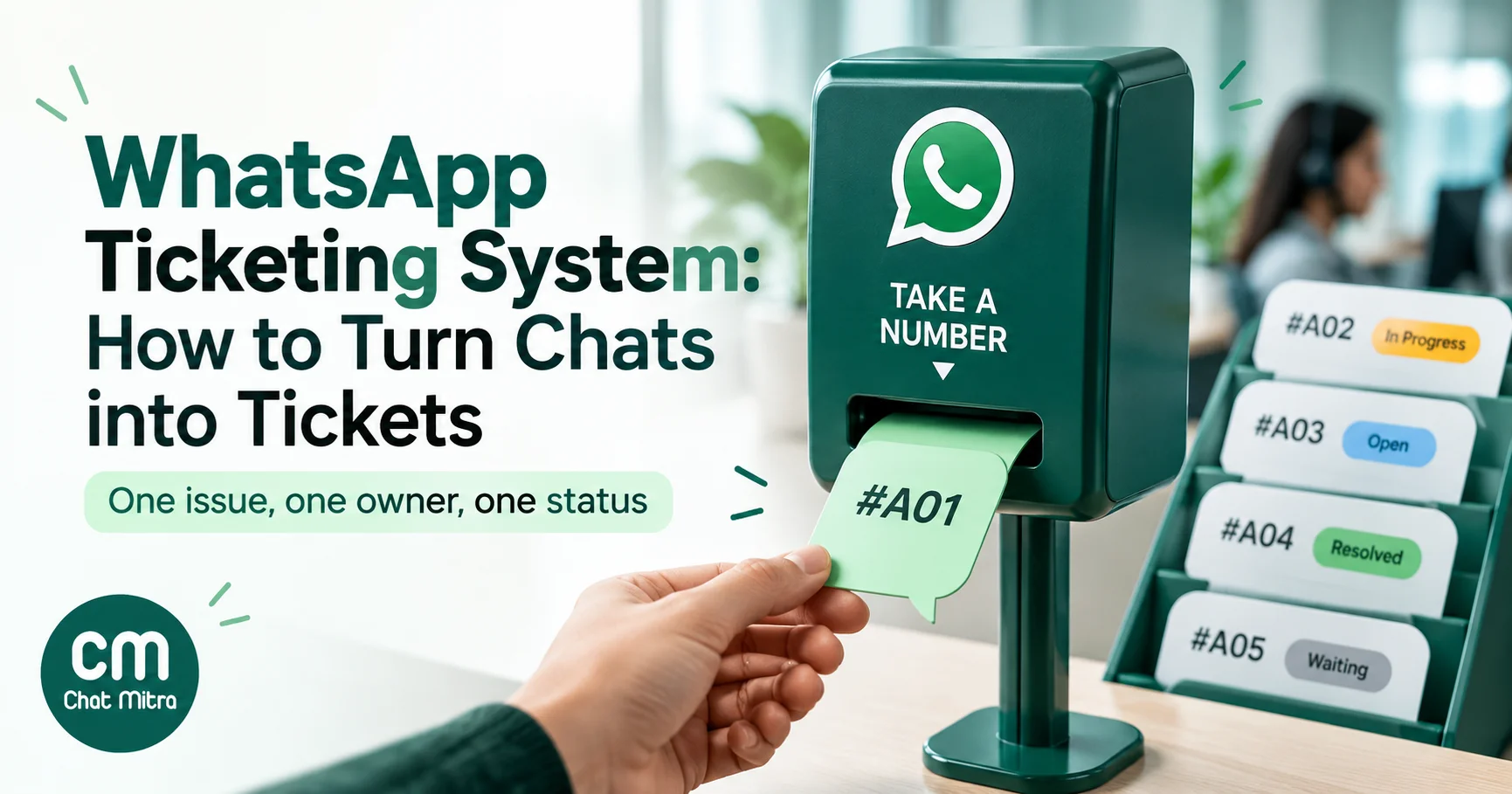
A WhatsApp ticketing system turns each customer issue that arrives on WhatsApp into a tracked record, a ticket, with an owner, a status and a due time. The customer just chats. Behind the scenes, your team can see who is handling the damaged parcel, which refund is waiting on the warehouse and which complaint is about to break your promised response time. Without it, issues drift down a busy inbox, get answered twice or not at all, and nobody can say how long customers wait.
This guide is for support leads and business owners whose WhatsApp has outgrown “whoever sees it first replies”. It covers when you need tickets and when you don’t, how a ticket’s life fits WhatsApp’s 24-hour rule, the three ways to set one up, the templates and costs involved in India, and how to run a lightweight version in a shared inbox before you pay for a helpdesk.
Key takeaways
- A chat is a conversation; a ticket is one problem. One customer's WhatsApp thread can hold several tickets over time.
- You need tickets once several people share a number, issues span more than one conversation, or you must report response times.
- Set your first-response target well inside Meta's 24-hour window. Updates after it closes need a template, which costs money.
- Pick between a tagged shared inbox, a helpdesk with a WhatsApp channel, or a connector. Check where customer replies land before you choose.
- Measure first response time, resolution time, reopen rate and messages per ticket, not just "chats answered".
What is a WhatsApp ticketing system?
A WhatsApp chat is one long, continuous thread per customer. A customer who bought from you three times may have asked about delivery in March, reported a defect in June and requested an invoice copy last week, all in the same thread. A ticketing system separates those into distinct issues, each with its own record:
| Field | What it holds | Why it matters on WhatsApp |
|---|---|---|
| Ticket ID | A unique reference, such as #4821 | Lets the customer and your team refer to one issue inside a long thread |
| Owner | The agent or team responsible | Stops two agents replying to the same message |
| Status | New, open, waiting on customer, waiting on us, resolved | Shows what needs action now, not just what's unread |
| Priority and category | Urgent or normal; refund, delivery, defect, billing | Routes work and shows which problems recur |
| Due time (SLA) | When the next reply or the fix is promised | Has to fit inside Meta's 24-hour reply window |
| History and notes | Messages, internal notes, linked order | The next agent picks up without asking the customer to repeat everything |
“Unread” and “replied” describe the chat. “Waiting on the warehouse until Thursday” describes the issue. That difference is the whole point of tickets.
Do you need a ticketing system?
Not every business does. A shop owner answering 15 chats a day on one phone needs quick replies and an away message, not tickets. Use this checklist instead of guessing:
| Sign | What it looks like | What it means |
|---|---|---|
| Double replies | Customers get two different answers from two agents | You need ownership |
| "Did anyone reply to her?" | Agents ask each other in a separate group | You need status |
| Forgotten promises | "We'll call you tomorrow" and nobody does | You need due times and a waiting status |
| Multi-day issues | Refunds, replacements and repairs that need other teams | You need tickets that outlive one conversation |
| No numbers | You can't say how long customers wait or what they complain about | You need categories and reports |
| Several channels | The same customer also emails and calls | You need one record across channels, usually a helpdesk |
If one or two signs apply, a disciplined shared inbox will usually do. If four or more apply, or the last one does, budget for a helpdesk.
The life of a WhatsApp ticket
A ticket moves through the same stages in any tool. What’s specific to WhatsApp is the message you’re allowed to send at each stage, because free-form messages are only allowed for 24 hours after the customer’s last message.
| Stage | What happens | What the customer gets on WhatsApp |
|---|---|---|
| 1. New | A message arrives that isn't part of an open issue | An instant acknowledgement, ideally with the reference and expected reply time |
| 2. Assigned | An owner and category are set | Nothing extra; don't send "assigned to an agent" filler |
| 3. In progress | The agent asks questions or investigates | Free-form replies inside the window |
| 4. Waiting on customer | You need a photo, an order number or a decision | One clear question. If they go quiet past 24 hours, a utility template reminder |
| 5. Waiting on us or a third party | Warehouse, courier, technician or finance | A dated promise ("by Thursday"), then an update, by template if the window has closed |
| 6. Resolved | The fix is done | A summary of what was done and how to reopen |
| 7. Closed or reopened | No reply for an agreed period closes it; a related reply reopens it | Optional feedback request about this specific issue |
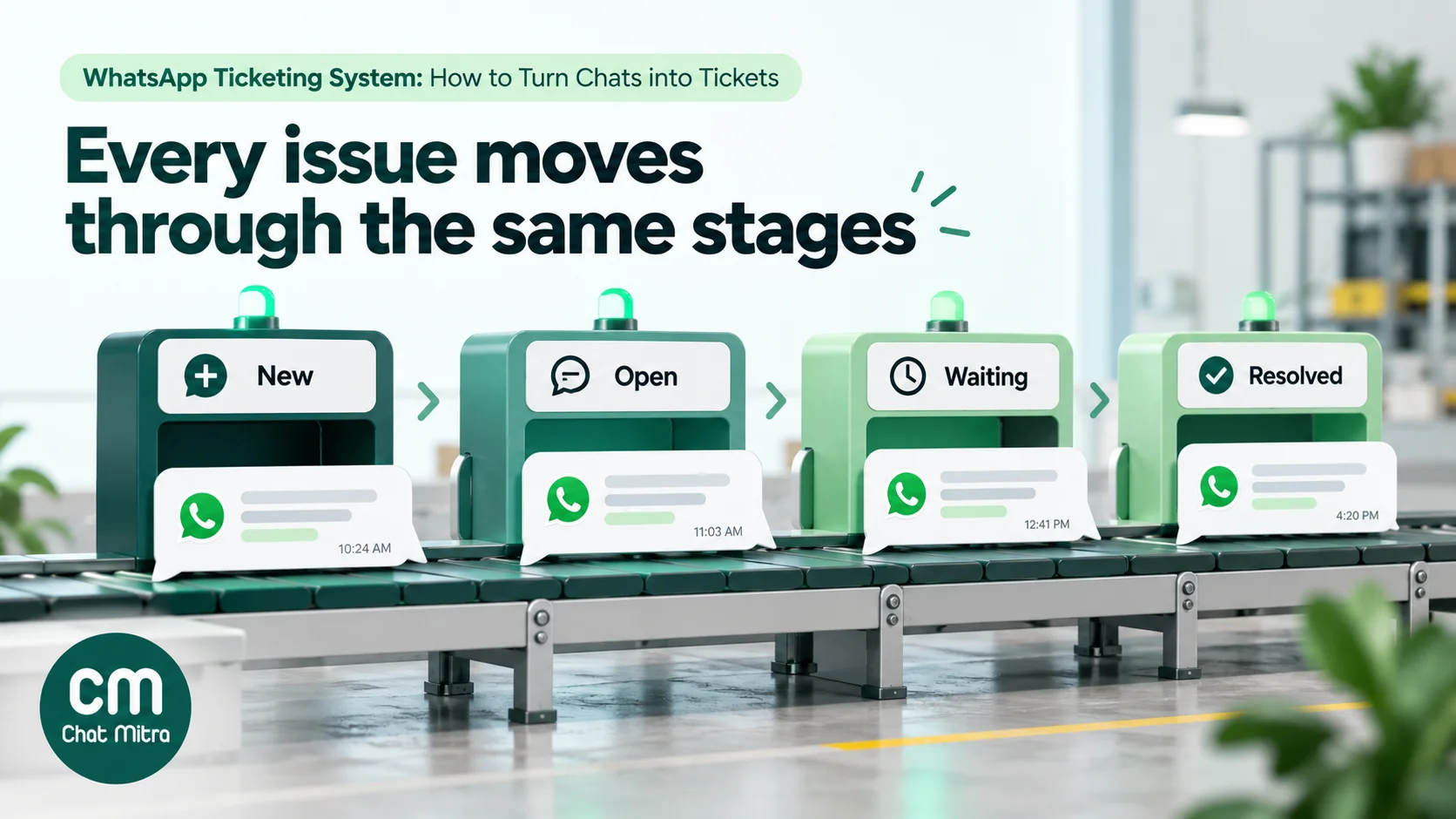
Two rules make this work. Only a person or a clear rule changes a status, never “the chat was read”. And a customer reply to a resolved ticket within a few days reopens it rather than creating a new one, so your reopen rate stays honest.
The 24-hour window and your SLA clock
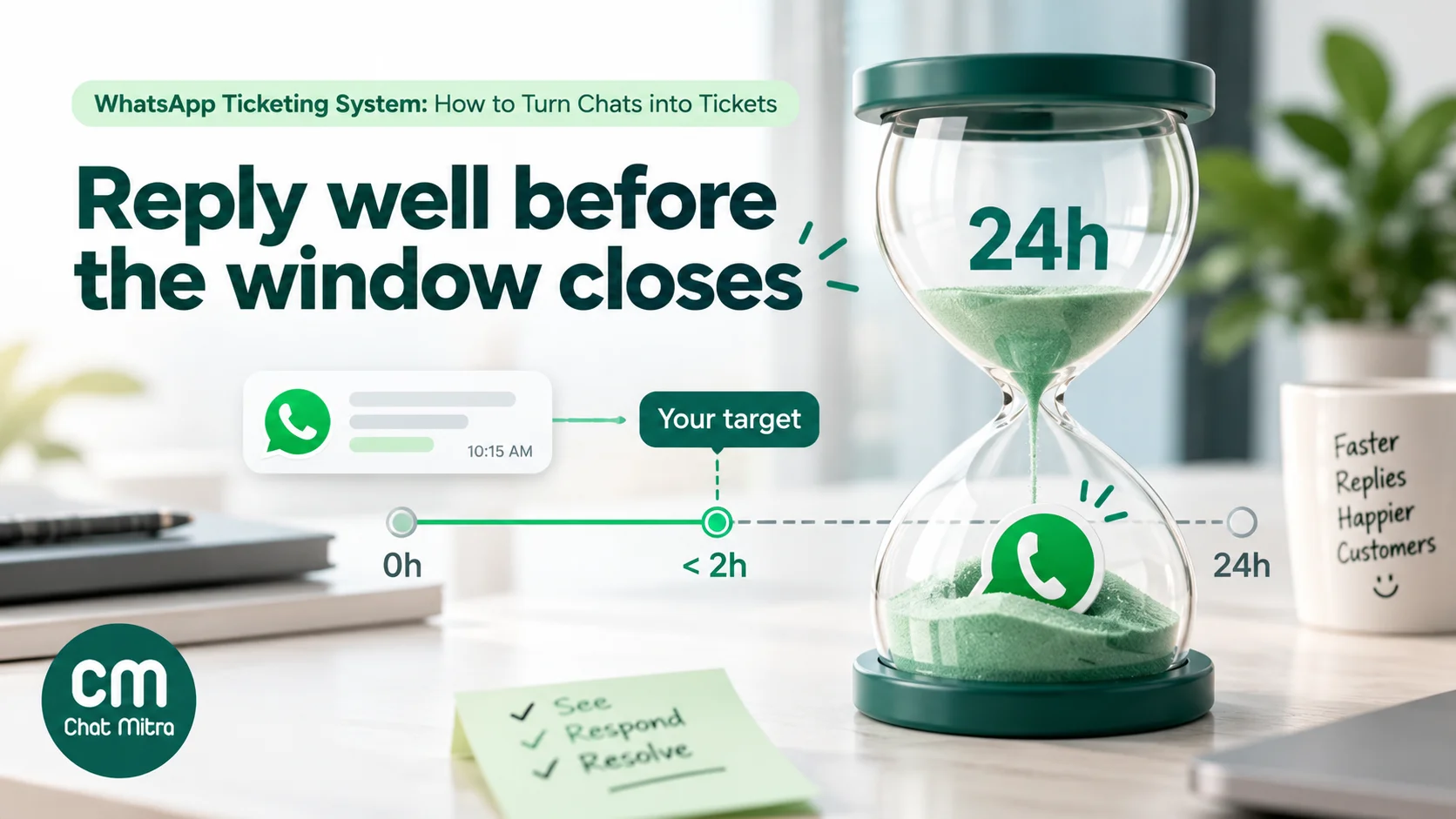
Meta’s customer service window opens when a customer messages you and lasts 24 hours from their latest message. Inside it you can send any message. Outside it, you can only send an approved template. This one platform rule shapes how you set service levels on WhatsApp.
First response time must sit well inside the window. A four-hour first-response target leaves 20 hours to follow up freely. A 22-hour target leaves almost nothing, and if your answer needs a follow-up question you’ll be sending a template. Most teams set a first-response target in business hours (for example, 2 hours from 9 am to 7 pm) and an out-of-hours promise in the away message.
Long tickets cross the window. A replacement that takes four days will outlive at least one window. Plan the update messages as templates before you need them, so agents aren’t stuck when the window closes.
Every reply counts toward cost. Since 1 October 2026, Meta charges for service messages after 1,000 free per business number each month, and utility templates are charged even when you send them inside an open window. In India both cost ₹0.115 per message. Ticket handling that takes eight messages instead of four doubles the Meta part of the bill.
Here is what Meta’s charges look like for a team handling 1,500 WhatsApp tickets a month on one number in India:
| Item | Assumption | Messages | Meta charge |
|---|---|---|---|
| Free-form replies | 5 replies per ticket inside the window | 7,500 (6,500 after the 1,000 free) | ₹747.50 |
| Template updates | 30% of tickets need one update after the window closes | 450 | ₹51.75 |
| Feedback requests | Sent by template after resolution to every ticket | 1,500 | ₹172.50 |
| Total | 9,450 | ₹971.75 a month |
Meta's India rates effective 1 October 2026: ₹0.115 per service message after 1,000 free per number each month, and ₹0.115 per utility template. Excludes tool and platform fees.
Meta’s charges are rarely the expensive part of ticketing. Per-agent helpdesk licences usually are, which is why the choice of setup matters more than message counts.
Three ways to run tickets on WhatsApp
| 1. Shared inbox with a tag routine | 2. Helpdesk with a WhatsApp channel | 3. WhatsApp platform connected to a helpdesk | |
|---|---|---|---|
| How it works | Agents work in a WhatsApp team inbox; tags, pins and notes act as ticket fields | The helpdesk connects to WhatsApp directly; every message becomes or joins a ticket | Messages arrive in your WhatsApp platform; an integration creates or updates helpdesk tickets |
| Ticket IDs, SLAs, assignment, reports | Manual, by convention | Built in (by plan) | In the helpdesk |
| Where agents reply | The inbox | The helpdesk | Depends on the integration; check before you buy |
| Cost driver | Inbox plan | Per-agent helpdesk licence plus WhatsApp charges | Both tools plus the integration |
| Best for | Small teams where WhatsApp is the main channel | Teams that also run email and phone support | Businesses that use WhatsApp for marketing and sales too, and only want support issues in the helpdesk |
| Main risk | Routine slips when the team is busy | Cost per agent; marketing tools live elsewhere | Two inboxes, and replies that land in the wrong one |
Helpdesks with a WhatsApp channel compared
If you choose a helpdesk, check four things for WhatsApp specifically: which plan includes the channel, which plan adds SLA policies and automatic assignment (they’re often a tier higher), how Meta’s message charges are billed, and how the tool handles the 24-hour window. Here’s how five common options compared when we checked their pricing pages and help centres on 15 October 2026:
| Helpdesk | Lowest plan with WhatsApp | SLA policies and auto-assignment | Meta's message charges |
|---|---|---|---|
| Freshdesk | Growth, US$19 per agent a month billed annually (up to 50 WhatsApp numbers) | Multiple SLA policies and round-robin or load-balanced assignment from Pro, US$55 per agent a month billed annually | Billed through Freshworks with a 20% markup on Meta's cost |
| Zendesk | Suite Team, US$55 per agent a month billed annually (US$69 monthly) | Routing by agent status and capacity on Suite Team; SLA policies from Suite Professional, US$115 per agent a month billed annually | Separate from Zendesk's fees; the WhatsApp account stays in your Meta Business Manager |
| Zoho Desk | Standard, ₹800 per user a month billed annually (1 WhatsApp channel) | 4 SLAs on Standard; round-robin load-balanced assignment from Professional, ₹1,400 per user a month billed annually | Paid from prepaid WhatsApp credits bought in Zoho |
| HubSpot Service Hub | Professional, ₹8,330 per seat a month on an annual commitment; the WhatsApp integration is listed as "up to 1,000 messages per month" | SLAs in Professional; skill-based routing and conditional SLAs from Enterprise, from ₹12,500 per seat a month | Paid to Meta; up to 25 numbers per WhatsApp Business account |
| Gorgias (ecommerce) | All helpdesk plans; priced by tickets, not agents, from US$40 a month for 50 tickets | SLA policies on all helpdesk plans | Meta bills Gorgias; WhatsApp conversations are billed to you as helpdesk tickets, with no separate Meta bill |
Prices exclude taxes and are the list prices shown on each vendor's site on 15 October 2026; Freshdesk, Zendesk and Gorgias showed US dollars and Zoho Desk and HubSpot showed rupees. Plans and limits change often, so confirm on the vendor's site before you buy.
Three patterns stand out:
- The features that make ticketing worth paying for often sit one tier above the WhatsApp channel. Freshdesk and Zendesk both include WhatsApp on their entry plans but keep multiple SLA policies (Freshdesk) or SLA policies at all (Zendesk) for the next tier. Price the plan you’ll actually need, not the cheapest one that lists WhatsApp.
- Per-agent pricing changes the maths. For a team of eight, the difference between US$19 and US$55 per agent is nearly US$3,500 a year. A ticket-priced tool such as Gorgias suits small ecommerce teams with many agents and modest volume; per-agent tools suit large volumes handled by a few people.
- Check how Meta’s charges reach your bill. Some helpdesks add a markup, some deduct prepaid credits, some fold them into ticket pricing, and some leave billing with Meta. Since 1 October 2026 every reply beyond 1,000 a month per number has a price, so a markup on Meta’s cost now applies to support replies too.
Most of these helpdesks also show agents when the 24-hour window is about to close; Zendesk, for example, displays a countdown and switches to template replies after it expires.
Setting up WhatsApp in a helpdesk, step by step
The screens differ by vendor, but the order of work is the same:
- Choose the number. Use a number that isn’t already connected to another WhatsApp Business Platform provider, or plan a migration. A number can only be on one provider’s API at a time, and moving it takes coordination with both.
- Connect through the helpdesk’s signup flow. Most helpdesks use Meta’s embedded signup: you log in with Facebook, pick or create the Meta business portfolio, and verify the number by SMS or call. Keep the WhatsApp Business account in your own business portfolio so you can leave the vendor later.
- Verify your business with Meta. Unverified accounts have low messaging limits for business-initiated messages, which matters for ticket updates after the window closes.
- Submit your ticket templates. Acknowledgement, waiting-on-customer, update and resolved templates, as in the table below. Approval can take minutes or days, so do this before launch.
- Set ticket rules. Decide when a new message joins an open ticket and when it starts a new one, which group gets WhatsApp tickets, and the business hours your SLA clock uses.
- Set the SLA targets. A first-response target in business hours that sits well inside 24 hours, and a resolution target per category.
- Test end to end. From a personal phone, open a ticket, let the window lapse, receive a template update, reply, and confirm the reply lands on the same ticket.
- Announce the number. Put it on invoices, order emails, packaging and your website, and say which number handles support if you also use one for sales.
If you’re moving an existing support number from a WhatsApp platform to a helpdesk, export or archive the chat history first: most migrations move the number, not the old conversations.
How to run lightweight tickets in a shared inbox
Most small teams can get 80% of a ticketing system from a shared WhatsApp inbox and a written routine. Here’s a setup that works in any inbox with tags and notes, with the steps for ChatMitra.
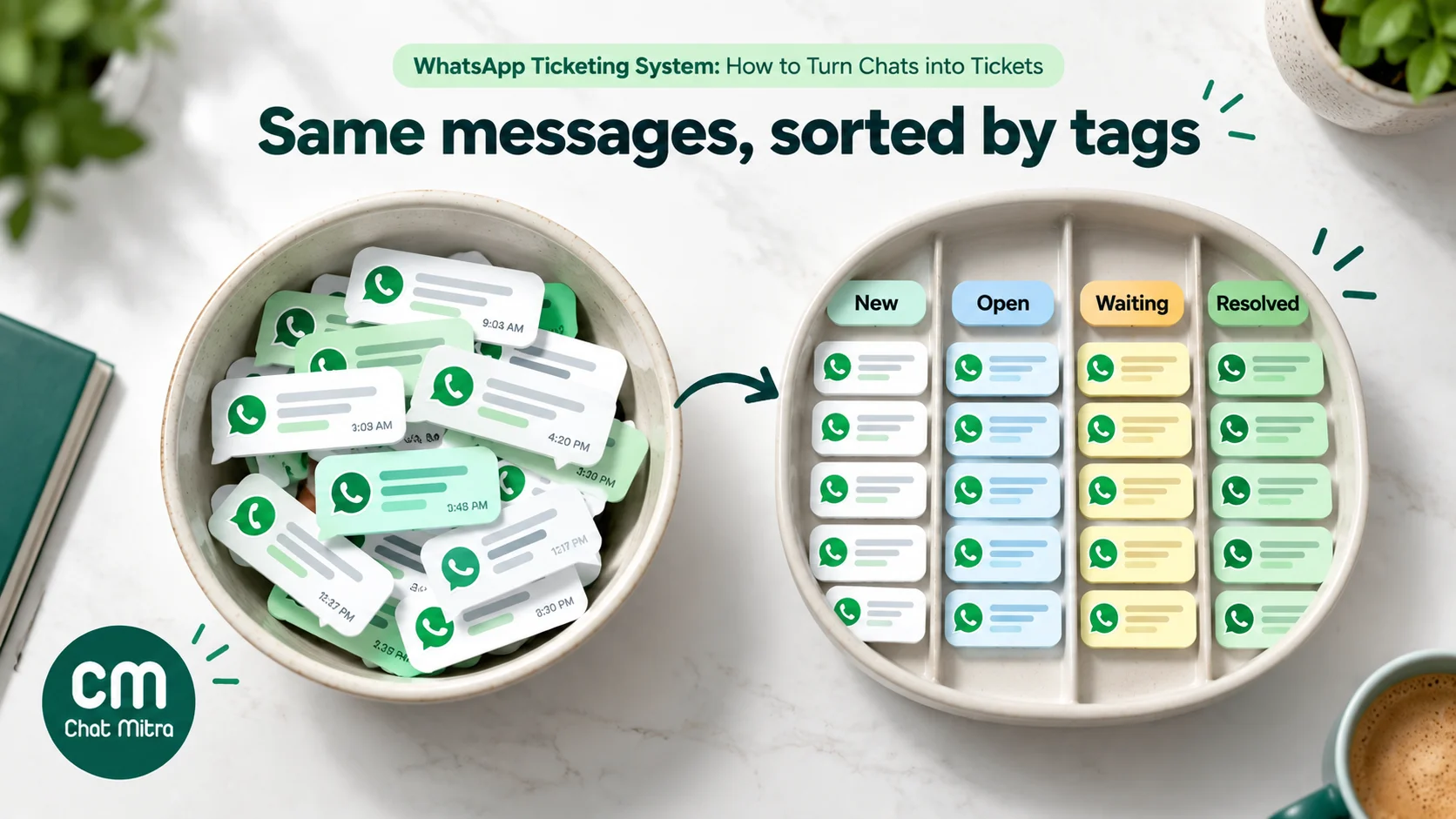
1. Define status tags. Create a small, fixed set and agree that every open issue carries exactly one:
t-new: arrived, nobody has taken it.t-open: someone owns it and is working on it.t-waiting-customer: we asked the customer something.t-waiting-us: we’re waiting on stock, a courier, a technician or finance.t-resolved: done; remove the tag after your reopen period.
2. Add an owner tag. One tag per agent, such as owner-priya. An agent claims a chat by adding their tag before replying. Anyone who sees another owner’s tag leaves the chat alone.
3. Add a category tag. Keep it to five or six: refund, delivery, defect, billing, how-to, other. These become your monthly report.
4. Write the reference in the note. Use a simple ID convention such as date plus number, #1015-03, and keep a one-line log in the contact’s note: “#1015-03 defect, replacement promised by Thu 17 Oct; courier AWB pending.” When the customer writes again in a month, the history is there.
5. Pin what’s urgent. Pin chats with a promise due today. Unpin when it’s kept.
6. Run two short sweeps a day. Filter by t-new and assign everything. Then filter by t-waiting-us and check every promise date. Ten minutes at opening and ten before closing catches most dropped issues.
7. Automate the first tag. If your inbox supports rules, tag messages that contain clear keywords, such as “refund” or “damaged”, as t-new plus the category, so they’re easy to find even before anyone reads them.
In ChatMitra:
- Filters: the chat list filters by All, Unread or Replied, and by included or excluded tags, so “show me every
t-waiting-uschat that isn’towner-priya” is two clicks. - Pins and notes: chats can be pinned and marked unread, and each contact has tags and a note.
- Auto-tagging: on Pro, an Auto Reply rule can add a tag when a message matches a keyword, a phrase at the start of the message or a pattern.
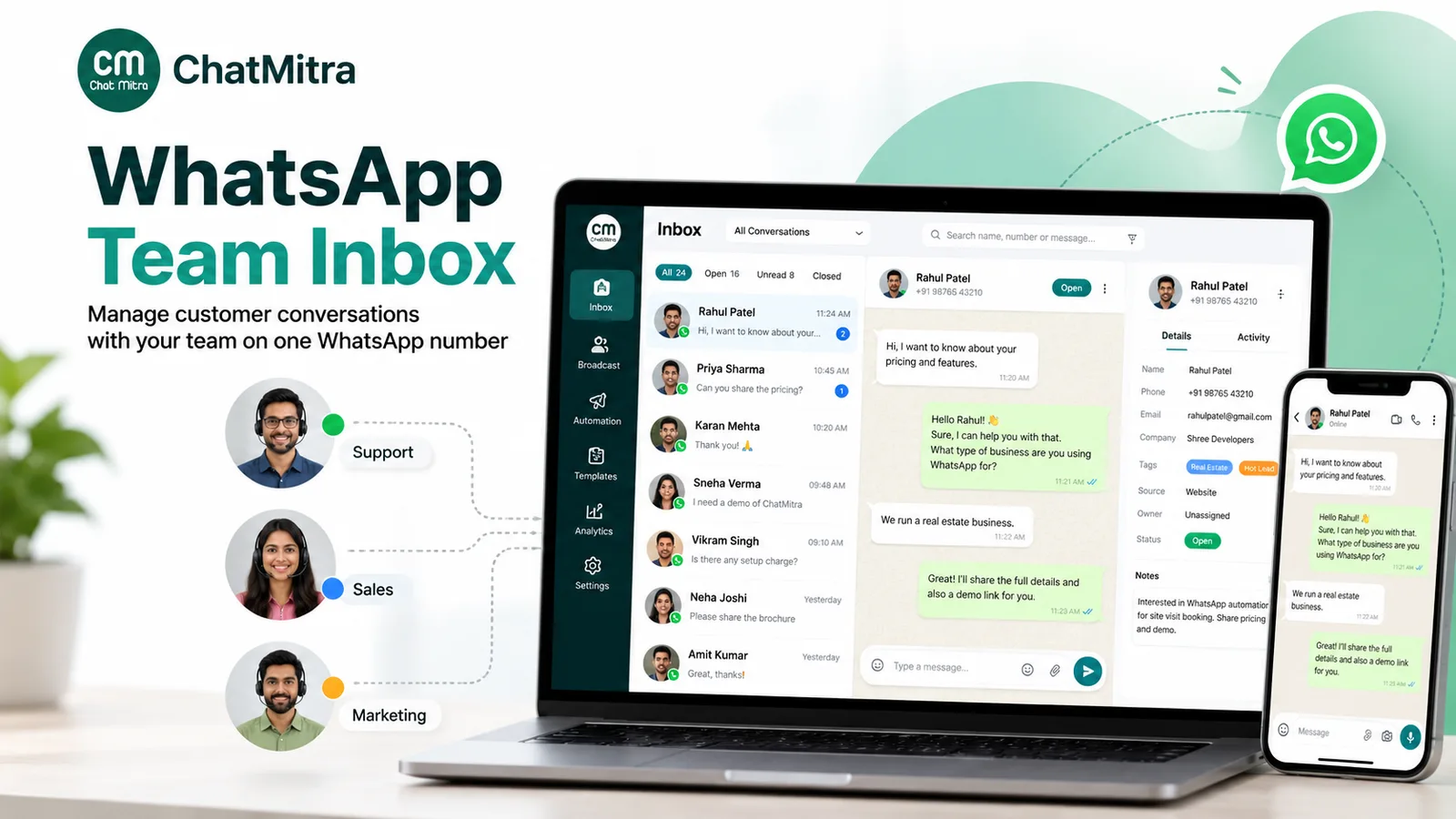
- Read status is shared: in ChatMitra, once one agent opens a chat it’s read for everyone, so agents should rely on owner tags, not the unread dot.
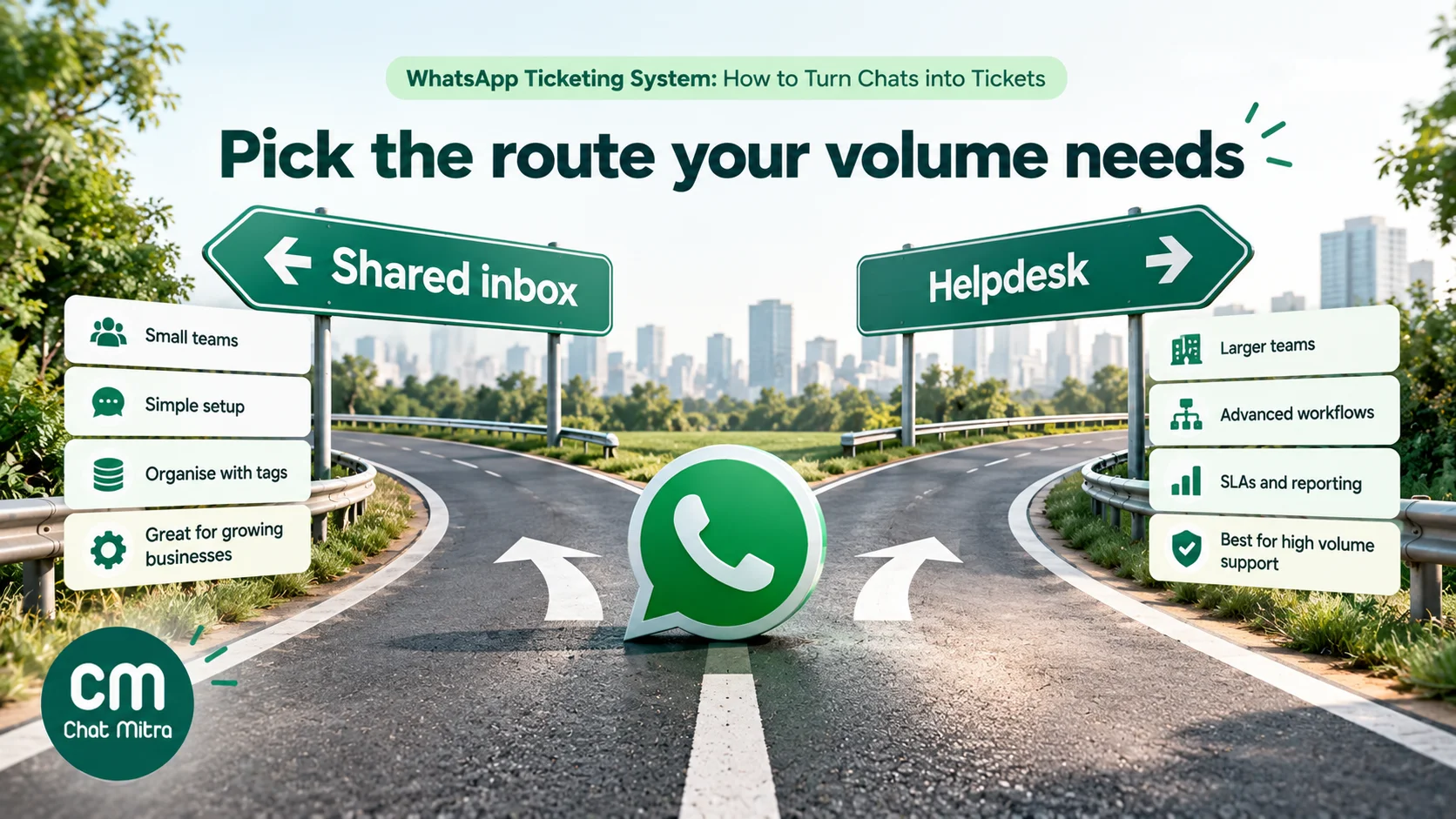
Where this stops working. Tag routines depend on discipline, and they don’t give you due-time alerts, automatic assignment, reports on response times or one record across email and phone. When you need those, or when more than about five people answer the same number, move to a helpdesk or connect one.
Connecting your WhatsApp platform to a helpdesk
If you already use a helpdesk for email, or want to keep marketing and sales on your WhatsApp platform while support works in the helpdesk, you can connect the two. Before you build it, answer five questions:
- Where do customer replies land? If an agent replies from the helpdesk but the customer’s answer arrives in the WhatsApp platform, your team works in two places. The cleanest setups route support conversations to one tool only.
- Who owns the 24-hour window? The tool that sends the reply must know whether the window is open and fall back to a template when it isn’t.
- Which templates exist? Ticket acknowledgements, updates and closure messages must be approved in your WhatsApp account before the helpdesk can use them.
- How are tickets matched? Decide when a new message joins an open ticket and when it creates a new one. A common rule: join the open ticket if there is one, otherwise create a new ticket.
- Which number belongs to which tool? A separate support number for the helpdesk, printed on invoices and order messages, avoids most routing problems.
With ChatMitra, the developer API (on paid plans) sends messages and webhooks report events such as incoming messages to your own systems, so a workflow tool can create a helpdesk ticket when a support keyword arrives. Replies to messages sent through ChatMitra still arrive in ChatMitra’s inbox, not on the helpdesk ticket, so give template updates a link button to the ticket or the helpdesk’s customer portal.
Let automation do the triage, not the resolving
Automation earns its place in ticketing before a person sees the issue. Use it to collect what the agent will need, so the first human reply can solve the problem instead of asking questions:
- Acknowledge instantly, with an honest time. “Thanks, we’ve got your message. Our team replies between 9 am and 7 pm, usually within two hours.” It sets expectations before the customer starts chasing.
- Ask for the identifier up front. A button menu (“Order issue”, “Payment”, “Something else”) followed by “Please send your order number” saves a round trip on most tickets.
- Ask for evidence when it’s always needed. Damaged-item tickets need a photo; billing tickets need the invoice number. Ask once, in the first automated message.
- Tag by the button the customer tapped. That gives you the category without an agent reading the message.
- Hand over, then step back. Once a person replies, pause the bot for that customer so it doesn’t answer on top of the agent.
Keep refunds, complaints and anything involving money or safety with people. A bot can open a ticket; it shouldn’t close one on its own.
WhatsApp templates for ticket updates
These templates are original examples for common ticket stages. Meta classes a template as utility when it is non-promotional and specific to the customer’s own order, account, service or transaction; its own examples include a case moving to the next step. Adding an offer or a cross-sell makes it marketing, which costs more (₹0.8631 per message in India) and needs marketing opt-in.
| Stage | Example template | Likely category |
|---|---|---|
| Acknowledgement after hours | Hi {{1}}, we've received your message about order {{2}} and logged it as {{3}}. Our team will reply by {{4}}. | Utility |
| Waiting on customer | Hi {{1}}, to continue with request {{2}} we need a photo of the product label. Reply here with the photo when you can. | Utility |
| Update after the window closes | Hi {{1}}, an update on request {{2}}: your replacement was dispatched today. Tracking number: {{3}}. | Utility |
| Resolved | Hi {{1}}, we've marked request {{2}} as resolved: {{3}}. If anything is still wrong, reply to this message within 7 days and we'll reopen it. | Utility |
| Feedback on this request | Hi {{1}}, you contacted us about request {{2}} this week. How did we do? Tap a button below. | Utility, because it's about a specific interaction |
| Feedback plus discount | "How did we do? Rate us and get 10% off your next order." | Marketing, because of the offer |
Meta’s guidelines say a generic or promotional feedback request won’t be approved as utility; tie it to the specific order or conversation. For survey wording, see our guide on how to ask customers for feedback, and for template rules in general, our WhatsApp utility templates guide.
Tricky cases and how to handle them
- Two issues in one message. “My order is late and the last one was the wrong size.” Split them into two tickets with two references, and answer both in the same reply.
- A new issue in an old thread. If the earlier ticket is closed, create a new one; don’t reopen a ticket from last month because the customer wrote in the same chat.
- The customer writes on another number. People message from a family member’s phone or a second SIM. Ask for the order number or the reference and add a note linking both contacts.
- Voice notes and photos. Treat them as part of the ticket. Note what the voice note said in the ticket or note, so the next agent doesn’t have to play it again.
- Sensitive data. Never ask for full card numbers, PINs or passwords on WhatsApp, and tell customers you won’t. In India, the Digital Personal Data Protection Rules apply most of their obligations from 13 May 2027; decide now how long you keep chat and ticket data and how you delete it on request.
- A customer who goes quiet. Send one reminder, by template if the window has closed, then resolve the ticket with a note on how to reopen. Chasing three times is how support messages start to feel like spam.
- Escalations to other teams. When finance or the warehouse must act, the ticket stays with the support owner. The customer should never be told “that’s another department”.
Ticket setups by business type
| Business | Common categories | Typical first-response target | What usually crosses the 24-hour window |
|---|---|---|---|
| D2C or ecommerce brand | Where is my order, damaged item, return or exchange, refund, COD payment | 1–2 business hours | Replacements and refunds that wait on the courier or payment gateway |
| Appliance or electronics service centre | Installation, repair visit, warranty claim, spare parts | Same business day | Technician visits and part orders, so plan visit-date templates |
| Clinic or diagnostic lab | Appointment changes, report requests, billing | Within opening hours | Reports that take days; keep medical advice out of chat and route to a clinician |
| Education or coaching | Fees, batch timings, certificates, technical access | Same business day | Certificates and fee reconciliations |
| SaaS or subscription | Login, billing, bug reports, feature questions | 1–4 business hours by plan | Bugs waiting on engineering; give a dated update, not silence |
The targets above are starting points, not industry standards. Set yours from your rota, publish it in your away message, and measure against it.
How to measure a WhatsApp ticketing system
Track a few numbers weekly, by category:
- First response time (median and 90th percentile, in business hours). The 90th percentile shows the customers you’re failing.
- Resolution time from new to resolved.
- Share of tickets resolved inside the first 24-hour window. This is the most WhatsApp-specific measure: it tracks both speed and template cost.
- Messages per ticket. A rising number usually means unclear first answers or missing information, and it raises Meta charges.
- Reopen rate. Tickets reopened within your reopen period. High rates mean “resolved” was declared too early.
- Backlog by status. How many tickets are waiting on customers versus waiting on you. A growing “waiting on us” pile is an operations problem, not a support one.
- Satisfaction from the feedback request, read alongside the comments.
If your tool can’t report these, a weekly export and a spreadsheet will. Count tickets by category tag and you’ll find the two or three problems behind most of your volume, which is worth more than any tool.
Common mistakes
- Treating every message as a new ticket. “Thanks!” and “ok” shouldn’t open tickets. Set a rule for what creates one.
- Closing tickets because the chat went quiet. Wait for your agreed period, and tell the customer how to reopen.
- Setting an SLA you can’t keep at weekends. Promise what your rota can deliver, and say it in the away message.
- Letting the bot answer while an agent handles the ticket. Pause automation for that customer when a person takes over, or the bot may reply on top of your agent.
- Asking the customer to repeat themselves. Write the context in the ticket or note before any handover.
- Putting offers in update templates. It turns a utility message into marketing and risks rejection.
- Buying a helpdesk before fixing the routine. A tool won’t fix unclear ownership; it just records it.
Where ChatMitra fits
ChatMitra is a WhatsApp Business Platform provider with a shared team inbox, templates, broadcasts and automation. For ticketing, here’s what it does and doesn’t do today:
| Need | ChatMitra today |
|---|---|
| Shared inbox for the team | Yes. Unlimited agent logins with per-number, per-section permissions |
| Status and owner | By tags, with include and exclude tag filters, plus Unread and Replied views |
| Notes and history | A note and tags on each contact, and the full chat history |
| Auto-tagging | Auto Reply rules can add a tag on a keyword match (Pro) |
| Ticket IDs, assignment, SLA timers, ticket reports | No |
| Agent shown on each message | No; agents can sign their replies |
| Bot pause during a human conversation | Yes, per customer, for 30 minutes up to until you turn it back on |
| Helpdesk connection | Through the developer API and webhooks (paid plans), with a workflow tool |
| Price | Meta's charges plus ₹0.20 per conversation (one customer, 24 hours) on Starter and Pro; Pro is ₹999 a month with 1,000 credits; no per-agent fee |
That makes ChatMitra a good fit for the shared-inbox approach, and for teams that want marketing, sales and simple support on one number without paying per agent. If you need SLA policies, assignment rules and ticket reports, use a helpdesk for support and connect it. See pricing and Auto Reply.
Summary
A WhatsApp ticketing system gives each customer problem an owner, a status and a due time, so nothing gets lost in a long chat thread. You need one when several people share a number, issues span days, or you have to report service levels. Set response targets well inside Meta’s 24-hour window, prepare utility templates for updates after it closes, and remember that every message has a small cost in India since October 2026. Start with a tagged shared inbox and a twice-daily sweep, and move to a helpdesk, or connect one, when you need SLA timers, assignment and reports. Whatever the tool, the routine matters more than the software.
For the wider picture of support on WhatsApp, read our guide to WhatsApp for customer service.
Sources: Meta, Pricing on the WhatsApp Business Platform and INR rate card (effective 1 October 2026) and template categorization guidelines (updated 15 September 2026); Freshworks, Freshdesk pricing, connecting WhatsApp to Freshdesk and WhatsApp pricing model; Zendesk, pricing, adding WhatsApp channels and WhatsApp templates in the Agent Workspace; Zoho, Zoho Desk pricing and plan comparison; HubSpot, Service Hub pricing, connecting WhatsApp to the help desk and WhatsApp integration limits; Gorgias, pricing, WhatsApp setup and billing and SLA policies, all checked 15 October 2026; MeitY, Digital Personal Data Protection Rules, 2025. ChatMitra product behaviour as verified in ChatMitra's code (October 2026).