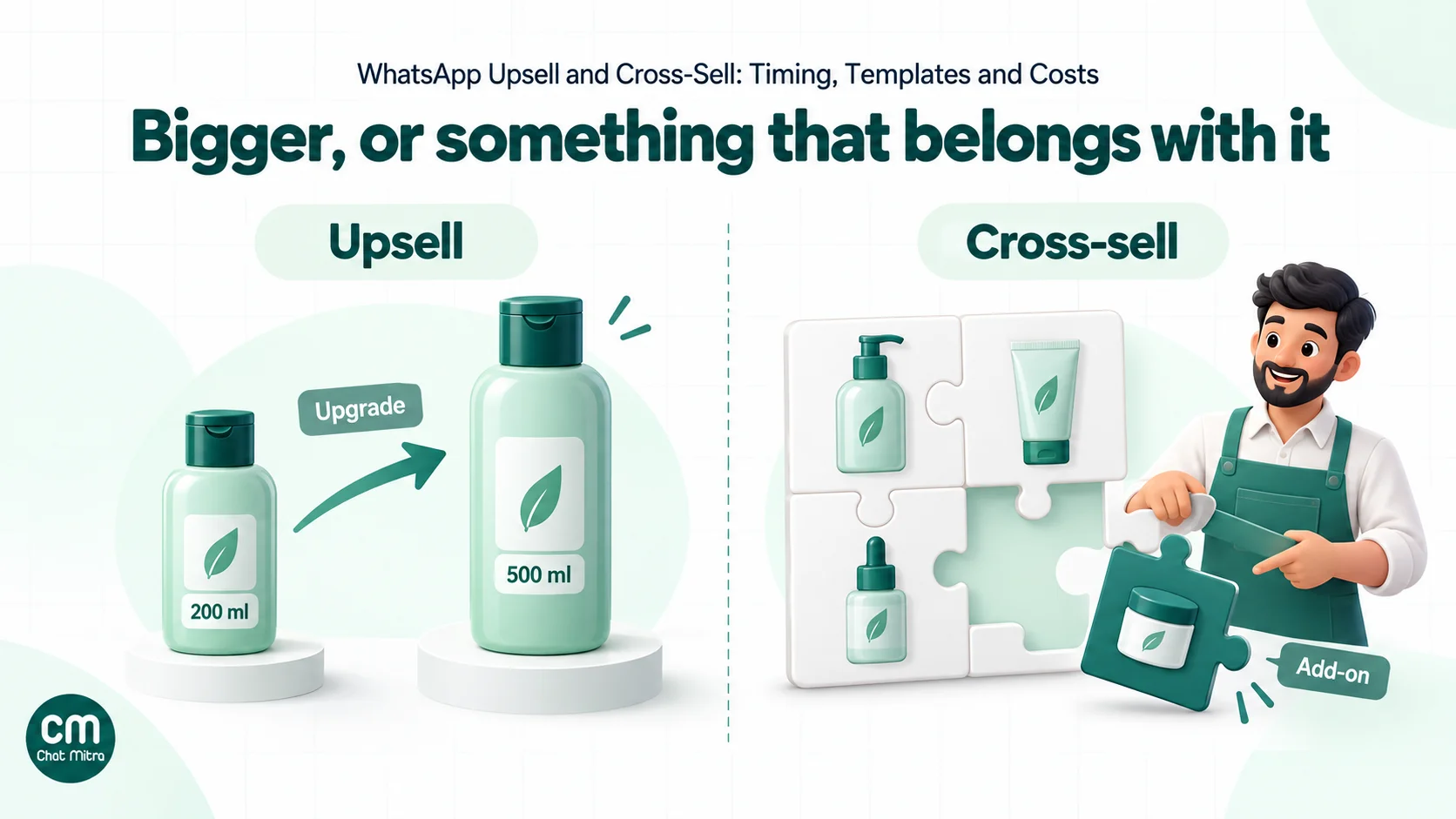
WhatsApp upselling and cross-selling means suggesting a better version of a purchase (an upsell) or a product that goes with it (a cross-sell) in a WhatsApp message. Send it when the customer is likely to need it, and make it something they can reply to or tap to buy. Done well, it’s one relevant suggestion at the right moment. Every such message is a marketing template in Meta’s rules, so it costs more than an order update and has to earn its place.
Most businesses already send order confirmations, shipping updates and delivery notices on WhatsApp. Those messages reach the customer at the moment they’re most engaged with you, which makes it tempting to add “You might also like…” to every one. It’s also the fastest way to turn a ₹0.115 message into a ₹0.8631 one and train customers to ignore you.
This guide shows how to do it properly. It covers the difference between upsells and cross-sells, why the template category matters, when to send by product type, and which WhatsApp formats to use. You’ll also find eight campaigns with sample messages, how often is too often, what it costs in rupees and how to measure whether it actually adds sales.
Using ChatMitra? Store each customer’s last order date and product category as contact fields, then use Automation’s “N days after a date” trigger to send the right add-on template at the right time. For Shopify stores, the post-fulfilment flow can wait up to 40 days before sending. ChatMitra’s fee is ₹0.20 per conversation, not per message. Jump to Upselling and cross-selling with ChatMitra.
Upsell vs cross-sell: what each one looks like
The two are often lumped together, but they solve different problems and need different messages.
| Upsell | Cross-sell | |
|---|---|---|
| What you suggest | A bigger, better, longer or premium version of the same thing | A different product that goes with what they bought |
| Customer’s question | ”Is the upgrade worth it?" | "Do I need this as well?” |
| Typical moment | Before reordering, at renewal, once they’ve used the product | Soon after purchase or delivery, during setup or first use |
| Skincare brand | 200 ml cleanser → 500 ml value pack | Cleanser → matching moisturiser |
| Electronics store | Basic earbuds → noise-cancelling model at the next purchase | New phone → case, screen guard, charger |
| Salon | Haircut → haircut with spa treatment | Hair colour → colour-protect shampoo |
| Coaching institute | Monthly batch → full-year batch | Main course → test series |
| SaaS or subscription | Monthly plan → annual plan | Core plan → add-on module |
Two related moves sit next to these. A replenishment reminder offers the same product again when it’s likely to run out, which is closer to retention than to upselling. A bundle groups several products at a combined price, which can be either. They’re included below because they’re often the most effective “upsell” a small business has.
Upselling and cross-selling are separate from winning back customers who have stopped buying. That needs a different offer and tone, covered in our guide to win-back campaigns.
Why WhatsApp suits upsells and cross-sells
Three things make WhatsApp different from email or SMS for this job.
- It’s where the order conversation already is. If your confirmations and delivery updates arrive on WhatsApp, the customer already recognises your number and expects to hear from you there.
- The customer can answer. “Will this fit my model?” or “Is it available in black?” is the question that decides an add-on sale. On WhatsApp they can ask it in the same thread, and your reply goes inside the 24-hour customer service window.
- It can carry the product. Image and video headers, carousels and catalog messages let the customer see the product and tap through to buy without searching for it.
The flip side is that WhatsApp is personal. A customer who gets three “you may also like” messages a week will block or report you, and blocks and reports hurt your number’s quality rating. Our guide to quality rating explains why that matters for your sending limits.
The rule that decides the price: upsells are always marketing
This is where most businesses lose money without noticing.
Meta sorts templates into marketing, utility and authentication, and prices them differently. Its template categorization rules say, for both order-management and account-alert messages, that they “should not promote, recommend, upsell, or cross-sell products; include offers; or attempt to secure renewals.” Meta also lists “Promote or recommend offers, products, or services” as marketing, “even if requested by users.” And it says that templates with mixed content, “such as an order update with a promo”, are marketing.
In practice:
| Message | Category | India price per delivered message (from 1 Oct 2026) |
|---|---|---|
| “Your order #4521 has shipped. Track it here.” | Utility | ₹0.115 |
| ”Your order #4521 has shipped. Track it here. Add a matching case for ₹299!” | Marketing (mixed content) | ₹0.8631 |
| ”Your phone arrived yesterday. Here’s the case that fits it, ₹299.” | Marketing | ₹0.8631 |
| Your reply when the customer asks “Do you have a case for this?” | Service (free-form, inside the 24-hour window) | First 1,000 service messages a month free per number, then ₹0.115 |
So the rule is simple. Keep order updates plain and send the offer separately. You pay the marketing rate only for the offers you choose to send, and your utility templates stay approved as utility. If a customer asks about related products in the chat, answer them there: that reply is a service message, not a marketing template.
One more change is coming. Meta’s Marketing Messages API overview says “Cloud API will stop supporting marketing messages on October 13, 2027”, and new accounts created from 13 April 2027 can’t send marketing messages through Cloud API at all. Upsell campaigns will have to go through the Marketing Messages API by then. Ask your provider what its plan is. Our Marketing Messages API guide explains the difference.
When to send: timing windows by product type
Timing matters more than wording. The same “matching moisturiser” message sent two hours after checkout looks pushy, while two weeks after delivery it looks helpful. These windows are starting points to test, not rules.
| Product type | Best moment | Why | Example |
|---|---|---|---|
| Accessories and add-ons | 1–3 days after delivery | The customer is setting up or using it for the first time | Phone delivered → case and screen guard |
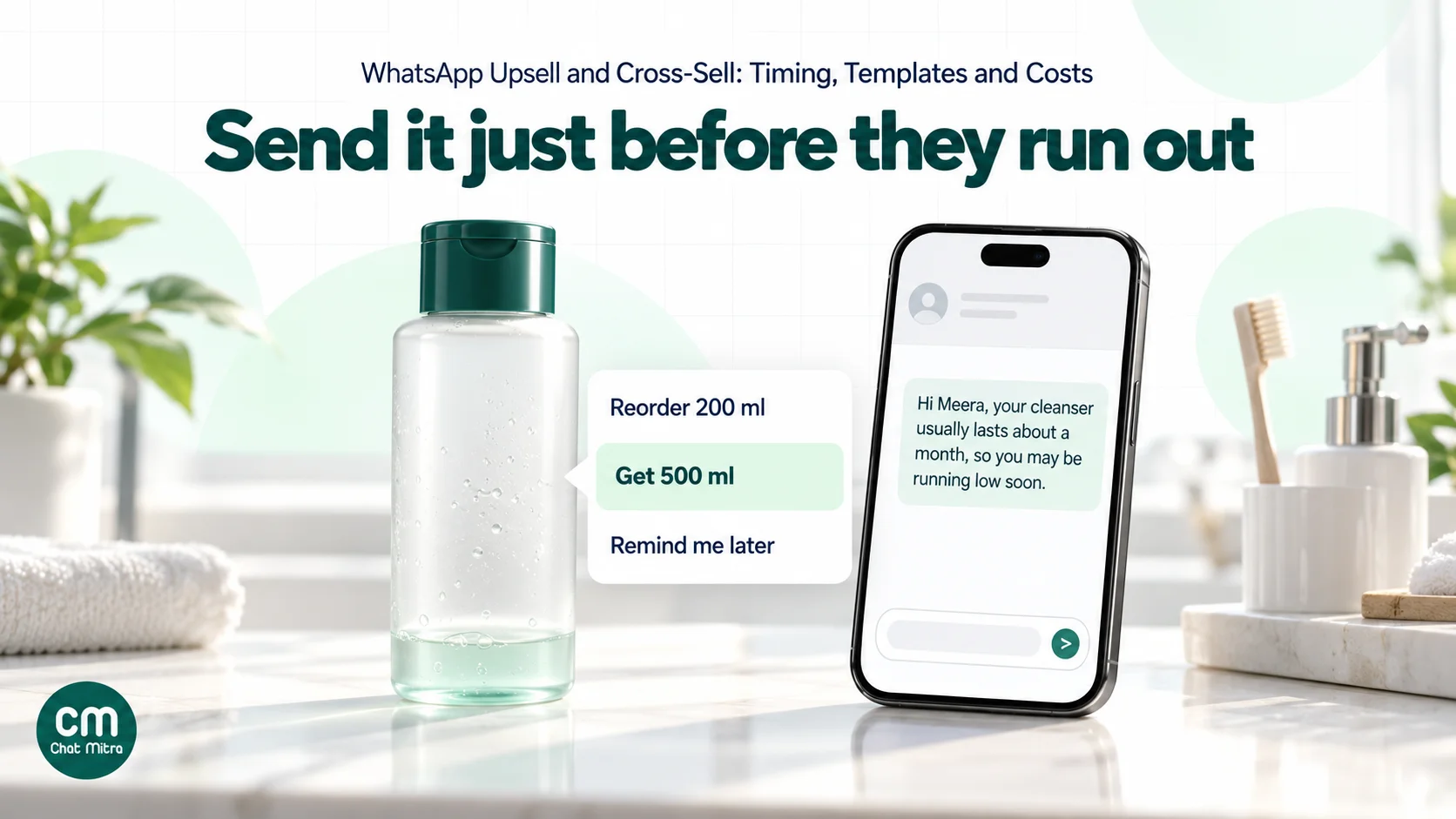
| Consumables and refills | A few days before the pack is likely to run out | Work it out from pack size and typical use | 30-day supplement → reminder on day 24 |
| Apparel and footwear | 1–2 weeks after delivery, once returns are unlikely | They’ve worn it and know the fit | Kurta → matching dupatta or trousers |
| Durable goods | Weeks or months later, when a related need appears | The first purchase needs to prove itself | Mixer grinder → extra jar after a month |
| Services | Before the next visit or session is due | The booking decision is coming anyway | Facial booked → add-on treatment offer a day before |
| Courses and subscriptions | Near the end of the term or trial | Renewal is the natural upsell moment | Month 2 of 3 → full-year batch at a lower monthly price |
| Food and grocery | The same day or week, around the usual reorder rhythm | Purchases repeat on a cycle | Weekly order → seasonal item added to the usual basket |
Two timing mistakes are common. The first is sending the cross-sell before delivery, when the customer hasn’t even seen the first product. The second is sending it so late that they’ve already bought the add-on somewhere else.
Choosing the offer: relevance before discount
An upsell works when the customer thinks “that’s useful”, not “they’re trying to sell me something”. A few rules help.
- Base it on what they bought, not on what you want to clear. A case for the phone they bought is relevant. Your slow-moving stock is not.
- One suggestion, or a short set of closely related ones. A single product is an easier decision than a list of ten. If you show more, keep them in one family, such as three cases for the same phone model.
- Keep the add-on in proportion. A ₹299 case after a ₹15,000 phone feels natural. A ₹4,000 accessory after a ₹600 order does not. Start with add-ons well below the original order value and test from there.
- Explain the fit. “Fits the Model X you bought” or “Same shade as your last order” does more than a discount.
- Use discounts deliberately. A small first-order-of-the-add-on discount can tip the decision. Discounting every cross-sell teaches customers to wait for one.
- Never recommend something they already bought. Check your order data before sending, or exclude recent buyers of the suggested product.
Which WhatsApp formats to use
WhatsApp offers several marketing template formats for showing products. The one you choose depends on how many products you want to show and whether you have a product catalog connected to WhatsApp.
| Format | What the customer sees | Limits | Needs a catalog? |
|---|---|---|---|
| Image or video template with buttons | One product photo or clip, text, and up to a few buttons (Shop now, a quick reply like “Tell me more”) | Standard template limits | No |
| Media card carousel | 2 to 10 swipeable cards, each with an image or video, short text and up to 2 buttons | All cards share the same layout; card text up to 160 characters; marketing only | No |
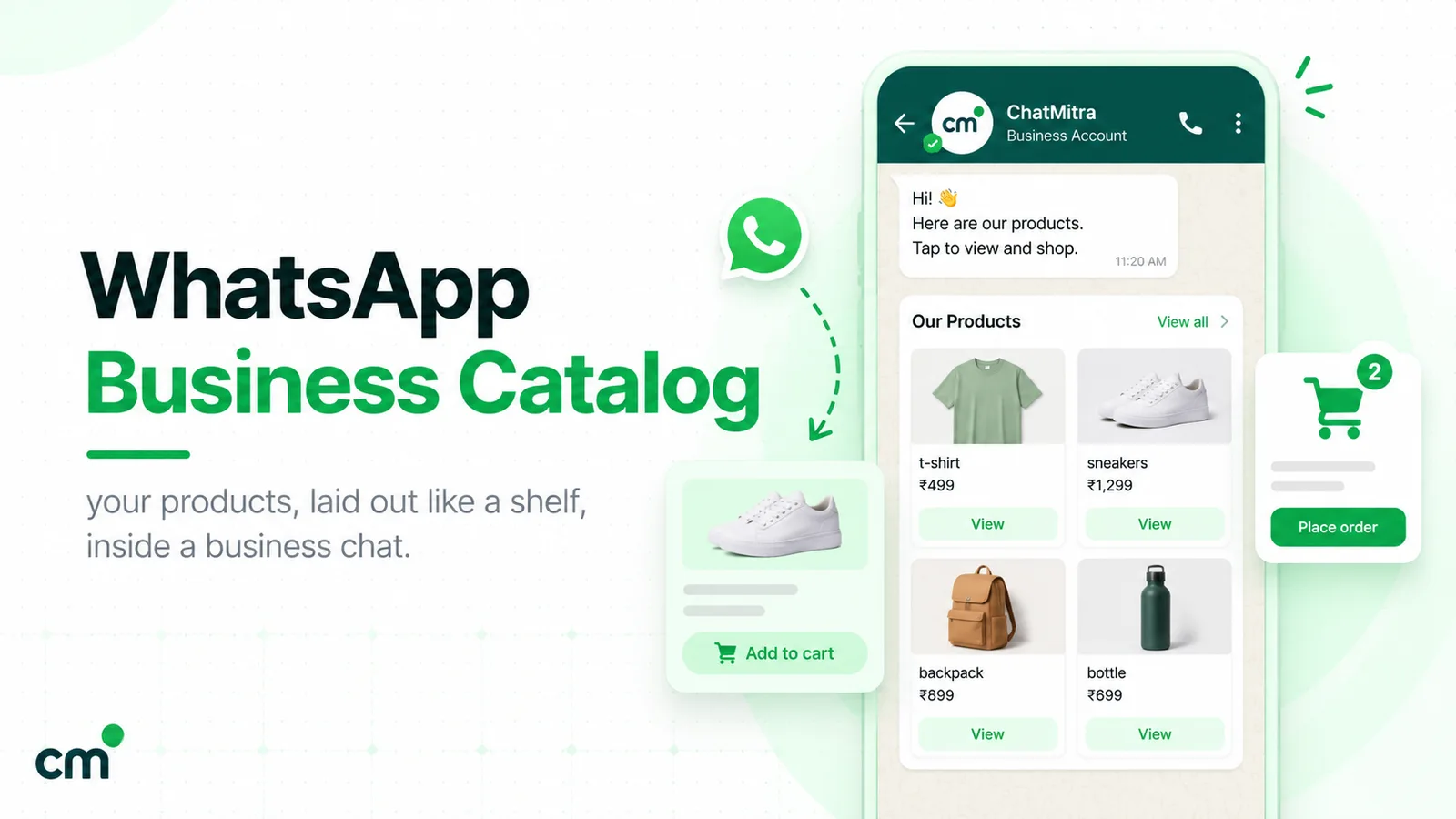
| Product card carousel | Up to 10 product cards from your catalog, each with a View or URL button | You define 2 cards at creation and can send up to 10 | Yes |
| Multi-product template | Up to 30 catalog products in up to 10 sections | Can’t be forwarded | Yes |
| Single-product template | One catalog product with a View button | Forwarding disabled | Yes |
| Coupon code template | A copy-code button with your code | One copy-code button; code up to 20 characters; not supported on WhatsApp Web | No |
| Limited-time offer template | An offer with an expiry countdown | Offer text up to 16 characters; no footer; not shown on web and desktop | No |
Meta’s pages on multi-product templates and product card carousels give the catalog requirements in full. Our catalog guide covers setting one up.
Inside an open chat, you don’t need a template. Meta’s documentation says interactive single- and multi-product messages “do not require templates or pre-approvals” and “can only be sent as part of existing chat threads.” So if a customer asks “What goes with this?”, you can reply with products from your catalog in the conversation.
For most small businesses, a simple image template with one product and a “Shop now” button is the right starting point. It needs no catalog, renders everywhere and is easy to test. Move to carousels when you regularly want to show two to four options.
Eight upsell and cross-sell campaigns, with sample messages
Each sample is a marketing template. Variables are in double braces; replace the shop names and prices with your own.
1. The accessory after delivery
Hi {{1}}, hope your new {{2}} is working well! If you’d like a case or screen guard, here are the ones made for your model, from ₹299. [Shop accessories] [I’m all set]
The “I’m all set” quick reply lets customers say no politely, and it tells you not to send them the follow-up.
2. The refill before they run out
Hi {{1}}, your {{2}} usually lasts about a month, so you may be running low soon. Reorder in one tap, or switch to the 500 ml pack and save ₹120 per 100 ml. [Reorder 200 ml] [Get 500 ml]
This combines replenishment with an upsell, and it’s one of the most useful messages a consumables brand can send.
3. The “complete the look”
Hi {{1}}, the {{2}} you bought pairs well with these. Swipe to see three options picked to match. (carousel of 3 cards, each with [View])
Keep the cards closely matched. Three trousers in matching colours beat ten random bestsellers.
4. The upgrade at renewal
Hi {{1}}, your monthly {{2}} plan renews on {{3}}. Switching to annual costs ₹{{4}} a month instead of ₹{{5}}, and you keep everything you have now. [Switch to annual] [Keep monthly]
This is marketing, not utility. Meta’s rules say account alerts must not “attempt to secure renewals”, so keep your plain renewal reminder separate from the upgrade offer.
5. The service add-on before a booking
Hi {{1}}, see you on {{2}} at {{3}} for your {{4}}. Want to add a 20-minute head massage for ₹349? Reply YES and we’ll book it. [Yes, add it] [No thanks]
The booking reminder on its own can be utility. The add-on question makes this version marketing, so decide which message you actually want to send. A common approach is a plain utility reminder two days before and a short add-on offer the day before.
6. The bundle nudge
Hi {{1}}, you picked up the {{2}} last week. Customers who use it with the {{3}} and {{4}} save ₹{{5}} buying them as a set. Here’s the bundle. [See the bundle]
7. The “your size is back” upsell
Hi {{1}}, the premium version of the {{2}} you bought is back in your size. It has {{3}}. Take a look before it sells out. [View it]
Use real product differences in variable {{3}} (“double-stitched seams”, “a 2-year warranty”), never a vague “better quality”.
8. The early access for repeat buyers
Hi {{1}}, you’ve ordered from us {{2}} times, so you get first look at our new {{3}} range before it goes live on Friday. Ten per cent off for the first 48 hours with code {{4}}. [Shop early]
Keep these for customers who actually reorder.
Upselling inside a live chat
Not every upsell needs a campaign. Some of the best ones happen when the customer messages you first, because they’ve already decided to talk to you and the 24-hour customer service window is open. Your replies in that window are service messages, and Meta says marketing messages sent inside it don’t count towards its per-user marketing limit.
That makes the support chat a good place for a gentle suggestion, as long as it follows the customer’s question rather than replacing the answer:
- Answer first, suggest second. If someone asks whether the charger is included, answer that clearly. Then, if it isn’t, mention the one that fits their model.
- Make it optional and specific. “This case fits your phone, ₹299, want the link?” is easy to say yes or no to. “Check out our accessories” is not.
- Use the customer’s own words. If they say they travel a lot, the travel-size pack or the power bank is the relevant suggestion.
- Don’t push twice. If they say no, drop it. A second push in the same chat feels like a sales script.
- Give agents a short list. For each best-selling product, write down the one or two add-ons agents may suggest, with prices and links, so suggestions stay accurate and consistent.
If you use a chatbot for first replies, the same rules apply. A bot that answers “Where is my order?” with the tracking link and then one relevant add-on is helpful. A bot that answers with a menu of offers isn’t.
How often is too often
Meta itself limits how many marketing messages a person receives. Its per-user marketing limits page says WhatsApp “may limit the number of marketing template messages a WhatsApp user receives from any business in a given period of time when they are less likely to be receptive.” A message held back this way fails with error 131049, and Meta advises waiting at least 24 hours before resending.
Three practical points follow:
- The limit is shared across businesses. A customer who already gets many marketing messages from other brands may not receive yours, however good the offer.
- Messages in an open chat don’t count. Meta says marketing messages sent inside the 24-hour customer service window don’t count towards the limit. A customer who has just messaged you can be shown related products in that conversation.
- Don’t retry on a loop. Repeated resends after a 131049 can block delivery to that person for longer. Let the failure stand and try again in a later campaign.
Your own frequency rule should be stricter than Meta’s. A workable starting point for most shops: no more than one upsell or cross-sell per customer per order, and only a few promotional messages per customer a month in total. Stop sending offers to anyone who hasn’t opened or replied to several in a row. Note that Meta doesn’t deliver marketing templates to US numbers, so check where your customers are if you sell abroad.
And only send to people who agreed to hear from you. Upsell messages are business-initiated marketing, and Meta’s opt-in rules apply. Our WhatsApp opt-in guide explains what valid consent looks like.
What it costs, and when it pays for itself
Meta charges per delivered message, by category and country. In India, from 1 October 2026, a marketing message costs ₹0.8631. On ChatMitra you add ₹0.20 per conversation, charged once per customer per 24 hours (not per message).
Take a cross-sell campaign to 2,000 customers whose order was delivered in the last few days:
| Item | Calculation | Cost |
|---|---|---|
| Meta marketing charges | 2,000 × ₹0.8631 | ₹1,726.20 |
| ChatMitra conversation fee | Up to 2,000 × ₹0.20 (less if some were already chatting that day) | ₹400.00 |
| Total | ₹2,126.20, about ₹1.06 per customer |
Now the break-even. If the add-on is a ₹299 case on which you make ₹150 after product and delivery costs, the campaign pays for itself at 15 extra orders (₹2,126.20 ÷ ₹150 ≈ 14.2), or 0.75% of the people messaged. If your margin per add-on is ₹40, you need 54 extra orders, 2.7%. Run this calculation before every campaign. It tells you which products are worth cross-selling on WhatsApp and which are better left to your website.
Our cost per message guide has rates for other countries and categories.
How to measure an upsell campaign honestly
Delivered and read counts tell you a message arrived and was opened. They don’t tell you whether it caused a sale, because some customers would have bought the add-on anyway.
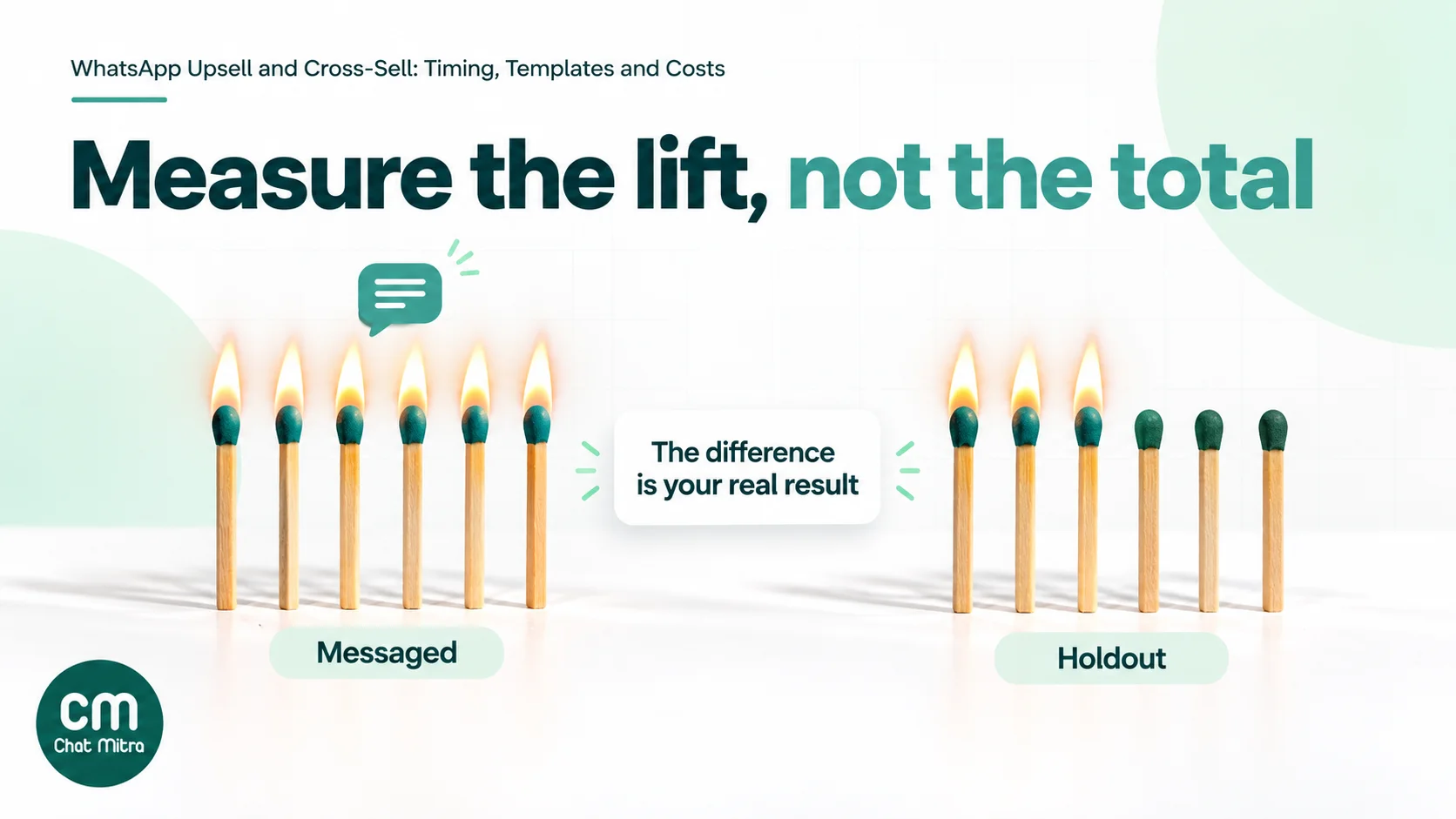
Measure against a holdout. Before sending, randomly set aside a slice of eligible customers, say 10–20%, and send them nothing. After a fixed period (two weeks is reasonable for most add-ons), compare the two groups.
| Metric | What it means | How to calculate |
|---|---|---|
| Attach rate | Share of customers who bought the suggested product | Buyers of the add-on ÷ customers in the group |
| Incremental attach rate | The lift your message caused | Attach rate (messaged) − attach rate (holdout) |
| Revenue per message | Extra money made per message sent | Incremental orders × average add-on value ÷ messages delivered |
| Profit per campaign | Whether it was worth it | Incremental orders × margin − campaign cost |
| Negative signals | The cost to your list | Blocks, opt-outs and “stop” replies per 1,000 messages |
A worked example with illustrative numbers: you message 1,800 customers and hold back 200. Within two weeks, 54 of the messaged group buy the case (3.0%) and 3 of the holdout do (1.5%). The incremental attach rate is 1.5 points, about 27 extra orders from 1,800 messages. At ₹150 margin that’s ₹4,050 against roughly ₹1,914 in message costs. The campaign was profitable, though only about half as profitable as the raw “54 orders” suggests.
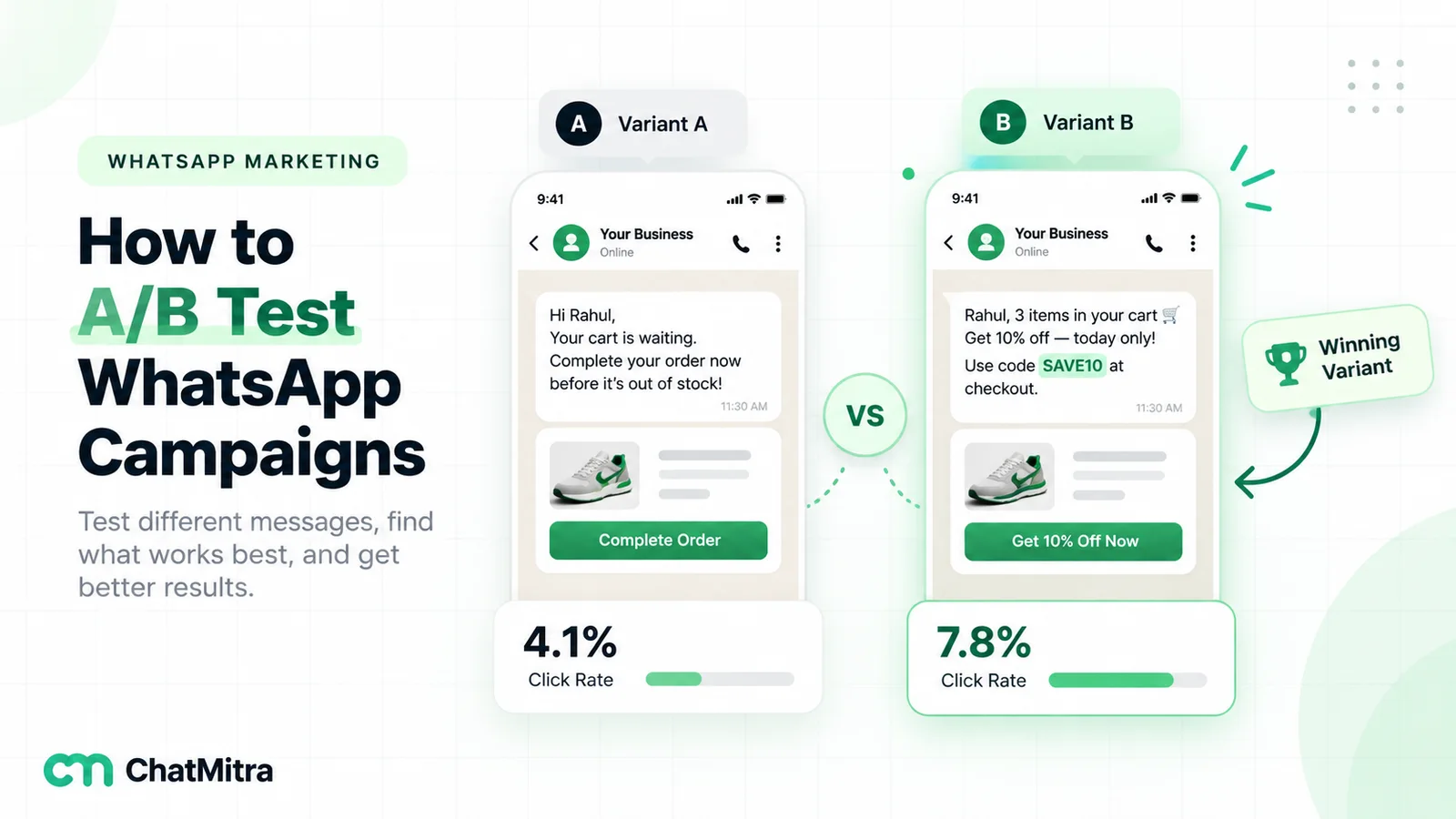
To match orders to the message, use a campaign-specific coupon code or a link with a campaign tag that your store analytics can read. On Cloud API, Meta’s template analytics can report how often URL and quick-reply buttons were clicked, once analytics is switched on for the account. Clicks are still interest, not sales. Our guide to A/B testing WhatsApp campaigns covers splitting audiences and reading results.
When a campaign underperforms
If the incremental attach rate is close to zero, check these in order before giving up on the product pair:
- Delivery. Look at failed messages. A high share of 131049 failures means Meta held back many messages because people weren’t engaging with marketing, so the real audience was smaller than you thought.
- Timing. Was the message sent before most customers had received or used the first product? Move the send later and test again.
- Relevance. Did everyone in the audience actually buy the main product, and did you exclude people who already owned the add-on?
- The offer. Is the add-on priced in proportion to the first purchase? Is the reason it fits clear in the first line?
- The path to buy. Does the button open the exact product page, already filtered to the right model or size, or does it drop the customer on your home page?
Change one thing at a time. If you change the timing and the offer together and the next campaign works, you won’t know which change did it.
Examples by business type
- D2C beauty and personal care: refills timed to pack size, travel-size versions after a full-size purchase, and the matching step in a routine (cleanser → toner → moisturiser), one step per message.
- Fashion: “complete the look” carousels a week or two after delivery, built around the item they kept rather than the whole catalogue.
- Electronics and appliances: accessories within days of delivery, extended warranties before the standard one ends, and consumables (filters, cartridges) on a usage cycle.
- Food, grocery and bakeries: add-ons to the regular order on the usual reorder day, and festival boxes offered to regular buyers ahead of the rush.
- Salons, spas and clinics: add-on treatments offered the day before an appointment, and packages (“5 sessions for the price of 4”) after a first visit that went well.
- Coaching and courses: test series and doubt-clearing sessions for enrolled students, and the full-year batch near the end of a short one.
- Travel and hotels: room upgrades, airport transfers and meal plans offered a few days before check-in, once the booking is confirmed.
Common mistakes
- Adding offers to order updates. It changes the category to marketing and costs about seven and a half times as much per message in India. Keep them separate.
- Recommending bestsellers instead of matches. “Our top 10 products” isn’t a cross-sell. Relevance to the last purchase is the whole point.
- Sending before delivery. The customer hasn’t used the first product yet, so they can’t judge what goes with it.
- Messaging everyone. A cross-sell for phone cases means nothing to someone who bought a charger. Segment by what they bought.
- Counting every sale as a win. Without a holdout you can’t separate the message’s effect from purchases that would have happened anyway.
- Ignoring the people who say no. If a customer taps “I’m all set” or never responds to offers, stop sending them more.
- Forgetting the 2027 change. If marketing messages are a meaningful part of your revenue, plan the move to the Marketing Messages API well before October 2027.
Upselling and cross-selling with ChatMitra
ChatMitra runs on the official WhatsApp Business API. It doesn’t pick products for you or connect to a recommendation engine, so the “what to suggest” decision comes from your order data. ChatMitra handles who gets which message and when.
| ChatMitra feature | What it does for upsells | Why it matters |
|---|---|---|
| ₹0.20 per conversation, never per message | A customer who gets the offer and asks three questions counts once in 24 hours | Replies that close the sale don’t add platform fees |
| Contact fields as template variables | Import last product, category and order date with a CSV; use them in templates | ”Your {{product}}” messages without a developer |
| ”N days after a date” Automation | Sends a template a set number of days after a date stored on the contact, such as last_order_date | Accessory and refill timing runs on its own |
| Check Conditions and Delay steps | Send only to contacts with a matching category tag, or wait before a follow-up | One workflow can handle several product types |
| Shopify post-fulfilment flow with delay | The flow that runs when an order is fulfilled can wait up to 40 days before sending a template | ”N days after fulfilment” cross-sells for Shopify stores |
| Broadcasts with tags and scheduling | Include or exclude tags (for example, exclude recent buyers of the add-on) and schedule sends up to two months ahead | Run seasonal cross-sells to the right segment |
| Image, video and document headers with buttons | Show the product with a Shop now link and quick replies | The simplest format that renders everywhere |
| Chatbot catalog and product nodes | Let customers browse products inside a chatbot conversation they start | Product browsing in the chat, inside the service window |
| Meta’s rates passed through at cost | You pay Meta’s published rates, nothing added | Your break-even maths stays accurate |
How to set it up:
- Export what customers bought. From your store, export each customer’s last order date and the category or product of their last order. Import it as a CSV with columns such as
last_order_dateandlast_category, plus a tag per category (for examplebought-phone). - Create one marketing template per add-on. Use an image header, a short body with the customer’s name and product as variables, a “Shop now” URL button and an “I’m all set” quick reply. Submit it as Marketing.
- Build the Automation. Use the “N Days After a Date” trigger on
last_order_date(for example, 3 days for accessories), add Check Conditions to match the category, and send the template mapped to the contact fields. - Handle “I’m all set”. Replies to the quick-reply button arrive in your inbox. Tag those customers
no-upsell, or set up a keyword auto-reply that adds the tag (test that it fires on a button tap first), then exclude the tag from future offer broadcasts. - Keep a holdout. Tag a random slice of eligible customers
holdoutand exclude that tag from the campaign. Compare their purchases afterwards in your store data.
Good to know:
- ChatMitra’s template editor creates text, image, video and document templates with call-to-action and quick-reply buttons. It doesn’t create carousel, multi-product, limited-time offer or coupon-code templates in the dashboard.
- Broadcast reports show sent, delivered, read and failed counts. There’s no click or revenue tracking, so measure sales with coupon codes or tagged links in your store analytics.
- The Shopify integration adds a tag per event (such as order confirmed) but doesn’t sync products, order counts or spend to contacts. Import those fields from a CSV for product-based segments.
- Audiences are built from tags, not from contact-field values, so add a tag for each segment you want to target.
- Customers who opt out of marketing in WhatsApp aren’t removed from broadcasts automatically. Tag them and exclude the tag.
- Automation, broadcasts and integrations depend on your plan; see the pricing page.
Where to start
Pick the one product pair you’re most confident about, usually your best-selling item and the accessory or refill most people need with it. Write one plain marketing template for it, send it a few days after delivery to customers who bought the main item, keep a 10% holdout, and compare purchases after two weeks. If the incremental orders cover the cost with room to spare, add the next pair. If not, change the timing or the offer before you change the audience.
Sources
- Meta for Developers: Template categorization, Pricing on the WhatsApp Business Platform (INR rates effective 1 October 2026), Per-user marketing template message limits, Marketing Messages API overview, Analytics.
- Meta template formats: Media card carousel templates, Product card carousel templates, Multi-product templates, Multi-product messages, Coupon code templates, Limited-time offer templates. All read on 22 October 2026.