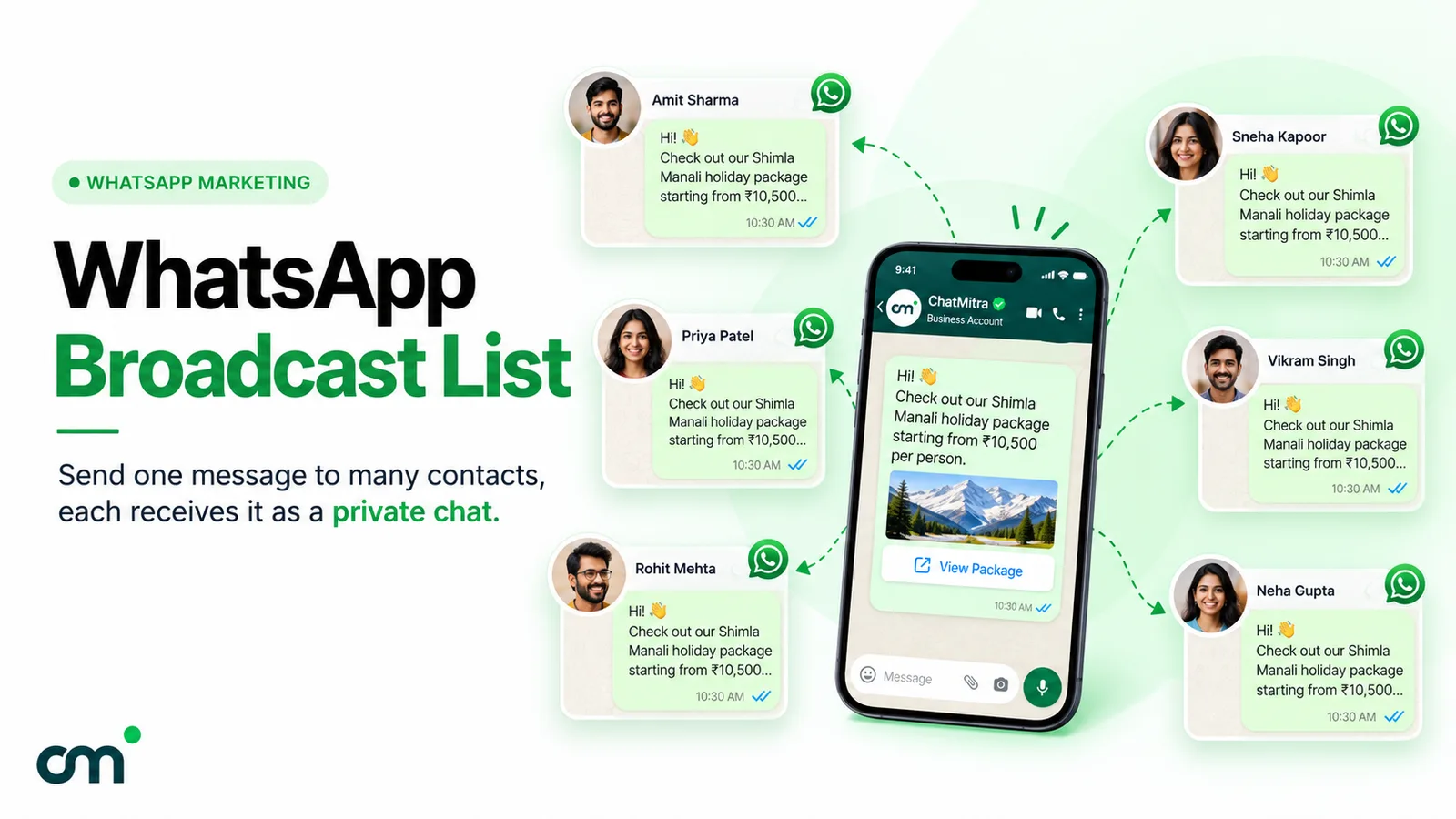
A WhatsApp video broadcast is one video message sent to many customers at once, with each person receiving it in a private chat. For anything beyond a few hundred saved contacts, it means sending a Meta-approved template with a video header through the WhatsApp Business API. Meta’s limits are strict: MP4 or 3GPP, no more than 16 MB, H.264 video and AAC audio. And the video costs exactly the same to send as a text message.
Video is the format that shows what text and photos can’t: a saree’s drape, how a serum is applied, the view from a flat’s balcony, a dish coming out of the tandoor. But most WhatsApp video campaigns fail for dull technical reasons rather than creative ones. A file that’s 19 MB, a clip exported in a profile Android phones won’t play, a Google Drive link where a file URL was needed, a first frame that’s a black screen. This guide covers the specs, the sending steps, what it costs in India, ten video ideas with sample copy, how to measure results honestly, and how to fix the errors you’re most likely to hit.
Using ChatMitra? Create a template with a Video header, then pick the actual video, from your ChatMitra storage or by public URL, when you set up the campaign. The wizard previews it in a WhatsApp-style bubble before you send. ChatMitra’s fee is ₹0.20 per conversation, not per message, and video costs no more than text. Jump to Video broadcasts on ChatMitra.
Three things people mean by “WhatsApp video broadcast”
The phrase covers three different WhatsApp features, and they suit different businesses.
| Broadcast list (WhatsApp Business app) | WhatsApp Channel | Template campaign (WhatsApp Business API) | |
|---|---|---|---|
| Who receives it | Up to 256 contacts per list, and only those who saved your number | Anyone who follows your channel | Opted-in customers on your list, within your messaging limit |
| Where it lands | Their private chat with you | The Updates tab, not their chats | Their private chat with you |
| Can they reply? | Yes, to you only | No direct replies (reactions and polls only) | Yes, and a reply opens a 24-hour customer service window |
| Personalisation | None | None | Name, order, city or any field through template variables |
| Approval | None | None | Meta approves the template first |
| Cost | Free, with monthly limits rolling out in some countries | Free | Meta’s per-message rate plus your provider’s fee |
| Best for | A small shop with a few hundred loyal customers | Public announcements to a large following | Businesses messaging thousands of customers who expect to hear from them |
Our guide to WhatsApp broadcast lists covers the app route in detail, including the 256-contact cap, the saved-number rule and the monthly limit WhatsApp is rolling out in some countries. The rest of this article is mostly about the third option, because it’s the only one that reaches customers at scale in their own chats, lets them reply, and works whether or not they’ve saved your number.
How a video arrives on a customer’s phone
Before you shoot or edit anything, know what the customer actually sees. Meta’s documentation describes a video message as a thumbnail preview of the video with optional text. When the customer taps the preview, the video loads and plays. Nothing plays by itself.
A video template arrives as one message bubble with up to four parts:
- The header: the video, shown as a still frame with a play button.
- The body: your text, up to 1,024 characters, with variables such as the customer’s name.
- An optional footer: a short line such as “Reply STOP to opt out”.
- Optional buttons: a website link, a phone number or quick replies such as “Show me more”.
That has three practical consequences:
- The first frame is your poster. If your edit opens on a fade from black, a logo animation or a blurry establishing shot, the thumbnail is a dark rectangle and few people tap it. Open on the product, a face or the most striking moment, or choose an editor export setting that puts a strong frame first.
- The first line of the body does the selling. People decide whether to tap from the text beside the frame. “Watch how the Banarasi drapes in 20 seconds” earns more taps than “Check out our new video!”
- Data matters. Customers download the file when they tap. A 16 MB clip is fine on Wi-Fi but a real cost to someone on a small mobile data pack, so smaller files are kinder and load faster.
If you need movement that plays on its own, Meta’s Marketing Messages API supports GIF headers: MP4 files up to 3.5 MB that loop like an animation. Meta lists GIF headers as unavailable on the standard Cloud API, and larger files are displayed as normal videos.
Meta’s video specs for template headers
These limits come from Meta’s media documentation for the WhatsApp Business Platform. They apply to video headers in templates and to videos you send inside a customer service window.
| Spec | Meta’s requirement | What to do |
|---|---|---|
| File type | MP4 (video/mp4) or 3GPP (video/3gpp) | Use MP4. MOV, WebM, AVI and MKV files are rejected. |
| Maximum size | 16 MB | Aim for 5–12 MB so the file loads quickly on mobile data. |
| Video codec | H.264 only | Use the Main profile without B-frames, or Baseline. Meta says Android WhatsApp doesn’t support H.264 High profile with B-frames. |
| Audio codec | AAC only, one audio stream or none | Export stereo AAC at 96–128 kbps, or no audio track. |
| File layout | Meta recommends the moov atom before the mdat | ffmpeg’s -movflags +faststart does this. |
| File extension | Must match the real type | A renamed file can trigger error 131053 (media upload failed). |
| Body text with the video | Up to 1,024 characters | Keep it to 2–4 short lines. |
| Animated GIF header | MP4 up to 3.5 MB, Marketing Messages API only | Not available on the standard Cloud API. |
Meta’s documentation sets no aspect ratio or duration for video headers. Square (1:1) and vertical (4:5) frames are common choices because people hold their phones upright. Keep the product and any on-screen text away from the edges in case the preview is cropped.
Export settings that fit comfortably
File size is bitrate multiplied by duration. At 720p, a video bitrate of about 2.5 Mbps looks sharp on a phone screen. Thirty seconds at 2.5 Mbps is 75 megabits, or about 9.4 MB, plus about 0.5 MB of audio at 128 kbps. That’s roughly 10 MB, well inside the limit. The same settings give about 5 MB for a 15-second clip and about 19 MB for a 60-second one, so a minute-long video needs a lower bitrate (about 1.8 Mbps) or a shorter cut.
If you use ffmpeg, this command produces a WhatsApp-friendly file from almost any source:
ffmpeg -i input.mov -vf "scale=-2:720" -c:v libx264 -profile:v main -bf 0 \
  -b:v 2500k -maxrate 2500k -bufsize 5000k -pix_fmt yuv420p \
  -c:a aac -b:a 128k -ac 2 -movflags +faststart output.mp4
-profile:v main -bf 0 gives you the Main profile without B-frames that Android needs, and -movflags +faststart moves the moov atom to the front. In editors such as Premiere Pro, DaVinci Resolve or CapCut, choose H.264, 720p or 1080p, a bitrate around 2–3 Mbps and AAC audio, then check the file size before uploading. If a phone export is still too big, a free tool such as HandBrake can re-encode it with the same settings.
How to send a WhatsApp video broadcast through the API
The order matters, because some steps take a day and others can’t be undone once the campaign goes out.
- Make sure your list is opted in. Meta requires a customer’s permission before you start a conversation. Opt-in must name your business and make clear the customer is agreeing to WhatsApp messages. Our WhatsApp opt-in guide covers the rules and India’s DPDP Act.
- Create a template with a video header. Choose the category that matches the content. A launch video, an offer or a festive greeting is marketing. A video that’s specific to the customer’s order, such as setup instructions for something they’ve bought, may be approved as utility if it contains no promotion, but Meta makes the final call. Add your body text, variables and buttons. Meta needs a sample of the media with the submission, and reviews usually finish within 24 hours.
- Prepare the video file. Export it to Meta’s specs, then either upload it to your provider (which sends it to Meta or hosts it) or host it at a public URL. A link must point straight at the
.mp4file and be reachable without a login. Meta recommends uploading media rather than linking because it’s more reliable. Media uploaded through Meta’s API expires after 30 days, so a re-run months later needs a fresh upload. - Choose the audience and fill the variables. Send to a segment that has a reason to care: past buyers of the category, people who asked about the product, customers in the city where the event is. Map each variable to a contact field, and check what happens when a field is empty.
- Test on real phones. Send the campaign to yourself and a colleague first, ideally one Android phone and one iPhone. Check that the video plays, the first frame looks right, the text reads well and every button works.
- Schedule and send. Pick a time your customers are likely to be free, not 7 am. Your messaging limit caps how many unique people you can send templates to in a rolling 24 hours: new business portfolios start at 250, and limits rise to 2,000, 10,000, 100,000 and unlimited as you verify your business and keep quality high.
- Watch the first hour. Meta may pace a new marketing template: it sends to a first group, holds the rest briefly while it reads early feedback, then releases them. If enough people block or report it, Meta pauses the template and drops the held messages (error 132015). A sudden rise in blocks is a reason to stop and rethink the video, not to resend.
Meta also limits how many marketing messages each person receives from all businesses, based on how they engage. Messages held back this way fail with error 131049 and aren’t charged. Meta asks businesses to wait at least 24 hours before trying those people again.
Video, image or text: when video earns its place
Video takes longer to make, longer to load and longer to watch. It’s worth it when movement or sound carries information a photo can’t.
| What you need to show | Best format | Why |
|---|---|---|
| How a product moves, fits or works (drape, fit, texture, demo) | Video | Motion is the information |
| How to use or set up something | Video, 30–60 seconds | Steps are clearer shown than described |
| A place: a flat, a hotel room, a venue, a restaurant | Video walk-through | Space and scale don’t come across in one photo |
| A person speaking: founder, doctor, teacher, happy customer | Video | Voice and face build trust |
| A price, an offer or a deadline | Image or text | The point has to land in one glance |
| A new catalogue or several products | Image | One clear photo per product, or a link to the catalogue |
| An order, payment or appointment update | Text | Customers want the facts, fast |
A useful test: if you’d need more than two sentences to describe what the video shows, a video is probably the right format. If one sentence and a photo do the job, send the photo.
10 WhatsApp video broadcast ideas with sample copy
Each idea includes the kind of video, a sensible length, the likely template category and sample body text. The businesses named in the samples are made up. Replace {{1}} with your name variable.
1. Product launch teaser (marketing, 15–20 seconds). Show the product in use, not a slideshow of packshots.
Hi {{1}}, our new cold-pressed hair oil launches on Friday. Watch it go from seed to bottle in 20 seconds. Subscribers get first access at 10 am. [Remind me]
2. How to use your purchase (possibly utility, 30–60 seconds). Send it a day after delivery. Keep it about the order, with no upsell, if you want a chance at utility pricing.
Hi {{1}}, your Mitti vitamin C serum was delivered yesterday. Here’s how to apply it in under a minute: two drops, morning only, sunscreen after. Reply HELP if you have questions.
3. Fit, drape or size demo (marketing, 20–30 seconds). The video that answers “how will it look?” before a customer asks.
Hi {{1}}, you asked about the Kesari silk saree. Here it is draped, in daylight and under shop lights. Want the blouse size chart? [Size chart]
4. Recipe or dish reveal (marketing, 15–30 seconds). For restaurants, cloud kitchens and food brands.
{{1}}, our weekend special is back: dum biryani sealed and cooked in the handi. Watch the seal break. Order before 7 pm for dinner delivery. [Order now]
5. Customer testimonial (marketing, 20–40 seconds). Get the customer’s written permission before you use their face or name.
Hi {{1}}, Ritu from Pune has used our water purifier for two years. Here’s what changed for her family, in her own words. [Book a free demo]
6. Behind the scenes (marketing, 20–40 seconds). Craft, sourcing or the team. It works when the making is part of what customers pay for.
{{1}}, every Kesari saree takes our weavers about three weeks. Here’s a 30-second look inside the loom room in Varanasi.
7. Event or webinar invitation (marketing, 15–30 seconds). A clip of the speaker inviting people personally.
Hi {{1}}, Dr Mehta will explain the new skin-care routine for winter in a free 30-minute live session on Thursday at 6 pm. Watch her 20-second invite. [Save my seat]
8. Property or site walk-through (marketing, 45–60 seconds). For real-estate developers and brokers, sent to people who enquired about that project.
Hi {{1}}, here’s a one-minute walk-through of the 3BHK sample flat at Green Acres, from the entrance to the west-facing balcony. Site visits are open this Sunday. [Book a visit]
9. Sample lesson (marketing, 30–60 seconds). For coaching institutes, course creators and tutors.
Hi {{1}}, here’s a 45-second trick for solving percentage questions in your head, from our Bank PO batch. The full batch starts on 1 December. [See the timetable]
10. Festive greeting from the founder (marketing, 15–20 seconds). Personal, short and without a hard sell.
Happy Diwali, {{1}}! A short thank-you from the two of us who started Tulsi Organics in 2019, and from everyone in the team.
Writing the message around the video
The video gets the attention, but the text and buttons get the action. A few habits help:
- Lead with what the video shows. “See the 3BHK balcony view” beats “New video!”
- Give the length when it’s short. “20 seconds” tells a busy person it’s worth tapping now.
- One clear next step. One URL button or one quick reply. Three competing calls to action split attention.
- Use the customer’s context, not just their name. “You asked about the Kesari silk saree” is more relevant than “Hi Priya”.
- Make the text stand alone. Some people won’t play the video. The message should still make sense without it.
- Segment before you send. A video that suits last month’s saree buyers is spam to someone who bought a gift card.
- Keep it short. Cut a long brand film to the 20–40 seconds that matter and link to the full version.
- Add a way out. A footer such as “Reply STOP to stop offers” keeps complaints and blocks down, and blocks hurt your quality rating.
If you link to a page, add UTM parameters so the visits show up in your analytics. Our guide to sending clickable links on WhatsApp covers link previews and buttons.
What a WhatsApp video broadcast costs
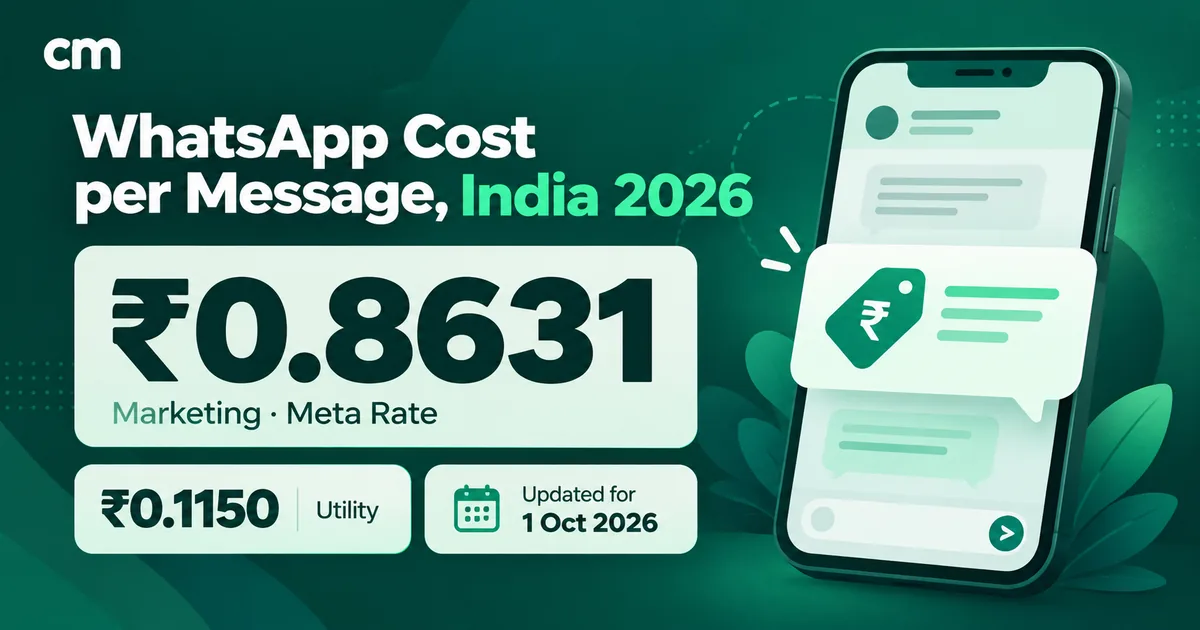
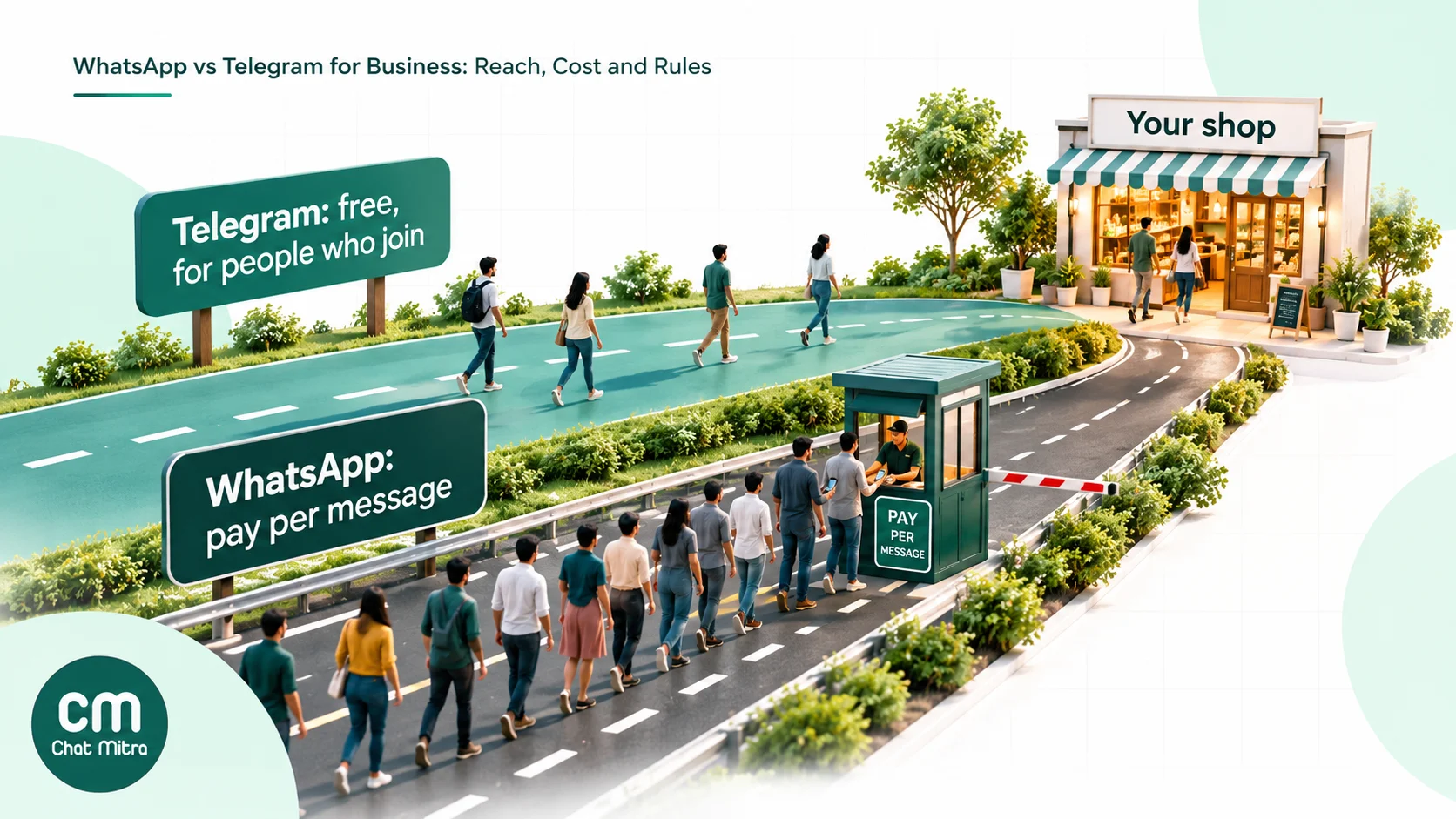
Meta charges per delivered template message, by category and the customer’s country code. The media type makes no difference to the price. A marketing template with a 15 MB video costs the same as a one-line text template. Meta doesn’t charge for messages that aren’t delivered.
Rates for Indian numbers (Meta’s INR rate card, checked October 2026):
| Message | Meta’s charge (India) |
|---|---|
| Marketing template (text, image or video) | ₹0.8631 per delivered message |
| Utility template (text, image or video) | ₹0.115 per delivered message |
| Your replies inside the 24-hour customer service window | Service messages: the first 1,000 a month per number are free, then ₹0.115 each |
| Messages after a customer starts a chat from a click-to-WhatsApp ad, when you reply within 24 hours | Free for up to 7 days (free entry point window) |
Worked example. A skincare brand sends a 20-second launch video, as a marketing template, to 5,000 opted-in past buyers in India. Say 4,800 are delivered.
- Meta: 4,800 × ₹0.8631 = ₹4,142.88.
- ChatMitra on Starter: ₹0.20 per conversation, charged once per customer per 24 hours. That’s 4,800 × ₹0.20 = ₹960. If 400 customers reply with questions the same day, their chats sit inside the same 24-hour conversation, so there’s no extra ChatMitra fee, and your replies use Meta’s free monthly service messages.
- Total: about ₹5,103, or a little over ₹1 per customer reached.
On Pro (₹999 a month), the first 1,000 conversations each month are included. On Enterprise (₹2,499 a month), the ₹0.20 fee doesn’t apply at all. Sending the same campaign as a photo or text would cost exactly the same. The real cost of video is production time and the customer’s mobile data, not the send.
For the full rate table and other countries, see our WhatsApp cost per message guide.
How to measure a video broadcast
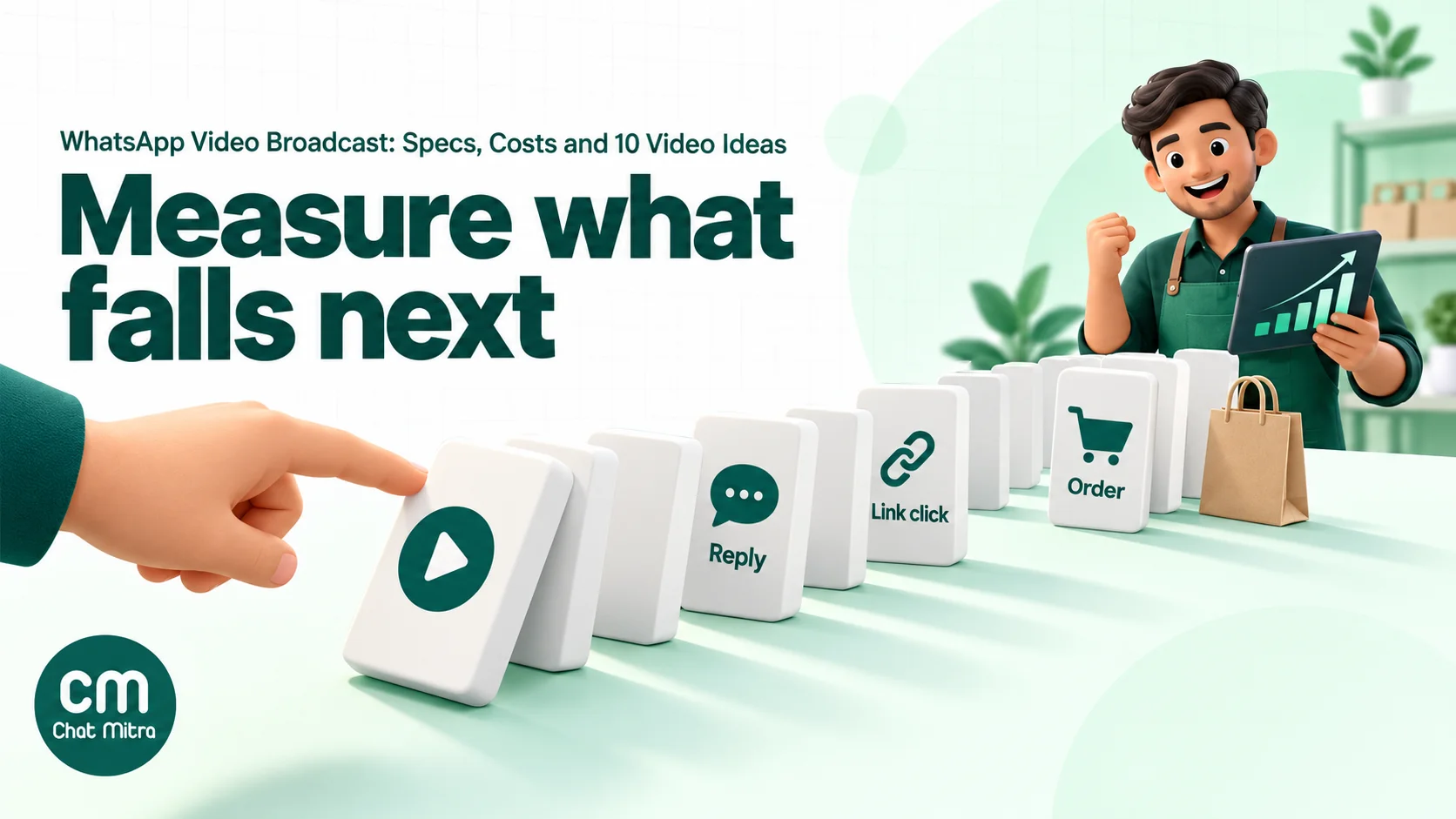
WhatsApp gives every API message a status: sent, delivered, read or failed. Meta defines read as the message being displayed in an open chat. It doesn’t mean the video was played. Meta’s played status exists only for voice messages, so no WhatsApp tool can tell you how many people watched your video, or for how long. Any “video views” figure from a provider is an estimate.
Measure what happens after the video instead:
- Replies and quick-reply taps. A button such as “Show me more” or “Size chart” is a clean signal of interest. Count replies within 48 hours.
- Link clicks. Put UTM parameters on URL buttons (
utm_source=whatsapp&utm_campaign=diwali_video) and read the visits in Google Analytics or your store dashboard. - Orders and revenue. Use a campaign-specific coupon code or a dedicated landing page so orders can be traced back.
- Blocks and opt-outs. A spike in blocks or STOP replies is the most important number to watch, because it hurts your quality rating and messaging limits.
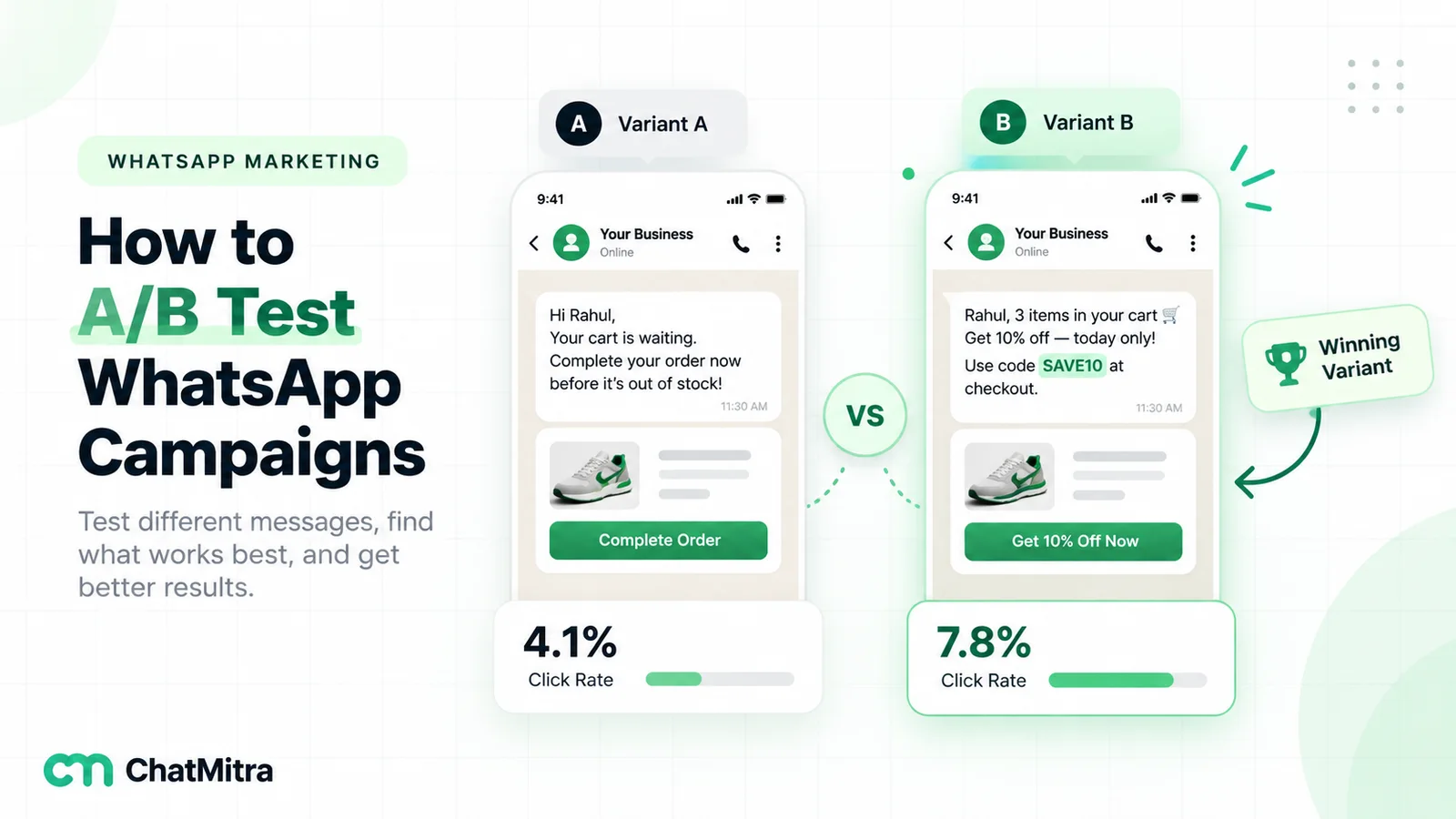
- A holdout group. Keep 10% of the segment out of the send and compare their purchases with the group that got the video. That’s the only way to know whether the video caused the orders or your best customers would have bought anyway. Our WhatsApp A/B testing guide explains how to split a list and read the result.
To test whether video beats a photo for your audience, send the same message with a video header to one half of a segment and with an image header to the other, and compare replies and orders, not read rates.
Troubleshooting video broadcasts
| Problem | Likely cause | Fix |
|---|---|---|
| Template rejected | Category mismatch (promotion submitted as utility), or the body or sample breaks Meta’s rules | Resubmit as marketing, or remove the promotional wording. Make sure the sample media reflects what you’ll send. |
| Error 131053 (media upload failed) | File isn’t really MP4 or 3GPP, wrong codec, or the extension doesn’t match the content | Re-export as H.264 + AAC MP4 and check the type (on a Mac or Linux, file -I video.mp4). |
| Video plays on iPhone but not on some Android phones | H.264 High profile with B-frames | Re-export with the Main profile and no B-frames, or Baseline. |
| Send fails with a link | URL isn’t a direct, public file: a Google Drive or YouTube page, a login-protected link, or a signed URL that expired | Upload the file to your provider, or host the .mp4 on a public URL that downloads the file directly. |
| Video arrives but looks blurry | Bitrate too low or heavy cropping | Export at 720p with about 2.5 Mbps; keep the key action in the centre. |
| Many failures with error 131049 | Meta’s per-user marketing limit held messages back | Wait at least 24 hours, then retry only those numbers. They weren’t charged. |
| Failures with error 131050 | The customer stopped your marketing messages | Don’t retry. Remove them from marketing sends. |
| Campaign stops, error 132015 | Meta paused the template for low quality | Edit the template or the targeting before you send again. |
| No marketing messages delivered to +1 numbers | Meta doesn’t currently deliver marketing templates to US phone numbers | Use utility templates for US customers where appropriate, or another channel. |
| App broadcast not received | The contact hasn’t saved your number | Ask them to save it, or move to the API. |
Video broadcasts on ChatMitra
ChatMitra runs on the official WhatsApp Business API. You can send video templates as broadcast campaigns, send videos in live chat, and send them from automations.
| ChatMitra advantage | What it means for video | How it compares |
|---|---|---|
| ₹0.20 per conversation, never per message | A customer who watches, replies and asks three questions counts once in 24 hours | Per-message platform fees grow with every reply |
| Video costs the same as text | Meta’s rate depends on the template category, and ChatMitra adds nothing for media | Ask any provider whether media messages carry an extra fee |
| Replies land in one team inbox | Questions a video campaign brings in arrive in the same live chat your team already works from, with the 24-hour window shown | No separate tool for campaign replies |
| Pick the video at send time | One approved template can carry a new video in every campaign | No re-approval just to change the clip |
| Preview before sending | The wizard plays your video inside a WhatsApp-style message bubble | Catch a dark first frame or wrong file before it goes out |
| Personalised text around the video | Template variables fill from contact fields such as name, city or last product | One video, many personal messages |
| Schedule and retry | Schedule up to two months ahead; Smart Auto-Retry can try failed recipients again (the first retry defaults to 24 hours later) | Fits Meta’s advice to wait 24 hours after a per-user limit failure |
| Meta’s rates at cost | You pay Meta’s India rates shown above, with nothing added | Check whether a provider marks up Meta’s price |
How to send a video broadcast in ChatMitra:
- Create the template. In Templates, choose Video as the header type, write the body with variables and add buttons. ChatMitra submits a standard sample clip with the template for Meta’s review, so you don’t need your final video yet.
- Prepare the file. Export an MP4 (H.264 + AAC) under 16 MB.
- Create a campaign. Choose the approved template and your audience (tags or an imported list). For the header, click Select Media from Storage to upload or pick the MP4, or paste a public Media URL that points directly to the file.
- Map the variables to contact fields, and set a fallback for empty fields.
- Check the preview, then send to a small test group that includes your own number.
- Send now or schedule, and turn on Smart Auto-Retry if you want failed recipients retried.
- Review the report: sent, delivered, read and failed counts, with the error code and reason for each failed contact.
Good to know:
- One video per campaign: every recipient gets the same file. For different videos, split the audience and run one campaign per segment.
- A pasted Media URL isn’t checked before sending. If it isn’t a public, direct link to an MP4, those messages fail and the report shows the error.
- Upload MP4 files. The storage picker also accepts WebM and Ogg video, but Meta only accepts MP4 and 3GPP.
- Campaign reports show sent, delivered, read and failed. There are no click or play metrics, so use UTM links and coupon codes.
- There’s no test-send button in the campaign wizard yet. Send to a small group with your own number first.
- Carousel templates (several videos or images in one swipeable message) aren’t supported yet.
- In live chat, agents can send a video (MP4 or 3GPP, up to 16 MB) during the 24-hour customer service window. Auto Reply can send a video too, and Automation has a Send Media action. Check your plan on the pricing page.
For the basics of image, document and video messages, see the Knowledge Hub page on sending media on WhatsApp. For how headers, bodies and buttons fit together, see WhatsApp template elements.
Where to start
Pick one product or service where movement genuinely sells: a drape, a demo or a walk-through. Shoot 20–30 seconds on a phone, in daylight, opening on the product. Export it as an MP4 under 12 MB with the Main profile, and test it on an Android phone. Get one marketing template approved with a clear first line and one button. Send it to the segment most likely to care, keep 10% back as a holdout, and compare orders after a week. If the video beats your usual image campaign, make it a regular format. If it doesn’t, you’ve spent one shoot finding out.
Sources: Meta for Developers: Media, Video messages, Template media, Template components, Marketing Messages API features, Pricing, Messaging limits, Template pacing, Per-user marketing limits, Status webhooks, Error codes. All checked 22 October 2026.