Disclosure
ChatMitra is a WhatsApp Business API platform, and our automation product WorkflowMitra can also send and receive Telegram bot messages. This guide compares the two apps as business channels and says where each one is the better choice. Prices, limits and policies were checked against Meta's, WhatsApp's and Telegram's own pages on 15 October 2026.
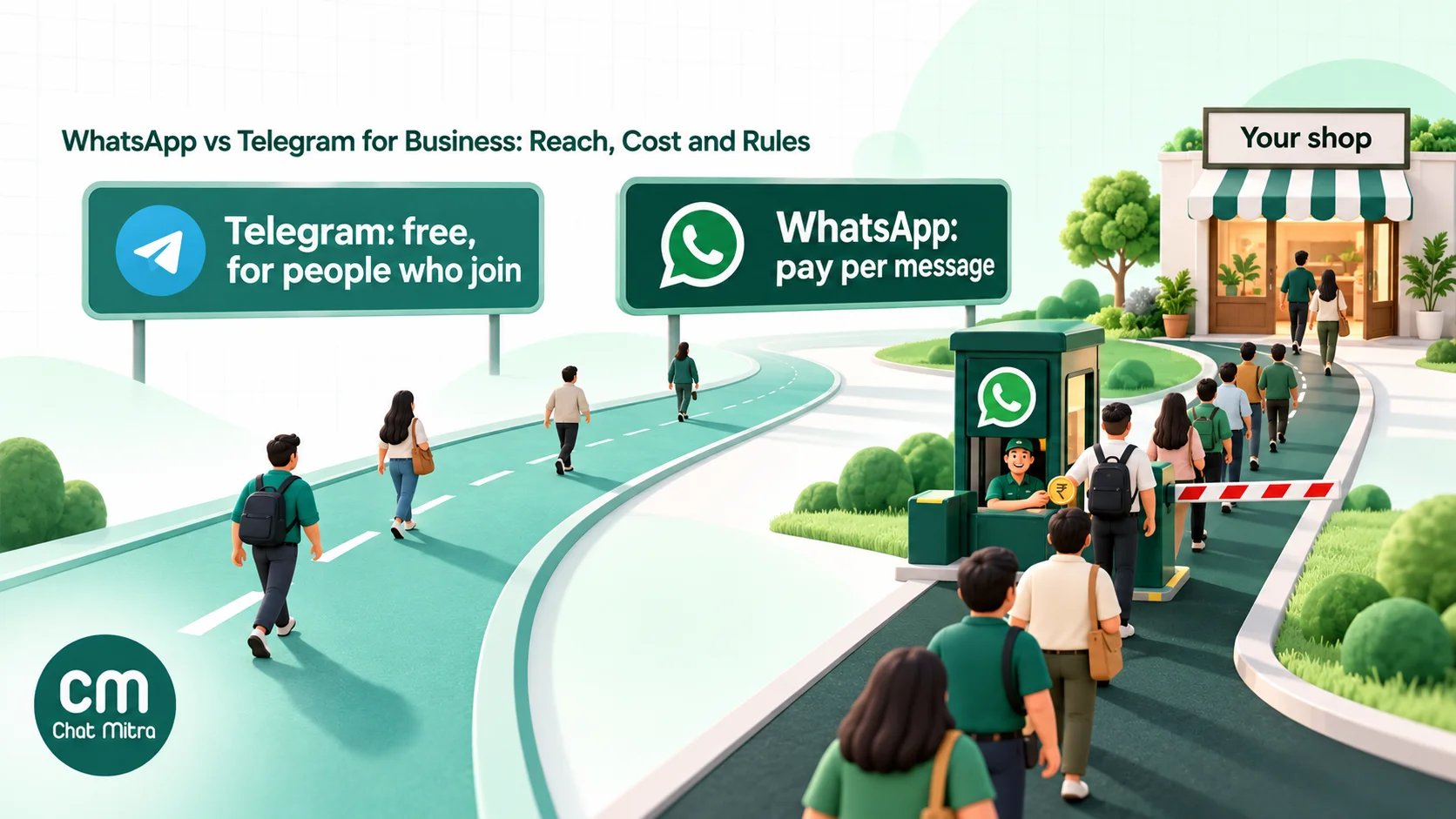
WhatsApp vs Telegram for business comes down to one question: will your customers come to you, or do you need to reach them? WhatsApp lets a business start a conversation with any customer who opted in, using Meta-approved templates that cost ₹0.8631 (marketing) or ₹0.115 (utility) per delivered message in India. That makes it the better tool for sales, orders and support. Telegram can’t message anyone first, but its channels have no subscriber limit, its groups hold 200,000 people and its bots cost nothing to run. That makes it the better tool for a public community. Many Indian businesses use WhatsApp to sell and Telegram to broadcast.
Key takeaways
- Pick WhatsApp when you need to reach existing customers, send order and payment updates, or run one-to-one sales and support.
- Pick Telegram when you're building a public audience that joins you: a course community, a deals channel, a creator following or a developer group.
- WhatsApp's costs are per message and predictable. Telegram's messaging is free, but you pay in development time and you can't push to people who never started your bot.
- WhatsApp encrypts chats end to end by default; Telegram does so only in Secret Chats. Either way, India's data-protection rules apply to your customer data.
- Running both is common, and the two work best with clear jobs: Telegram for reach, WhatsApp for conversations.
The short answer: which app for which job
Most comparison posts list twenty features and end with “it depends”. It does depend, but on a small number of jobs. Find yours in this table.
| What you need to do | Better fit | Why |
|---|---|---|
| Send order, delivery, payment or appointment updates | You can message the customer first with an approved utility template, and they already use the app. | |
| Reply to enquiries from ads and your website | Click-to-WhatsApp ads open a chat directly and can open a free messaging window of up to 7 days. | |
| Win back or upsell existing customers | Opted-in customers can be reached with marketing templates, personalised per person. | |
| Run a free public channel for thousands of followers | Telegram | Telegram channels have no subscriber limit and cost nothing per post. |
| Host a large discussion community | Telegram | Groups hold up to 200,000 members; WhatsApp groups stop at 1,024. |
| Build a free bot with games, files or a mini web app | Telegram | The Bot API is free and open, with inline keyboards, Mini Apps and large file support. |
| Share big files with members | Telegram | Users can send files of up to 2 GB (4 GB with Premium). |
| Reach customers who don't follow you anywhere | Neither, without consent | WhatsApp needs opt-in; Telegram bots can't message first. Earn the opt-in through ads, your website and checkout. |
If most of your rows say WhatsApp, read the cost section and start there. If they’re split, skip to using both.
How the two apps differ at the core
The feature lists look similar: both have chats, groups, channels, bots and business profiles. The difference is in what each app was built around.
WhatsApp is built around phone numbers and private conversations. People mostly talk to contacts they know, chats are end-to-end encrypted by default, and businesses are a guest in a personal space. Meta guards that space with rules: businesses need opt-in, must use approved templates to start conversations, and are charged per message. In exchange, a business message lands in the same chat list as messages from family and friends.
Telegram is built around the cloud and public spaces. Chats sync across devices from Telegram’s servers, people can be found by username without sharing numbers, and huge public channels and groups are normal. Bots are open to any developer for free. In exchange, nobody has to hear from you: people choose what to join, and a bot can’t message anyone who hasn’t started it.
| Basic | Telegram | |
|---|---|---|
| Monthly users worldwide | More than 3 billion (Meta, April 2025) | Over 1 billion (Pavel Durov, March 2025) |
| Users in India | 53 crore (Government of India, February 2021; Meta publishes no newer figure) | 150 million (Pavel Durov, June 2026) |
| Identity | Phone number; usernames rolling out during 2026 | Phone number hidden by default; public usernames |
| Default encryption | End to end in personal chats | Device to server; end to end only in Secret Chats |
| Largest group | 1,024 members | 200,000 members (more as a broadcast-only group) |
| Channel audience | Followers, one-way | Unlimited subscribers, with optional comments |
| Business tools | Business app (free) and Business Platform API (paid per message) | Telegram Business (a Premium perk) and the Bot API (free) |
| Who can message first | A business, to opted-in customers, using templates | A person; bots only reply after a user starts them |
The India numbers come from different sources and years, so treat them as orders of magnitude, not a precise comparison. Both say the same thing, though: in India, WhatsApp’s reach is several times Telegram’s. That gap matters more than any feature.
The business tools on each side
“WhatsApp for business” and “Telegram for business” each mean several different products. Mixing them up is the most common mistake in online comparisons, such as treating a Telegram channel as a group or a WhatsApp Channel as a customer broadcast tool.
WhatsApp: Business app, Business Platform and Channels
- WhatsApp Business app. A free app for small businesses. It adds a business profile, a catalog with a cart, quick replies, greeting and away messages, labels and broadcast lists. WhatsApp also offers paid “business broadcasts” in select countries, which reach people who haven’t saved your number. It runs on a phone plus linked devices, so it suits a shop with a few people answering chats.
- WhatsApp Business Platform (the API). The version used through providers such as ChatMitra. It has no app of its own; you use a shared inbox, chatbots, campaigns and integrations from your provider. It’s the only way to automate at scale, connect your store or CRM, and let a whole team answer from one number. Messages are charged per delivered template.
- WhatsApp Channels. Free, one-way feeds that sit in the Updates tab. Admins’ and followers’ phone numbers aren’t shown to each other. You post from the WhatsApp app; there’s no official API for posting.
The broadcast list guide covers the app’s broadcast limits, and our explainer on API pricing shows how the per-message charges work.
Telegram: Telegram Business, the Bot API and channels
- Telegram Business. Launched on 31 March 2024, it turns a personal account into a business account with opening hours, location, quick replies, greeting and away messages, a custom start page, chat tags and trackable chat links. Telegram describes these features as free for Premium subscribers, so in practice it’s a Premium perk. Premium is priced by your phone number’s country, so check the price in the app. Since May 2026, every user, not just Premium subscribers, can connect a bot that answers messages on their behalf.
- The Bot API. A free, open platform for building bots, with more than 10 million bots on it. Bots can send text, buttons (inline keyboards), files and payment requests, and open Mini Apps: full web apps inside Telegram. You build and host the bot yourself, or use a no-code tool.
- Channels and groups. Channels broadcast to unlimited subscribers. A linked discussion group adds comments under each post, and owners can turn on direct messages from subscribers. Groups hold up to 200,000 members, and a broadcast group (where only admins post) can go beyond that.
Who can you message first? The rule that decides most cases
This is the difference that matters most, and most comparison posts skip it.
On WhatsApp, the business can start the conversation, with permission. WhatsApp’s Business Messaging Policy says you may contact people only if they have given you their phone number or username and you have received opt-in permission to message them. Outside the 24-hour customer service window, which opens each time a customer messages you, you may only send approved message templates. Inside the window, you can reply freely. So once a customer opts in, at checkout, on a form or by messaging you first, you can send them an order update next week or an offer next month.
On Telegram, the customer must start. Telegram’s documentation is blunt: “Bots can’t start conversations with users. A user must either add them to a group or send them a message first.” Channel posts reach only people who joined. You could message people one by one from a personal account, but Telegram’s terms forbid using the service “to send spam or scam users”, and it isn’t a way to run customer messaging.
What this means in practice:
- A Telegram audience is one you build from zero, by getting people to join a channel or start a bot. Your existing customer list doesn’t carry over.
- A WhatsApp audience can start from customers you already have, as long as each one opted in. Our WhatsApp opt-in guide covers the wording, proof and India’s DPDP Act.
- For transactional messages, such as “your order has shipped” or “your appointment is tomorrow”, only WhatsApp works reliably, because the customer may never have opened your Telegram bot.
What each one costs in India
WhatsApp: per message, by category
Since 1 July 2025, Meta charges per delivered message, by message category and the recipient’s country, and only for messages from businesses to users. These are Meta’s India rates from 1 October 2026:
| Message type | Example | Meta's rate in India |
|---|---|---|
| Marketing template | Festive offer, new arrivals, win-back | ₹0.8631 |
| Utility template | Order confirmation, shipping update, payment reminder | ₹0.115 |
| Authentication template | One-time password | ₹0.115 |
| Service message | A free-form reply inside the 24-hour window | First 1,000 per number each month free, then ₹0.115 |
| Any message in a free entry point window | Replies after a customer arrives from a Click-to-WhatsApp ad | Free while the window is open (up to 7 days) |
Two changes from October 2026 catch people out. Meta resumed charging for service messages beyond the free tier of 1,000 per number per month. And a utility template sent inside an open service window is now charged; Meta’s worked example bills an order confirmation sent mid-conversation. Customers abroad are charged at their own country’s rate. Our India pricing breakdown has the full card, and the pricing calculator does the arithmetic.
On top of Meta’s charges, providers add their own fee. ChatMitra’s Starter plan is free and Pro costs ₹999 a month; both add ₹0.20 per conversation, charged once per customer per 24 hours, not per message. Enterprise, at ₹2,499 a month, has no per-conversation fee. See ChatMitra pricing for current plans.
Telegram: free messages, paid everything else
- Bot messages are free. Telegram’s bot FAQ says bots “are able to message their users at no cost”. The limits are about 30 messages per second across all chats, one per second in a single chat and 20 per minute in a group.
- Paid broadcasts are optional. A bot with at least 100,000 monthly active users and 100,000 Stars on its balance can send up to 1,000 messages per second. Every message above the free 30 per second costs 0.1 Stars, and only successful sends are charged. Small businesses never need this: 5,000 messages at 30 per second take under three minutes.
- Telegram Premium. It’s needed for the Telegram Business toolkit and priced by country.
- Telegram Ads. Sponsored messages of up to 160 characters, shown in public channels with 1,000 or more subscribers and in bots and search. They’re bought through Telegram’s ad platform with a minimum CPM of 0.1 Toncoin. The catch for most businesses: links must point to a Telegram channel or bot, not your website.
- Verification codes. The Gateway API sends login codes through Telegram for $0.01 each, with refunds for undelivered codes.
- The real cost is the bot. Someone has to design, build, host and maintain it, and connect it to your orders, CRM or sheets.
A worked example: 5,000 customers, one month
A D2C brand in Pune has 5,000 opted-in customers. In a month it sends four offers to everyone, 1,500 order and shipping updates, and around 900 replies to customer questions.
| Item | On WhatsApp | On Telegram |
|---|---|---|
| 4 offers × 5,000 people | 20,000 × ₹0.8631 = ₹17,262 | ₹0, as channel posts or bot messages |
| 1,500 order updates | 1,500 × ₹0.115 = ₹172.50 | ₹0, but only for customers who started your bot |
| 900 service replies | ₹0 (within the 1,000 free) | ₹0 |
| Messaging charges | ₹17,434.50, if every message is delivered | ₹0 |
| Platform or build cost | ChatMitra Enterprise ₹2,499 with no per-conversation fee, or Pro ₹999 plus ₹0.20 for each conversation beyond its 1,000 free monthly credits (at most about ₹4,100 here) | Development, hosting and upkeep of a bot, or a no-code tool's subscription |
| Who actually receives it | All 5,000 opted-in customers who use WhatsApp | Only the customers who joined your channel or started your bot |
The last row is the one to think about. Telegram’s messages are free, but if only 600 of your 5,000 customers ever join your channel, the other 4,400 never hear from you. Compare costs per customer reached, not per message sent.
Broadcasts, channels and groups compared
Both apps can send one message to many people, in very different ways.
| Tool | Audience | Two-way? | Cost | Main limit |
|---|---|---|---|---|
| WhatsApp API campaign | Opted-in customers, one private chat each | Yes, replies come back to your inbox | Per delivered template | Portfolio messaging limit and per-user marketing limits |
| WhatsApp Channel | Followers | No | Free | Posted from the app only; no API |
| WhatsApp group or Community | Members who see each other | Yes | Free | 1,024 per group; no scheduling or automation |
| Telegram channel | Subscribers | Optional comments and direct messages | Free | Only people who joined; stats only once the channel is large |
| Telegram group | Members | Yes | Free | 200,000 members; bots limited to 20 messages a minute |
| Telegram bot broadcast | Users who started the bot | Yes | Free up to about 30 per second | Can't reach anyone who hasn't started it |
WhatsApp campaigns have two limits to plan around. The first is your messaging limit: a new business portfolio can send templates to 250 unique customers in a rolling 24 hours, and that limit rises through 2,000, 10,000 and 100,000 to unlimited as you send quality messages. Since October 2025 the limit is shared across all numbers in your business portfolio. The second is the per-user marketing limit: WhatsApp may limit how many marketing messages a person receives from all businesses, based partly on how they engage. People can also stop marketing messages from you in WhatsApp’s settings. Send less often than you would by email, and make each message worth opening.
Telegram channels have one big advantage: monetisation and discovery inside the app. Owners of channels and bots receive 50% of the revenue from ads shown in them, channels can link a discussion group, and subscribers can find you through search. For a creator, an educator or a deals page, that ecosystem is valuable. For a shop that needs a specific customer to know their parcel is delayed, it isn’t.
Bots and automation
Telegram’s bots: open, free and flexible
Telegram’s Bot API is one of the most open messaging platforms. Any developer can create a bot through @BotFather in minutes and use:
- inline keyboards and custom reply buttons;
- Mini Apps, full web apps inside Telegram, for catalogues, booking forms or games;
- payments for physical goods through third-party providers, with Telegram taking no commission (digital goods must be sold for Telegram Stars);
- file uploads of up to 50 MB through Telegram’s hosted Bot API, or up to 2,000 MB with a self-hosted Bot API server.
Nothing has to be approved in advance. That freedom also means quality varies, and every bot needs someone to build and run it.
WhatsApp’s bots: structured, reviewed and closer to the sale
On WhatsApp, automation runs on the Business Platform through your provider. Templates are reviewed by Meta before use, and interactive messages (buttons and lists), product messages and WhatsApp Flows give customers structured choices. In India, customers can pay inside WhatsApp through any UPI app, cards, NetBanking and wallets, with deep integration currently supported for Razorpay, PayU, BillDesk and Zaakpay.
One policy matters for AI bots. Since 15 January 2026, Meta’s terms bar “AI Providers” from offering general-purpose AI assistants on the WhatsApp Business Platform, except where Meta is legally required to allow them. A bot that answers questions about your business, such as orders, bookings or product questions, is fine. A general chat assistant like a public ChatGPT clone is not. Telegram has no equivalent restriction.
On ChatMitra’s Pro and Enterprise plans, an AI chatbot answers typed questions using a model provider and API key you choose, and Auto Reply rules send button and list menus when customers use your keywords. Your team picks up any conversation in the shared inbox.
Privacy, security and compliance
Encryption. WhatsApp encrypts personal chats end to end by default, using the Signal protocol. Telegram’s ordinary “cloud chats”, including groups, channels and bot chats, use encryption between your device and Telegram’s servers. End-to-end encryption is available only in one-to-one Secret Chats.
What changes for businesses on WhatsApp. When a customer messages a business on the Cloud API, the message travels encrypted to Meta’s Cloud API, which decrypts it and forwards it to the business. Meta says it acts as a data processor on the business’s behalf. In other words, business chats on the API aren’t end to end between customer and business, and the same is true of any Telegram bot, whose messages pass through Telegram’s servers to your bot’s server.
Phone numbers. Telegram hides your phone number by default from anyone who doesn’t have it saved. WhatsApp is rolling out usernames gradually during 2026: people who adopt one will see it shown instead of their number. Businesses can reserve usernames from 29 June 2026, but a business username doesn’t hide the business number. WhatsApp’s opt-in rule now refers to customers sharing a “phone number or username”, so plan for both.
Law enforcement. Since September 2024, Telegram’s privacy policy says it may disclose a user’s IP address and phone number to relevant authorities in response to a valid judicial order. Both apps publish monthly compliance reports for India under the IT Rules, 2021.
India’s DPDP Act applies whichever app you choose. The data you collect from customers, including names, numbers and order histories, is yours to protect. Consent must be specific and informed, and withdrawal must be as easy as giving consent. The app’s encryption doesn’t change those duties.
Platform risk: India blocked Telegram in June 2026
In June 2026, the Ministry of Electronics and Information Technology ordered access to Telegram restricted across India until 22 June, using Section 69A of the IT Act. It came ahead of the NEET-UG re-examination on 21 June, after leaked papers and fake “leak” scams spread on Telegram channels. Message editing was also restricted. Telegram’s founder wrote that the block affected “150 million ordinary Telegram users in India”.
The block was temporary, but for a business it’s a lesson in concentration risk. A coaching institute that ran all its student communication on Telegram would have lost that channel for a week, in the middle of exam season. Whatever you choose, keep each customer’s phone number and consent record in your own system, and have a second way to reach them.
Which to choose, by type of business
| Business | Lead with | Use the other for |
|---|---|---|
| D2C brand or online store | WhatsApp: order updates, cart recovery, support, offers | A Telegram deals channel for fans who want every drop |
| Coaching institute or edtech | WhatsApp for admissions, fees and parent updates | A Telegram channel for notes and announcements, with a WhatsApp backup |
| Clinic, salon or local service | WhatsApp: bookings and reminders | Rarely needed |
| Real estate | WhatsApp: enquiries from ads, site visits, documents | A Telegram channel for new listings, if your buyers use it |
| Creator, community or media page | Telegram: channel plus discussion group | WhatsApp for paid members, sponsors and one-to-one sales |
| Software, developer or crypto community | Telegram: groups, bots and Mini Apps | WhatsApp for enterprise customers and billing |
| B2B supplier or distributor | WhatsApp: price lists, orders, payment reminders | Internal Telegram alerts for your own team |
The pattern is simple. If the message is about a customer’s own order, booking or account, use WhatsApp. If it’s the same message for a crowd that chose to follow you, Telegram is a cheap way to deliver it.
Using WhatsApp and Telegram together
Running both apps works best when each has its own job and the two point to each other.
- Telegram builds the audience. Post tips, new arrivals or class notes to a public channel. It costs nothing per post and has no subscriber cap.
- Every post has a WhatsApp next step. Add a WhatsApp chat link for “order”, “book” or “ask a question”. Personal conversations move to WhatsApp, where you can follow up.
- WhatsApp handles the transaction. Enquiries, orders, payments, reminders and support happen one-to-one, with a record in your inbox.
- Opt-in carries over properly. When a Telegram follower messages you on WhatsApp, ask for their consent to receive updates, and record it. Following your channel isn’t WhatsApp opt-in.
- Automation ties it together. Our automation product, WorkflowMitra, can receive messages from a Telegram bot with an “On new message” trigger, reply on the same channel, and send messages from your bot, for example to alert your team on Telegram when a new WhatsApp enquiry reaches it through a ChatMitra webhook. You connect the bot with the token from @BotFather.
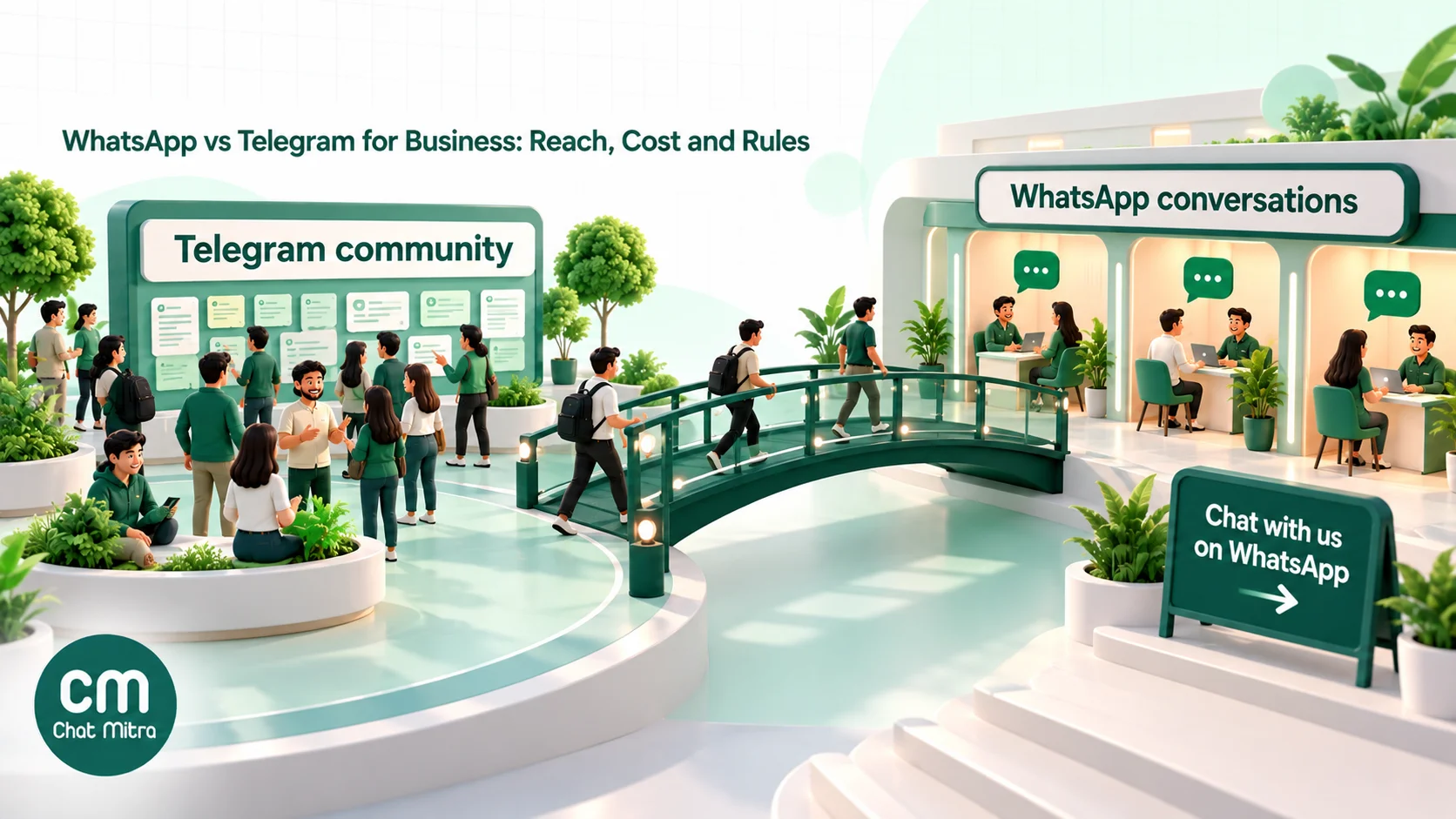
An illustrative setup. Picture a test-prep institute with a free Telegram channel of daily practice questions. Every Sunday’s post ends with “Questions about the weekend batch? Chat with us on WhatsApp”, and a link. Enquiries land in a shared WhatsApp inbox, where an AI chatbot answers fee and timing questions and a counsellor handles admissions. Admitted students get fee reminders and class changes on WhatsApp, because the institute can message them first. If Telegram is blocked again, the institute still has every student’s number and consent, and can post the week’s questions to a WhatsApp Channel instead.
Mistakes businesses make with this choice
- Comparing user counts instead of your customers. A billion users worldwide means nothing if your customers aren’t among them. Ask your customers, or look at where your enquiries come from.
- Treating “free” as free. Telegram’s messages cost nothing, but a bot that books appointments or tracks orders needs building, hosting and maintenance.
- Expecting Telegram to send transactional updates. If the customer never opened your bot, your “order shipped” message has nowhere to go.
- Messaging people who never opted in. On WhatsApp, this breaks Meta’s policy and drags down your number’s quality. On Telegram, it breaks the terms against spam. Neither app is a shortcut around consent.
- Calling a WhatsApp Channel a broadcast tool for customers. Channels are public feeds without replies or an API. For personal, measurable messages, you need the Business Platform.
- Trusting old comparison tables. Many still quote WhatsApp groups of 256 or 512, conversation-based pricing (replaced on 1 July 2025) or Telegram’s 2022 user count. Check dates before you decide.
- Putting everything on one platform. The June 2026 Telegram block showed the risk. Keep your customer list and consent records in your own system.
A quick checklist before you decide
- Write down the three messages you send most often. Are they personal (orders, bookings) or the same for everyone (news, tips)?
- Check where your customers already are: ask in your next order confirmation or at the counter.
- Count how many customers have opted in to WhatsApp messages, and how many follow you on Telegram.
- Estimate WhatsApp’s monthly cost with the pricing calculator, and Telegram’s cost as the hours to build and run a bot.
- Decide who answers chats, and from where: one phone, or a shared inbox.
- Set up opt-in wording that names your business, and a way to record it.
- If you use both, give each app a clear job and link Telegram posts to WhatsApp for anything personal.
For comparisons with other channels, see our guides to WhatsApp vs SMS, RCS vs WhatsApp and WhatsApp vs email marketing.
Sources: Meta for Developers: WhatsApp pricing (including the India rate card effective 1 October 2026), messaging limits, per-user marketing limits, Cloud API data privacy and security, usernames and business-scoped user IDs, AI providers, payments in India; WhatsApp: Business Messaging Policy, Business app features, introducing Channels, group size in communities; Meta: Q1 2025 earnings call; Telegram: bots introduction, bots FAQ, Bot API, payments, payments in Stars, Gateway API, revenue sharing, FAQ, channels FAQ, Premium FAQ, Telegram Business, May 2026 bot update, Terms of Service, Privacy Policy, Telegram Ads; Pavel Durov: 1 billion users, March 2025, policy update, September 2024, India block, June 2026; Government of India: PIB release on the IT Rules, 25 February 2021; The News Minute: Telegram temporarily banned in India till June 22. All checked 15 October 2026.