Disclosure
ChatMitra is a WhatsApp Business API platform, so this guide recommends it as the API option and says where the free apps are enough. Feature, terms and pricing details were checked against WhatsApp's and Meta's own pages on 15 October 2026.
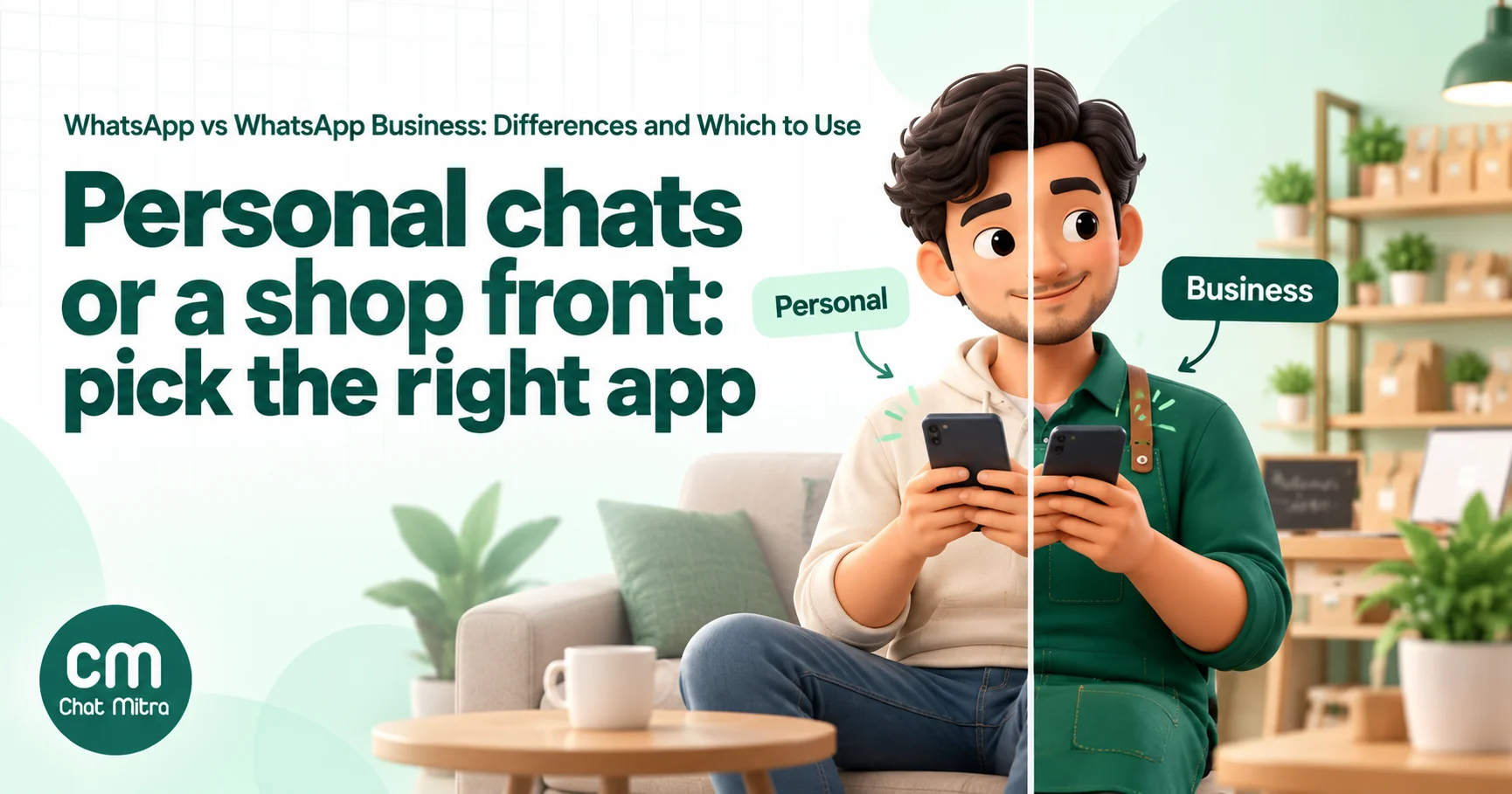
WhatsApp vs WhatsApp Business comes down to who you’re talking to. WhatsApp (officially WhatsApp Messenger) is for personal chats with friends and family. WhatsApp Business is a separate free app for businesses talking to customers: it adds a business profile, a catalog, quick replies, greeting and away messages, contact lists and paid broadcasts on top of the same familiar chat screen. If you sell anything, even part-time, use WhatsApp Business on its own number and keep Messenger for personal life. When a team, automation or bulk messaging enters the picture, the third option is the WhatsApp Business API.
Key takeaways
- WhatsApp Messenger is for personal use; WhatsApp Business is for business use. Both apps' terms say so.
- The Business app is free and adds a profile, catalog, quick replies, automated greeting and away messages, lists and paid business broadcasts.
- One phone can run both apps with two numbers, but one number can't be in both apps at once.
- Moving to the Business app keeps your number and chats. Going back keeps chats too, but catalog data doesn't return.
- For teams, automation and campaigns, use the WhatsApp Business API, priced per delivered message. Coexistence lets the Business app keep working on the same number.
Using ChatMitra?
ChatMitra is the API option in this comparison: a shared team inbox for your WhatsApp number, scheduled broadcasts, retargeting and saved quick replies, all on the free Starter plan. You pay Meta's charges at cost plus ₹0.20 per conversation (once per customer per 24 hours). Pro (₹999 a month) adds away messages, auto-reply rules and the AI chatbot, and Enterprise (₹2,499) removes the ₹0.20 fee. See how ChatMitra fits.
The short answer: which one is for you?
- Personal WhatsApp (Messenger) if you only chat with friends, family and colleagues. WhatsApp itself says: “If you’re not a business, there’s no need to download this separate app” (WhatsApp Help Center, about WhatsApp Business).
- WhatsApp Business app if you sell, book, quote or support customers and one or a few people answer from a phone. It’s free, and it covers most small businesses’ needs.
- WhatsApp Business API if several people answer the same number, you send campaigns to large opted-in lists, or you need chatbots and integrations. You use it through a provider, and you pay per delivered message.
Most people reading this are deciding between the first two: a home baker, tutor, boutique, consultant or shop owner whose customers already message their personal number. The rest of this guide covers what changes, what the rules say, and how to switch without losing anything.
WhatsApp vs WhatsApp Business vs Business API: side-by-side
| WhatsApp (Messenger) | WhatsApp Business app | WhatsApp Business API | |
|---|---|---|---|
| Built for | Personal chats | Small businesses talking to customers | Businesses of any size, at scale |
| How you use it | Phone app | Phone app (plus linked devices) | No WhatsApp app; through a provider's inbox or your own software |
| Cost | Free | Free; business broadcasts and Meta subscriptions are paid extras | Per delivered message, plus the provider's fee |
| Profile | Name, photo, about | Business profile: description, address, hours, category, website; labelled "Business account" | Business profile, managed in your provider's dashboard or WhatsApp Manager |
| Catalog and cart | No | Yes | Depends on the provider |
| Saved quick replies | No | Yes, up to 50 | Provider feature (ChatMitra: no fixed limit) |
| Greeting and away messages | No | Yes | Yes, through the provider, plus chatbots |
| Broadcasts | Lists of up to 256 who saved your number | The same free lists, plus paid business broadcasts in select countries | Approved templates to any opted-in contact, scheduled and tracked |
| Who can reply | You, on a phone + up to 4 linked devices | Phone + 4 linked devices; up to 10 with paid multi-agent | As many teammates as your provider allows |
| Rules on use | No non-personal use unless authorised | Business use only, not personal | Business use under Meta's business messaging policies |
Device limits come from WhatsApp’s pages on linked devices and multi-agent. Broadcast limits come from its broadcast lists page. The rest is detailed in the sections below.
Five common situations, and the right choice for each
The table is easier to apply to real cases. These five come up again and again.
1. A home baker taking orders from friends of friends. Orders arrive on the owner’s personal number, mixed in with family groups. Choose the WhatsApp Business app. Move the number customers already have to the Business app, put the menu in the catalog, and save quick replies for prices, delivery areas and payment details. Get a new SIM for personal chats. Cost: nothing.
2. A tutor or coaching class messaging parents. One teacher, a few batches, regular notices about timings and fees. Choose the WhatsApp Business app, for now. Broadcast lists work only for parents who saved the number, so ask parents to save it on admission day. Once there are several batches, staff who need to reply, or fee reminders to hundreds of parents, the API becomes worth it.
3. A clinic where a receptionist and a doctor both reply. Appointments, reports and reminders, answered from the front desk and sometimes by the doctor. Start on the Business app with linked devices, so the receptionist uses WhatsApp Web while the phone stays at the clinic. If reminders need to go out automatically, or a second branch joins, move to the API. Keep patients’ chats off anyone’s personal phone either way.
4. An online brand running sales campaigns. Thousands of past buyers, festive offers, order confirmations from the store. Choose the WhatsApp Business API. Campaigns to opted-in customers, scheduling, delivery reports and store integrations are exactly what the app doesn’t do. With coexistence, the owner can still answer VIP customers from the Business app on the same number.
5. A freelancer who uses one number for everything. Clients and family share the same chat list, and switching feels like a hassle. Choose the WhatsApp Business app with a second number. Decide which number clients have (usually the existing one), move it to Business, and keep personal chats on a new number in Messenger. The profile and away message alone make you look more professional, and evenings stay quieter.
What WhatsApp Business adds
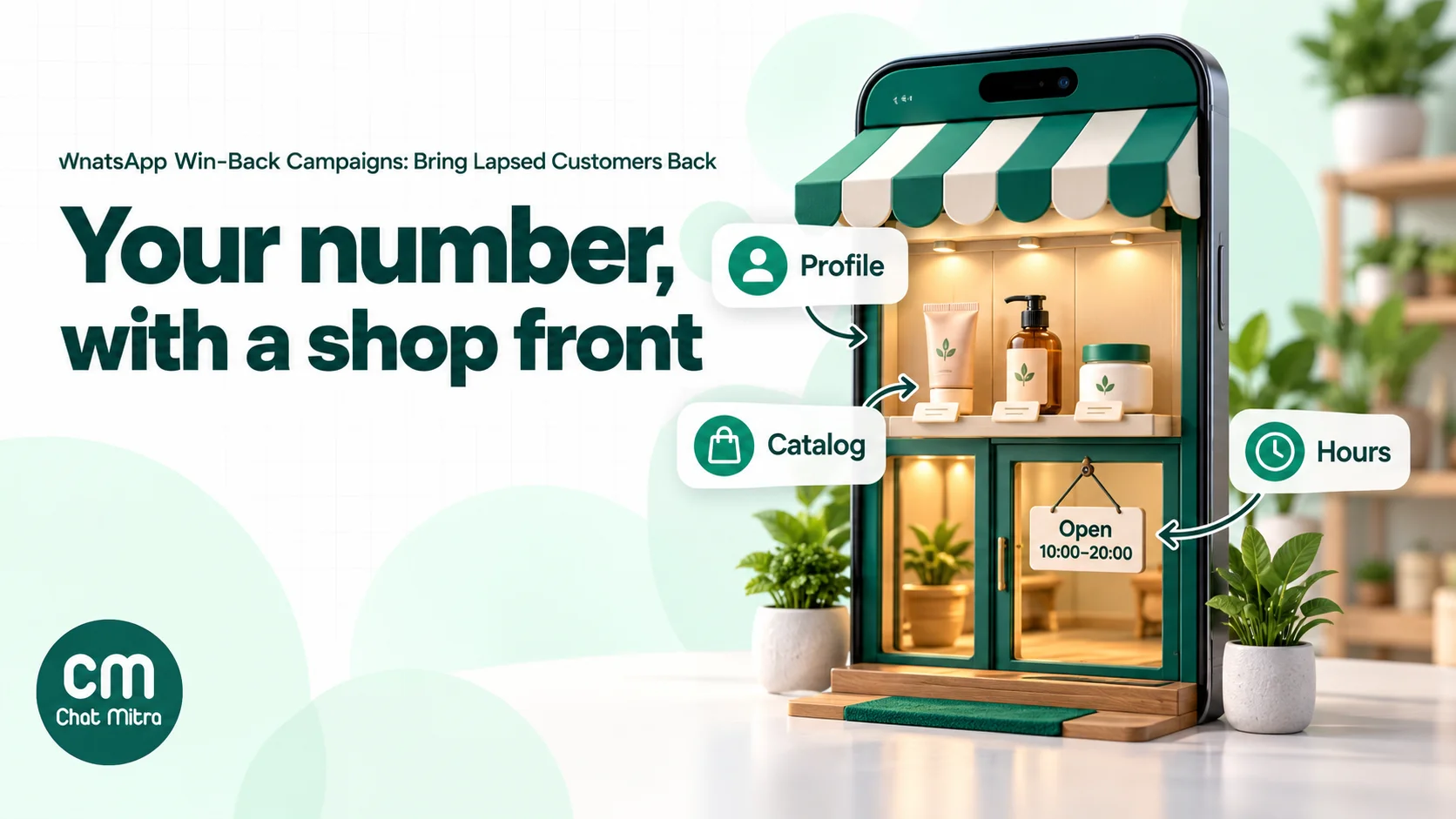
WhatsApp describes the Business app as “designed for external business communications”, unlike Messenger, “which is built for personal communications” (WhatsApp Help Center). In practice, it gives your number a shop front.
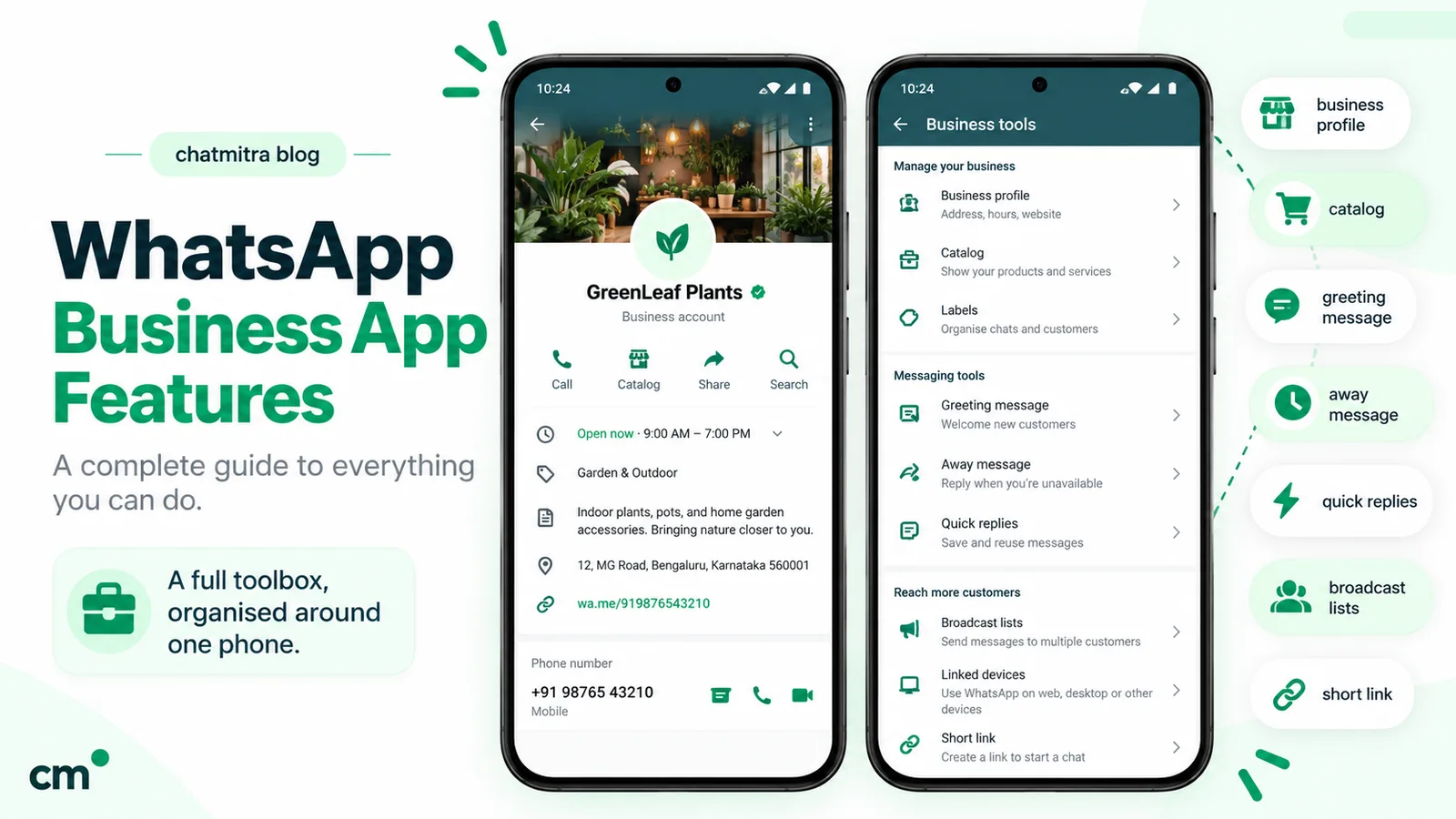
- Business profile. Customers can see “your business name, description, address, business hours, and category”, plus “the month and year you joined”. The profile is visible to anyone who has your number saved (WhatsApp Help Center, business profile).
- A “Business account” label. Accounts without a verified badge “are simply labeled as a ‘Business account’” (WhatsApp Help Center), so customers know they’re talking to a business.
- Catalog, catalog links and cart. Customers browse products in the chat and send you a cart. Our WhatsApp Business catalog guide covers setup.
- Quick replies. Saved answers you insert by typing ”/”. Our quick replies guide has 60 templates.
- Greeting and away messages. Automatic replies for first contact and closed hours. See our greeting message guide and away message examples.
- Lists (formerly labels). Group contacts as new customer, paid, pending and so on. WhatsApp is renaming labels as lists.
- Short link and QR code. Free ways for customers to start a chat.
- Paid business broadcasts. WhatsApp’s feature page says these let you “Message people even if they haven’t saved your number”, with buttons such as Book, Order and Call. They’re “Available to eligible users in select countries” (WhatsApp Business, app features). Each delivered message is charged by the recipient’s country code (WhatsApp Help Center, broadcast pricing).
- Click-to-WhatsApp ads from Facebook and Instagram that open a chat with you.
- Paid subscriptions. Meta’s verification plans add a verified badge, impersonation protection, support and more linked devices. Meta is folding Meta Verified into a broader subscription called Meta One, and says “The WhatsApp Business app stays free” (WhatsApp Business, Meta One).
Meta has also launched AI features in the Business app, such as Meta Business Agent, which answers customers’ questions about products and prices. WhatsApp says these are “currently only available in limited countries”, and that turning Business Agent on can affect greeting and away messages and linked devices (WhatsApp Help Center, Meta Business Agent). For a complete tour of the app, read our WhatsApp Business features guide.
What stays the same
The chat experience is deliberately familiar. WhatsApp says the Business app is “intended to feel and work just like WhatsApp Messenger”. You still get one-to-one chats, voice and video calls, groups, Status and media sharing, and both apps allow up to four linked devices alongside the phone. Customers don’t need the Business app to talk to you: they reply from their normal WhatsApp.
The rules: personal for personal, business for business
Many ranking articles say you can use either app for anything. WhatsApp’s own terms say otherwise.
- WhatsApp Messenger. The Terms of Service rule out uses that “involve any non-personal use of our Services unless otherwise authorized by us”, and also “bulk messaging, auto-messaging, auto-dialing” (WhatsApp Terms of Service).
- WhatsApp Business app. The WhatsApp Terms for WhatsApp Business App (effective 23 September 2026) say the business “will use our Business App Services solely for business, commercial, and authorized purposes, and not for personal use”, and must not use them “for personal, family, or household purposes” (WhatsApp Terms for WhatsApp Business App). The same terms expect you to have customers’ permission to message them, such as an opt-in.
That has practical consequences:
- Running a business from your personal account breaks the terms, and it also mixes order messages with family chats, cutting off your access to a profile, catalog and quick replies.
- Using the Business app as your personal WhatsApp breaks its terms too. Keep personal chats on Messenger.
- Automation tools that bolt onto either app are a ban risk. WhatsApp warns that linking through unofficial apps “may result in a temporary or permanent account ban” (WhatsApp Help Center, linked devices). If you need automation or bulk sending, the API is the authorised route.
Can you use WhatsApp and WhatsApp Business on one phone?
Yes, with two numbers. WhatsApp’s rule: “You can’t use the same phone number with each app simultaneously, but it is possible to move between them” (WhatsApp Help Center). To use both, “WhatsApp Business and WhatsApp Messenger must be linked to their own unique phone numbers” (WhatsApp Help Center).
The usual setups:
- Dual-SIM phone. Your personal SIM on Messenger and a business SIM on WhatsApp Business. Both apps sit side by side.
- A landline for the business. Unlike Messenger, the Business app can register a landline, with the verification code sent to that line. That suits a shop whose fixed number is already on its bills. Our account setup guide explains how.
- Two accounts inside Messenger. Messenger’s account switcher “supports a maximum of two accounts”, but “Account switching isn’t currently available on the WhatsApp Business app” (WhatsApp Help Center, multiple accounts). This doesn’t give you business features, so it’s not a substitute for the Business app.
Which number should go to the business? Usually the one customers already have. If your personal number is already printed on cards and shared with customers, move it to the Business app and get a new SIM for personal use. That way no customer is left messaging an account you no longer check.
Switching to WhatsApp Business: what you keep and what you lose
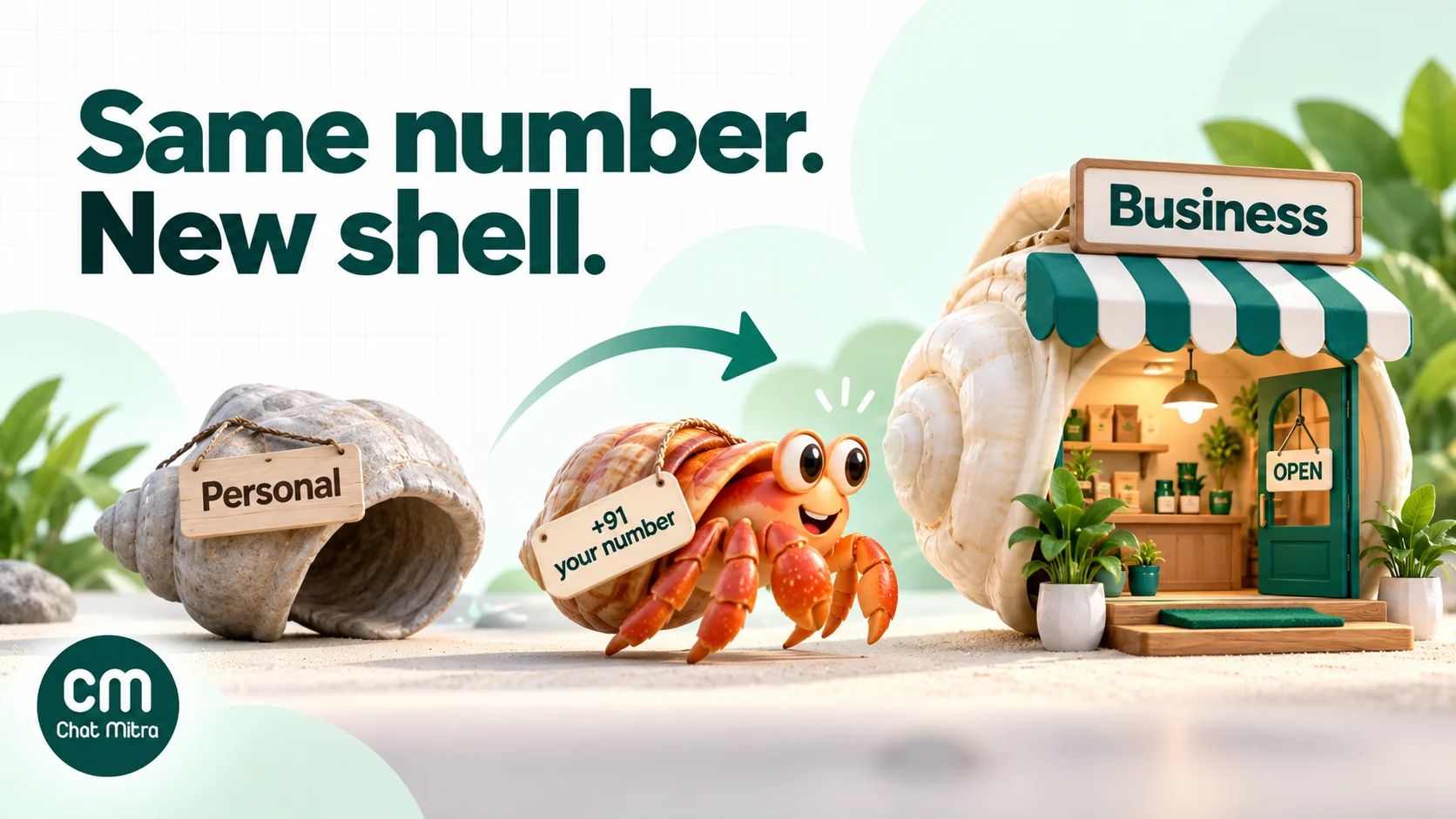
Moving your number from Messenger to the Business app is built in. WhatsApp describes it as “moving a WhatsApp Messenger account to the WhatsApp Business app, which transfers chat history to the new app” (WhatsApp Help Center, move to WhatsApp Business).
| Moving from WhatsApp to WhatsApp Business | What happens |
|---|---|
| Your phone number | Kept. Customers message the same number. |
| Chat history and media | Transferred. On Android you tap Allow so the Business app can read them. |
| Contacts saved in your phone's address book | Kept, because they live on the phone. |
| Contacts saved only inside WhatsApp | Lost. WhatsApp: "WhatsApp contacts are not yet supported on WhatsApp Business app". Save them to the phone first. |
| Messenger on that number | Stops, because one number can't run in both apps at once. |
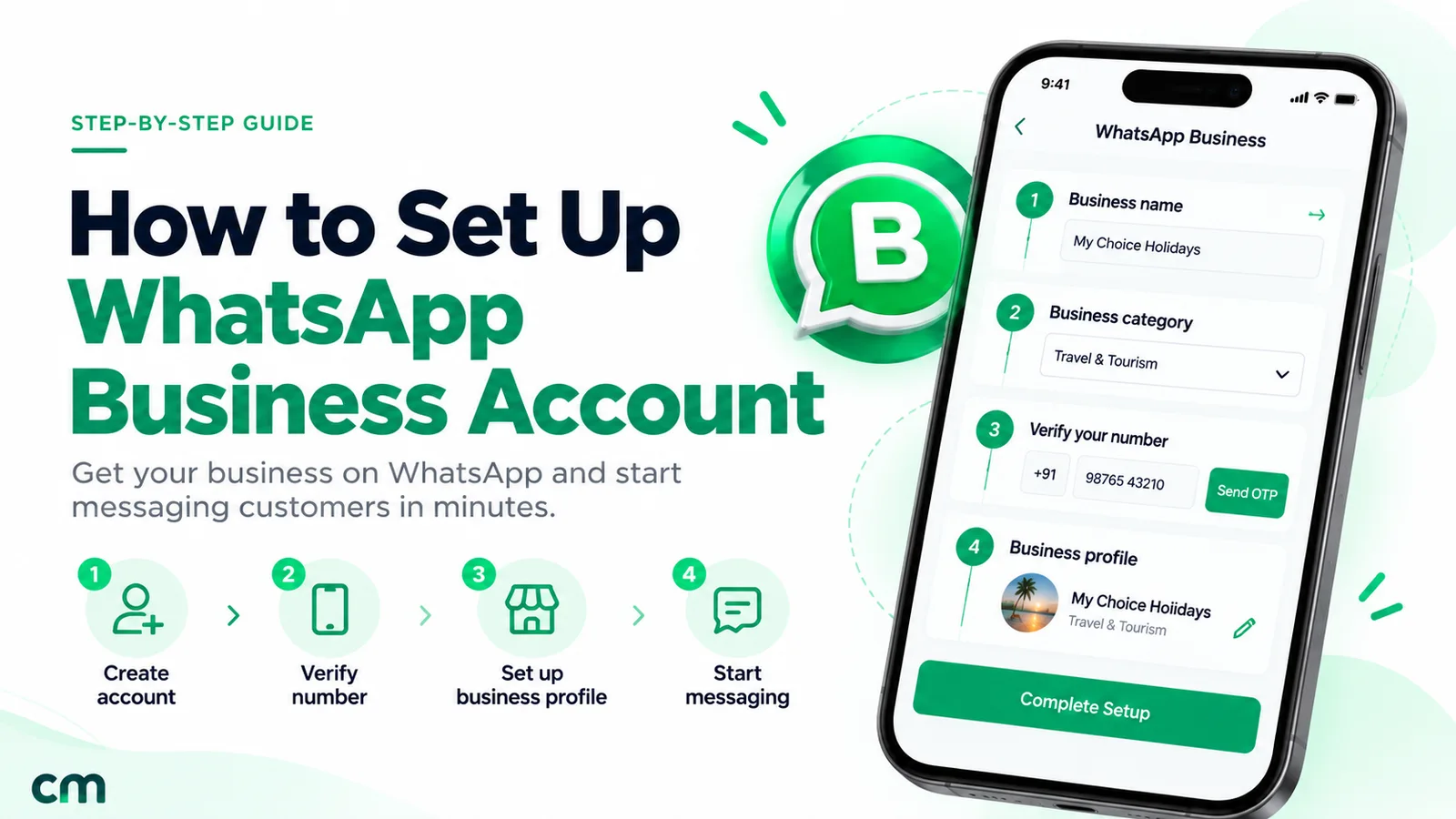
Before you switch: back up your chats, save WhatsApp-only contacts to your address book, and update both apps. The full tap-by-tap steps for Android and iPhone are in our guide to creating a WhatsApp Business account.
Going back is possible. Many articles still say you can’t return to Messenger. You can: back up the Business account “to your Google Account” on Android or “to iCloud” on iPhone, install Messenger, verify the number and tap Restore. The catch: it “doesn’t transfer data created by features unique to WhatsApp Business, such as your catalog and collections” (WhatsApp Help Center, move to Messenger). Export your product details before you go.
Your first 30 minutes on WhatsApp Business
Switching only pays off if you use what the Business app adds. Do these on day one:
- Complete the business profile. Add a description that says what you sell and where, plus your address, category, hours, email and website. Hours matter twice: they power the “outside business hours” away schedule, and the app builds default quick replies from your profile.
- Add your top products to the catalog. Start with the ten things people ask about most, each with a photo, price and short description. You can share any item into a chat.
- Turn on a greeting message. A short welcome that says what you can help with and how fast you usually reply.
- Set an away message for closed hours, so nobody is left wondering.
- Save five to ten quick replies for your most common questions: price, delivery, payment, location, hours. Our quick replies guide has ready-made wording.
- Create lists for the stages your customers go through, such as new enquiry, order placed, paid and delivered.
- Share your short link or QR code on your Instagram bio, Google Business Profile, invoices and shop counter, so new customers reach the business number, not your old personal one.
- Tell existing contacts. A short message to regular customers saying the number is now a business account, with your hours, sets the right expectations.
Done properly, a customer messaging you for the first time sees who you are, what you sell and when you’ll reply, before you’ve typed a word.
When the WhatsApp Business app stops being enough
The Business app is excellent for one owner and a helper or two. These are the signs you’ve outgrown it:
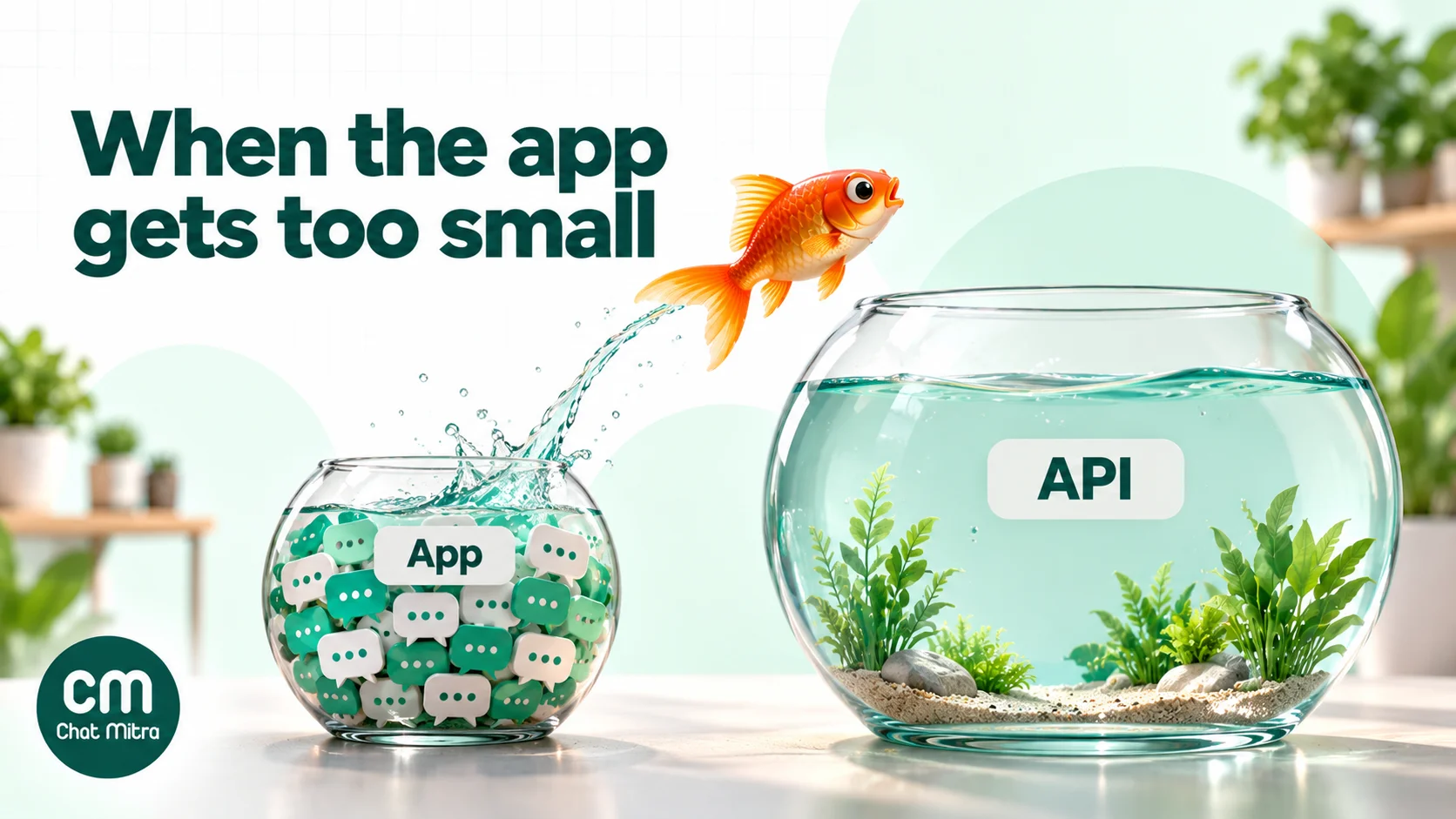
- More people need to reply than devices allow. The app links “up to four linked devices and one phone at a time”. A paid multi-agent subscription raises that to 10 and adds chat assignment (WhatsApp Help Center, multi-agent). Linked devices also log out “if your phone is unused for over 14 days” (WhatsApp Help Center).
- Your broadcasts don’t reach people. Free broadcast lists hold up to 256 contacts, and only people who saved your number receive them. WhatsApp is also rolling out monthly limits on free broadcasts in some countries. Our broadcast list guide covers the details.
- You answer the same things all day. Quick replies help, but anything smarter, such as a chatbot that takes orders, needs the API.
- WhatsApp needs to talk to your other systems. Order confirmations from your store, leads into your CRM, payment reminders from your billing tool: the app has no API to connect them.
- You need records. Who replied to whom, which campaign was delivered, which numbers failed. The app doesn’t report at that level.
If two or more of these apply, read our detailed WhatsApp Business app vs API comparison.
The third option: the WhatsApp Business API
The WhatsApp Business Platform, usually called the API, has no WhatsApp app of its own. Meta says businesses “can access the WhatsApp Business Platform directly or work with a Business Solution Provider” (WhatsApp Help Center). Most small and mid-sized businesses use a provider’s web inbox.
Three things work differently from the apps:
- You pay per delivered message. “Businesses are only charged when a message is delivered”. Meta charges for marketing, utility, authentication and, since 1 October 2026, service messages, with “a free tier of 1,000 service messages per month” for every business phone number (Meta for Developers, pricing). In India that’s ₹0.8631 per marketing message and ₹0.1150 per utility, authentication or service message. Our cost per message guide has the full card.
- The 24-hour rule. You can reply freely within 24 hours of a customer’s last message. Outside that window, you send pre-approved templates.
- Opt-in matters. You may message anyone who has agreed to hear from you, saved contact or not, which is what makes campaigns possible.
You don’t have to give up the app. With Meta’s coexistence option, a number can stay on the WhatsApp Business app and be connected to the API at the same time. Meta’s onboarding page says businesses “can still send messages on a one-to-one basis using the WhatsApp Business app”, that messages sent from the app “will continue to be free”, and that the app must be version 2.24.17 or higher. API throughput on coexistence numbers is fixed at 20 messages per second (Meta for Developers, onboarding Business app users). Some app features change when you do this. Meta’s page lists, for example, that disappearing messages are turned off and that app tools such as quick replies and labels aren’t carried to the API side.
Using ChatMitra as your API option
If the signs above fit, here’s what ChatMitra gives you as the API layer, based on the product as it works today:
- Free to start. The Starter plan costs nothing a month and includes free API setup, a shared team inbox, contact import by CSV, tags, template messages, broadcasts with scheduling up to two months ahead, retargeting by delivery status, and campaign reports.
- No caps on teammates. Owners add agents and choose which numbers and sections each one can use.
- Saved quick replies for the whole team, on every plan.
- Pro (₹999 a month) adds away messages, keyword auto-reply rules, the AI chatbot builder, the developer API and webhooks, with 1,000 ChatMitra credits a month and a 15-day free trial with no card.
- Enterprise (₹2,499 a month) removes ChatMitra’s per-conversation fee entirely.
- Clear costs. Meta’s charges pass through at cost. ChatMitra adds ₹0.20 per conversation, once per customer per 24 hours, on Starter and Pro.
- Coexistence. Messages you send from the Business app show up in the ChatMitra inbox. Ask the ChatMitra team to enable the Business app connection for your account when you sign up.
Good to know
On coexistence, ChatMitra shows new messages from both sides but doesn't import your older Business app chat history into the inbox. Chats aren't assigned to specific agents, so agree on who answers what. WhatsApp Flows, carousel templates and in-chat payments aren't supported yet.
Compare ChatMitra plans or try the pricing calculator to estimate a month’s cost.
Common mistakes when choosing
- Running the business from a personal account to avoid “setting anything up”. It breaks Messenger’s terms and costs you every business feature, all to save a five-minute switch.
- Switching without saving WhatsApp-only contacts. They’re lost in the move. Copy them to the phone first.
- Assuming you can never go back. You can; just export catalog data first.
- Using unofficial bulk-sending or auto-reply add-ons. They risk a ban. Use the Business app’s own tools or the API.
- Paying for the API too early. If one person answers a few dozen chats a day, the free app is enough.
- Staying on the app too long. When customers wait because nobody else can reply, the free app is costing you sales.
- Believing old pricing articles. API pricing has been per delivered message since 1 July 2025, and service messages have been charged since 1 October 2026 (after 1,000 free a month per number).
Quick decision checklist
- Do you talk to customers about something you sell? If not, keep WhatsApp Messenger.
- If yes, choose the number customers already know and move it to WhatsApp Business.
- Before moving, back up chats and save WhatsApp-only contacts to the phone.
- Get a second number for your personal WhatsApp.
- Fill in the business profile, add your catalog, and set up greeting, away and quick replies.
- Revisit the decision when more than one person needs to reply, or you need campaigns, automation or integrations. That’s the time for the API, and coexistence lets you keep the app.
Sources: WhatsApp Help Center: about WhatsApp Business, who it’s for, business profile, business account label, one number, two apps, move to Messenger, move to WhatsApp Business, multiple accounts, linked devices, Business app linked devices, multi-agent, broadcast lists, business broadcast pricing, Meta Business Agent, WhatsApp Business Platform; WhatsApp Business: app features, Meta One; WhatsApp legal: Terms of Service, Terms for WhatsApp Business App; Meta for Developers: pricing, onboarding WhatsApp Business app users. All checked 15 October 2026.