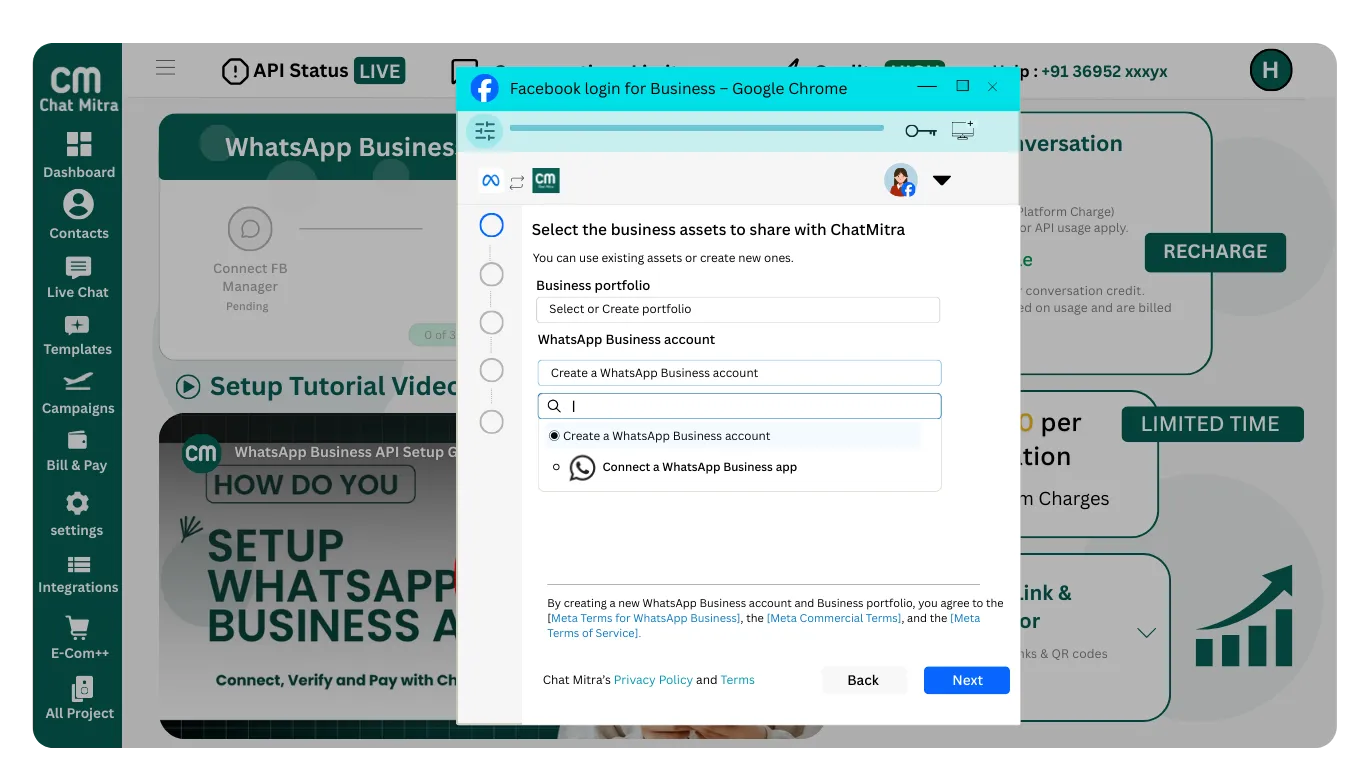
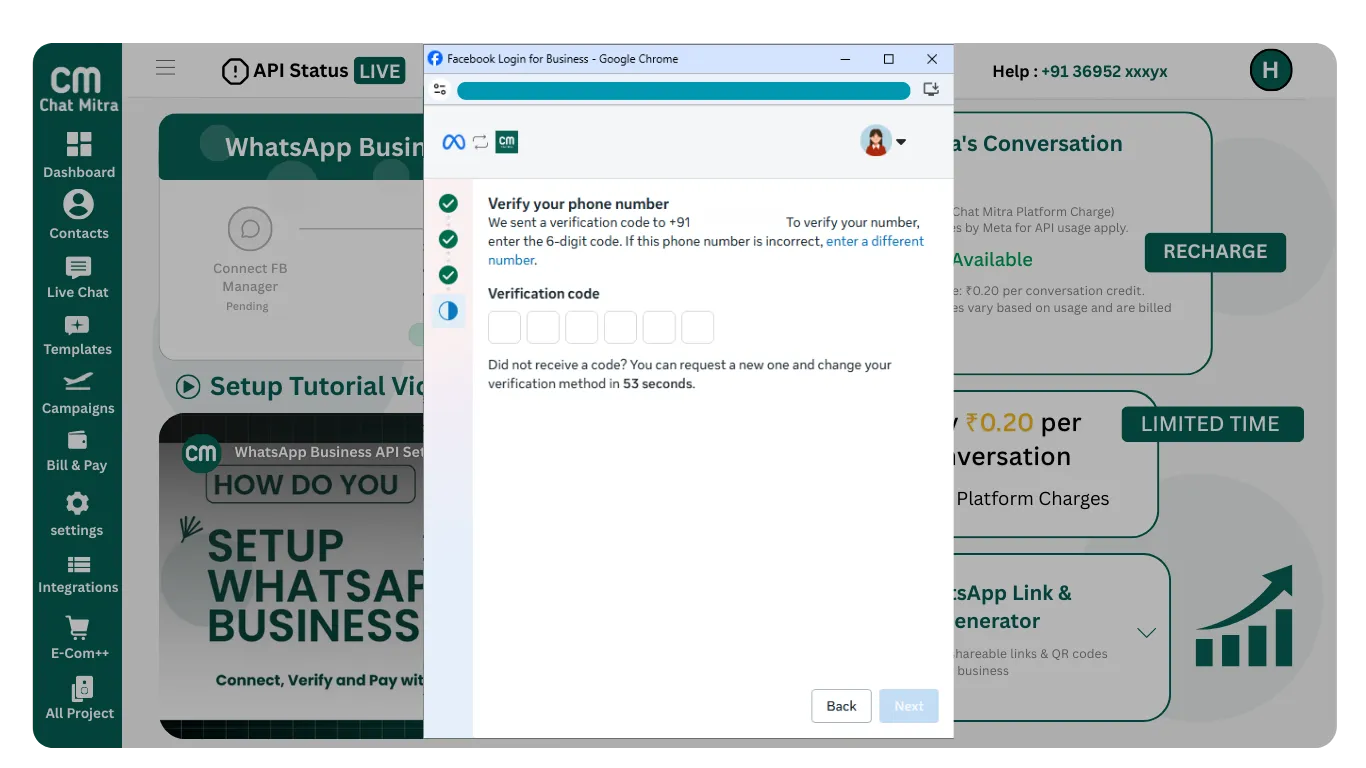
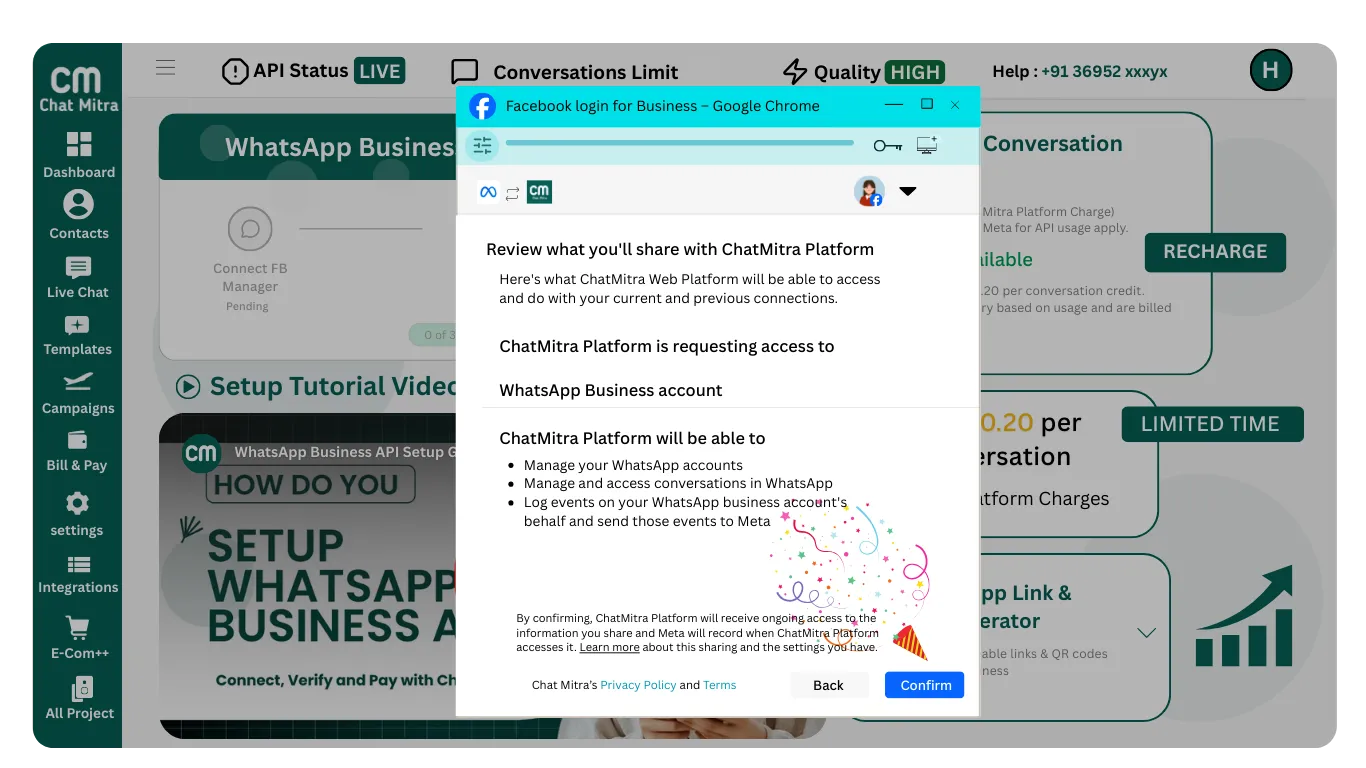
Important: Your selections here determine which screens appear next. If you already have business assets, select them. Otherwise, create them now.
Business Portfolio
You must either select an existing Business Portfolio or create a new one.
Already have one? Select it from the dropdown.
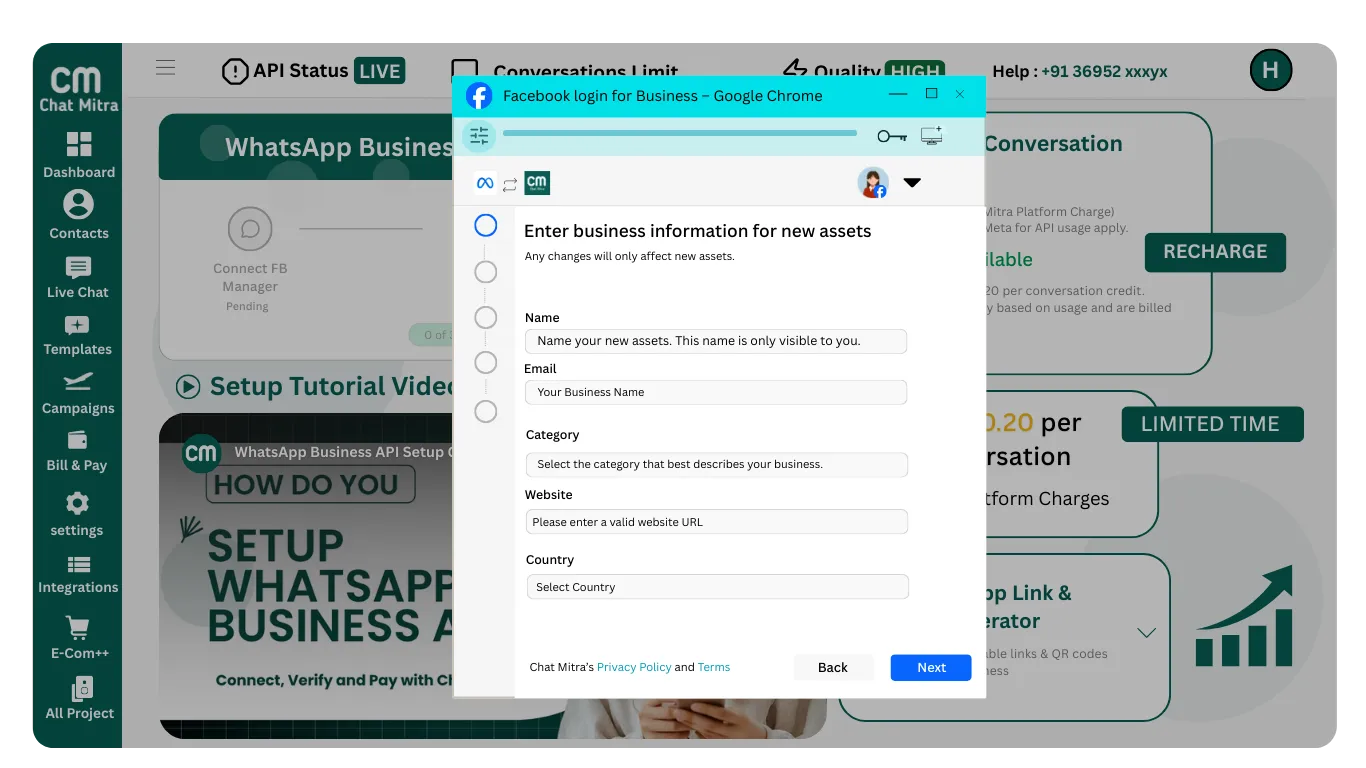
Creating for the first time? Click "Create Business Portfolio" and fill in:
- Business Name
- Email Address
- Business Category
- Country
- Website Or Social Media Page Url (Example:FB/Instagram Page Urls)
- Time Zone
After filling the form, click Next.
WhatsApp Business Account
Now choose how you want to connect WhatsApp. You have three options:
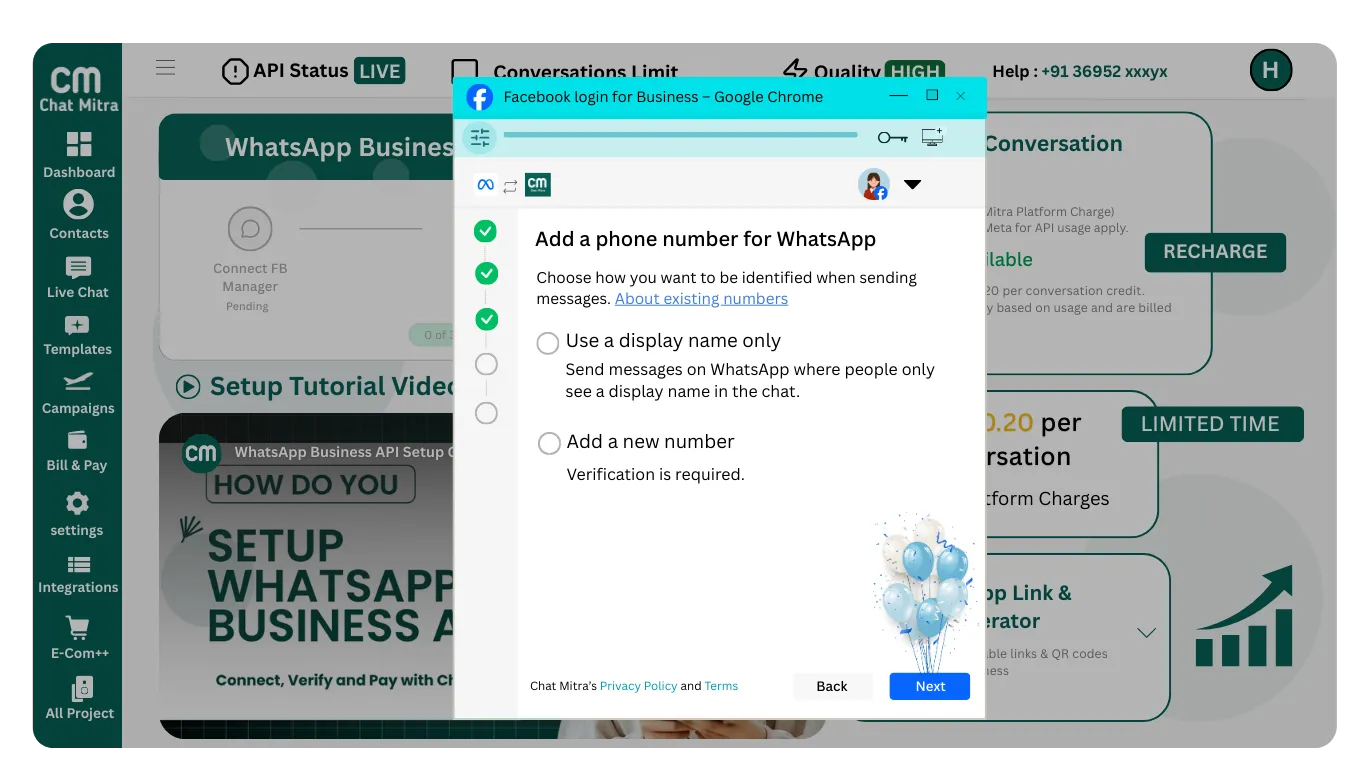
Option A: Create WhatsApp Business Account
Choose this if you are new to the WhatsApp Business API.
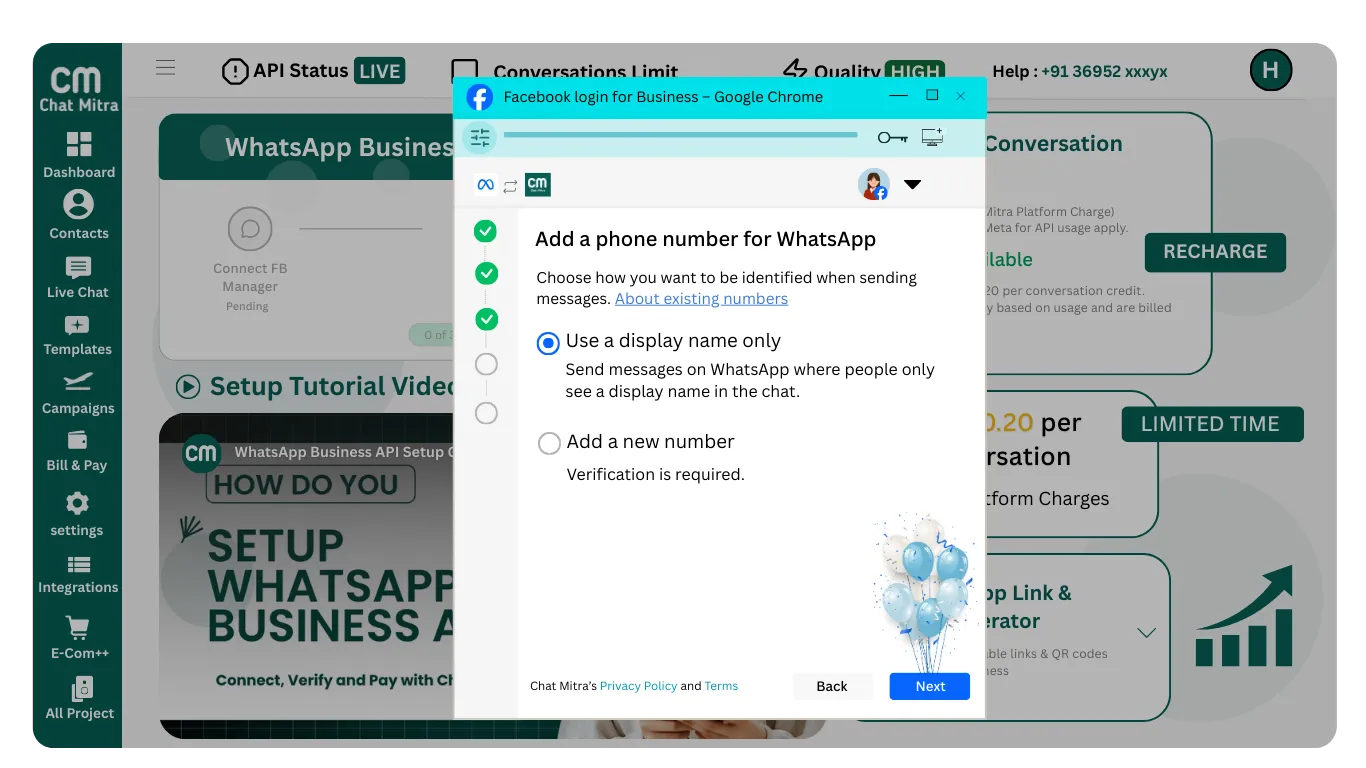
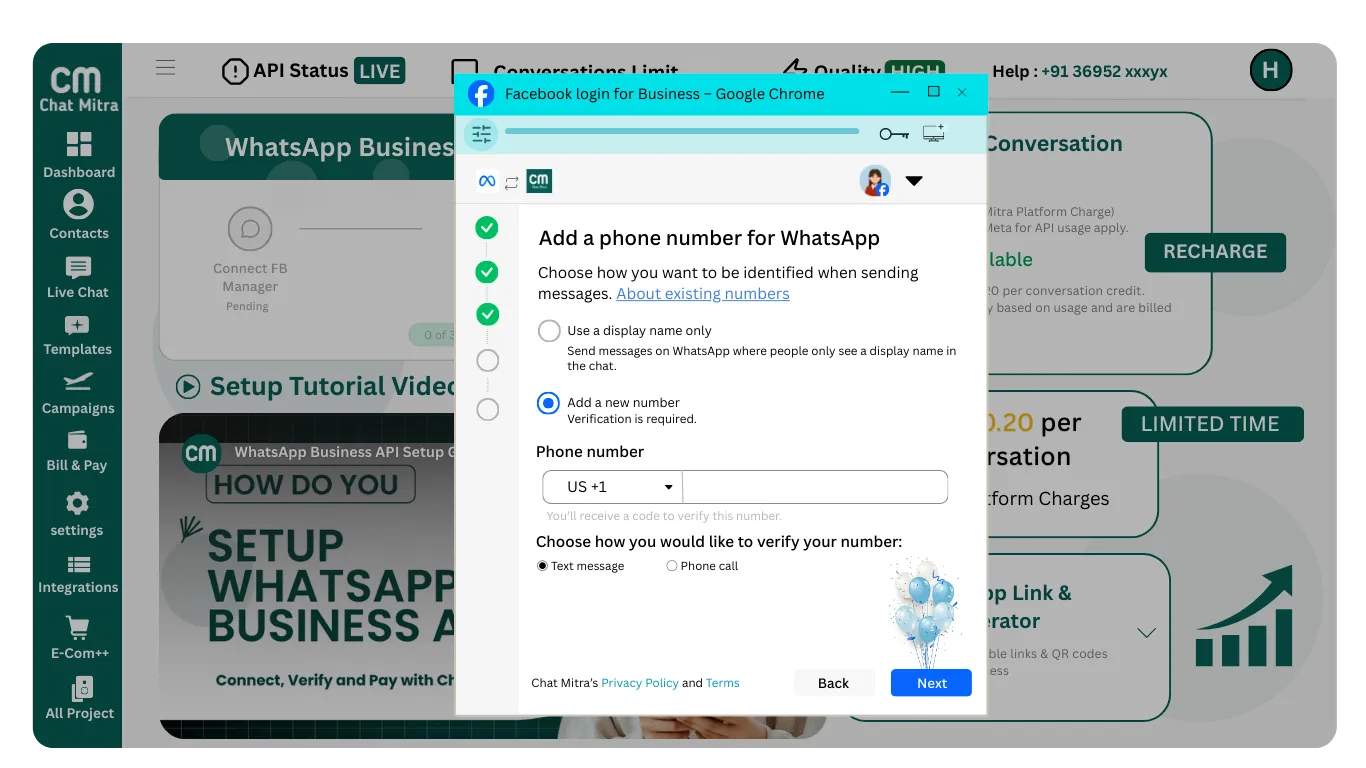
Next: You will add your WhatsApp phone number and choose between using a display name only or adding a new number with verification.
Option B: Select Existing WhatsApp Business API
If you already have a WhatsApp Business API account, simply select it from the dropdown and continue.
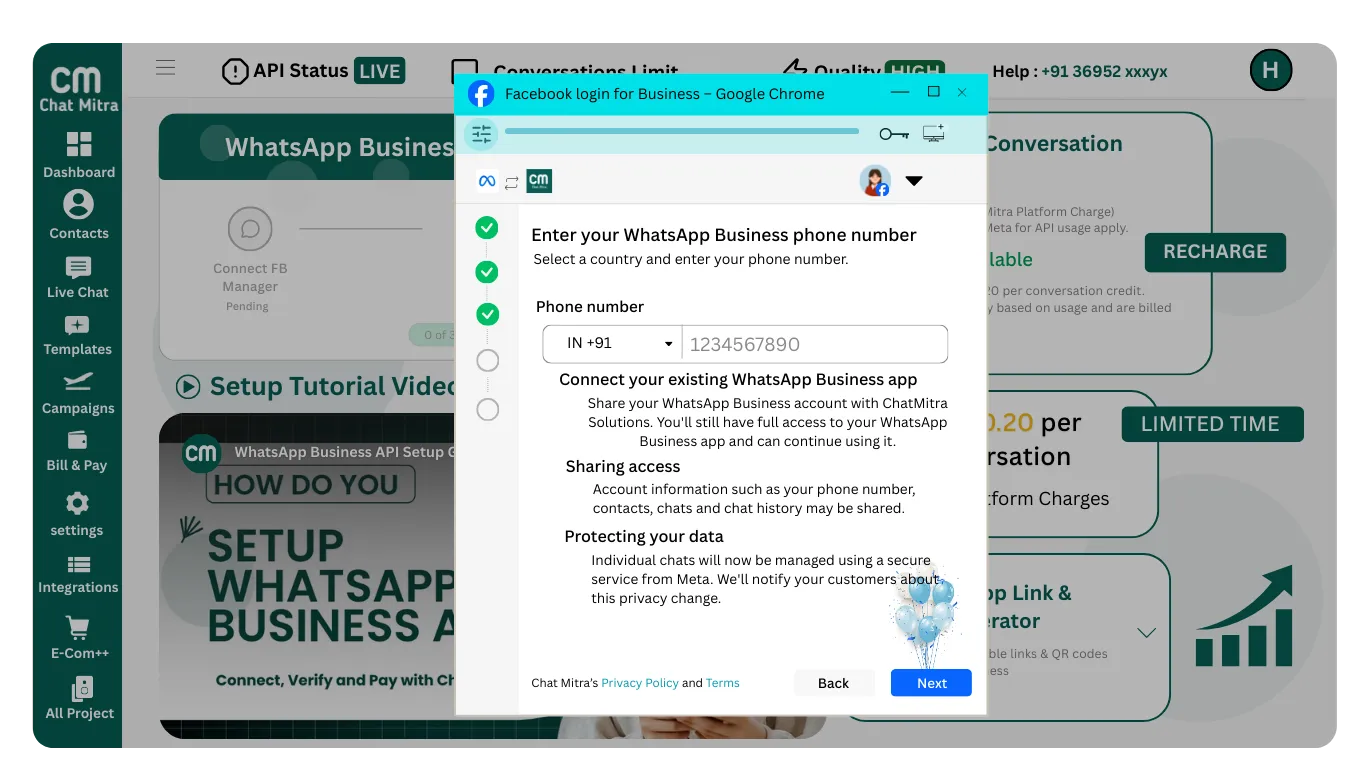
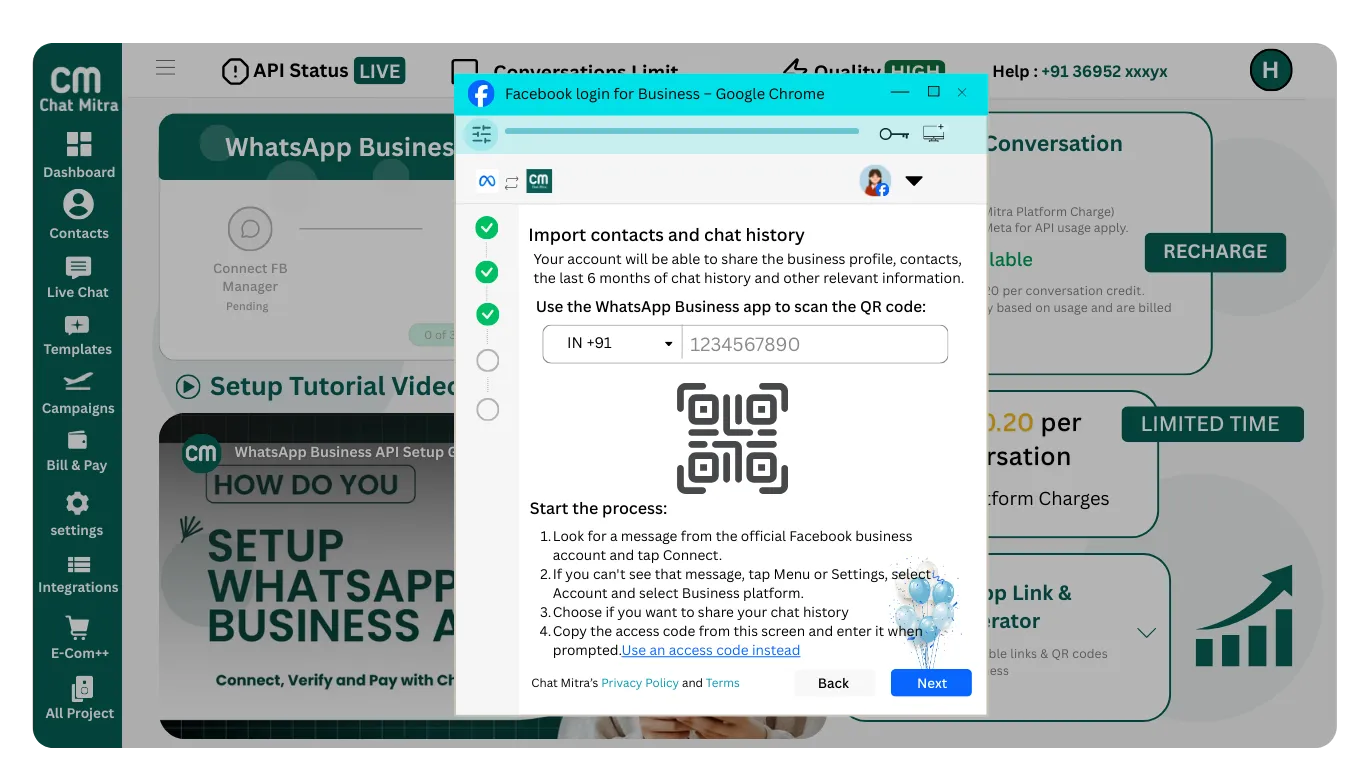
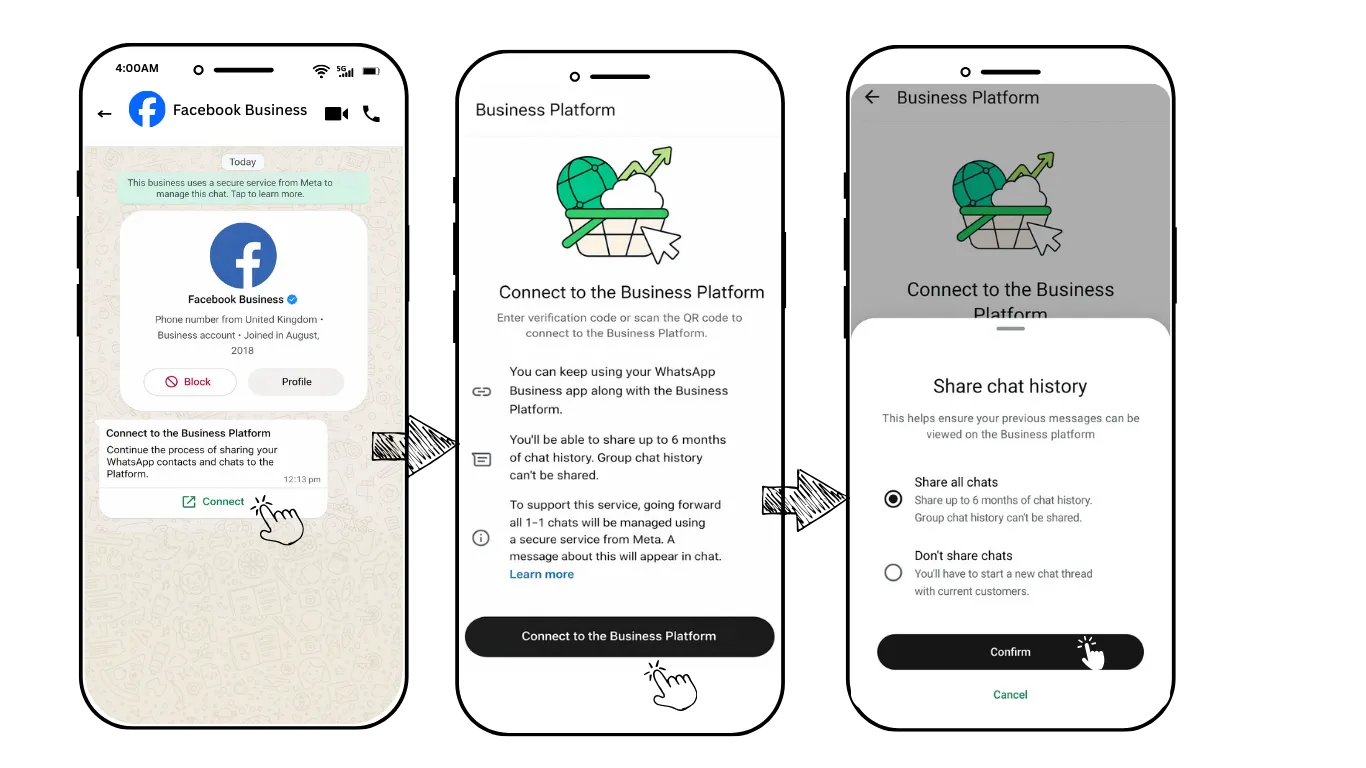
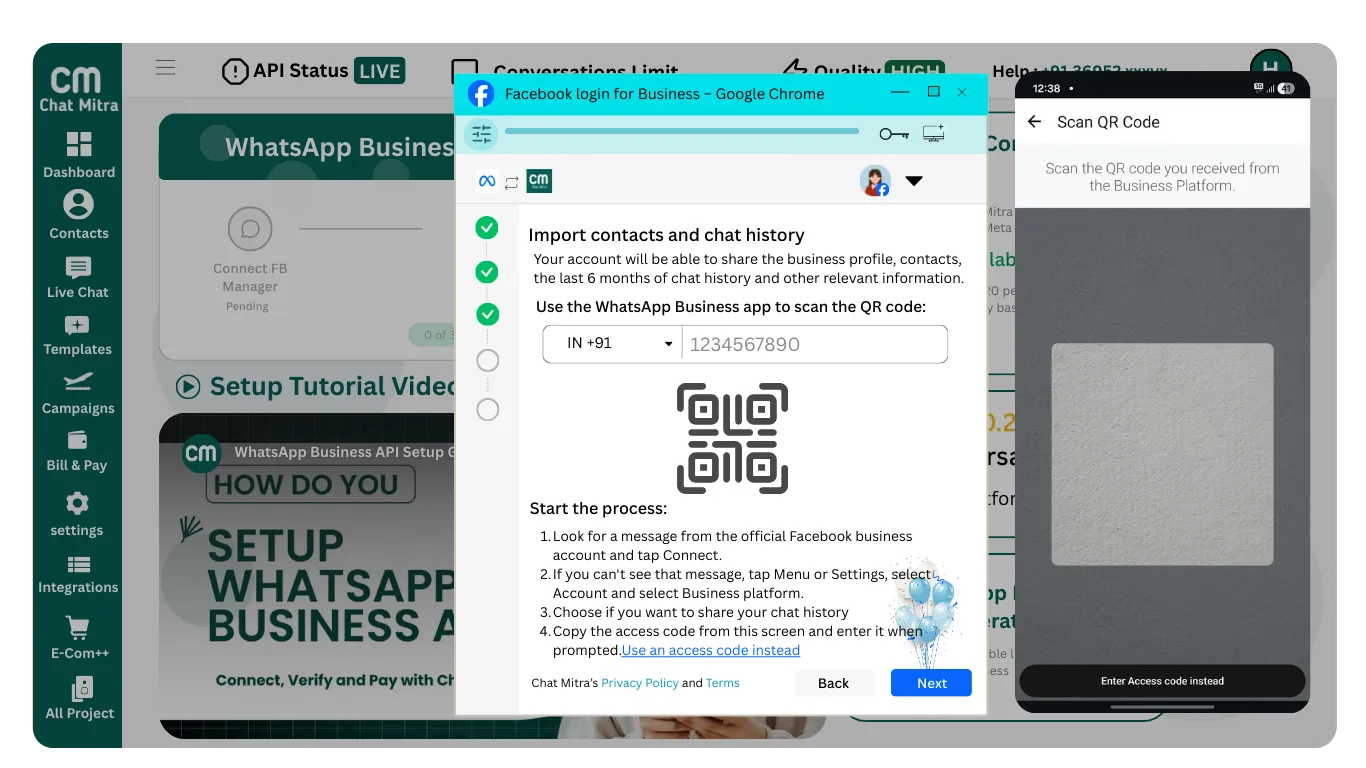
Option C: Connect WhatsApp Business App
Choose this if you are already using the WhatsApp Business mobile app.
Next: Enter your existing WhatsApp Business phone number and scan a QR code to connect.
Catalog
In this step, you must create or select a Catalog to continue. The Catalog allows you to showcase your products or services inside WhatsApp. If you don’t have one, create a new Catalog and proceed to the next step.
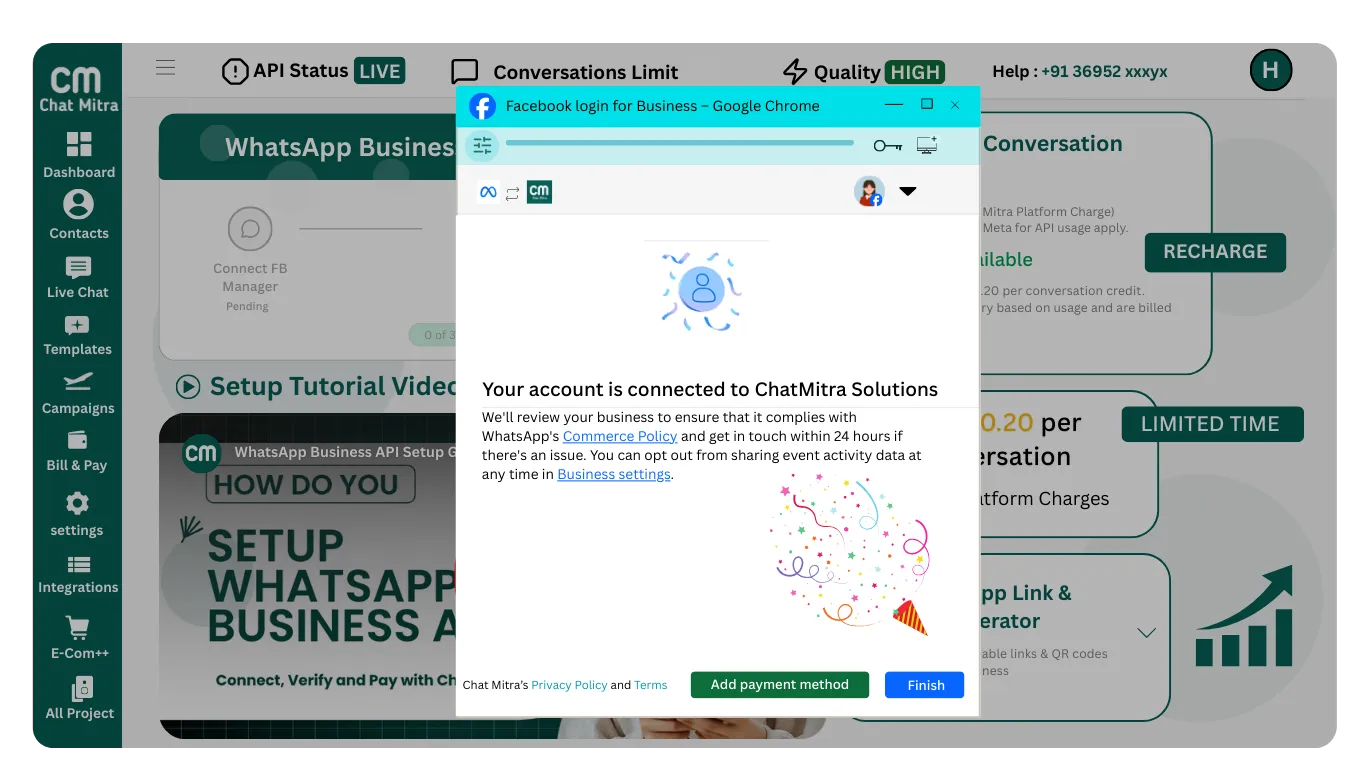
After selecting the correct options in all sections, click Next to continue.