How to create Free WhatsApp Link?
Quick Answer
Create a free WhatsApp link by entering your WhatsApp number and optional custom message in ChatMitra's WhatsApp Link Generator, then click "Generate WhatsApp Link". Share the link on social media, websites, or packaging to connect with customers instantly.
A WhatsApp Link is essentially a URL that directs users straight to your WhatsApp Business account. This handy link lets visitors start a one-on-one conversation using ChatMitra—ideal for addressing inquiries, offering support, and ultimately turning prospects into loyal customers.
How to generate your unique Free WhatsApp Link for your phone number?
With ChatMitra, you can effortlessly create your own personalized WhatsApp Link at no cost. Simply head over to the WhatsApp Link Generator Tool and follow the steps outlined below:
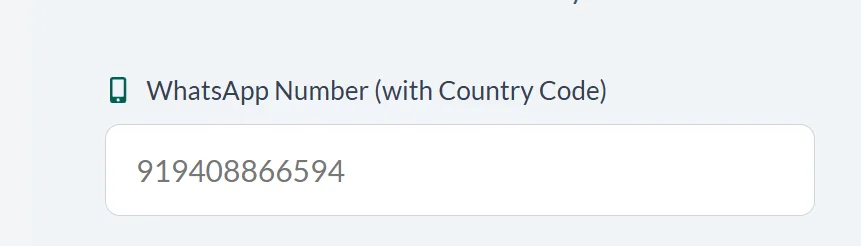
1. Enter Your WhatsApp Number
Select your country code and provide the phone number where you wish to receive messages. This number will be directly connected to your WhatsApp Business account.
2. Compose a Customer Message (Optional)
In the 'Custom Message' section, type a message that will automatically appear when a user clicks your link. This pre-set text can guide the conversation or prompt the user to reach out—think about what they might say and preview the message to ensure it's just right.
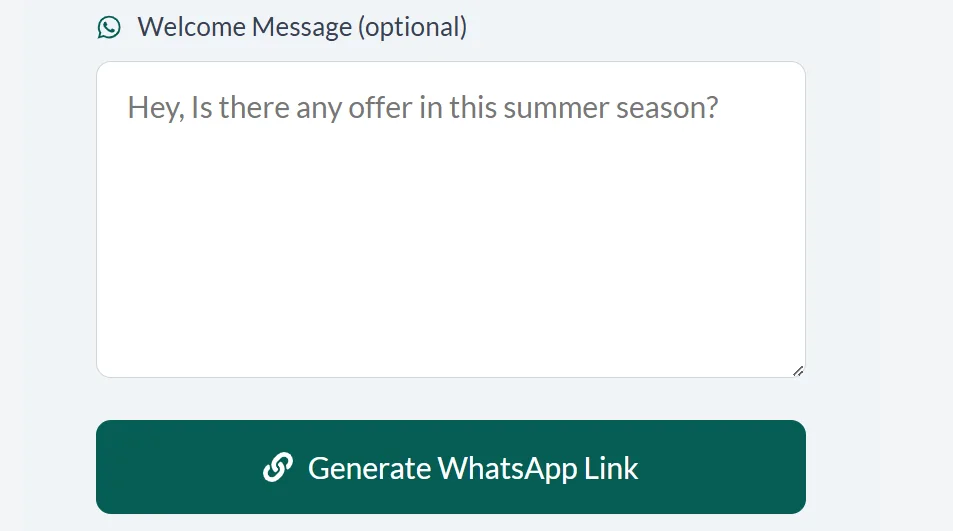
3. Click 'Generate WhatsApp Link'
Finally, click the 'Generate Whatsapp Link' button to create your unique WhatsApp URL.
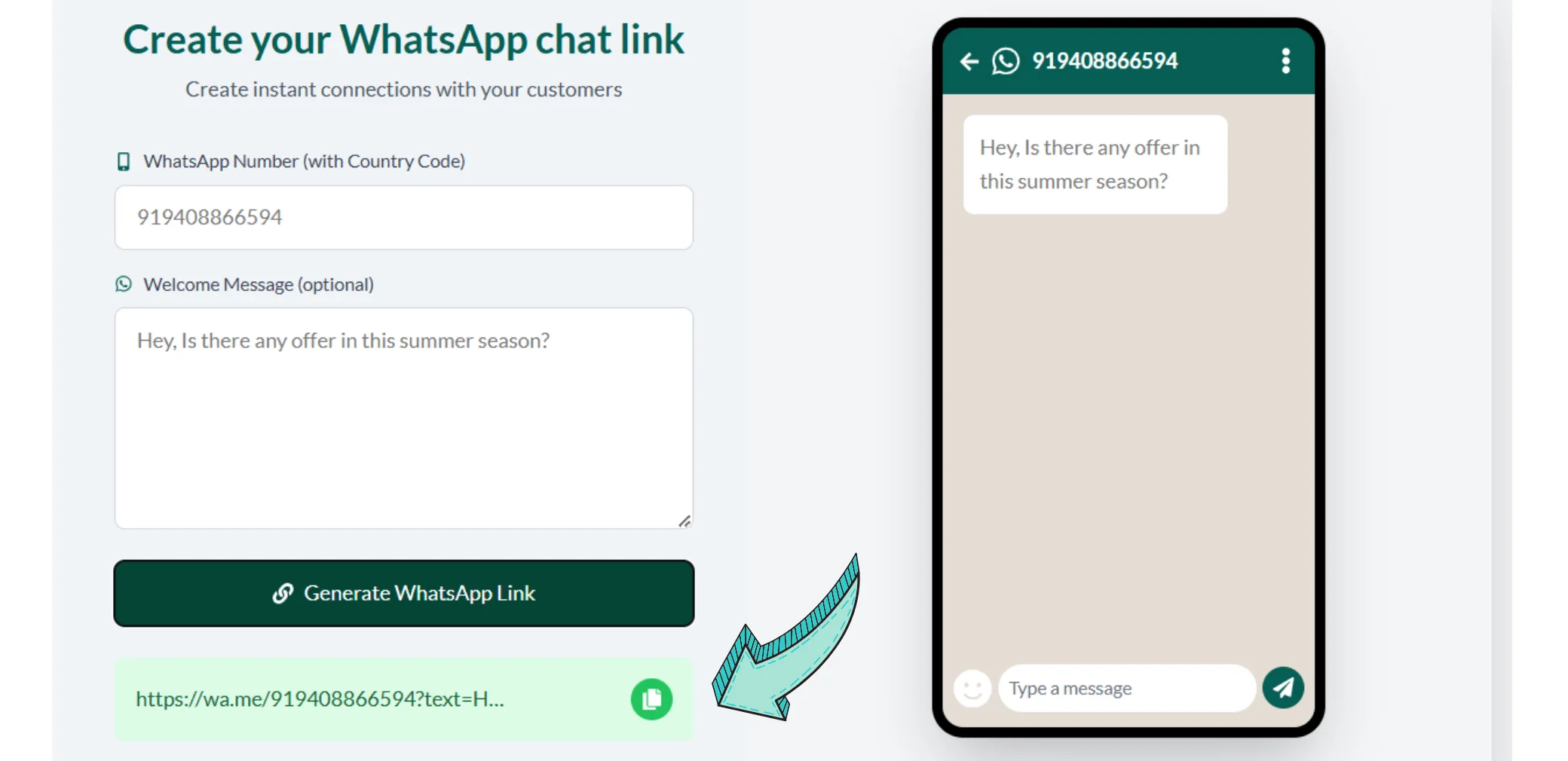
That's it! Your personalized WhatsApp Link is now ready.
Share your link across social media platforms like Facebook, Instagram, LinkedIn, Twitter, Pinterest, and more. You can even download the QR code and incorporate it into your product packaging to attract even more engagement.
Enhance Your Business Communication Today!
Don't miss out on the opportunity to connect with your customers instantly. Visit the WhatsApp Link Generator now and start engaging!
Create Your Link NowFrequently Asked Questions
Q: What exactly is a WhatsApp Link?
A: It's a unique URL that directs users to your WhatsApp Business chat, making it easy for them to initiate a conversation with you.
Q: Do I have to include a custom message?
A: No, the custom message is optional. It offers you a chance to set a pre-filled message to guide your conversation, but you can leave it blank if you prefer.
Q: Can I share my WhatsApp Link on different platforms?
A: Absolutely! You can share your unique WhatsApp Link on social media, websites, email signatures, and even printed materials like business cards.
Q: How secure is my WhatsApp Link?
A: Your WhatsApp Link is secure and simply acts as a direct connection to your WhatsApp Business account without compromising your personal data.
Process Overview
| Step | Action | Outcome |
|---|---|---|
| 1 | Enter your WhatsApp number | Your number is set for receiving messages |
| 2 | (Optional) Add a custom message | A pre-filled message is created to prompt user interaction |
| 3 | Click 'Generate WhatsApp Link' | Your unique WhatsApp Link is generated |
