How to create WhatsApp QR Code?
WhatsApp QR Codes are powerful tools that create a direct link to your WhatsApp Business account. By scanning the QR Code, users are instantly redirected to your WhatsApp chat where you can collect their name and number via Chat Mitra.
In an age where instant communication is key, this feature enables you to engage with customers seamlessly—helping you turn prospects into loyal clients in 2026 and beyond.
Step-by-Step Guide: Creating Your WhatsApp QR Code
Follow the simple steps below to generate and download your unique, free WhatsApp QR Code using Chat Mitra in 2026.
Step 1: Enter Your Phone Number
First, select your country and fill in the phone number on which you wish to receive messages. This information is crucial for linking your QR Code to the correct WhatsApp Business account.
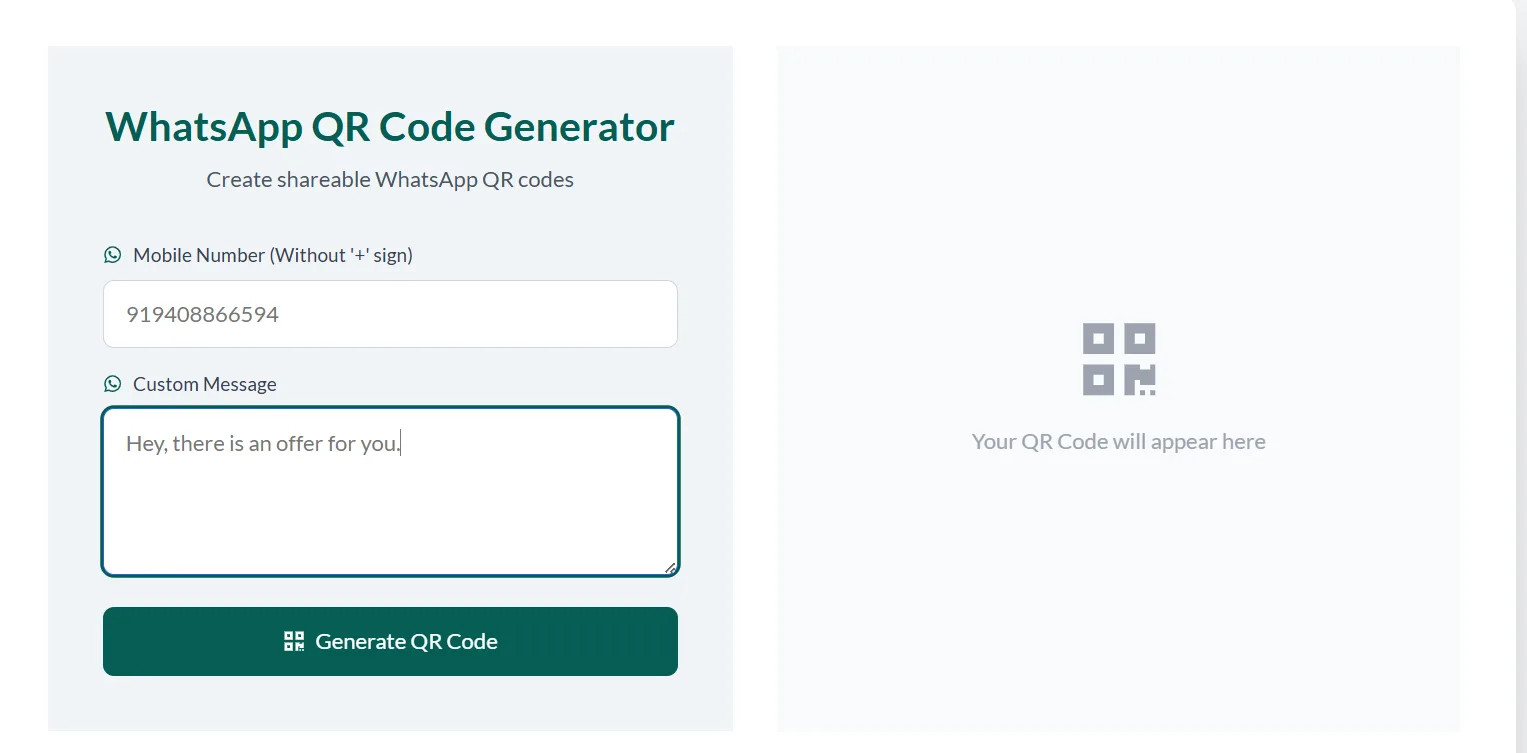
Step 2: Customize Your Message (Optional)
In the 'Custom Message' section, type a pre-filled message that users will see when they scan your QR Code. This message can serve as an introduction or provide directions for further actions.
Think about what a user might typically say or ask, and design a message that is both welcoming and informative. Preview it to ensure it appears as intended.
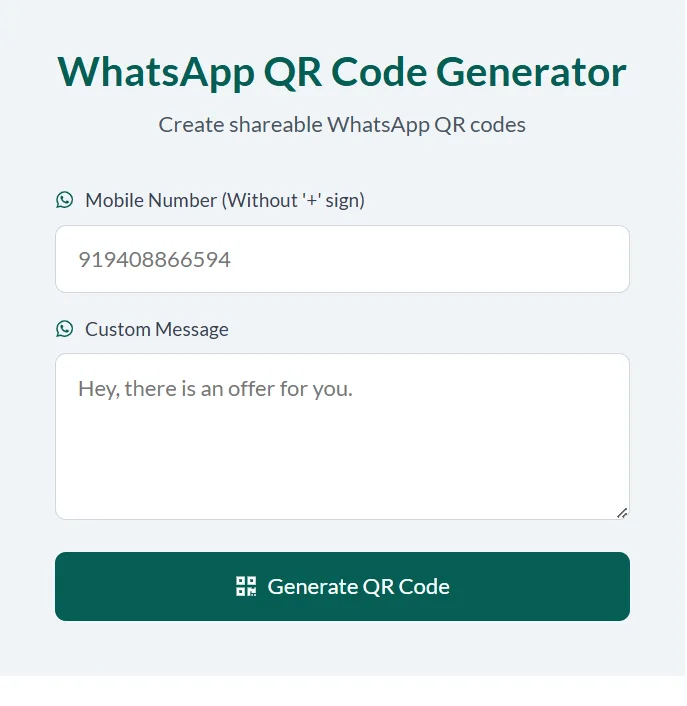
Step 3: Generate Your QR Code
Lastly, click on the 'Generate Link' button. This will create a unique WhatsApp QR Code and provide you with a shareable URL. Use this QR Code in your marketing efforts to drive user engagement.
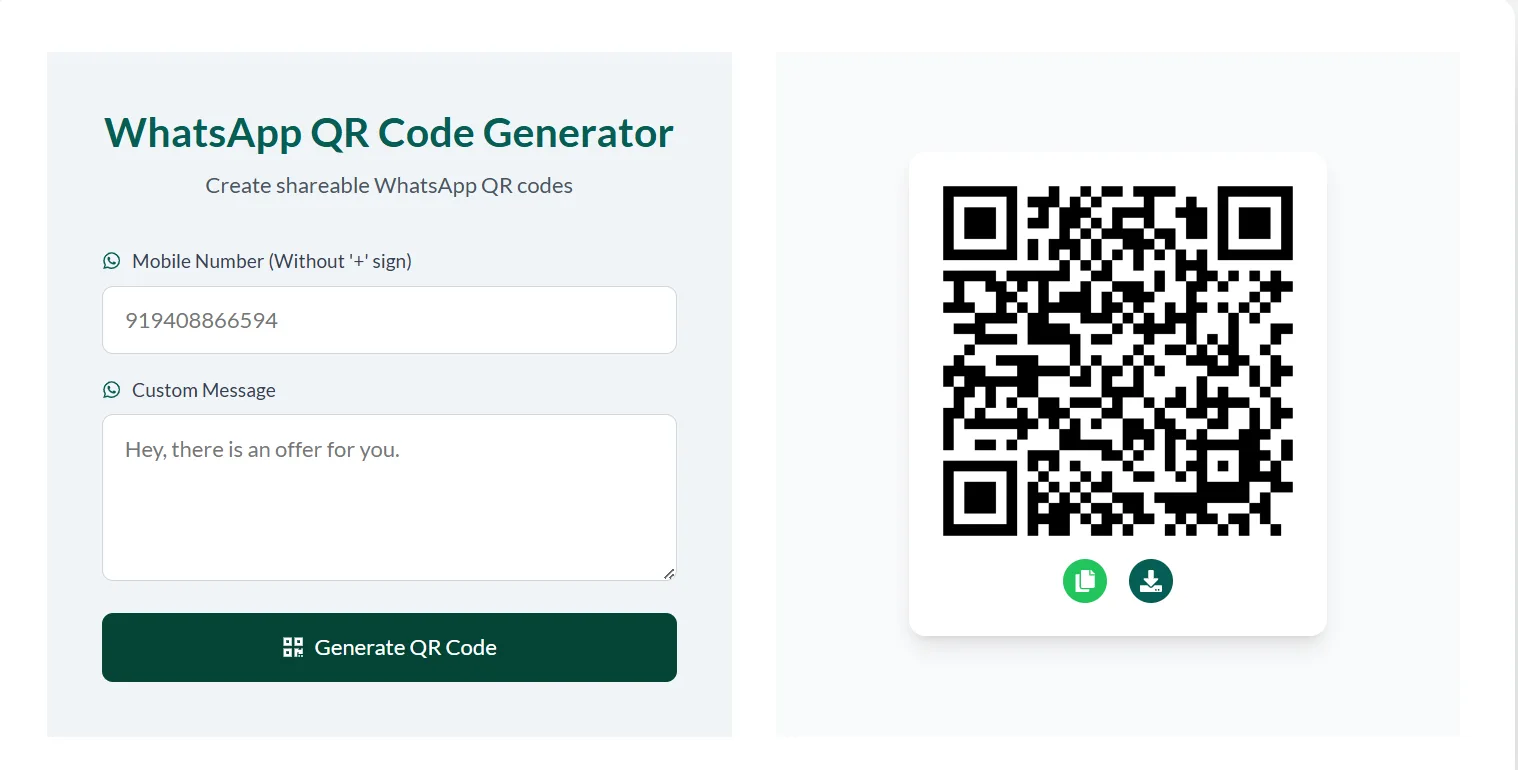
After generating your QR Code, you can download it and add it to your product packaging, promotional materials, or digital campaigns. In addition to the QR Code, a unique WhatsApp link is provided that can be shared on social media.
This integration helps boost your online presence and encourages immediate interaction with your customers in 2026.
Technical Deep Dive: How It Works
The WhatsApp QR Code is generated through advanced encoding algorithms that convert your WhatsApp Business details into a scannable image. When scanned, the QR Code redirects users directly to your chat interface, pre-loading any custom message.
This process leverages industry-standard protocols, ensuring both security and reliability. Whether viewed on a digital screen or printed material, the QR Code remains easily scannable in 2026.
Chat Mitra's integration with this technology simplifies the user experience and enhances customer engagement by reducing the steps required to initiate a conversation.
Tips & Best Practices
- Test your QR Code on multiple devices to ensure compatibility.
- Keep your custom message concise and informative.
- Use high-resolution images for printed materials to enhance scan reliability.
- Regularly update your contact details to maintain accuracy.
- Integrate the QR Code into your marketing collateral for maximum engagement.
Troubleshooting & Advanced Options
If you encounter issues with your WhatsApp QR Code, try the following troubleshooting steps:
- Confirm that your phone number is correctly entered, including the country code.
- Check that your custom message is clear and within character limits.
- Ensure the QR Code image is sharp and not distorted.
- Contact Chat Mitra support if problems persist.
Advanced users can also explore additional settings to tailor the QR Code’s functionality to their specific needs.
Process Flow Overview
| Step | Action | Outcome |
|---|---|---|
| 1 | Enter phone number & select country | Phone number validated for WhatsApp Business |
| 2 | Input a custom message (optional) | Message is pre-set for user engagement |
| 3 | Click 'Generate Link' | QR Code and shareable URL are generated |
Real-World Case Studies
Many companies have integrated WhatsApp QR Codes into their marketing strategies in 2026, resulting in higher engagement and conversion rates.
For example, one retailer experienced a 30% increase in customer inquiries after incorporating QR Codes into their packaging. These case studies underscore the importance of bridging the gap between offline and online customer interactions.
Security & Privacy Considerations
Data security is paramount when using QR Codes in 2026. Chat Mitra ensures that the information contained within the QR Code—your WhatsApp Business details and any custom message—is transmitted securely.
The system adheres to industry-standard encryption protocols, ensuring that your data and your customers' data remain protected at all times.
Best Use Cases for WhatsApp QR Codes
- Retail: Incorporate QR Codes on product packaging to offer instant customer support.
- Hospitality: Display QR Codes for quick access to menus and reservation systems.
- Corporate: Use QR Codes on business cards to simplify client communication.
- Events: Embed QR Codes in promotional materials for immediate event registrations.
- E-commerce: Add QR Codes on websites to boost real-time customer engagement.
Ready to Boost Your Engagement?
Don't wait—create your free WhatsApp QR Code now and connect with your customers instantly!
Generate Your QR Code NowConclusion
WhatsApp QR Codes serve as a bridge between the physical and digital realms of customer engagement in 2026. They offer a swift, effective way for users to connect with your WhatsApp Business account.
With Chat Mitra, generating and implementing these QR Codes is simple, secure, and free. Embrace this technology to enhance your communication strategy and drive conversions.
Experiment with different placements and custom messages to find what works best for your business. Your success starts with a simple scan!
Take the Next Step
Transform your customer engagement by generating your free WhatsApp QR Code now. Click the button below to start!
Create Your QR Code