Industries
Restaurants & Food
Take restaurant orders, table bookings and payments in one WhatsApp chat. Auto-reply to common questions and cut support costs with ChatMitra.
Real Estate
Use WhatsApp automation to capture property leads, qualify them automatically, and follow up fast. See how real estate agents close more with ChatMitra.
Travel & Tourism
Use the WhatsApp Business API to capture travel leads, send itineraries, confirm bookings, and keep travellers updated. See how agencies grow with ChatMitra.
Banking & Finance
Run secure KYC, send account alerts and payment notifications on WhatsApp. Cut support load and stay within Meta's rules with ChatMitra.
Beauty & Cosmetics
Sell your catalog, recover carts and win repeat orders on WhatsApp. Auto-reply to product questions and send launches to opted-in customers with ChatMitra.
Education
Answer admission enquiries, fee and timetable questions, and keep parents updated — all on WhatsApp. Cut admin load and costs with ChatMitra.
EduTech
Capture course leads, qualify them and onboard learners on WhatsApp. Automate replies and cut lead-qualification cost with ChatMitra's no-code chatbot.
Events & Webinars
Handle event registrations, reminders and RSVPs in one WhatsApp chat. Cut no-shows, automate FAQs and keep attendees updated with ChatMitra.
Freelancers & Consultants
Capture leads, send proposals and chase invoices in one chat. WhatsApp automation for freelancers and consultants with ChatMitra — from ₹0.20 a chat.
Health & Wellness
Book appointments, send reminders and answer client questions in one WhatsApp chat. Auto-reply to routine queries and cut support costs with ChatMitra.
Home Decor
Share your home decor catalog, take orders and send delivery updates on WhatsApp. Automate FAQs and cut support costs with ChatMitra.
IT Services
Use the WhatsApp Business API to qualify leads, run support over chat, and wire WhatsApp into your stack with webhooks. How IT companies scale with ChatMitra.
Marketing Agencies
Use WhatsApp automation to capture leads, run campaigns and manage multiple client brands from one account. How agencies scale on WhatsApp with ChatMitra.
Offline & Retail
Turn shop footfall into a WhatsApp list. Share catalogs, add a QR-to-chat at the counter and bring buyers back — with ChatMitra from ₹0.20 per chat.
Spas & Salons
Use the WhatsApp Business API to take spa and salon bookings, cut no-shows with automated reminders, and rebook regulars. How salons grow with ChatMitra.
Automotive
Use the WhatsApp Business API for automotive dealerships to qualify buyers, book test drives and send service reminders — automated, on one chat, with ChatMitra.
All Industries
Browse every industry guide

WhatsApp Broadcast Campaign Analytics: Complete Tracking Guide

Master campaign performance tracking with real-time analytics, retargeting tools, and exportable reports for data-driven WhatsApp marketing decisions.

4 min read
Updated: 2026-01-31
Summarise this tutorial with:

Quick Answer: ChatMitra's analytics dashboard provides real-time campaign tracking with key metrics: Delivery Rate, Engagement Rate, and Conversion Funnel. Use these insights plus retargeting tools to optimize campaigns and improve ROI by up to 40%.

Comprehensive Guide to WhatsApp Campaign Analytics

Understanding campaign performance is crucial for digital success. ChatMitra's analytics dashboard provides real-time insights with these key features:

MetricDescriptionImpact on Strategy
Delivery RateSuccessful message deliveriesMeasure list quality and number validity
Engagement RateRead messages vs total sentContent effectiveness indicator
Conversion FunnelUser journey from read to actionOptimize customer journey
Click-Through RateCTA clicks vs messages readCall-to-action effectiveness
Block RateUsers blocking your numberQuality rating indicator

Pro Tip: Track these metrics weekly to identify trends and optimize send times for maximum engagement.

Real-Time Performance Tracking

Monitor campaign metrics as they happen through our live dashboard. Key features include:

  • Instant delivery status updates
  • Read receipts tracking
  • Geographical response heatmap
  • Device and platform breakdown
  • Hourly performance graphs
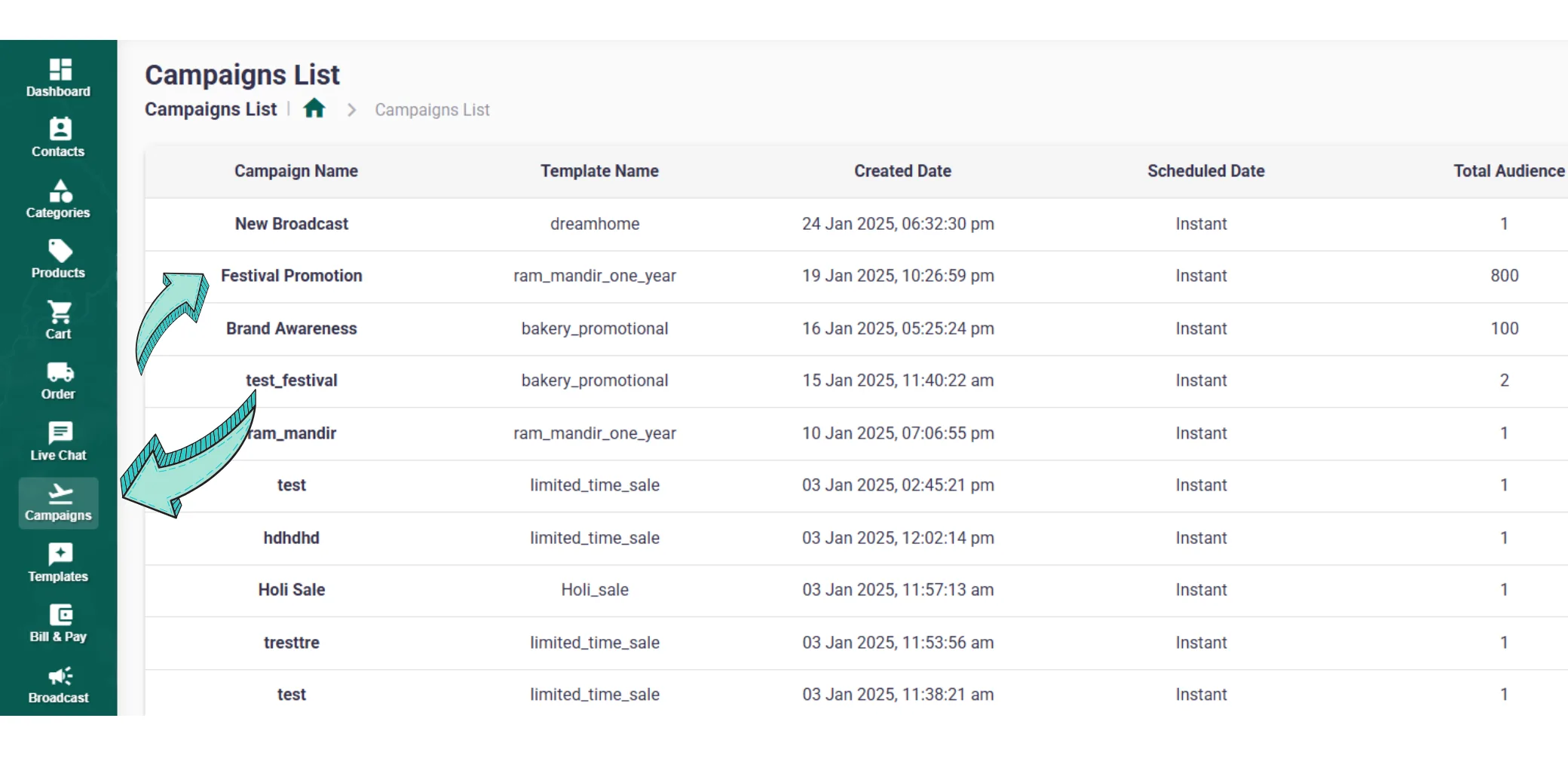
Real-Time Analytics Dashboard in ChatMitra

Advanced Retargeting Tools

Our three-step retargeting system helps maximize conversion rates by re-engaging users who didn't respond to your initial broadcast:

Step 1: Segment Audience

Filter by engagement level: Non-openers, Partial responders, High-value engagers

Step 2: Create Sequences

Set up automated follow-up messages with different content for each segment

Step 3: Performance Comparison

A/B test different approaches and compare results to optimize future campaigns
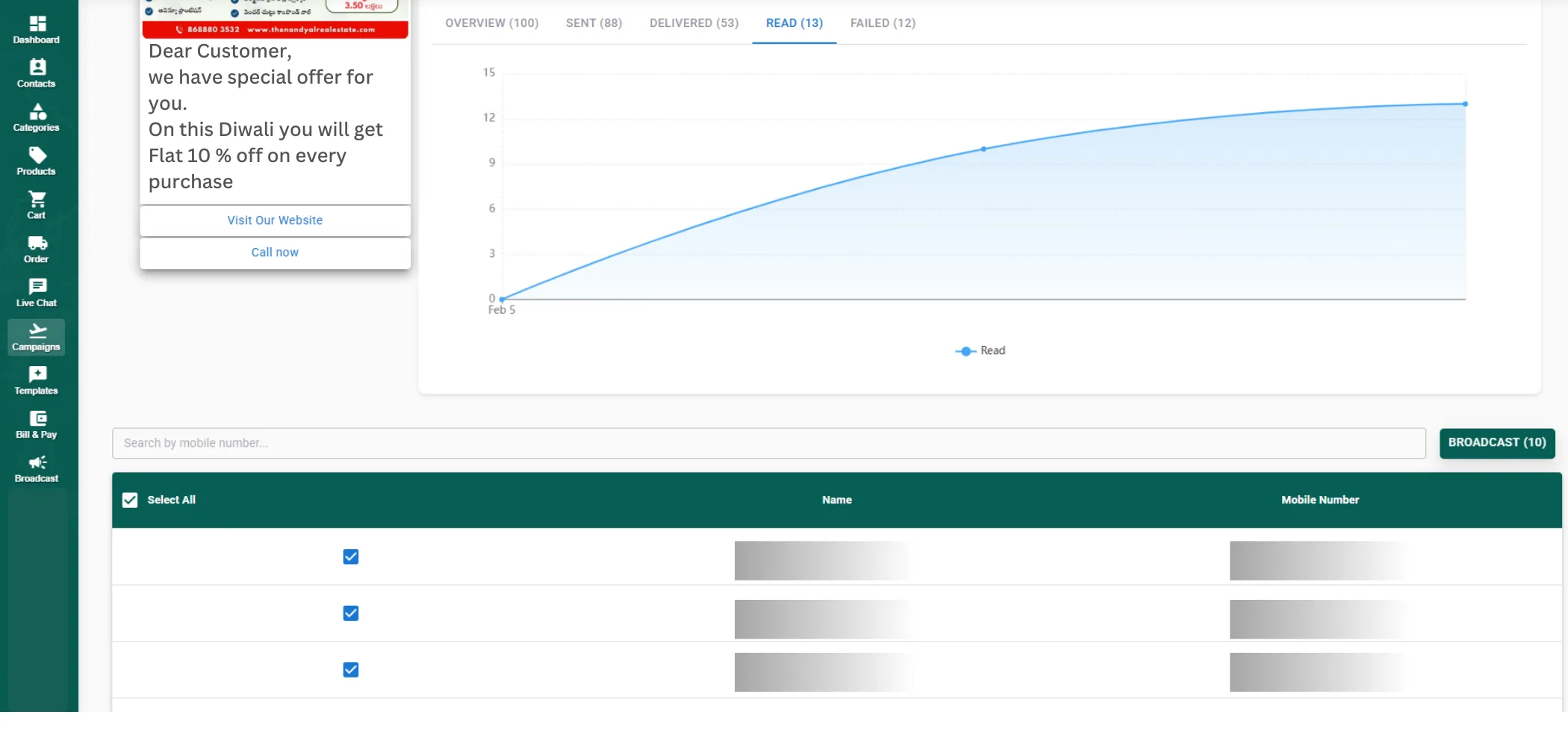
Retargeting Interface in ChatMitra

Exportable Reports and Data Integration

ChatMitra supports multiple export formats to integrate with your existing analytics stack:

CSV Export

For spreadsheet analysis and data manipulation

PDF Export

For presentations and stakeholder reports

JSON Export

For API integration and custom dashboards

How ChatMitra Ensures Data Accuracy

We use WhatsApp's official Business API with multiple validation layers:

  • End-to-end message status verification - Every message status is verified directly with WhatsApp servers
  • Three-point validation system - Sent, Delivered, and Read statuses are cross-checked
  • Daily data integrity checks - Automated audits ensure 99.9% accuracy
  • Webhook confirmations - Real-time status updates via official WhatsApp webhooks

Analytics Best Practices

Set Benchmark Goals

Industry benchmarks: Delivery Rate 95%+, Read Rate 70%+, CTR 15%+. Set your targets based on these benchmarks.

Monitor Quality Rating

Keep your WhatsApp Quality Rating High (Green) to maintain optimal delivery rates and avoid restrictions.

Analyze by Segment

Compare performance across different audience segments to identify your most engaged users.

Test and Iterate

Use A/B testing for message content, send times, and CTAs. Let data drive your decisions.

Ready to Master Your Campaign Analytics?

Start your free trial today and get full analytics access with personalized dashboard setup.

Start Free Analytics Trial

Frequently Asked Questions

How frequently are analytics updated in ChatMitra?

Our system provides real-time updates with a 15-second refresh rate. Historical data is stored for 36 months for trend analysis and reporting.

Can I export analytics reports from ChatMitra?

Yes. Export reports in multiple formats: CSV for spreadsheet analysis, PDF for presentations, and JSON for API integration with your existing tools.

How does ChatMitra ensure data accuracy?

We use WhatsApp's official Business API with end-to-end message status verification, a three-point validation system, and daily data integrity checks to ensure 99.9% accuracy.

What is retargeting in WhatsApp campaigns?

Retargeting allows you to create follow-up campaigns for users who didn't open your initial broadcast. You can segment by non-openers, partial responders, and high-value engagers for maximum conversion.

Can I track ROI from WhatsApp campaigns?

Yes. ChatMitra provides conversion tracking through UTM parameters, CTA button clicks, and integration with e-commerce platforms to measure actual revenue generated from campaigns.