WhatsApp QR Code Generator
Instantly create WhatsApp QR codes to connect with customers, boost engagement, and simplify communication.
Fast & Free QR Creation
Generate QR codes for WhatsApp chats in seconds, no cost.
Mobile Optimized
Preview your QR code in a realistic WhatsApp interface.
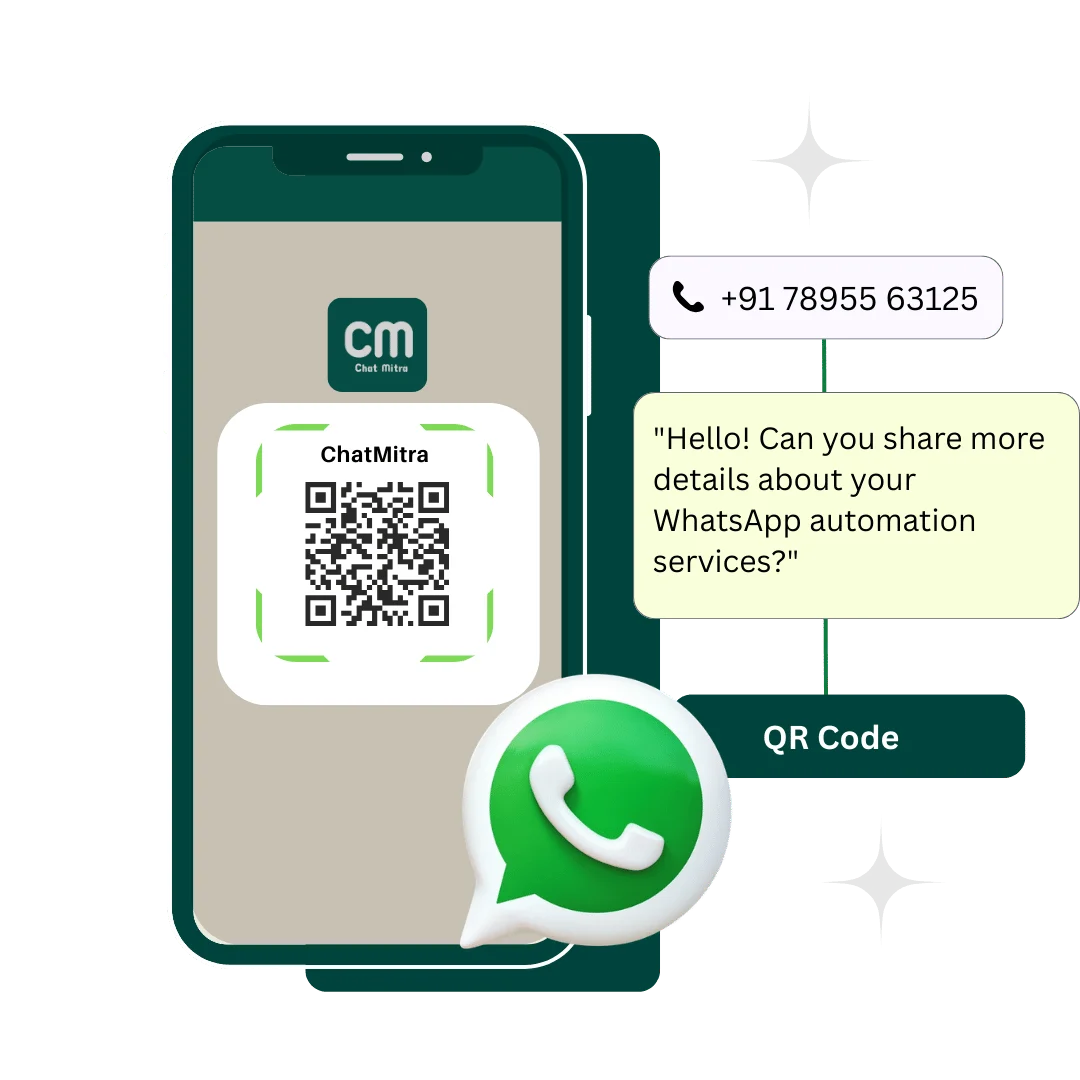
What is a WhatsApp QR Code?
A WhatsApp QR Code is a scannable image that directs users to a WhatsApp chat with your number, optionally including a pre-filled message. It eliminates the need for manual contact saving, making it ideal for businesses, marketers, and individuals.
Why Use WhatsApp QR Codes?
Direct Engagement
Customers can message you instantly with a scan.
Marketing Boost
Add to websites, flyers, or social media for seamless contact.
Time-Saving
No need for users to save your number first.
Customizable
Include a welcome message to set the conversation tone.
How to Use Your WhatsApp QR Code
Follow these simple steps to share your QR code:
Generate your QR code below with your number and message.
Download or copy the QR code/link.
Share it on your website, social media, or print materials.
Generate Your QR Code
Enter your details to create a custom WhatsApp QR code.
Enter 10-15 digits without '+' sign
Your QR code will appear here
Frequently Asked Questions
What is a WhatsApp QR Code?
A WhatsApp QR Code is a scannable image that directs users to a WhatsApp chat with your number, optionally including a pre-filled message. It eliminates the need for manual contact saving, making it ideal for businesses, marketers, and individuals.
How do I create a WhatsApp QR Code?
Creating a WhatsApp QR Code is simple! Use our Free WhatsApp QR Code Generator. Just enter your phone number with the country code and an optional message, then click 'Generate QR Code'—your QR code is ready to download and share!
Can I customize the message in a WhatsApp QR Code?
Absolutely! You can add a pre-filled message to your WhatsApp QR Code by entering it in the 'Welcome Message (Optional)' field. Our generator will include it in the QR code automatically.
How can I use a WhatsApp QR Code for marketing?
Embed your WhatsApp QR Code on your website, flyers, business cards, social media, or ads to drive instant engagement. It's a frictionless way to turn curious visitors into leads by letting them scan and message you directly on WhatsApp.
Is the WhatsApp QR Code Generator free to use?
Yes, our WhatsApp QR Code Generator is 100% free! There are no hidden fees—just enter your details, generate your QR code, and start connecting with your audience right away.
How does a WhatsApp QR Code improve customer support?
A WhatsApp QR Code lets customers reach you instantly for real time support. Add it to your website or product pages, and you'll reduce response times, increase satisfaction, and build stronger relationships with your audience.
Can I track scans of my WhatsApp QR Code?
Yes! Add UTM parameters (e.g., 'https://wa.me/
What's the difference between a WhatsApp QR Code and a WhatsApp Link?
A WhatsApp Link is a URL you can share digitally, while a QR Code is a scannable image for offline use. Our generator offers both—create a link for online sharing or a QR code for business cards and flyers.
How do I add a WhatsApp QR Code to social media?
Download your generated WhatsApp QR Code and upload it to your Instagram bio, Facebook 'Contact Us' section, or Twitter profile. Pair it with a call-to-action like 'Scan to message us on WhatsApp!' to boost engagement.
Can I change or delete a WhatsApp QR Code?
You can't 'delete' a QR Code once shared, but you can stop using it and create a new one with a different message or number. Simply generate a fresh QR code whenever you need an update.
Why should I use a WhatsApp QR Code Generator instead of manually creating one?
Our generator saves time, ensures accuracy, and lets you preview your QR code instantly. Plus, it offers extras like link generation and download—features you won't get from manual QR creation.
How can a WhatsApp QR Code boost my sales?
By adding a WhatsApp QR Code to your website or ads, you capture leads faster with a scan-to-chat option. It turns browsing visitors into conversations, helping you close sales more effectively than traditional forms.