The best login experience is the one the user barely notices. Zero-tap is exactly that — the code arrives, and they’re in, without touching anything.
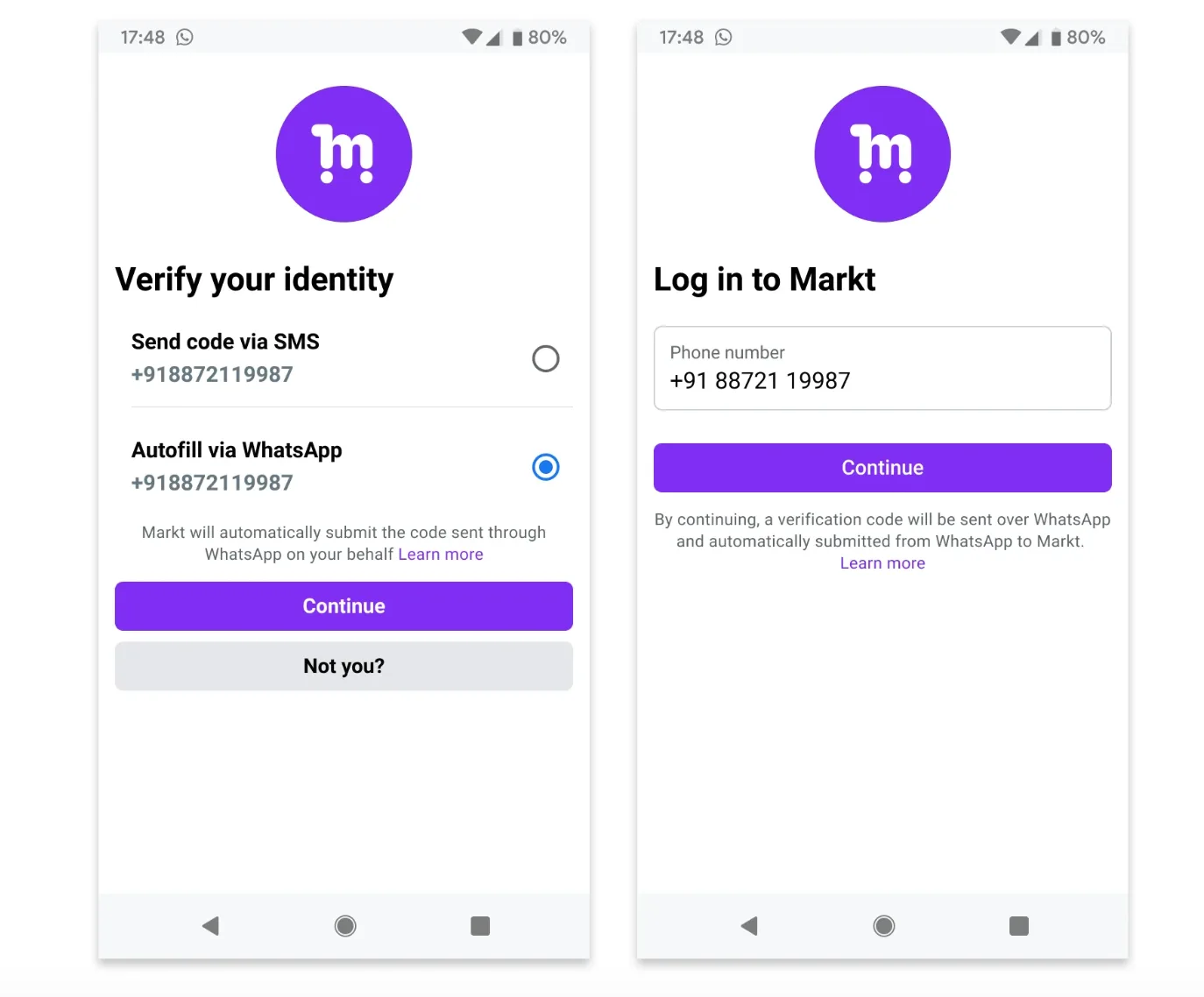
Zero-tap is the most seamless of WhatsApp’s three OTP delivery types. With copy-code the user copies and pastes; with one-tap they tap a button. With zero-tap, they do nothing — WhatsApp delivers the authentication message, and your app reads the code straight out of it automatically. From the user’s side, they request a code and a moment later they’re logged in; they may never even open the WhatsApp chat.
Example: a user taps “Send code” in your app, the WhatsApp message arrives in the background, your app reads it, and the login completes on its own.
Best practices
Zero-tap is invisible, which is both its strength and its risk — when it fails, the user just sees nothing happen. A few rules keep it dependable:
- Zero-tap is Android-only. Non-Android users (iPhone, WhatsApp Web) will never get the zero-tap behaviour, so they see the copy-code button instead. You must still include the one-tap autofill and copy-code buttons in the template, even though zero-tap users never see them.
- No URLs, media or emojis. Authentication templates keep it to the code and a short safety note.
- Tell the user it’s automatic. Because nothing visibly happens, it helps to let users know the code will arrive on its own.
Creating a zero-tap template
You create a zero-tap template with a POST request describing its components. The body of the request needs:
| Field | Required? | What it does |
|---|---|---|
| name | Yes | Template name (max 512 chars) |
| category | Yes | authentication |
| language | Yes | The language code it’s approved in |
| components | Yes | Body, footer and buttons |
| package_name | Yes | Your Android app’s package name |
| signature_hash | Yes | Your app’s signing-key hash |
| zero_tap_terms_accepted | Yes | Must be true — you accept the zero-tap terms |
Optional extras include add_security_recommendation (the “do not share this code” line), code_expiration_minutes (1–90), autofill_text and text (button labels, max 25 chars each), and message_send_ttl_seconds to control delivery timeout.
The package name and signing hash are the same identifiers one-tap uses — they tell WhatsApp which app may receive the code. The zero_tap_terms_accepted flag is the one extra step zero-tap adds.
Sending a zero-tap template
Once approved, you send it like any authentication template: name the approved template, pass the language code, and supply the verification code for that user. On a matching Android app, your app reads the code with no tap; everywhere else, the message falls back to one-tap or copy-code.
Where one-tap relies on the user’s tap to hand over the code, zero-tap requires your app to grab it the instant it arrives — so the app-side read path has to be solid. Test it on real devices and slow networks before you ship.
The fallback chain
Because zero-tap can’t reach everyone — iPhones, WhatsApp Web, or any moment the app can’t read the message — WhatsApp lets you stack fallbacks:
Zero-tap  →  One-tap autofill  →  Copy-code
(no tap)     (one tap)            (works everywhere)
If zero-tap can’t run, the same message offers one-tap autofill; if that can’t run either, it offers copy-code, which works on every device. Read about those in One-Tap Autofill and Copy Code.
Set up this chain and you get the best experience where it’s possible, and a guaranteed path to the code everywhere else.
