Your WhatsApp Business Account (WABA) is the container that owns everything: the phone numbers you register on the WhatsApp Business Platform, your templates, your display name and your quality reputation. Understand the WABA and the rest of the platform falls into place.
WABA types
There are two kinds of WhatsApp Business Account, and they behave differently:
- WhatsApp Business app account — created inside the Meta Business Suite. It supports a single phone number, works through Coexistence (so the WhatsApp Business app and the API share one number), and can’t be moved to another business portfolio.
- WhatsApp Business Platform account — created through a provider like ChatMitra. It supports multiple phone numbers and can be migrated between portfolios. This is the kind most growing businesses use.
Where to find your WABA
Your WABAs live in Meta Business Manager, under WhatsApp Accounts. From there, click WhatsApp Manager to open the settings for any account.
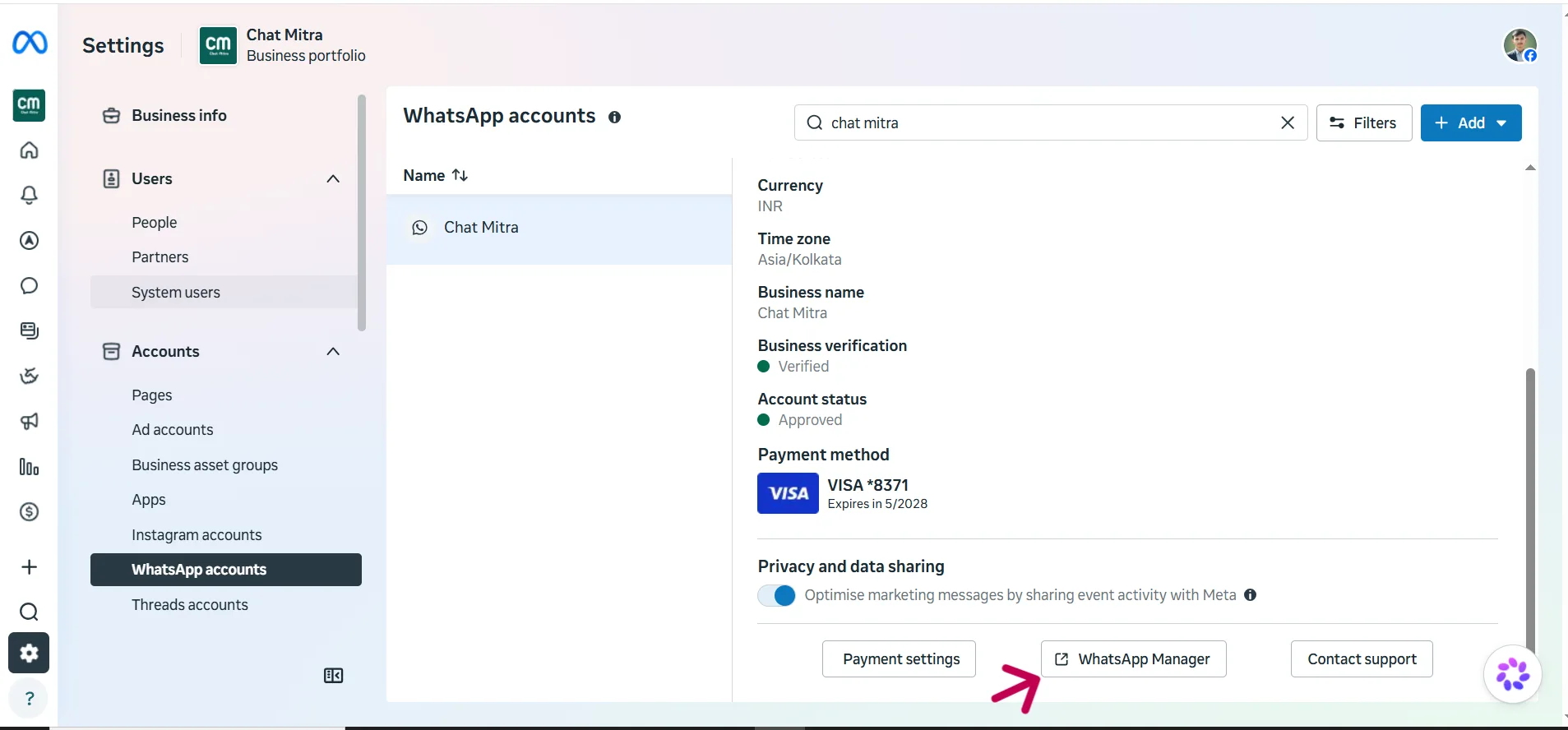
WhatsApp Manager is your control room for a WABA — display name, numbers, templates and status all sit here.
Limitations to keep in mind
A WABA isn’t unlimited. A few caps are worth knowing up front:
- Up to 250 message templates per WABA.
- Starts with room for 2 registered business phone numbers, expandable up to 20.
- A Meta Business Account starts with room for 20 WABAs.
- A WABA must belong to only one Business Manager.
- Once a line of credit is attached, you can’t edit the timezone or currency.
- Once set up, a WABA can’t migrate between businesses.
Messaging limits
Every WABA carries a messaging limit — the cap on how many new people you can message in a 24-hour window. New accounts start at 250 unique users per day and scale up to 2,000 → 10,000 → 100,000 → Unlimited as your account earns trust. Our Messaging Limits guide breaks down each tier and how to climb.
Your WABA ID
Each WABA has its own unique ID, shown on the WhatsApp Accounts page. You’ll need it when connecting tools or talking to support.
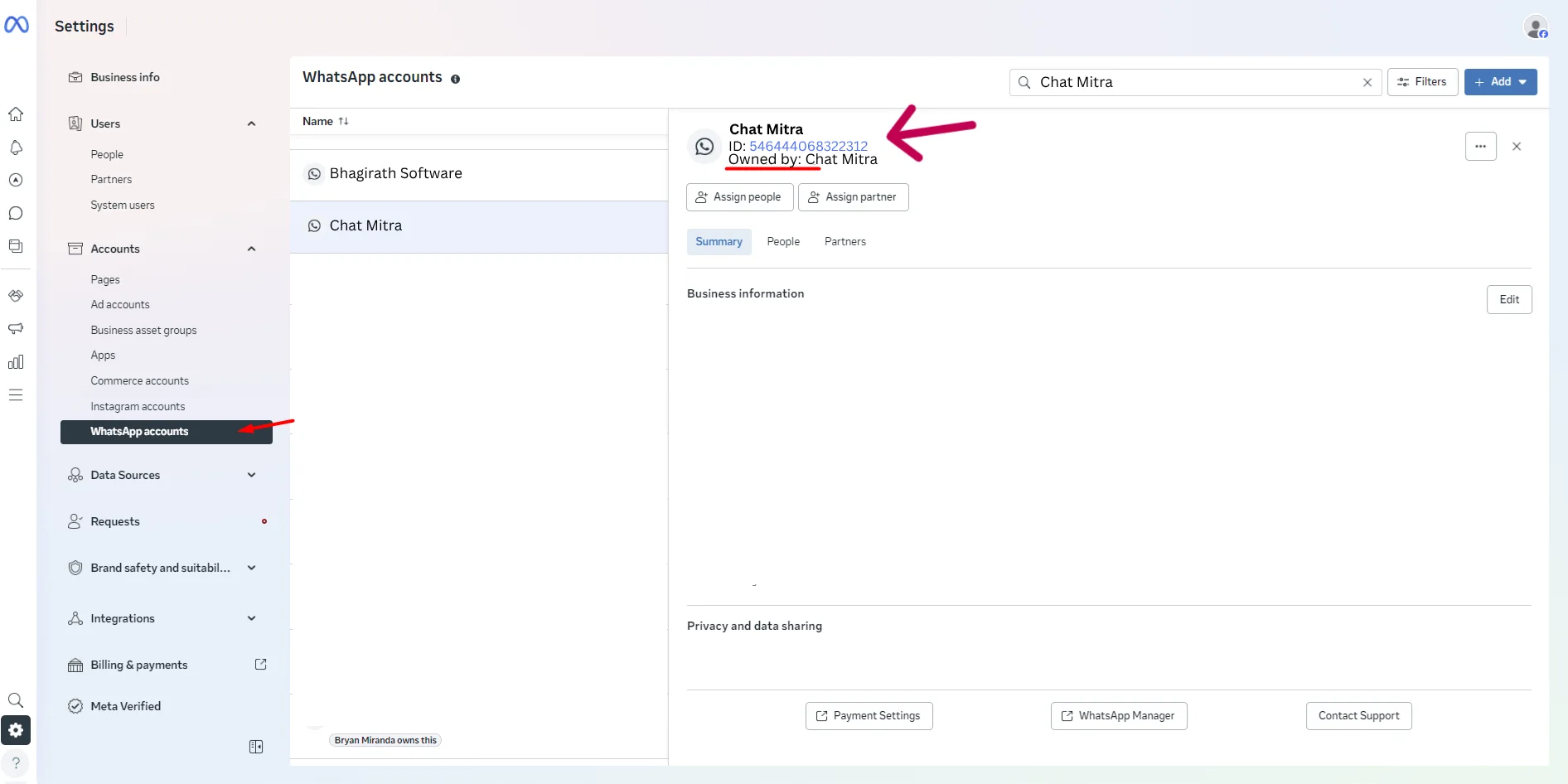
Copy your WABA ID from the WhatsApp Accounts page whenever a setup step asks for it.
How a WABA is created
With ChatMitra, the only way to create a WABA is through the Embedded Signup flow — a guided Meta login that sets up your account and number in one go. There’s no manual form to fill in separately.
Guides in this section
- Messaging limits — the tiers that cap how many people you can message a day.
- WABA status — what Approved, Review in progress and Disabled mean, and how to recover.
- Business Support Home — Meta’s hub for account issues and appeals.
