If you want to message a customer who hasn’t messaged you in the last 24 hours, you can’t just type freely — you use a template. Here’s the whole idea, simply.
Why templates exist
WhatsApp is precious to people because it isn’t full of spam. To keep it that way, Meta requires businesses to get messages pre-approved before sending them outside an active chat. That approved message is a template.
The upside: approve it once, reuse it forever. Example: a restaurant gets “Your order {{1}} is out for delivery 🛵” approved once, then sends it to every customer with their order number filled in.
The parts of a template
A template is built from a few pieces:
| Part | What it’s for | Example |
|---|---|---|
| Category | Sets the price & rules | Utility |
| Header | Optional title or media | ”Order Update” |
| Body | The main text, with variables | ”Hi {{1}}, your order {{2}} shipped” |
| Footer | Small print | ”Reply STOP to opt out” |
| Buttons | Quick actions | ”Track order”, “Call us” |
Those {{1}}, {{2}} blanks are variables — you fill them per customer (name, order number, date) so one template feels personal to everyone.
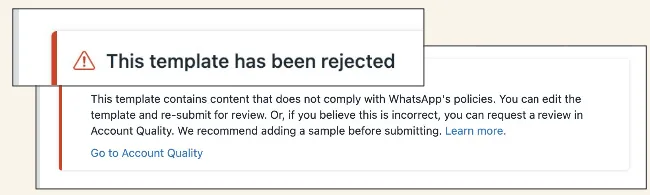 Illustrative (Meta interface): building a message template.
Getting approved fast
Write template  →  Pick the right category  →  Add sample values
        →  Submit  →  Meta reviews (minutes–48h)  →  Approved ✅
To sail through:
- Be clear. Say exactly what the message does.
- Pick the correct category (utility for updates, marketing for offers).
- Give sample values for every variable.
- Check spelling, avoid ALL CAPS and spammy phrasing.
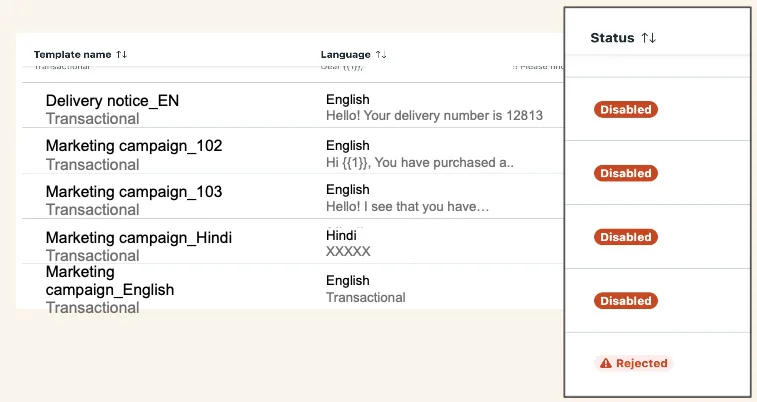 Illustrative (Meta interface): tracking a template’s approval status.
Why templates get rejected
Most rejections come down to a few things: vague content (“Hi, click here”), promotional wording in a utility template, empty-looking variables, or pushy/spammy language. Fix those and resubmit — approval is usually quick the second time.
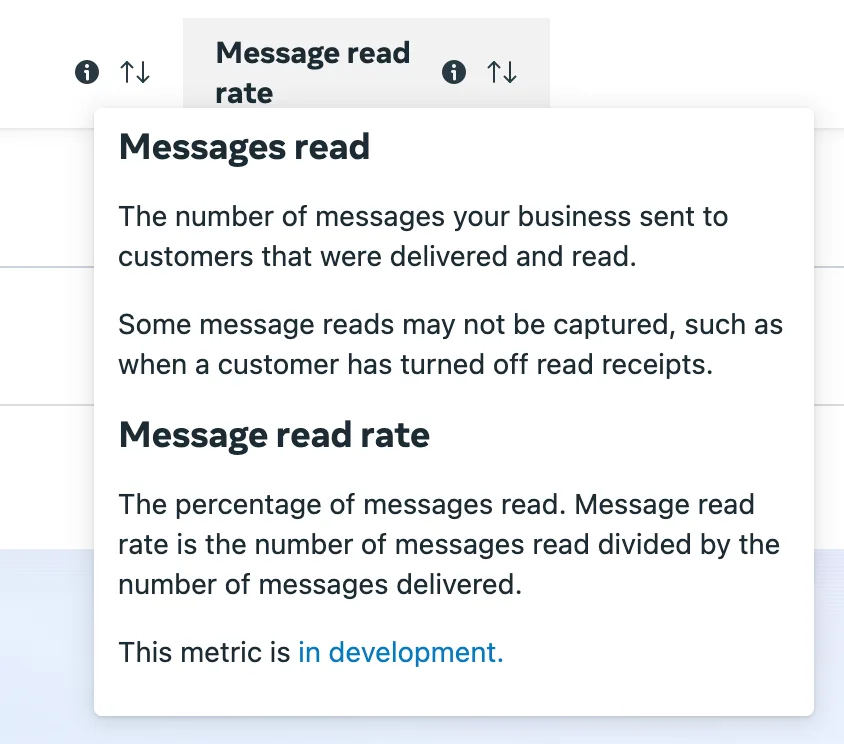 Illustrative (Meta interface): template quality and read-rate insights.
Short on ideas? Start from our template library of approval-friendly examples, then tweak them to your business.
