Choosing a number sounds trivial, but a couple of rules trip people up — and the “why can I only message 1,000 people?” question confuses almost everyone. Let’s sort both.
Which numbers work
Your WhatsApp API number must:
- Be yours — a number your business controls.
- Receive an SMS or call — that’s how it gets verified.
- Not be active on the consumer WhatsApp — or you migrate it (next section).
Landlines can work if they can receive a verification call. Short codes don’t.
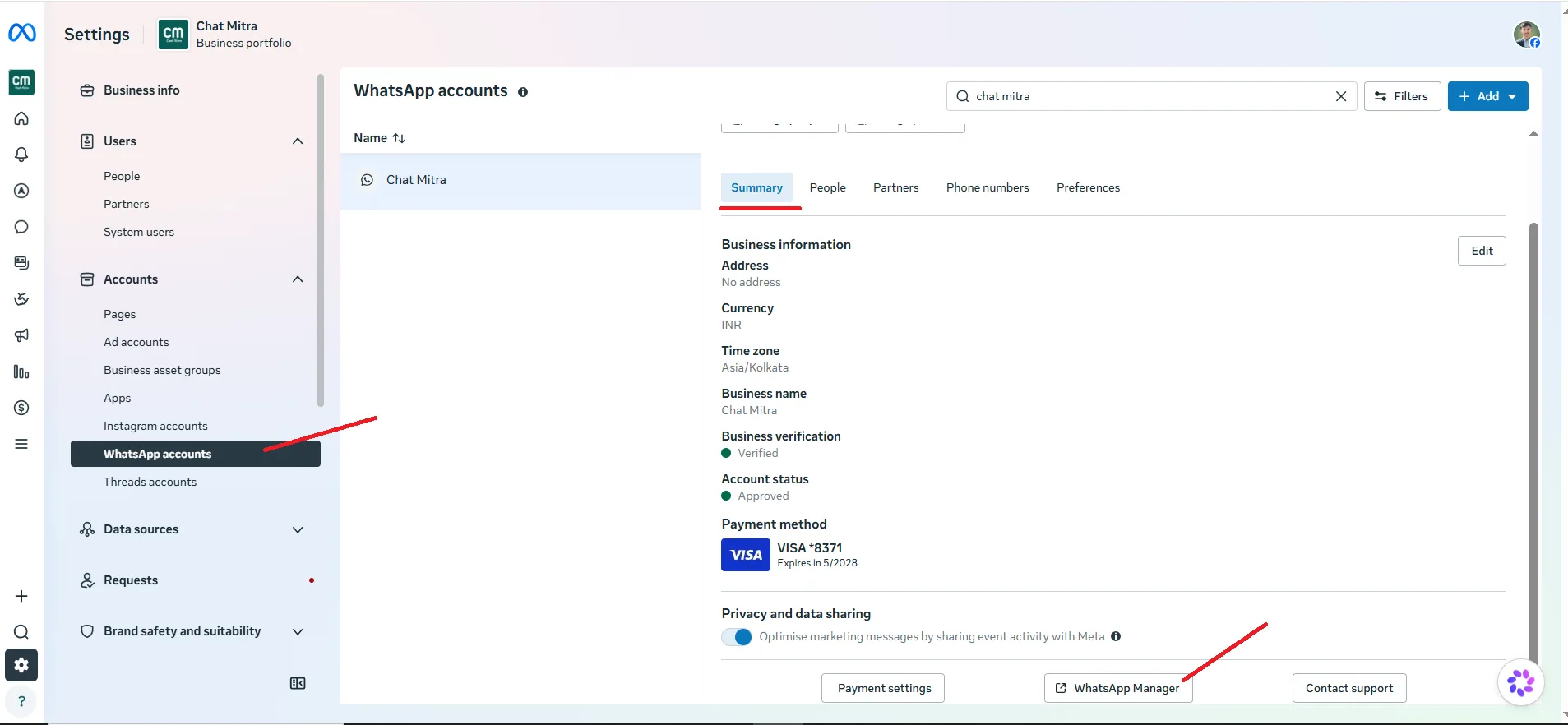 Illustrative (Meta interface): your registered numbers and their status in WhatsApp Manager.
Can you keep your existing number?
This is the top question, so here’s the clear answer:
| Your situation | Can you use it? |
|---|---|
| Number not on any WhatsApp | ✅ Yes, directly |
| Number on WhatsApp Business app | ✅ Yes, after migrating it |
| Number on regular WhatsApp | ✅ Yes, after migrating it |
| Number active on the API elsewhere | Migrate from the other provider |
The catch: a number can’t be on the app and the API at the same time. Migrating moves it over (you keep the number; you lose the app’s local chat history).
Example: a salon that has chatted with clients on the Business app for years migrates that same number to the API, so clients keep messaging the number they already saved.
How messaging limits grow
WhatsApp doesn’t let a brand-new number message unlimited strangers — that would be a spammer’s dream. So you start small and earn your way up:
1,000 / day  →  10,000 / day  →  100,000 / day  →  unlimited
   (as your quality rating stays healthy)
You begin able to start conversations with 1,000 unique customers per day. Keep your quality rating good — send useful, opted-in messages people don’t block — and Meta raises the tier automatically. (Replies inside an open conversation don’t count against this.)
The takeaway: limits aren’t a wall, they’re a ladder. Message well and you climb fast.
Over time, a trusted number can earn the green verified badge (an Official Business Account), which builds even more customer confidence.
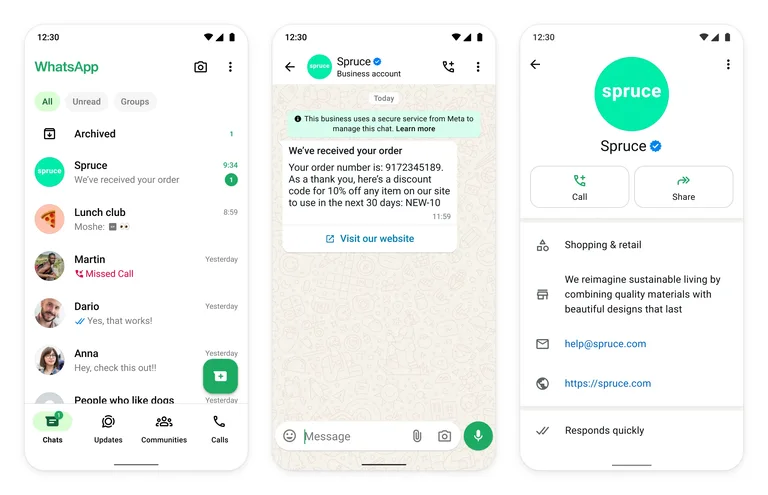 Illustrative (Meta interface): the verified Official Business Account badge.
