Which AI APIs Use Your Data? Training and Retention Terms at OpenAI, Claude, Gemini and Groq

Quick Summary
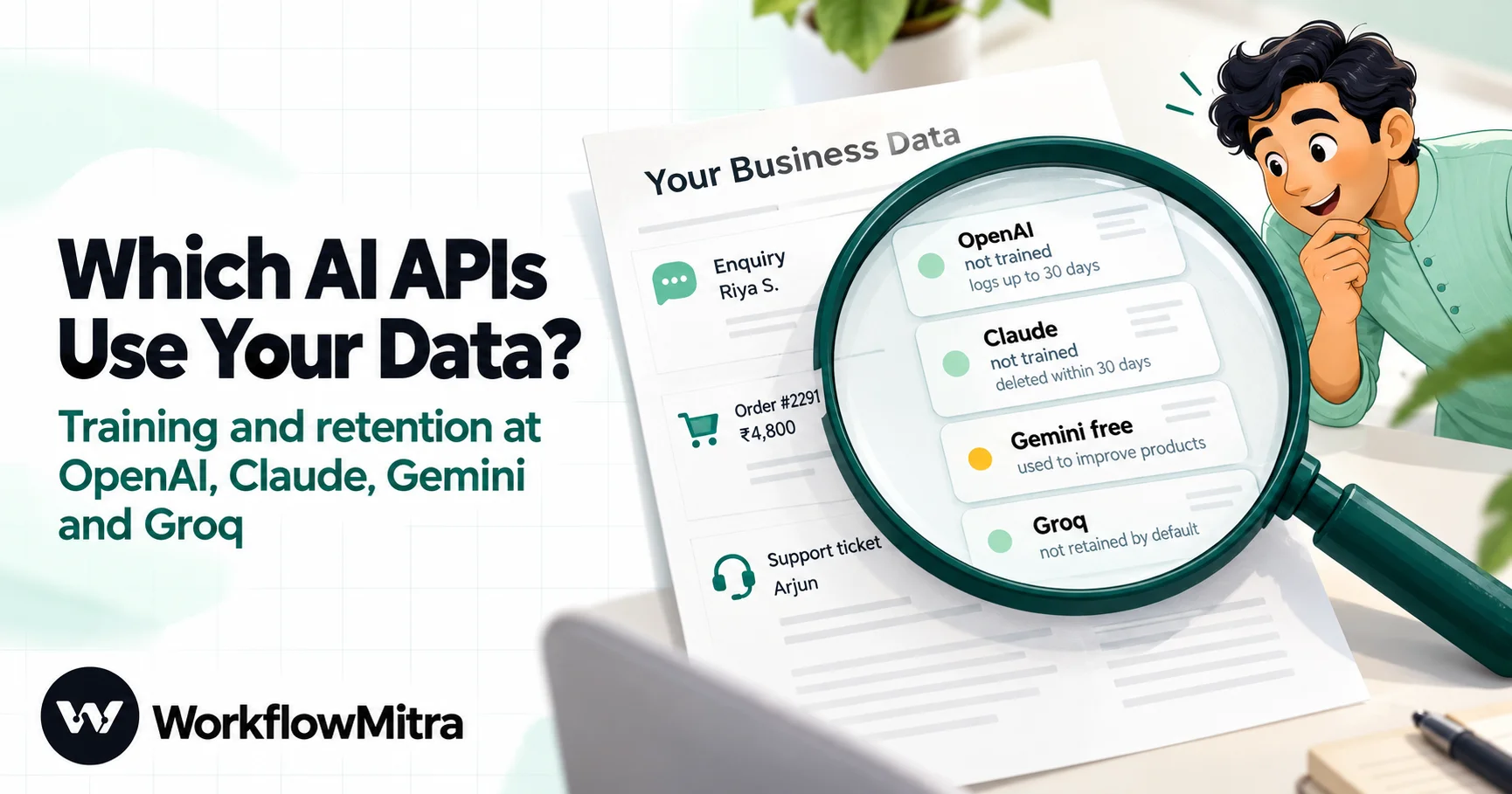
On 22 October 2026, none of the four big AI API providers trained on paid API traffic by default. OpenAI doesn't train on API data unless you opt in and keeps abuse-monitoring logs for up to 30 days. Anthropic doesn't train on Claude API data by default and deletes inputs and outputs within 30 days, except flagged content (up to 2 years) and feedback you send. Google's Gemini API is the one to watch: on the free (unpaid) quota, Google uses prompts and responses to improve its products and human reviewers may read them; once the key's Cloud project has active billing, Google doesn't use them for improvement. Groq doesn't retain inference data by default and its services agreement bars training without permission, on free and paid plans alike. Zero data retention is self-serve at Groq and by approval at OpenAI and Anthropic. Your automation tool keeps its own copy too: in WorkflowMitra, powered by ChatMitra, run history holds each step's input and output for 7 to 180 days by plan.
An agency builds a workflow that reads every new WhatsApp enquiry, asks an AI model to sort it into “sales”, “support” or “spam”, and logs the answer in a sheet. It works well. Then the client’s operations head asks a fair question: “Is the AI company learning from our customers’ messages?”
The honest answer is “it depends which provider, which plan and which settings”, and the details are spread across terms pages, data-control pages and privacy articles that change often. This guide puts them side by side for the four providers most small teams use, OpenAI, Anthropic’s Claude, Google’s Gemini API and Groq, and explains what each one trains on, how long it keeps prompts, who can read them, and what changes on a free tier. Every provider term below was read on 22 October 2026 on the provider’s own pages, which are linked so you can check them again before you decide.
It also covers the part most comparisons skip. When an AI step runs inside an automation, the provider isn’t the only system that sees the prompt. Your automation platform keeps a record too. In WorkflowMitra, powered by ChatMitra, AI steps run on your own API key, so the provider’s terms for your account apply directly, and WorkflowMitra’s run history keeps its own copy for a fixed number of days.
Do AI APIs use your data for training?
Not on paid API plans, by default, at any of the four providers covered here. On 22 October 2026, OpenAI didn't train on API data unless you opt in, and kept abuse-monitoring logs for up to 30 days. Anthropic didn't train on Claude API data by default and deleted inputs and outputs within 30 days, with exceptions for flagged content and feedback. Groq didn't retain inference data by default and its agreement bars training without your permission. The exception is Google's Gemini API free tier: on unpaid quota, Google uses prompts and responses to improve its products and human reviewers may read them. Link a billing account to the key's Cloud project and that stops.
“Not used for training” is only half of the question, though. A provider can promise not to train on your data and still keep it for weeks to check for abuse, let trained staff read flagged conversations, or store it in another country. That’s why the comparison below asks five questions, not one.
Five questions to ask about any AI API
Before you look at any single provider, it helps to know what you’re checking for. These five questions cover what a client, a customer or your own compliance check will usually want to know.
- Is my data used to train or improve models? This is the question everyone asks first. The answer is often “no by default, unless you opt in”, and the opt-ins matter: a feedback button or a data-sharing setting can change it.
- How long are prompts and responses kept, and why? Most providers keep some content for a limited period to detect misuse. That’s retention, not training, but it still means a copy exists.
- Can a person read it? Free tiers sometimes allow human review for quality. Paid tiers usually limit human access to content flagged by safety systems.
- Can I turn retention off? Zero data retention (ZDR) removes the abuse-monitoring copy. Some providers let anyone switch it on; others require an approved contract.
- Where is it stored? For Indian businesses this comes up with larger clients and regulated sectors. Some providers let you choose a region, usually on a contract.
There’s a sixth question that belongs to you rather than the provider: what else in your workflow keeps a copy? It has its own section further down.
The four providers at a glance
The table summarises the default terms for API use on the date checked. “Default” means what happens if you sign up, create a key and start sending requests without changing any setting or signing a special agreement.
| Provider | Trains on API data by default? | Default retention of prompts and responses | Zero data retention | Free tier, and does it change the terms? |
|---|---|---|---|---|
| OpenAI API | No, unless you opt in to share data | Abuse-monitoring logs up to 30 days; no application state for Chat Completions | By approval, with extra requirements | No standing free tier |
| Anthropic (Claude API) | No, except feedback you report or data you allow | Deleted within 30 days; flagged content up to 2 years | By agreement with Anthropic's sales team | No standing free tier |
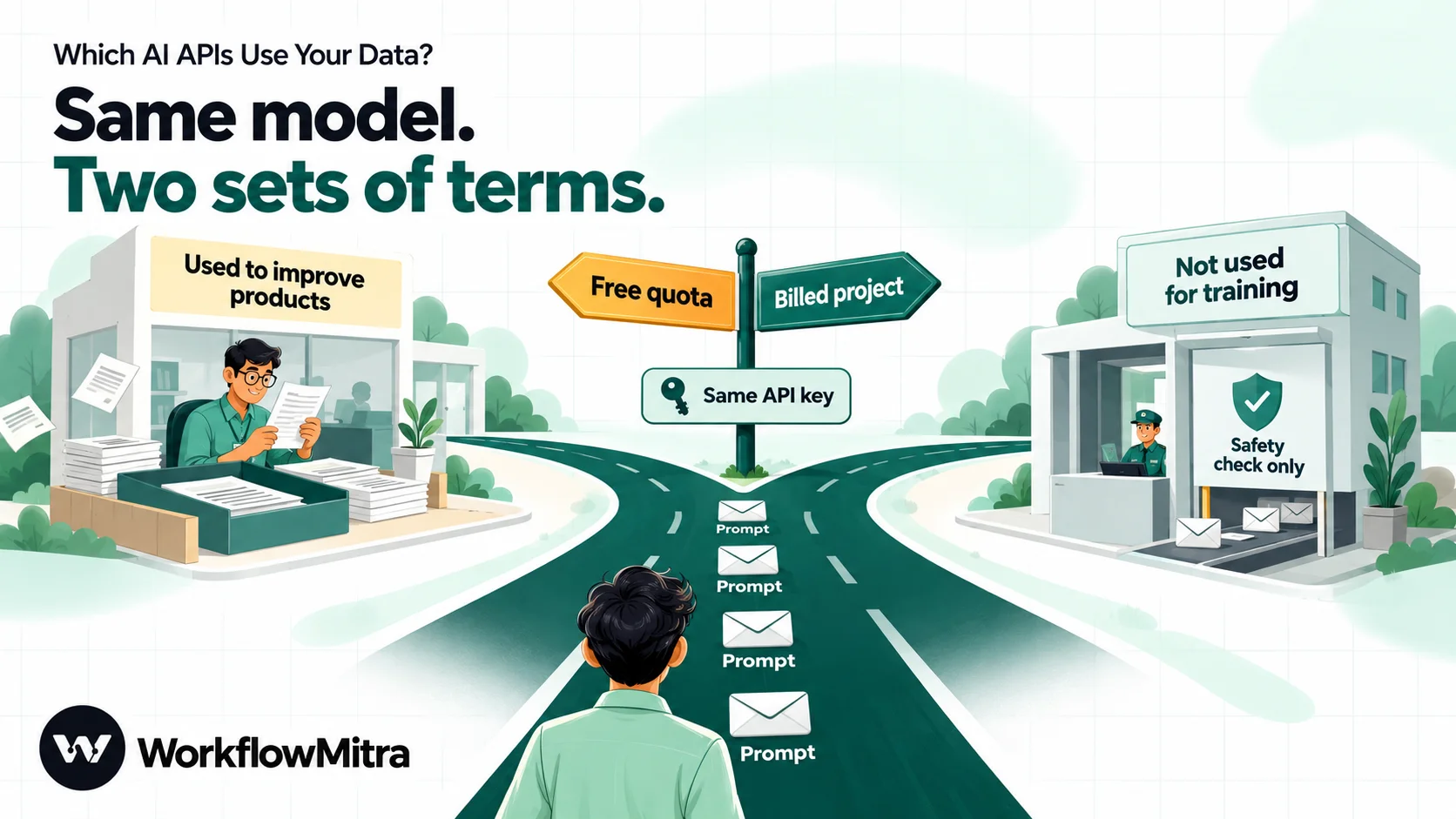
| Google Gemini API | Paid: no. Unpaid: yes, to improve Google products | Paid: logged for a limited period for abuse checks | No self-serve option on the pages cited | Yes, and the free quota uses different data terms, with human review |
| Groq | No, not without your explicit permission | Not retained by default; up to 30 days only for reliability or abuse cases | Self-serve for every customer | Yes, and the same agreement applies |
The sections below explain each row, including the exceptions that the table can’t hold.
OpenAI
OpenAI’s data controls page opens with the sentence most people are looking for: as of 1 March 2023, data sent to the OpenAI API is not used to train or improve OpenAI models, unless you explicitly opt in to share it.
What it does keep is abuse-monitoring logs. OpenAI says these may contain prompts and responses, as well as metadata derived from them such as classifier outputs, and that by default they’re kept for up to 30 days, longer if the law requires it or if it’s needed to protect the service or others from harm.
Separately, some endpoints keep application state, which is data stored so the feature can work. For /v1/chat/completions, the endpoint WorkflowMitra’s AI step calls for OpenAI, the table on that page lists no application-state retention, apart from audio outputs, which are stored for an hour. The Responses API keeps response data for 30 days by default, or when store is true, and Assistants objects stay until you delete them. If you use OpenAI through other tools, check which endpoint they call.
OpenAI offers two controls that remove customer content from the abuse logs: Modified Abuse Monitoring and Zero Data Retention. Both need prior approval from OpenAI and acceptance of extra requirements. Once approved, a Data Retention tab appears under Settings, Organization, Data controls, where you can set the control for the whole organisation or per project. Even then, images and files are scanned for child-abuse material, and flagged images are kept for review.
OpenAI also offers data residency. The same page listed India (in.api.openai.com) as a region for storage, not processing, on 22 October 2026. To use it you need to be eligible, which OpenAI says to confirm with its sales team; regions other than the US also require approval for the abuse-monitoring controls and a signed amendment, and data-residency endpoints carry a 10% price uplift for eligible models released on or after 5 March 2026. Data residency is a project setting tied to a regional address, so it isn’t something a single API call can switch on.
Anthropic (Claude)
Anthropic’s privacy centre article Is my data used for model training? (dated 18 August 2026) says that by default Anthropic won’t use inputs or outputs from its commercial products, which include the Anthropic API, to train its models. Two things change that: if you explicitly report feedback or bugs, for example with a thumbs up or down, or if you otherwise choose to allow it. Feedback is stored with the related conversation for up to five years.
On retention, the article How long do you store my organization’s data? (dated 1 July 2026) says Anthropic automatically deletes API inputs and outputs within 30 days of receipt or generation. The exceptions are services where you control longer retention, such as the Files API; a separate agreement such as zero data retention; and content Anthropic needs to keep to enforce its Usage Policy. If automated trust and safety systems flag content as a violation, inputs and outputs can be kept for up to two years and classification scores for up to seven.
Zero data retention at Anthropic is an arrangement you request through its sales team, enabled per organisation. Anthropic’s API and data retention page lists what it does and doesn’t cover. One recent exception is worth knowing: Anthropic’s most capable model family, which it calls Covered Models (Claude Mythos and Claude Fable on that page), requires 30-day retention for safety work and isn’t available under ZDR unless Anthropic expressly authorises it. That rule took effect on 9 June 2026. It affects only organisations that had ZDR in the first place.
Anthropic’s page makes one more point that applies directly to automations: data processed by third-party websites, tools or integrations isn’t covered by its arrangements. Your automation platform has its own data practices, which you need to check separately.
Google Gemini API
Google’s Gemini API Additional Terms of Service split the service in two.
- Unpaid Services include Google AI Studio and the unpaid quota of the Gemini API. Here, Google uses the content you submit and the responses generated to provide, improve and develop Google products, services and machine learning technologies. Human reviewers may read, annotate and process your API input and output, after Google disconnects it from your account, key and project. Google’s instruction is plain: don’t submit sensitive, confidential or personal information to the Unpaid Services.
- Paid Services apply when you access the Gemini API through a Cloud project with an active billing account. On Paid Services, Google doesn’t use your prompts or responses (including system instructions, cached content and files) to improve its products, and processes them under its data processing addendum. Google still logs prompts and responses for a limited period, only to detect and prevent violations of its Prohibited Use Policy and for required legal disclosures. That data may be stored transiently or cached in any country where Google or its agents have facilities.
Users in the European Economic Area, Switzerland and the UK get the Paid Services data terms on everything, including the free quota, and apps offered to users in those regions may use only Paid Services.
There’s one more Gemini setting to know about. On billing-enabled projects, a project owner can opt in to logging of Gemini API calls in AI Studio. Google’s logs policy (updated 14 October 2026) says these logs are kept for a default maximum of 55 days, and you can shorten that to 7, 14 or 28 days. By default, they aren’t used for product improvement. But if you choose to share a dataset of your logs with Google, that dataset is processed under the Unpaid Services terms, which means it may be used for training and read by human reviewers.
Groq
Groq’s Your Data in GroqCloud page says that by default Groq does not retain customer data for inference requests. It keeps usage metadata, which doesn’t contain your inputs or outputs. It may temporarily log inputs and outputs in two cases: troubleshooting errors that hurt platform reliability, or investigating suspected abuse such as rate-limit circumvention. Those logs are kept for up to 30 days unless the law requires longer. Features that need storage to work, such as batch jobs (30 days) and fine-tuning (until you delete it), keep their data as application state.
Unlike OpenAI and Anthropic, Groq lets every customer enable zero data retention from its Data Controls settings, globally or per feature. With ZDR on, Groq doesn’t keep customer data for reliability or abuse monitoring, and features that depend on retention are switched off.
On training, Groq’s services agreement (section 4.2) says Groq is not permitted to use inputs or outputs to train or fine-tune any models unless the customer explicitly grants permission. The same agreement covers GroqCloud, including usage that costs nothing, so Groq’s free plan doesn’t trade your data for access the way Gemini’s unpaid quota does. Groq stores the customer data it does retain in Google Cloud buckets in the United States.
”Free” doesn’t mean the same thing everywhere
Free tiers are attractive when you’re testing an automation, and two of the providers you can pick in WorkflowMitra’s AI step, Gemini and Groq, offer one. But they work very differently.
- Gemini’s free quota is an Unpaid Service. Your prompts help improve Google’s products, and people may read them. It’s fine for drafting marketing copy or summarising public web pages. It isn’t the place for customer messages, invoices or anything with a name and phone number in it.
- Groq’s free plan sits under the same services agreement as its paid tiers. The difference is in rate limits, not in data use.
- OpenAI and Anthropic have no standing free API tier, so the question doesn’t come up: you’re on paid terms from your first request.
The trap is the Gemini key. A key created in AI Studio belongs to a Cloud project, and it’s the project’s billing status, not the key itself, that decides which terms apply. A workflow tested on a free project and never moved to a billed one keeps sending customer data under the unpaid terms, even after it goes live. Google’s terms page says the Gemini API is a Paid Service only when accessed through a Cloud project with an active billing account, so checking that project is the fix.
How to check which terms your key is on
Terms are set at account, organisation or project level, so the check happens in each provider’s console, not in your workflow.
OpenAI. Open the project your key belongs to and look under Settings, Organization, Data controls. If your organisation has been approved for retention controls, the Data Retention tab shows whether Zero Data Retention or Modified Abuse Monitoring applies to each project. If there’s no such tab, the defaults apply: no training unless you opted in to share data, and up to 30 days of abuse logs.
Anthropic. Check whether your organisation has a ZDR agreement; if it does, your account team will have confirmed it, and the Data retention page in the Claude Console shows which workspaces keep it. Without one, the default terms apply. If people in your team use the Console’s feedback buttons on real customer content, remember that feedback is stored for up to five years and may be used for training.
Google Gemini API. In AI Studio, find the project the key was created in and check whether it has an active Cloud Billing account. If it doesn’t, you’re on Unpaid Services terms. If logging is enabled on the project, check the retention window and that nobody has shared a dataset containing customer data.
Groq. Open Data Controls in GroqCloud’s settings and check whether zero data retention is on, and which features it covers.
Write down what you found, with the date. If a client ever asks, “which terms were in force when you processed our data?”, a dated note answers it in a minute.
Your automation tool is part of the data path
When an AI step runs in an automation, the prompt doesn’t travel straight from your form or inbox to the AI provider. It passes through the automation platform, which builds the prompt from earlier steps, sends it with your key, receives the reply and passes it on. Most platforms also record what happened, because that record is how you debug a failed run.
Here’s what that looks like in WorkflowMitra, checked in its product code on 22 October 2026:
- The AI step uses your own key. WorkflowMitra’s AI step sends requests to the provider you choose (Claude, OpenAI, Gemini, Groq, Ollama or Ollama Cloud) with your API key, so the provider applies the terms of your account. WorkflowMitra doesn’t add an AI account of its own in between.
- Run history stores each step’s input and output. Every run keeps a record of what each step received and produced, including the AI step’s reply. It’s what lets you open a run and see why it went the way it did.
- History expires on a fixed schedule. A scheduled clean-up job deletes finished runs after your plan’s retention window: 7 days on the 10,000-credit plan, 15 days at 20,000 credits, 30 days at 40,000, 90 days at 80,000 and 180 days from 150,000 credits. The window comes from your plan, not from a setting you can extend.
- Saved keys are encrypted. A key saved as a credential is stored encrypted with AES-256-GCM. You can also paste a key directly into the AI step; saving it as a credential instead keeps it out of the workflow itself and lets you replace it in one place.
- Self-hosting is an option. The Ollama (self-hosted) provider sends prompts to a server address you set, so the model runs on hardware you control. The prompt still passes through WorkflowMitra on its way there, and through run history afterwards.
The practical point is that a “zero data retention” setting at the provider doesn’t make the whole workflow retention-free. Your automation platform, the sheet you log results to and the channel you post them in each keep their own copy. A complete answer to “where does our data go?” lists all of them.
Match the provider to the data
Most automation data falls into a few categories, and each one needs a different level of care. This is a starting point for a decision, not legal advice; your contracts with clients and the law that applies to you come first.
| Data in the prompt | Examples | Reasonable choice |
|---|---|---|
| Public or your own non-confidential content | Blog drafts, product descriptions, public reviews | Any provider, including free tiers |
| Ordinary business data about customers | Enquiry text, order details, names, phone numbers | A paid tier at any of the four; send only the fields the task needs |
| Sensitive or regulated data | Health details, financial account numbers, PAN, Aadhaar, children's data | Mask identifiers first; prefer a provider and plan with zero data retention, or a self-hosted model; check client contracts |
| Data about users in the EEA, Switzerland or UK | Customers of a European client | Paid tiers only (Google requires it for Gemini); check the client's data processing terms |
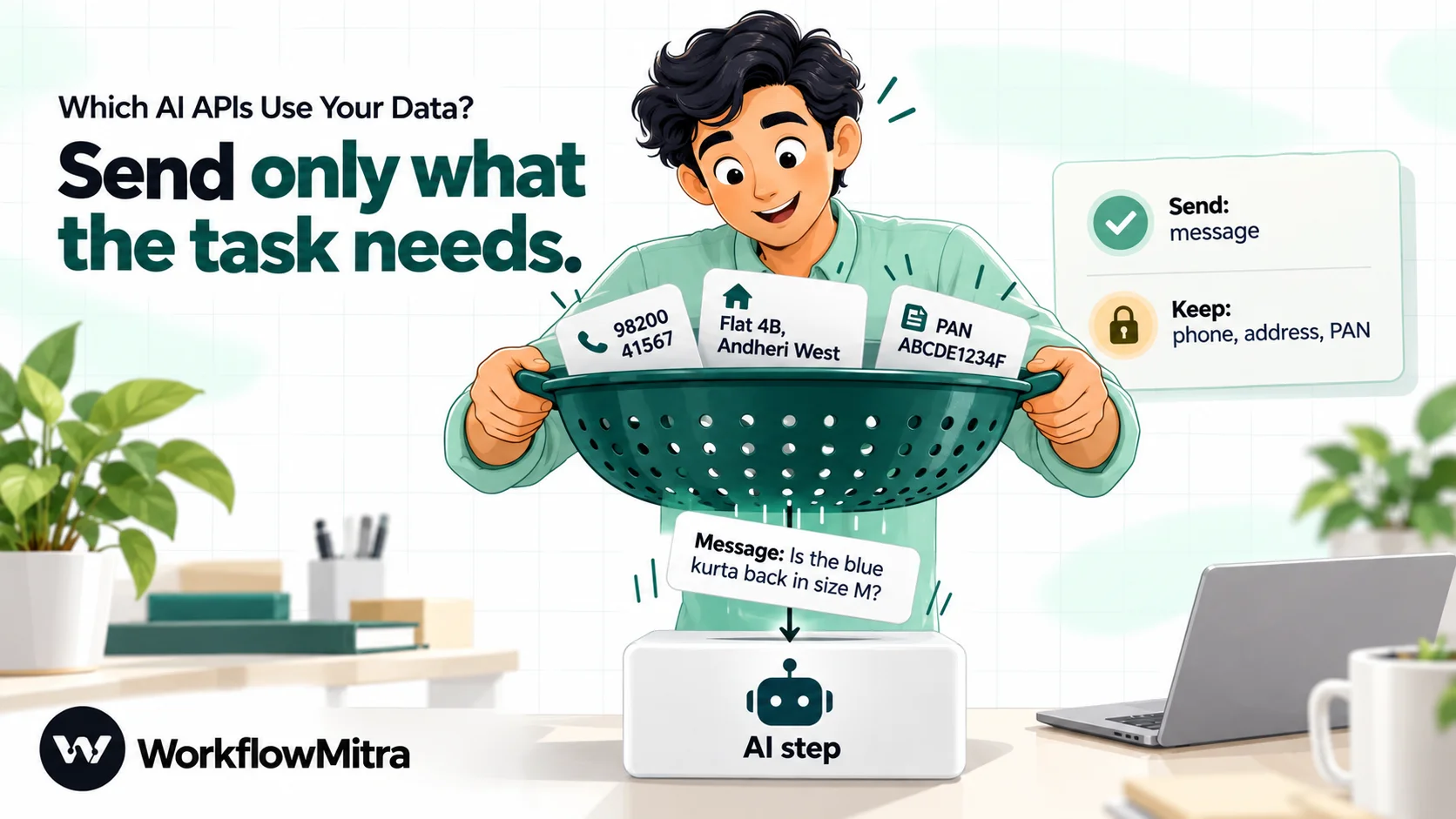
Two things move a workflow down this table, and both are cheaper than switching providers. The first is sending less: an AI step that sorts enquiries needs the message text, not the customer’s phone number. The second is masking: replacing identifiers with placeholders before the AI step and restoring them afterwards. Our guide to redacting PII before it reaches an LLM has a tested Code step that masks Indian phone numbers, PAN, Aadhaar and email addresses.
Send less: four habits that matter more than the provider
Terms change. Habits keep working whichever provider you use.
- Map fields, not whole records. When you build the prompt, insert
{{ $trigger.message }}, not the entire form submission. A prompt that never contained the phone number can’t leak it, wherever it’s stored. - Mask before, restore after. If the reply has to mention the customer, use a placeholder such as
[NAME_1]in the prompt and swap the real value back in a later step. - Keep secrets out of prompts. Passwords, API keys, OTPs and bank login details never belong in an AI step. If a form can contain them, filter them out first.
- Treat incoming text as untrusted. A customer’s email can contain instructions aimed at your AI step. Prompt injection is a security problem rather than a privacy one, but it can turn into a data leak if the model’s answer is posted somewhere public. Our prompt injection guide covers the defences.
What to tell a client or a customer
Agencies get asked this more than anyone. A clear, dated answer builds trust faster than “don’t worry, it’s secure”. A useful reply covers four points:
- Which provider and plan the workflow uses, for example “Claude API, paid organisation, default terms”.
- What that provider does with the data, in one sentence each for training and retention, with the date you checked and a link to the provider’s page.
- What your own tools keep, such as “run history in WorkflowMitra for 7 days, the result row in your Google Sheet until you delete it”.
- What you’ve done to minimise it, such as “only the message text is sent; phone numbers are masked”.
If you’re in India and the data is about identifiable people, the Digital Personal Data Protection Act is also relevant. Under section 8, the business that decides why and how personal data is used, the Data Fiduciary, stays responsible for processing done on its behalf by processors such as an AI provider or an automation platform, and needs a valid contract with each. Our guide to personal data in automations under the DPDP Act walks through what that means for workflows.
Common mistakes
- Testing on Gemini’s free quota, then going live on the same project. The terms follow the project’s billing status. Move production workflows to a billed project before real customer data flows.
- Reading “doesn’t train” as “doesn’t keep”. OpenAI, Anthropic and Google all keep some content for abuse monitoring by default. Only zero data retention removes that copy.
- Clicking feedback buttons on real customer content. At Anthropic, feedback is kept for up to five years and may be used for training. At Google, sharing a logs dataset puts it under unpaid terms.
- Forgetting the rest of the workflow. Run history, logging sheets, Slack channels and email copies all hold data. Clean them up on the same schedule as everything else.
- Quoting old terms from memory. Anthropic added 30-day retention for its Covered Models in June 2026, and Google’s logs policy page was last updated on 14 October 2026. Re-read the pages before a client conversation.
- Assuming one key’s terms cover a client’s whole account. At OpenAI, retention controls can differ per project. At Google, every project has its own billing status. Check the project the key actually belongs to.
The short version
All four providers treat paid API traffic as your data, not training material, by default. The differences are in the details: how long abuse-monitoring copies are kept, whether you can switch them off yourself, and whether a free tier comes with different terms. Groq makes it easiest to turn retention off, OpenAI and Anthropic offer that by approval or agreement, and Gemini’s free quota is the one place where your prompts help improve the provider’s products.
Pick the provider and plan that fits the data, send only what the task needs, and remember that your automation tool keeps a copy for a while. You can try an AI step on your own key, see exactly what run history records and check when it expires on a 14-day WorkflowMitra trial, no card needed. On 22 October 2026, plans started at ₹999 a month for 10,000 credits; see the pricing page for current plans, and our guide to AI workflow automation for what to build next. If you’re still deciding which provider to use, AI model flexibility explains why keeping more than one option open is worth it, and getting an AI API key covers setting one up and paying for it from India.
Provider terms were read on 22 October 2026 from OpenAI's data controls page, Anthropic's privacy centre articles on model training, data retention and Covered Models, Anthropic's API and data retention page, Google's Gemini API Additional Terms and logs policy, and Groq's Your Data page and services agreement. Terms change; check the current pages for your account. WorkflowMitra details come from its product code as of 22 October 2026. This article is general information, not legal advice.
Frequently Asked Questions
Questions people ask about what AI providers do with data sent through their APIs.
Not by default. OpenAI's data controls page said on 22 October 2026 that data sent to the OpenAI API has not been used to train or improve its models since 1 March 2023, unless you explicitly opt in to share it. OpenAI still keeps abuse-monitoring logs, which can contain prompts and responses, for up to 30 days by default.
Automate the work between your apps
Build workflows with triggers, conditions and actions, then test them before they go live. Try WorkflowMitra free for 14 days, no card required.
