Best AI Automation Tools in 2026: 9 Platforms Compared, With Honest Trade-offs

Quick Summary
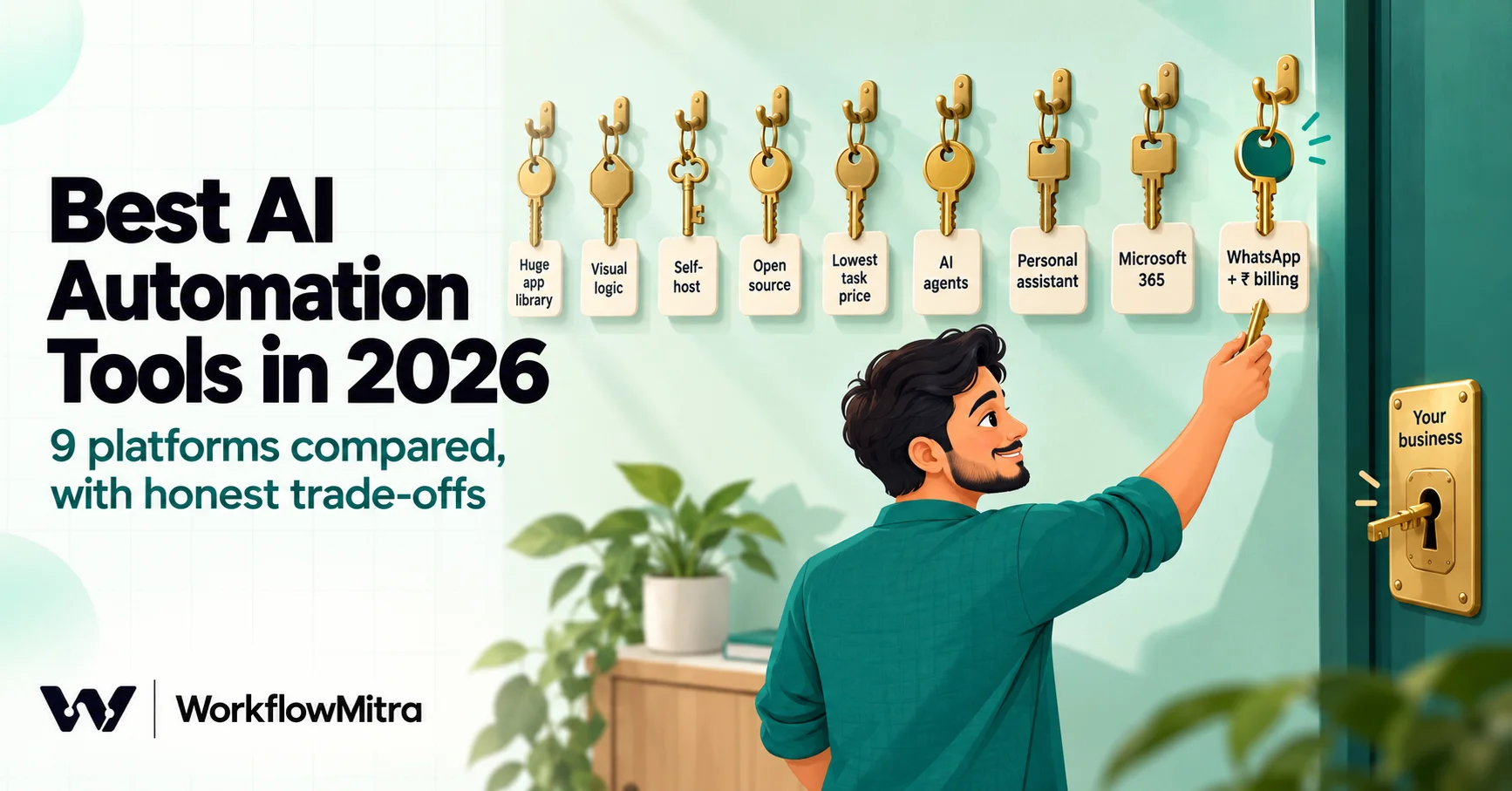
The best AI automation tool depends on what you are automating, how you want to pay for AI, and who will build it. For small and mid-sized businesses in India that want AI inside everyday workflows, WhatsApp sending and rupee billing, WorkflowMitra, powered by ChatMitra, runs AI steps and AI agents on your own API key from ₹999 a month. Zapier has the largest app library and the most mature AI add-ons, Make suits complex visual logic, n8n suits self-hosting and per-run pricing, Activepieces offers an open-source core, Pabbly Connect is cheap for high task volume, Gumloop and Lindy are agent-first, and Power Automate fits Microsoft 365 companies. Compare billing units before prices: a task, a credit, an operation and an execution are not the same thing.
Every automation tool now says it is an AI automation tool. Some mean a full agent platform that decides what to do next. Some mean an AI step you can drop into a workflow. Some mean a copilot that helps you build workflows faster. A few mean all three, priced in three different ways. For a business owner trying to choose one, the label has stopped being useful.
This guide compares nine tools that small and mid-sized businesses actually shortlist in 2026, starting with WorkflowMitra. For each one, it covers what the AI does, how you pay for the AI, who it suits, and where it is stronger or weaker than the others. Prices were checked on each vendor’s own pricing page on 18 October 2026 and converted at the European Central Bank’s reference rates of 16 October 2026 (US$1 = ₹94.96, €1 = ₹106.86). We make WorkflowMitra, so it comes first, and we say plainly where other tools do a better job.
Quick answer: for Indian SMBs that want AI inside everyday workflows, WhatsApp sending and rupee billing, WorkflowMitra runs AI steps and agents on your own API key from ₹999 a month. Zapier has the biggest app library and mature AI add-ons, Make suits complex visual logic, n8n suits self-hosting and per-run pricing, Activepieces has an open-source core, Pabbly Connect is cheap for high task volume, Gumloop and Lindy are agent-first, and Power Automate fits Microsoft 365 companies. Compare billing units before prices.
What counts as an AI automation tool
“AI automation tool” now covers three different kinds of product, and comparing across them causes many poor purchases:
- Workflow platforms with AI steps. A trigger starts a workflow, steps move data between apps, and an AI step reads, writes, classifies or extracts along the way. WorkflowMitra, Zapier, Make, n8n, Activepieces and Pabbly Connect sit here. The AI is one step among many; the value is in the whole process.
- Agent-first platforms. You describe a job, give an agent tools, and it decides which tools to use and in what order. Gumloop and Lindy lean this way. Agents are flexible, but harder to predict and to budget.
- Enterprise automation suites. Microsoft Power Automate, UiPath, Boomi and similar products add AI to desktop automation, robotic process automation or enterprise integration. They suit IT teams with governance requirements and existing contracts.
Most small businesses need the first kind, with a little of the second: dependable workflows that use AI where text needs judgement, and a person where a decision carries risk. Our AI workflow automation guide explains the difference in more depth.
How we compared the tools
We judged each tool on six questions a buyer should answer before paying:
- What can the AI actually do? AI steps inside workflows, agents with tools, a copilot that builds workflows, connections to outside AI apps (MCP).
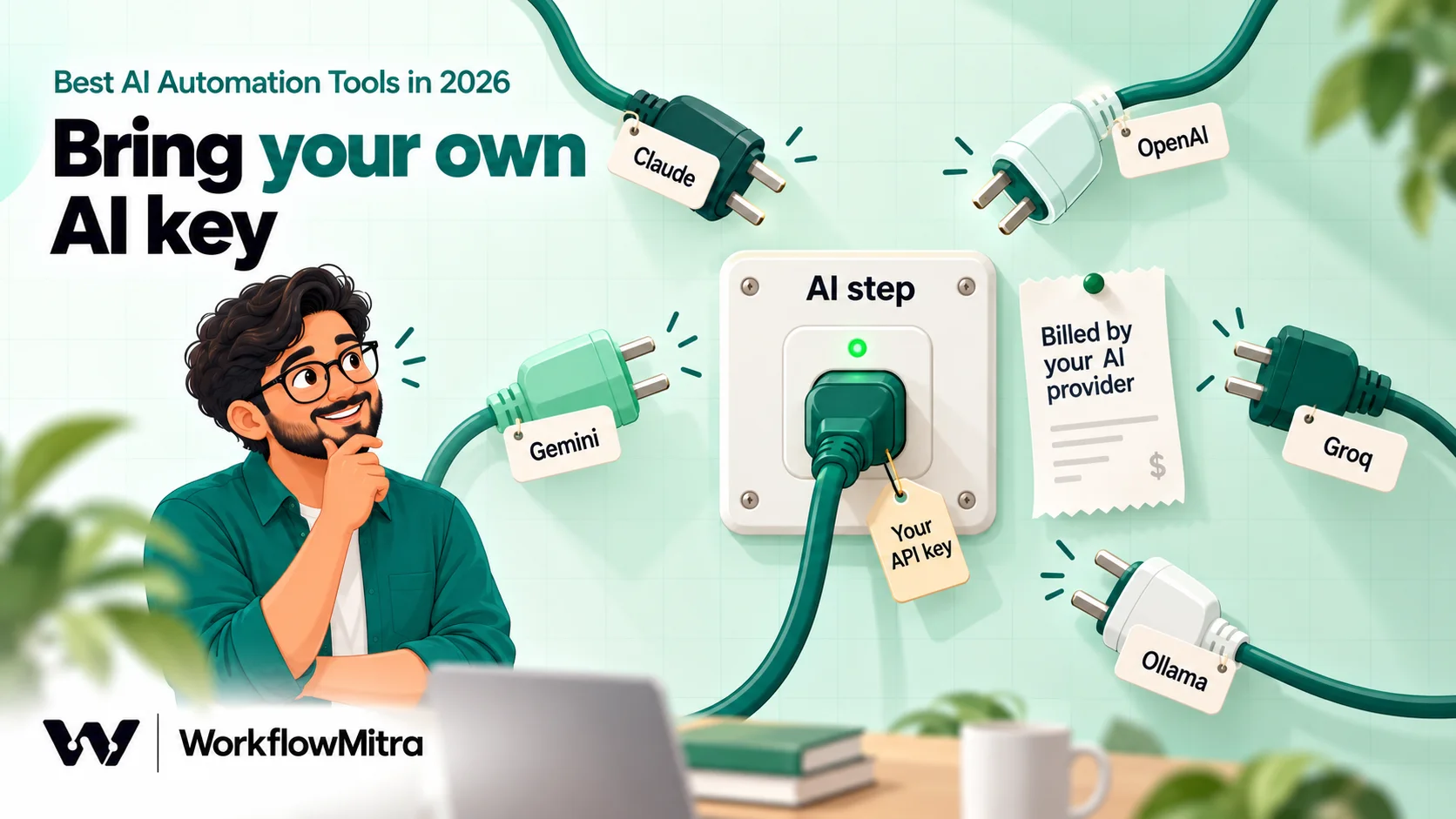
- How do you pay for AI? Built-in AI credits, your own API key, or both. This decides whether your AI cost is visible and whether you can choose the model.
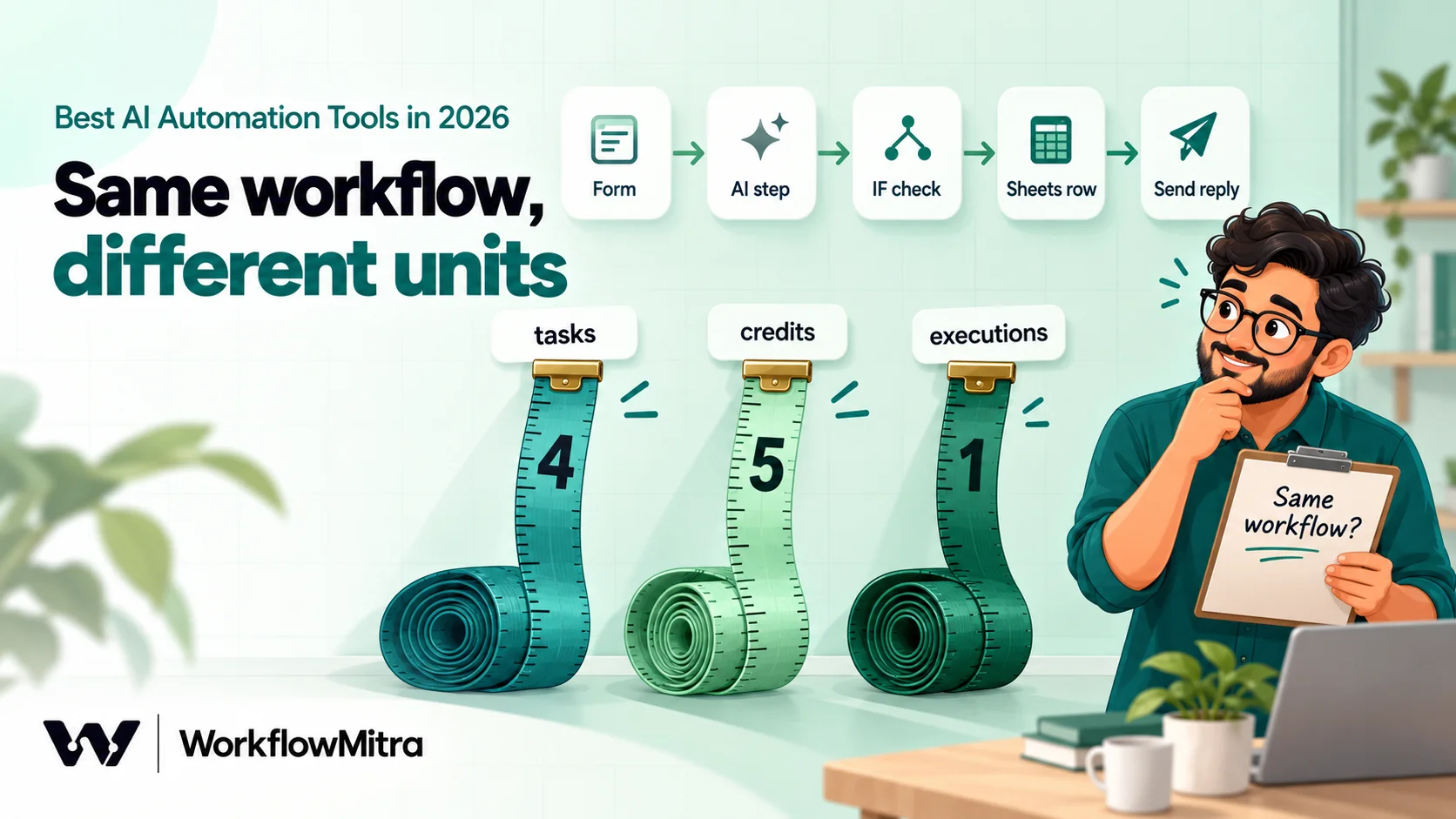
- What is the billing unit? Task, credit, operation, execution or user. The same workflow can cost five times more on one tool than another.
- Can you keep AI in check? Conditions, human approval, error routes and run logs. See our guide to AI guardrails in workflows for why this matters.
- Does it connect to your apps? Especially WhatsApp, Google Sheets and the Indian tools many businesses rely on.
- Who will build and maintain it? A business owner, an operations person or a developer.
Prices and features below come from each vendor’s own website on 18 October 2026. We did not use review sites for numbers. Vendors change plans often, so check the pricing page before you buy.
The 9 tools at a glance
| Tool | Best for | How AI is paid for | Billing unit | Entry paid plan (18 Oct 2026) |
|---|---|---|---|---|
| WorkflowMitra | Indian SMBs: AI in business workflows, WhatsApp, rupee billing | Your own API key (5 providers) | Credit = one executed step; logic steps free | ₹999/month for 10,000 credits (₹849 yearly) |
| Zapier | Widest app coverage, mature AI add-ons | From your task pool; Agents is a separate add-on | Task | $29.99 (≈ ₹2,848)/month for 750 tasks; $19.99 (≈ ₹1,898) yearly |
| Make | Complex visual logic and data mapping | Make's AI provider or your own key | Credit | $10.59 (≈ ₹1,006)/month for 5,000 credits; $9 (≈ ₹855) yearly |
| n8n | Self-hosting, developers, per-run pricing | Your own key or prepaid gateway credits | Execution (whole run) | €24 (≈ ₹2,565)/month for 2,500 executions; €20 (≈ ₹2,137) yearly |
| Activepieces | Open-source core, simple flat pricing | AI credits, or your own key from Plus | Credit = one run | $20 (≈ ₹1,899)/month for 10,000 credits; $16 (≈ ₹1,519) yearly |
| Pabbly Connect | High task volume on a budget, INR plans | AI Assistant; AgenticAI sold separately | Task (action steps only) | ₹1,799/month for 10,000 tasks; ₹1,301 yearly |
| Gumloop | Agent-first teams, many models | Credits at provider cost plus a fee | Credit | From $37 (≈ ₹3,514)/month for 20,000 credits |
| Lindy | AI assistants for individuals and teams | Credits per active user | Credit, per user | From $49.99 (≈ ₹4,747) per user/month for 5,000 credits |
| Power Automate | Microsoft 365 organisations | Copilot credits, separately | Per user | $15 (≈ ₹1,424) per user/month, paid yearly |
Entry prices are not like for like. Ten thousand Pabbly tasks, ten thousand Activepieces credits and ten thousand WorkflowMitra credits buy very different amounts of work, which the cost section below explains.
1. WorkflowMitra
What it is. WorkflowMitra, powered by ChatMitra, is a no-code workflow automation platform for small and mid-sized businesses, billed in rupees. You build workflows on a visual canvas: a trigger such as a form, a webhook, a new Google Sheets row, an email or a chat message, followed by steps that move data, branch, wait, ask for approval and send messages. WhatsApp is a native step, sending through ChatMitra or Meta’s Cloud API.
What the AI does.
- An AI step that sends a prompt to Claude, OpenAI, Gemini, Groq or Ollama and returns text, plus parsed JSON when the reply is valid JSON, so later steps can branch on it.
- An AI Agent step that answers chat messages on WhatsApp, Telegram, Slack, Discord or a website widget. You attach a model, an optional memory and other workflow steps as tools; it can make up to five tool calls per message.
- Wait for approval, so a person approves refunds, offers or anything else an AI drafts before it is sent.
How you pay for AI. Bring your own key. The AI step costs 1 WorkflowMitra credit per run, and an AI Agent step costs 1 credit per model call (at most 9 per message). Your AI provider bills tokens to your own account, so you choose the model and see the cost directly. IF and Switch steps cost nothing, so checks around AI do not add to the bill.
Price. Starter is ₹999 a month (₹849 a month billed yearly) for 10,000 credits, with 10 active workflows, 2 team seats and 7 days of run history. Pro is ₹1,499 for 20,000 credits and Scale ₹2,699 for 40,000. There is a 14-day trial with 10,000 credits and no card.
Why WorkflowMitra?
- Built for how Indian SMBs work. Native WhatsApp sending, Google Sheets triggers and steps, webhook presets for Razorpay, Shopify and WooCommerce, and rupee plans.
- Transparent AI cost. Your provider bill shows exactly what the AI cost; there is no AI margin hidden in credits.
- Cheap guardrails. Conditions, routing and approvals sit next to the AI step, and logic steps are free.
- Room for a team. Owner, Admin, Member and Viewer roles, with two seats on Starter and more on higher plans.
Where WorkflowMitra is weaker.
- No free plan, only a 14-day trial.
- You need an AI provider account. No built-in AI credits; someone has to create and manage an API key.
- A smaller app catalogue. Around thirty built-in integrations, several of them through authenticated API requests rather than ready-made steps. Zapier, Make and n8n connect to far more apps.
- No MCP support, so AI assistants such as Claude or ChatGPT cannot call WorkflowMitra actions directly, as they can with Zapier, Make, n8n, Activepieces and Pabbly Connect.
- No self-hosting. It is a managed cloud service.
Best for: businesses in India whose workflows centre on WhatsApp, Google Sheets, forms and payments, that want AI steps they can see and control, billed in rupees.
2. Zapier
What it is. The best-known automation platform, connecting thousands of apps. Zapier says its MCP connection gives AI assistants access to “30,000+ actions”.
What the AI does. AI steps inside workflows (Zaps), Agents, Chatbots, Zapier MCP so assistants like Claude and ChatGPT can run Zapier actions, a Copilot that builds workflows from a description, and AI Guardrails that screen AI output for personal data, prompt injection and toxicity.
How you pay for AI. AI steps draw from your monthly task pool, and Zapier says one MCP tool call uses two tasks. Agents and Chatbots are separate add-ons; Agents is billed in “activities”, with a free tier of 400 a month.
Price. Free gives 100 tasks a month with two-step Zaps. Professional is $29.99 (≈ ₹2,848) a month for 750 tasks, or $19.99 (≈ ₹1,898) a month billed yearly. Zapier lists no INR prices on the page. Going over your tasks costs more per task, and usage pauses at three times your plan.
Where Zapier is stronger than WorkflowMitra. The app catalogue is in a different league, AI features are broader and more mature (agents, chatbots, MCP, copilot, guardrails), and documentation and community answers exist for almost every app pairing.
Where WorkflowMitra is stronger. Price per step at Indian volumes, a native WhatsApp step, free logic steps and rupee billing. See Zapier pricing in India and WorkflowMitra vs Zapier for the detail.
Best for: teams that need many different apps connected quickly and can afford task-based pricing.
3. Make
What it is. A visual automation builder with detailed control over data mapping, branching and iteration, popular with operations teams and agencies.
What the AI does. Maia, which builds scenarios from a prompt, Make AI Agents (in beta), an MCP server, and AI toolkit modules for extraction and web search.
How you pay for AI. Credits. Most actions cost one credit; Make says some features that use its own AI provider may use more. Its pricing page also mentions using your own LLM key.
Price. Free gives 1,000 credits a month with a 15-minute minimum between runs. The Make plan starts at $10.59 (≈ ₹1,006) a month for 5,000 credits, or $9 (≈ ₹855) billed yearly. Make says credits expire at the end of the term.
Where Make is stronger. Visual handling of complex data, arrays and iterators, a much larger app library, a free plan, and a prompt-to-scenario builder.
Where WorkflowMitra is stronger. Rupee billing, a native WhatsApp step, and simpler pricing for logic-heavy workflows because conditions are free. Our Make vs WorkflowMitra comparison goes deeper.
Best for: builders who want fine control over complex, data-heavy scenarios.
4. n8n
What it is. A source-available automation tool popular with developers. You can use n8n’s cloud or host it yourself.
What the AI does. AI nodes, agents, MCP and an assistant (agents and the assistant are labelled preview on the pricing page). n8n also offers “AI models without API keys” through prepaid gateway credits.
How you pay for AI. Your own key, or n8n’s gateway credits paid from a prepaid balance.
Price. Cloud Starter is €24 (≈ ₹2,565) a month for 2,500 executions, or €20 (≈ ₹2,137) yearly. An execution is a whole workflow run, however many steps it has. The self-hosted Community Edition is free; the Business plan (€667 a month) is self-hosted only.
Where n8n is stronger. Self-hosting and data control, per-run pricing that favours long workflows, code-level flexibility, and a large community of templates.
Where WorkflowMitra is stronger. No servers to run, no developer needed, rupee billing and WhatsApp built in. See WorkflowMitra vs n8n and n8n alternatives.
Best for: technical teams that want control over hosting and are comfortable maintaining it.
5. Activepieces
What it is. An automation platform with an open-source core, a cloud plan and a self-hosted option.
What the AI does. Building automations by chat, agents, MCP and built-in tables.
How you pay for AI. Credits. A run costs one credit whatever its length; AI steps cost 2, 10 or 20 credits depending on the model class. With your own keys, available from the Plus plan, an AI step costs one credit.
Price. Free gives 1,000 credits for up to five users. Plus is $20 (≈ ₹1,899) a month for 10,000 credits, or $16 (≈ ₹1,519) yearly. Activepieces lists SOC 2 as “in progress”.
Where Activepieces is stronger. Per-run pricing, an open-source core you can self-host, a free plan and built-in MCP.
Where WorkflowMitra is stronger. WhatsApp sending through ChatMitra or Meta, rupee billing, and approval steps built for business processes.
Best for: teams that like open source and simple per-run pricing.
6. Pabbly Connect
What it is. An Indian automation platform known for low task prices and lifetime deals.
What the AI does. An AI Assistant and MCP servers. Pabbly sells AgenticAI as a separate product.
How you pay for AI. Within your tasks; triggers and internal steps such as Filter and Router are free.
Price. Shown in rupees: Free gives 100 tasks a month for two-step workflows. Standard is ₹1,799 a month for 10,000 tasks, ₹1,301 a month billed yearly and ₹1,138 on the three-year plan. Pabbly says team members are not available on monthly plans.
Where Pabbly Connect is stronger. A larger app library, a free plan, and very low cost per task on long commitments.
Where WorkflowMitra is stronger. Bring-your-own-key AI steps and an AI Agent in the same product, approvals, and team seats on monthly plans. See Pabbly Connect pricing and WorkflowMitra vs Pabbly Connect.
Best for: budget-conscious teams with high task volume and simple workflows.
7. Gumloop
What it is. An AI-first platform for building agents and AI workflows, aimed at teams that want to use many models.
What the AI does. Unlimited agents, access to more than 35 models, MCP server hosting and a command-line tool. Gumloop now labels its workflow builder “Legacy”, which signals where the product is heading.
How you pay for AI. Credits at $0.005 each, covering the AI provider’s list price plus an 8% orchestration fee. If you bring your own key, token credits drop to zero but the fee rises to 16%.
Price. No free plan, a 14-day trial, and Pro from $37 (≈ ₹3,514) a month for 20,000 credits. Credits do not roll over.
Where Gumloop is stronger. Model choice, agent tooling and AI-heavy data processing.
Where WorkflowMitra is stronger. Predictable step-based pricing for ordinary business workflows, WhatsApp sending, and rupee billing.
Best for: teams whose automation is mostly AI work, such as research, enrichment and content processing.
8. Lindy
What it is. A platform for AI assistants that work inside email, calendars, Slack and other tools on your behalf.
What the AI does. A Slack-native teammate, more than 40 skills, computer use, model selection and MCP support.
How you pay for AI. Credits per active user; Lindy says an everyday request uses 2 to 250 credits and a large build up to 2,500.
Price. Free comes with $50 of credits that last seven days. On 18 October 2026 the pricing page showed the Team plan from $49.99 (≈ ₹4,747) per user a month for 5,000 credits, while the page’s own description said “starts at $29.99”. Every active user is billed.
Where Lindy is stronger. Personal-assistant work such as inbox triage, scheduling and meeting follow-ups, with very little setup.
Where WorkflowMitra is stronger. Business processes that run without a user in the loop, shared workspaces without per-user AI pricing, and WhatsApp.
Best for: individuals and small teams who want an AI assistant more than an automation platform.
9. Microsoft Power Automate
What it is. Microsoft’s automation platform for cloud flows, desktop automation and business processes, part of the Power Platform.
What the AI does. Copilot in Power Automate builds flows from a description, plus AI processing and generation, Copilot for desktop flows, and agents through Copilot Studio.
How you pay for AI. Agents run on Copilot Studio credits, bought separately and needing an Azure subscription for pay-as-you-go.
Price. No free plan, a 30-day trial, and Premium at $15 (≈ ₹1,424) per user a month, paid yearly. Microsoft notes its listed prices are for marketing purposes and the actual price appears at checkout.
Where Power Automate is stronger. Deep Microsoft 365, Teams, SharePoint and Dynamics integration, desktop automation of old Windows apps, and enterprise governance.
Where WorkflowMitra is stronger. No per-user licences, rupee billing, WhatsApp, and a setup a small business can run without an IT team.
Best for: companies already standardised on Microsoft 365.
A note on Relay.app: many lists of AI automation tools still include Relay.app. Its website now says it shut down in September 2026 and deleted all accounts and workflows. See Relay.app alternatives if you were a user.
What a month of AI automation really costs
Entry prices hide two things: what the tool counts, and what the AI provider charges on top. Take one common workflow. A website form arrives, an AI step classifies the enquiry and drafts a reply, an IF step checks the reply, a Google Sheets step logs it and a WhatsApp or email step sends it. That is a trigger, four action steps and one condition, run 1,000 times a month.
| Tool | How that workflow is counted | Monthly usage |
|---|---|---|
| WorkflowMitra | Trigger + 4 action steps; IF free | 5,000 credits, plus your AI provider's bill |
| Zapier | 4 action tasks; trigger and filter not counted | 4,000 tasks |
| Make | About one credit per module; AI may use more | About 5,000 credits or more |
| n8n | One execution per run | 1,000 executions |
| Activepieces | One credit per run plus 2–20 per AI step (1 with your own key) | 2,000 to 21,000 credits |
| Pabbly Connect | Action steps only; trigger and internal steps free | About 4,000 tasks |
On these counts, the workflow fits inside WorkflowMitra’s ₹999 Starter plan and Pabbly Connect’s ₹1,799 Standard plan, needs a higher Zapier tier than the 750-task entry plan, and fits n8n’s 2,500-execution Starter with room to spare. Per-run tools such as n8n get cheaper as workflows get longer; per-step tools get cheaper as workflows get shorter.
Then add AI. With bring-your-own-key tools (WorkflowMitra, n8n with your key, Make and Activepieces with your key), the provider bills you for tokens. With built-in AI credits (Gumloop, Activepieces’s AI credits, n8n’s gateway), the platform bills you, usually with a fee or margin. Neither is wrong. Own keys suit teams that want to see and control AI spend; built-in credits suit teams that want one bill and no key management. Our post on AI model flexibility covers why owning the key also makes switching models easier.
How to choose: match the tool to the job
Start from what you need to automate, not from the AI feature list:
- Your workflows run on WhatsApp, Sheets, forms and Indian payment tools, and you want rupee billing: WorkflowMitra.
- You need dozens of different SaaS apps connected with minimal setup: Zapier.
- Your workflows involve heavy data transformation, loops and arrays: Make.
- You must self-host, or have developers who want code-level control: n8n or Activepieces.
- You run very high task volume on simple workflows and want the lowest unit price: Pabbly Connect.
- Most of the work is AI itself, such as research or enrichment, across many models: Gumloop.
- You want a personal AI assistant for email and meetings: Lindy.
- You are a Microsoft 365 company with IT support: Power Automate.
Then test before you commit. Build the same real workflow, with your real apps and real data, on your two best candidates during their trials. Check four things: how long it took to build, what one month of your volume would cost, what happens when the AI returns something odd, and how easy it is to see why a run failed. Our 12-point buyer checklist turns this into a scoring sheet.
Mistakes to avoid when buying an AI automation tool
- Comparing entry prices across different billing units. Convert everything to the cost of your workflow at your volume.
- Forgetting the AI provider’s bill. Platform credits and provider tokens are two separate costs with bring-your-own-key tools.
- Buying an agent platform for a workflow problem. If you know the steps, a workflow is cheaper, more predictable and easier to debug.
- Letting AI act without checks. Choose a tool where you can add conditions and human approval around AI steps before anything reaches a customer.
- Ignoring per-user pricing. Lindy and Power Automate charge per user; costs grow with your team, not your volume.
- Picking a tool from an old list. Relay.app shut down in September 2026. Check that every shortlisted tool is still trading and still offers the plan you saw.
- Choosing on app count alone. A tool with 8,000 apps but no WhatsApp step may serve an Indian business worse than one with 30 apps that covers the channels you use daily.
Pick the tool that fits your workflows
No one AI automation tool is best for every business. Zapier wins on breadth, Make on visual control, n8n and Activepieces on self-hosting, Pabbly Connect on unit price, Gumloop and Lindy on agent-first work, and Power Automate inside Microsoft 365. Choose by the job you need done, the way you want to pay for AI, and who will maintain the workflows.
If your business runs on WhatsApp, Google Sheets, forms and Indian payment tools, WorkflowMitra, powered by ChatMitra, puts AI steps, AI agents, conditions and approvals in one visual editor, runs the AI on your own key and bills you in rupees. When the job is mainly connecting many SaaS apps or self-hosting, one of the other tools here will likely serve you better, and we would rather you choose the right one.
See plans on the pricing page or start a WorkflowMitra trial: 14 days, 10,000 credits, no card. For more comparisons, read Zapier alternatives, and to talk to customers on WhatsApp with AI, see ChatMitra’s guide to a WhatsApp AI agent.
Prices, plans and AI features were read on each vendor's own website on 18 October 2026: Zapier pricing and Zapier AI, Make pricing, n8n pricing, Activepieces pricing, Pabbly Connect pricing, Gumloop pricing, Lindy pricing, Power Automate pricing and Relay.app. Currency conversions use the European Central Bank's euro reference rates of 16 October 2026 (ECB daily rates): US$1 ≈ ₹94.96, €1 ≈ ₹106.86. Vendors may show different prices by region and change them without notice. WorkflowMitra prices come from its live plan list and its features from the product's source code on the same date. Usage counts in the cost table are our estimates from each vendor's published counting rules.
Frequently Asked Questions
Questions buyers ask when shortlisting an AI automation platform.
It depends on your apps and budget. If your workflows touch WhatsApp, Google Sheets and Indian payment or CRM tools, and you want to pay in rupees, WorkflowMitra is built for that. If you need the widest range of apps with little setup, Zapier is the safest choice but costs more per task. If you want to self-host, look at n8n or Activepieces. Shortlist two tools and build the same real workflow in both before paying.
Automate the work between your apps
Build workflows with triggers, conditions and actions, then test them before they go live. Try WorkflowMitra free for 14 days, no card required.
