COD Remittance Reconciliation: Match Courier Payouts to Delivered Orders Every Week


Quick Summary
COD remittance reconciliation means checking that every cash-on-delivery order your courier delivered has been paid to you in full, and that every payout line belongs to a real order. Match on the AWB (tracking number), not the order ID, because the AWB is the one key that appears in both your order export and the courier's remittance report. A practical weekly setup uses a Google Sheet with an Orders tab (delivered COD shipments), a Remittance tab (pasted remittance lines) and a Status tab, plus a WorkflowMitra workflow that reads both tabs, matches them in a Code step, rebuilds the Status tab and sends a summary. It flags orders that are overdue, short paid, paid twice, paid after a return, or missing from your orders, and it totals each payout by UTR so you can tick it against your bank statement. Each run uses about 6 credits.
Your dashboard says 312 COD orders were delivered in September. Your bank shows a handful of courier credits with UTR numbers and round-looking totals. Somewhere between the two, an order worth ₹2,150 was never paid, another was paid ₹50 short, and a returned parcel was paid out and will be clawed back next week. Nobody notices, because nobody compares the two lists line by line.
That comparison is COD remittance reconciliation, and it’s where cash-on-delivery sellers quietly lose money. This guide explains how COD money reaches you, what goes wrong on the way, and how to set up a weekly check that does the comparison for you.
You’ll build it with a Google Sheet and WorkflowMitra, powered by ChatMitra. The sheet holds your delivered COD orders and the courier’s remittance lines. A scheduled workflow matches them by AWB, rebuilds a status tab and sends you a short summary of what needs attention. We tested the matching script against fifteen sample order rows covering every case in this guide.
Quick answer: COD remittance reconciliation checks that every delivered COD order was paid to you in full and that every payout line belongs to a real order. Match the courier's remittance report against your delivered shipments by AWB, not order ID. Flag orders that are overdue (past the courier's cycle plus grace), short paid, paid twice, paid after a return or not in your orders. Then total each payout by UTR and tick it against your bank statement.
What is COD remittance reconciliation?
When a customer pays cash on delivery, the money doesn’t come to you directly. The delivery agent collects it, the courier passes it up its own network, and your shipping aggregator, such as Shiprocket, pays it into your bank account in batches. Each batch is a remittance, and it usually arrives several days after delivery with a bank reference such as a UTR number.
Reconciliation is the check that the batches add up. It answers two questions every week:
- Has every delivered COD order been paid, in full? If an order was delivered more than a cycle ago and isn’t in any remittance, the money is late or lost.
- Does every payout line belong to one of your delivered orders? A line you can’t match may be a returned parcel paid by mistake, a shipment missing from your export, or a duplicate.
It’s different from payment reconciliation for online payments, where you match orders against gateway settlements. Gateway money and COD money travel by different routes, so they need separate checks. Our guide to payment reconciliation automation covers the gateway side, and Razorpay settlement reconciliation covers matching settlements to bank credits.
How COD money reaches you
Every courier and aggregator runs its own cycle, and the details matter, because “late” only means something once you know what “on time” is.
Shiprocket. Its help centre says Shiprocket “credits COD amounts to your account three times a week, typically on Mondays, Wednesdays, and Fridays”, and that processing takes “D+8 days, meaning it takes 8 working days from the date of delivery” (Shiprocket support). Other Shiprocket articles give slightly different figures, so treat 8 working days as the normal case and check the timeline in your own panel.
Eight working days plus the wait for the next payout day comes to roughly 10 to 13 calendar days after delivery. That’s why the script in this guide defaults to a 12-day cycle with 3 days of grace before an order counts as overdue.
Faster plans. Shiprocket’s Early COD plans pay in 2, 3 or 4 days for a percentage of the COD amount (0.99%, 0.69% and 0.49% in its plan table). If you use one, shorten the cycle in the script to match.
Delhivery. Delhivery’s help page says it will “transfer the COD amount to the seller’s or client’s bank account within 48 hours”, and that a negative wallet balance pushes the remittance to the next cycle (Delhivery help). Other aggregators advertise cycles from next day to weekly.
Conditions that delay payouts. Remittance can stop for reasons that have nothing to do with the courier collecting the cash. Shiprocket says that if a freight invoice is unpaid, it “might hold onto 1.5 times the amount of your COD” until the invoice is settled (Shiprocket support). A run of overdue orders across the board often points to an account issue, not lost parcels.
What gets deducted before you’re paid
The amount that reaches your bank is often smaller than the COD your customers paid. Shiprocket’s COD Remittance page shows a “Total deduction from COD” figure, which it breaks down into Early COD fees, freight charges deducted from COD, RTO reversal amounts and other deductions (Shiprocket support).
This is why a good reconciliation works at two levels:
- Order level: was the full COD of each delivered order collected and included in a remittance?
- Payout level: does each bank credit equal the COD in that payout minus the deductions shown for it?
The workflow in this guide does the order-level match line by line and gives you the total of each payout by UTR, so the payout-level check takes a minute against your bank statement and the deductions report.
What goes wrong, and how each problem shows up
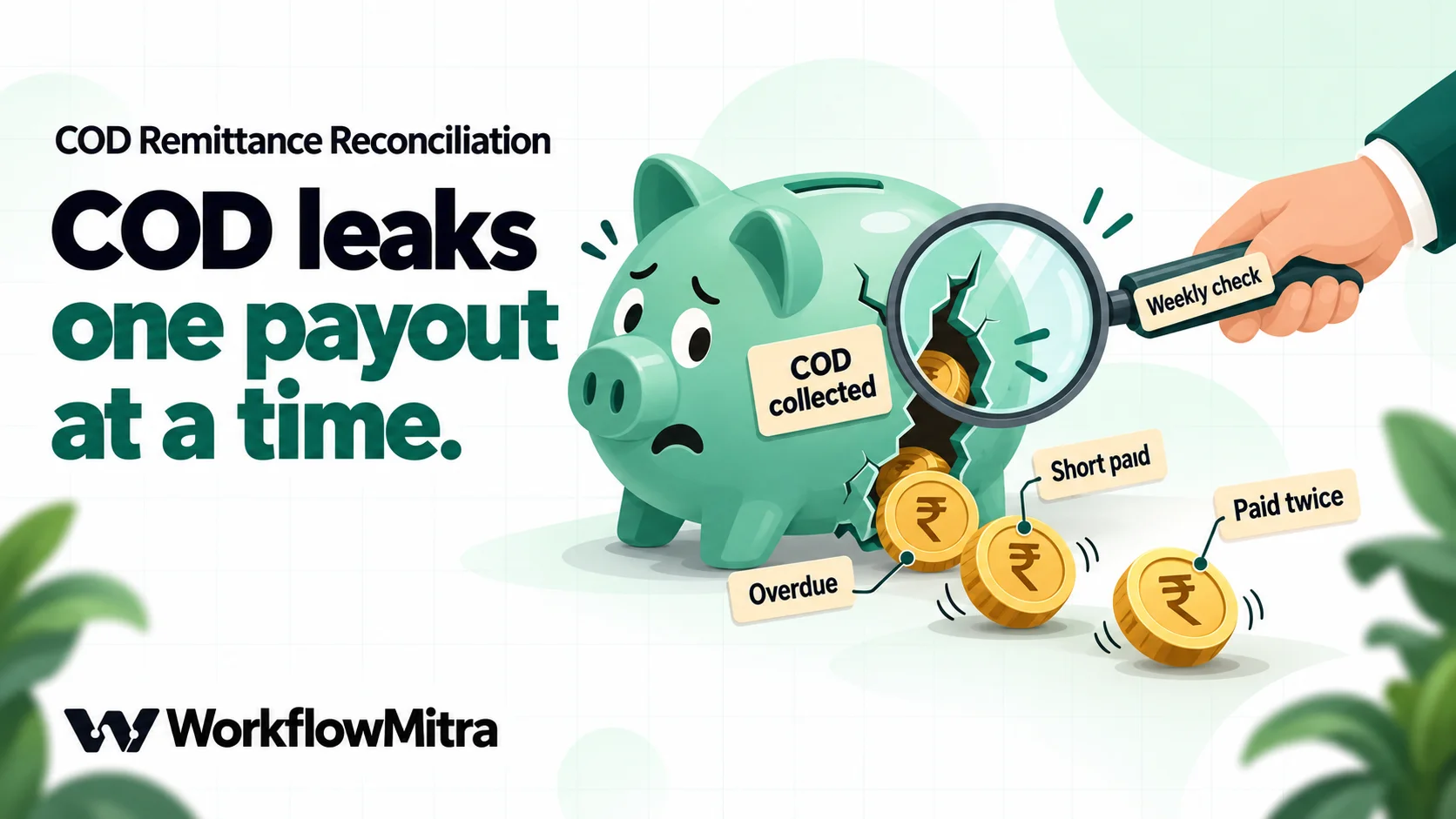
Most COD leakage falls into a few patterns. Each one has a signature you can spot when the two lists sit side by side.
| Problem | How it shows up | What to do |
|---|---|---|
| Delivered but never paid | Order delivered more than a cycle plus grace ago; no remittance line for its AWB | Check it's still marked delivered and your account has no held payouts, then raise a ticket with the AWB |
| Paid short | Remittance line for the AWB is lower than the order's COD amount | Check whether the customer paid a different amount, then raise it with the courier |
| Paid twice | Two remittance lines for one AWB | Expect a reversal; don't spend it until the next statement |
| Paid after a return | Remittance line for a shipment your export marks RTO | Expect a "COD charge reversed" entry; check the passbook |
| Payout for an unknown shipment | Remittance line whose AWB isn't in your orders | Usually a gap in your export; find the order or query the AWB |
| Shipment marked RTO but actually delivered | Customer has the product; no COD due according to the courier | Raise a delivery dispute quickly (see below) |
Some problems have deadlines. Shiprocket’s delivery disputes, which cover cases such as “Shipment Physically Delivered but Status Shows RTO Initiated”, can only be investigated “if a request for the investigation has been raised within 72 hours of package delivery” (Shiprocket support). A monthly check is too slow for those; a check that runs on payout days isn’t.
Match by AWB, not by order ID
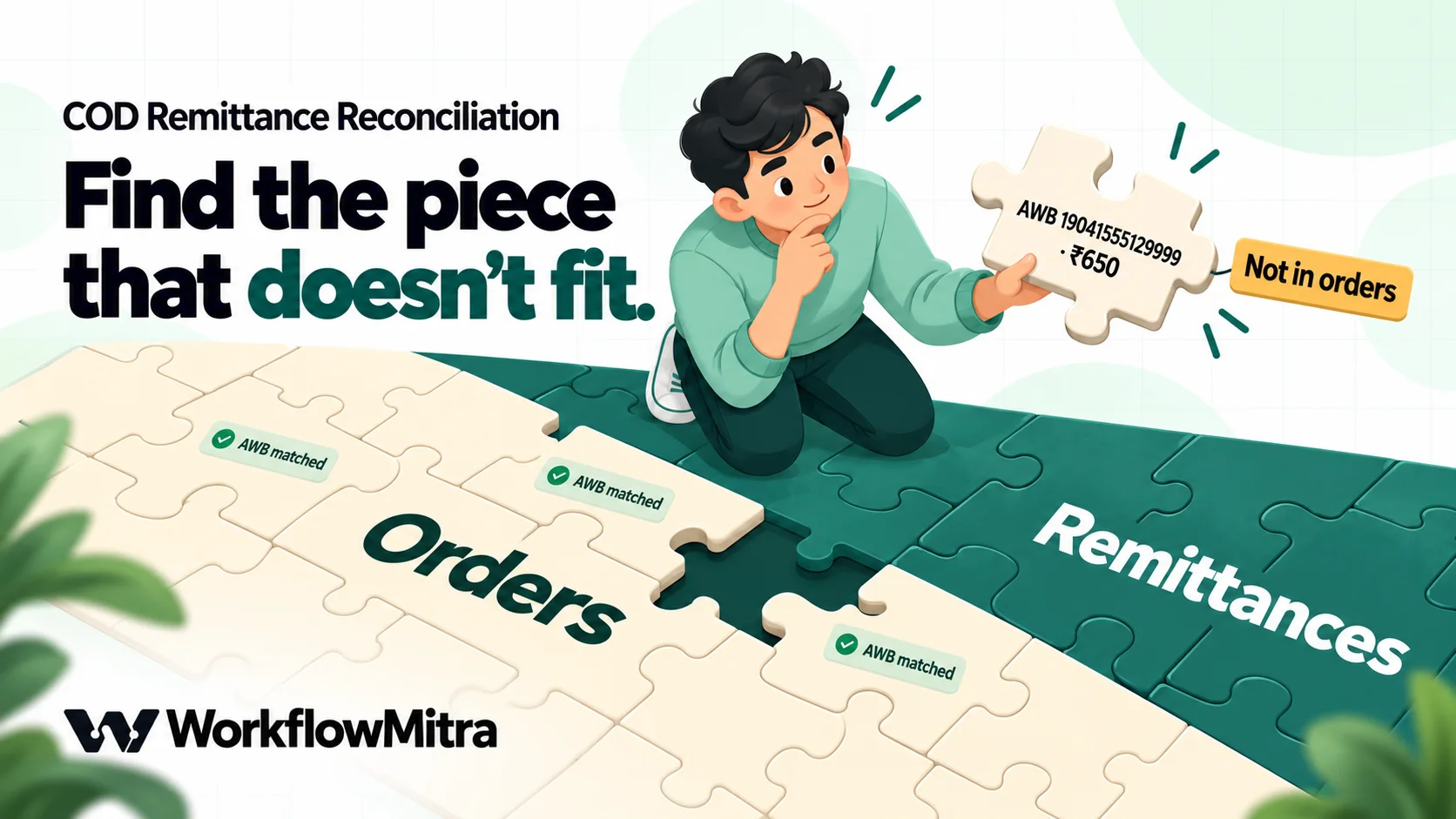
The single most important design choice is the matching key. Use the AWB (air waybill number), the courier’s tracking number for one shipment.
- It’s in both lists. Your shipment export and the courier’s remittance details both carry the AWB. Order IDs often aren’t there, or arrive changed.
- Order IDs change shape. Your store says
1042, your channel says#1042, and an aggregator may add its own prefix. Each variation breaks an exact match. - One order can have two shipments. A split order has two AWBs, each with its own COD amount and its own remittance line.
Format the AWB columns in your sheet as plain text before pasting (Format › Number › Plain text in Google Sheets). Long tracking numbers pasted into number cells can turn into scientific notation, and digits beyond the fifteenth are lost for good.
Set up the sheet
Create one Google Sheet with three tabs. Keep the headings exactly as below, or change the column names listed at the top of the script to match yours.
Orders — your delivered COD shipments. Export them from your shipping panel or store, filtered to COD, and paste them in each week (keep a rolling window, such as the last 45 days).
| Order ID | AWB | COD amount | Delivered on | Shipment status |
|---|---|---|---|---|
| #1041 | 19041555123401 | 1299 | 2026-10-07 | Delivered |
| #1045 | 19041555123405 | 999 | 2026-10-01 | RTO Delivered |
Remittance — one line per shipment from each remittance report. Keep adding each new report below the previous one, so the tab holds the full payout history for the window you check.
| AWB | Order ID | Remitted amount | Remittance date | UTR |
|---|---|---|---|---|
| 19041555123401 | #1041 | 1299 | 2026-10-16 | UTIB0001234567 |
Status — written by the workflow. Give it these headings once: Order ID, AWB, COD amount, Remitted, Status, Remitted on, UTR, Note, Checked on.
Where the data comes from
- Shiprocket remittances: “Go to the Billing tab and click on the COD Remittance tab.” The page shows COD to be remitted, the last and total COD remitted, total deductions and a search by AWB. Shiprocket’s reports section can also schedule a Remittance Report (“Track COD collections for delivered AWBs”) to be sent by email, webhook or WhatsApp (Shiprocket support).
- Delhivery remittances: Delhivery’s help page points to Finances › Remittance, where each remittance number opens the AWBs and COD amounts it covers.
- Delivered COD orders: your shipping panel’s shipment export, or your store. If you already copy orders into a sheet, see Shopify orders to Google Sheets or WooCommerce orders to Google Sheets.
Report columns differ between couriers and change over time, so don’t build around one layout. Paste the courier’s columns under your own headings, or add their heading names to the lists at the top of the script.
Why there’s a paste step
We looked for a way to pull remittances automatically. Shiprocket’s public API documentation has no remittance endpoint; its order details response includes remittance date, UTR and status fields in the documented example, but the example values are empty, so we couldn’t confirm they’re filled in practice. Delhivery’s public API list has no remittance API either. A weekly paste is the reliable path today, and it takes a minute.
Build the workflow in WorkflowMitra
The workflow runs on a schedule, reads both tabs, matches them in a Code step, rebuilds the Status tab and sends you a summary. It sends no messages to customers.
- Schedule trigger. Run it on the morning after your courier’s payout days. For Shiprocket’s Monday, Wednesday and Friday payouts, a custom schedule on Tuesday, Thursday and Saturday at 10:00 in the Asia/Kolkata time zone works well. Weekly is fine for low volumes.
- Google Sheets: Read rows, named Read orders, on the Orders tab. Set Read values to “Raw values (numbers stay numbers)”. Read rows returns up to 5,000 rows by default; raise Limit if your window is larger (the maximum is 50,000).
- Google Sheets: Read rows, named Read remittances, on the Remittance tab, connected straight from the trigger as well, so both reads run from the same start.
- Merge, with both Read rows steps connected into it and the mode set to Keep as a list. A step with two incoming connections waits until both have finished, then passes both results on together.
- Code, named Match payouts, with the script below. It works out which list is which from the column names, so the order in which the Merge step lists them doesn’t matter.
- Google Sheets: Clear range, named Clear status, on the Status tab. This empties the whole tab, headings included, so the next step writes them back.
- Google Sheets: Add row(s), named Write status, on the Status tab, in Multiple Rows (Bulk Array) mode. Set the upstream array source to
{{ $node["Match payouts"].rows }}and map the columns in order to{{ item.order }},{{ item.awb }},{{ item.cod }},{{ item.paid }},{{ item.status }},{{ item.paidOn }},{{ item.utr }},{{ item.note }}and{{ item.checked }}. The first row the script returns is the heading row. Set Write values to “Exactly as written (no formulas)”, so AWBs stay text. - Slack, Telegram or Email step, named Weekly summary, with a message such as:
{{ $node["Match payouts"].summary }}

Payouts to tick against the bank:
{{ $node["Match payouts"].payouts }}

Needs attention:
{{ $node["Match payouts"].details }}
Send it to the person who handles finance or courier tickets. If you’d rather not get a message when everything is fine, add an IF before it on {{ $node["Match payouts"].problems }} greater than 0; IF steps are free.
The matching script
Paste this into the Code step. The settings at the top are the only part you should need to change: the cycle and grace days for your courier, the rupee tolerance for rounding, and the column names your sheet uses.
// Settings: change these to match your courier and your sheet.
const CYCLE_DAYS = 12;  // calendar days after delivery your courier normally pays COD
const GRACE_DAYS = 3;   // extra days before an unpaid order counts as overdue
const TOLERANCE = 1;    // rupees of rounding difference to ignore
const COLS = {
  awb: ['AWB', 'AWB Code', 'AWB No', 'Waybill', 'Tracking Number'],
  order: ['Order ID', 'Channel Order ID', 'Order Number'],
  cod: ['COD amount', 'COD Amount', 'Order Value', 'Collectable Amount'],
  paid: ['Remitted amount', 'Remittance Amount', 'COD Remitted', 'Amount Remitted'],
  delivered: ['Delivered on', 'Delivered Date', 'Delivery Date'],
  status: ['Shipment status', 'Status'],
  paidOn: ['Remittance date', 'Remitted On', 'Remittance Date'],
  utr: ['UTR', 'UTR No', 'Bank Reference', 'CRF ID']
};

// The Merge step hands over both Read rows results; tell them apart by their columns.
const tables = Array.isArray(input) ? input : [input];
const pick = (row, key) => {
  for (const name of COLS[key]) if (row[name] !== undefined && row[name] !== '') return row[name];
  return '';
};
const hasCol = (t, key) => (t.rows || []).some(r => COLS[key].some(n => n in r));
const remitTable = tables.find(t => hasCol(t, 'paid')) || { rows: [] };
const orderTable = tables.find(t => t !== remitTable && hasCol(t, 'delivered')) || { rows: [] };

const awbKey = v => String(v).replace(/\s+/g, '').replace(/^'/, '').toUpperCase();
const money = v => {
  if (typeof v === 'number') return v;
  const n = parseFloat(String(v).replace(/[₹,\s]|Rs\.?/gi, ''));
  return isNaN(n) ? 0 : n;
};
const MONTHS = { jan: 0, feb: 1, mar: 2, apr: 3, may: 4, jun: 5, jul: 6, aug: 7, sep: 8, oct: 9, nov: 10, dec: 11 };
const toDay = v => {  // returns days since 1970 for a date, or null
  if (typeof v === 'number' && v > 20000 && v < 80000) return Math.floor(v) - 25569; // Sheets serial
  const s = String(v).trim();
  let m = s.match(/^(\d{4})-(\d{1,2})-(\d{1,2})/);
  if (m) return Date.UTC(+m[1], m[2] - 1, +m[3]) / 864e5;
  m = s.match(/^(\d{1,2})[\/\-.](\d{1,2})[\/\-.](\d{4})/);  // day first, as Indian reports write it
  if (m) return Date.UTC(+m[3], m[2] - 1, +m[1]) / 864e5;
  m = s.match(/^(\d{1,2})[\s\-]([A-Za-z]{3})[A-Za-z]*[\s\-,]+(\d{4})/);
  if (m && MONTHS[m[2].toLowerCase()] !== undefined) return Date.UTC(+m[3], MONTHS[m[2].toLowerCase()], +m[1]) / 864e5;
  return null;
};
const today = Math.floor((Date.now() + 5.5 * 36e5) / 864e5); // today's date in India
const fmt = d => new Date(d * 864e5).toISOString().slice(0, 10);

// Group remittance lines by AWB.
const paidBy = {};
for (const r of remitTable.rows) {
  const k = awbKey(pick(r, 'awb'));
  if (!k) continue;
  (paidBy[k] = paidBy[k] || []).push(r);
}

const results = [];
const seen = {};
const totals = { expected: 0, received: 0, overdueAmt: 0, shortAmt: 0, unmatched: 0 };
const count = {};
for (const o of orderTable.rows) {
  const k = awbKey(pick(o, 'awb'));
  if (!k) continue;
  if (seen[k]) { results.push({ order: pick(o, 'order'), awb: k, status: 'Duplicate order row', note: 'Same AWB twice in Orders' }); continue; }
  seen[k] = true;
  const cod = money(pick(o, 'cod'));
  const lines = paidBy[k] || [];
  const paid = lines.reduce((s, r) => s + money(pick(r, 'paid')), 0);
  const rto = /rto|return/i.test(String(pick(o, 'status')));
  const day = toDay(pick(o, 'delivered'));
  const age = day === null ? null : today - day;
  const last = lines[lines.length - 1] || {};
  let status, note = '';
  if (rto) {
    status = lines.length ? 'Paid on RTO' : 'RTO, no COD due';
    if (lines.length) note = 'Returned order was paid out; expect a reversal';
  } else {
    totals.expected += cod;
    if (lines.length > 1) { status = 'Paid more than once'; note = lines.length + ' remittance lines'; }
    else if (lines.length && Math.abs(paid - cod) <= TOLERANCE) status = 'Paid';
    else if (lines.length && paid < cod) { status = 'Short paid'; note = 'Short by ' + Math.round(cod - paid); totals.shortAmt += cod - paid; }
    else if (lines.length) { status = 'Paid more than due'; note = 'Over by ' + Math.round(paid - cod); }
    else if (age === null) { status = 'Check delivery date'; note = 'Unreadable date: ' + pick(o, 'delivered'); }
    else if (age > CYCLE_DAYS + GRACE_DAYS) { status = 'Overdue'; note = age + ' days since delivery'; totals.overdueAmt += cod; }
    else if (age > CYCLE_DAYS) { status = 'Late, in grace'; note = age + ' days since delivery'; }
    else { status = 'Not due yet'; note = 'Due by ' + fmt(day + CYCLE_DAYS); }
    totals.received += paid;
  }
  count[status] = (count[status] || 0) + 1;
  results.push({ order: pick(o, 'order'), awb: k, cod, paid, status, paidOn: pick(last, 'paidOn'), utr: pick(last, 'utr'), note });
}
// Payouts for shipments that are not in the Orders tab at all.
for (const k of Object.keys(paidBy)) {
  if (seen[k]) continue;
  const r = paidBy[k][0];
  const paid = paidBy[k].reduce((s, x) => s + money(pick(x, 'paid')), 0);
  count['Not in orders'] = (count['Not in orders'] || 0) + 1;
  totals.unmatched += paid;
  results.push({ order: pick(r, 'order'), awb: k, cod: '', paid, status: 'Not in orders', paidOn: pick(r, 'paidOn'), utr: pick(r, 'utr'), note: 'Add the order or check the AWB' });
}

const problems = results.filter(r => !['Paid', 'Not due yet', 'Late, in grace', 'RTO, no COD due'].includes(r.status));
const header = { order: 'Order ID', awb: 'AWB', cod: 'COD amount', paid: 'Remitted', status: 'Status', paidOn: 'Remitted on', utr: 'UTR', note: 'Note', checked: 'Checked on' };
const rows = [header].concat(results.map(r => Object.assign({ checked: fmt(today) }, r)));
const inr = n => {  // Indian grouping: 1,23,456
  const s = String(Math.round(n)), last3 = s.slice(-3), rest = s.slice(0, -3);
  return '₹' + (rest ? rest.replace(/\B(?=(\d{2})+(?!\d))/g, ',') + ',' : '') + last3;
};
const cut = tables.some(t => t.truncated) ? 'WARNING: a tab has more rows than Read rows returned; raise its Limit. ' : '';
const summary = cut + 'COD check ' + fmt(today) + ': ' + Object.keys(count).map(s => count[s] + ' ' + s).join(', ') +
  '. Expected ' + inr(totals.expected) + ', received ' + inr(totals.received) +
  ', overdue ' + inr(totals.overdueAmt) + ', short ' + inr(totals.shortAmt) +
  ', unmatched ' + inr(totals.unmatched) + '.';
const lines = problems.slice(0, 15).map(p => '• ' + p.status + ': ' + (p.order || '-') + ' / ' + p.awb + (p.note ? ' (' + p.note + ')' : ''));
// Totals per payout, to tick against each bank credit (deductions make the credit smaller).
const byUtr = {};
for (const r of remitTable.rows) {
  const u = String(pick(r, 'utr') || 'No UTR'), k = awbKey(pick(r, 'awb'));
  if (!k) continue;
  byUtr[u] = byUtr[u] || { amt: 0, n: 0 };
  byUtr[u].amt += money(pick(r, 'paid')); byUtr[u].n += 1;
}
const payouts = Object.keys(byUtr).map(u => u + ': ' + inr(byUtr[u].amt) + ' for ' + byUtr[u].n + ' shipments').join('\n');
return { rows, problems: problems.length, summary, payouts, details: lines.join('\n') + (problems.length > 15 ? '\n…and ' + (problems.length - 15) + ' more in the Status tab' : '') };
How the script decides each status
| Status | Rule | In the summary? |
|---|---|---|
| Paid | One remittance line within ₹1 of the COD amount | No |
| Short paid | One line, lower than the COD amount | Yes, with the shortfall |
| Paid more than due | One line, higher than the COD amount | Yes |
| Paid more than once | Two or more lines for the same AWB | Yes |
| Not due yet | No line, delivered within the cycle | No, with the due date |
| Late, in grace | No line, past the cycle but inside the grace days | No |
| Overdue | No line, past the cycle plus grace | Yes, with the days since delivery |
| Paid on RTO | A line exists for a shipment marked RTO or return | Yes |
| RTO, no COD due | Shipment returned and nothing paid | No |
| Check delivery date | The delivery date can't be read | Yes |
| Duplicate order row | The same AWB appears twice in Orders | Yes |
| Not in orders | A remittance line whose AWB isn't in Orders | Yes |
A few details make the script forgiving of real-world data:
- Amounts can be numbers or text such as “₹1,100.00” or “Rs. 1,100”.
- Dates can be
2026-10-07, day-first07/10/2026or07-10-2026(as most Indian reports write them),7 Oct 2026, or a date typed into Google Sheets and read as a raw value. - AWBs are compared after removing spaces and a leading apostrophe, in upper case.
- “Today” is calculated in Indian time, so a run at 9 a.m. doesn’t treat yesterday’s deliveries as today’s.
- A warning opens the summary if either Read rows step returned fewer rows than the tab holds.
We tested the script
We ran the script in WorkflowMitra’s Code step with a fixed date of 20 October 2026 and fifteen sample order rows against nine remittance lines, built to cover every status above: an exact payment, a ₹50 shortfall, a ₹50 overpayment, two overdue orders, one still inside its cycle, one inside the grace days, a returned order that was paid, a returned order with nothing due, an AWB paid twice, an amount written as “₹1,100.00”, a ₹0.40 rounding difference, a delivery date typed as “last Tuesday”, a duplicated order row, a blank row and a payout for a shipment missing from the orders.
Every row came back with the expected status, the blank row was skipped, and the run took about 2 milliseconds. We then swapped the order of the two tables, as the Merge step might, and got identical output. The summary for that sample read:
COD check 2026-10-20: 3 Paid, 1 Short paid, 2 Overdue, 1 Not due yet, 1 Paid on RTO, 1 RTO, no COD due, 1 Paid more than once, 1 Check delivery date, 1 Late, in grace, 1 Paid more than due, 1 Not in orders. Expected ₹10,497, received ₹7,648, overdue ₹2,850, short ₹50, unmatched ₹650.

Payouts to tick against the bank:
UTIB0001234567: ₹6,548 for 7 shipments
UTIB0001198800: ₹2,749 for 2 shipments
The payout totals are the COD in each batch as listed in your Remittance tab. If the bank credit for a UTR is lower, the difference should match the deductions your courier shows for that payout. If it doesn’t, that’s a ticket.
What it costs to run
WorkflowMitra charges credits per executed step. One run of this workflow uses:
| Step | Credits |
|---|---|
| Schedule trigger | 1 |
| Read orders, Read remittances | 2 |
| Merge | 0 |
| Match payouts (Code, about 2 ms) | under 0.01 |
| Clear status, Write status (bulk, any number of rows) | 2 |
| Weekly summary | 1 |
| Total per run | about 6 |
Three runs a week come to under 80 credits a month, whether you reconcile 50 orders or 5,000. The bulk write is what keeps it flat: writing each order’s status with its own update step would cost a credit per order per run. The Starter plan is ₹999 a month for 10,000 credits, checked on 20 October 2026, so this check uses a small share of it.
Act on each exception
The summary is only useful if each status leads to a decision. A simple routine:
- Overdue. Open the AWB in your shipping panel. If it’s still delivered and you have no unpaid invoices, raise a ticket with the AWB, delivery date and COD amount. If many orders are overdue at once, look for an account hold before chasing each one.
- Short paid. Check whether the order’s COD amount changed after it shipped, for example after a partial cancellation. If not, raise it with the AWB and both amounts.
- Paid more than once / paid more than due. Don’t treat the extra as income. Note it and check that a reversal appears on the next statement or in the passbook.
- Paid on RTO. Shiprocket’s passbook guide says “We reverse the COD amount in case your shipment goes in RTO”, so expect the payout to come back out. If the customer actually received the parcel, that’s a delivery dispute, and the 72-hour window may already be closing.
- Not in orders. Usually your Orders export missed the shipment, for instance because it was delivered after you exported. Add it, or find out why a payout arrived for an AWB you don’t recognise.
- Check delivery date / duplicate order row. Fix the data in the Orders tab; the next run picks it up.
When an order is fully paid, update it in your store too. Shopify marks orders with manual payment methods such as COD as unpaid, and its help centre says “you need to manually mark the order as paid” (Shopify Help Center). WooCommerce “sets orders using Cash on Delivery (COD) to ‘Processing’ until payment is collected” and asks you to confirm collection before setting them to Completed (WooCommerce docs). Our guide to updating WooCommerce order status automatically shows how to do that from a workflow.
Limits to know
- The paste is manual. WorkflowMitra reads the Google Sheet; it doesn’t open courier files or log in to your shipping panel.
- Clear range empties the whole tab. Keep the Status tab for workflow output only, and don’t add notes or formulas there; they’ll be wiped on the next run. Keep your own notes in the Orders tab.
- Code step limits. The script must stay under 10,000 characters and finish within 1 second. The version above is about 7,100 characters and took 2 milliseconds on our sample, so there’s room for your own column names, but don’t paste in long lookup tables.
- Read rows limits. The default is 5,000 rows per read and the maximum is 50,000. Archive old remittance lines into another tab once they’re older than your Orders window.
- Calendar days. The cycle is counted in calendar days, not working days, which is why the default includes some slack. Public holidays can push a payout later; increase the grace days around Diwali and year end.
- No customer messages. This workflow reconciles money. If you want to reduce COD in the first place, see ChatMitra’s guides to converting COD orders to prepaid on WhatsApp and reducing RTO in ecommerce.
Common mistakes
- Matching by order ID. Prefixes, missing IDs and split shipments break the match. Use the AWB.
- Letting Sheets reformat AWBs. Format the AWB columns as plain text before the first paste.
- Comparing bank credits with order totals. Deductions make payouts smaller than the COD collected. Match orders to remittance lines first, then payouts to bank credits.
- Reconciling once a month. Delivery disputes have a 72-hour window, and month-old shortfalls are harder to chase. Run the check on payout days.
- Setting the cycle too short. “8 days” in a courier’s help page may mean working days. A cycle that’s too short floods the summary with false overdue alerts, and people stop reading it.
- Replacing the Remittance tab each week. If you paste only the latest report, every order paid in an earlier batch looks overdue. Add each report below the last.
COD reconciliation checklist
- Create the sheet with Orders, Remittance and Status tabs, and format AWB columns as plain text.
- Export delivered COD shipments into Orders, with AWB, COD amount, delivery date and status.
- Paste each remittance report into Remittance, below the previous one.
- Set the script’s cycle and grace days to your courier’s real payout timing.
- Build the workflow: schedule, two Read rows steps, Merge (Keep as a list), Code, Clear range, bulk Add row(s), summary message.
- Run it once by hand and compare a few statuses with your shipping panel.
- Tick each UTR total against your bank statement and the courier’s deductions.
- Raise tickets for overdue and short-paid AWBs, and watch for reversals on RTO and duplicate payouts.
- Mark paid orders as paid in Shopify or Completed in WooCommerce.
Make every rupee of COD accounted for
COD remittance reconciliation isn’t complicated. It’s two lists and one key. What makes it slip is that it’s tedious, so it gets done monthly, if at all, and small losses pile up unseen. A scheduled check that does the matching and hands you a short list turns it into a five-minute task on payout days.
WorkflowMitra, powered by ChatMitra, gives you the pieces in one visual editor: schedules, Google Sheets reads and bulk writes, a Code step for the matching, and summaries to Slack, Telegram or email. Browse the templates, then build this check on a WorkflowMitra trial: 14 days, 10,000 credits, no card needed. For the online-payment side of the same job, read our guide to payment reconciliation automation, and for a broader view, finance automation for small business.
Sources: Shiprocket support articles on COD timelines, Early COD, pending COD and deductions, unpaid invoices, delivery disputes, scheduled reports and passbook charges; Shiprocket API documentation; Delhivery COD remittance help; Shopify manual payments; WooCommerce Cash on Delivery; all read on 20 October 2026. WorkflowMitra behaviour checked in the product source code on 20 October 2026; the matching script was executed in WorkflowMitra's Code step on the same day with a fixed date. Order numbers, AWBs, amounts and UTRs are illustrative.
Frequently Asked Questions
Short answers to common questions about reconciling COD remittances.
COD remittance is the transfer of cash-on-delivery money from your courier or shipping aggregator to your bank account. The delivery agent collects the cash from the customer, the courier passes it up the chain, and the aggregator pays it out to you in batches, usually several days after delivery.
Automate the work between your apps
Build workflows with triggers, conditions and actions, then test them before they go live. Try WorkflowMitra free for 14 days, no card required.
