Document Expiry Tracking: Automatic Reminders Before Licences, Insurance and Contracts Lapse

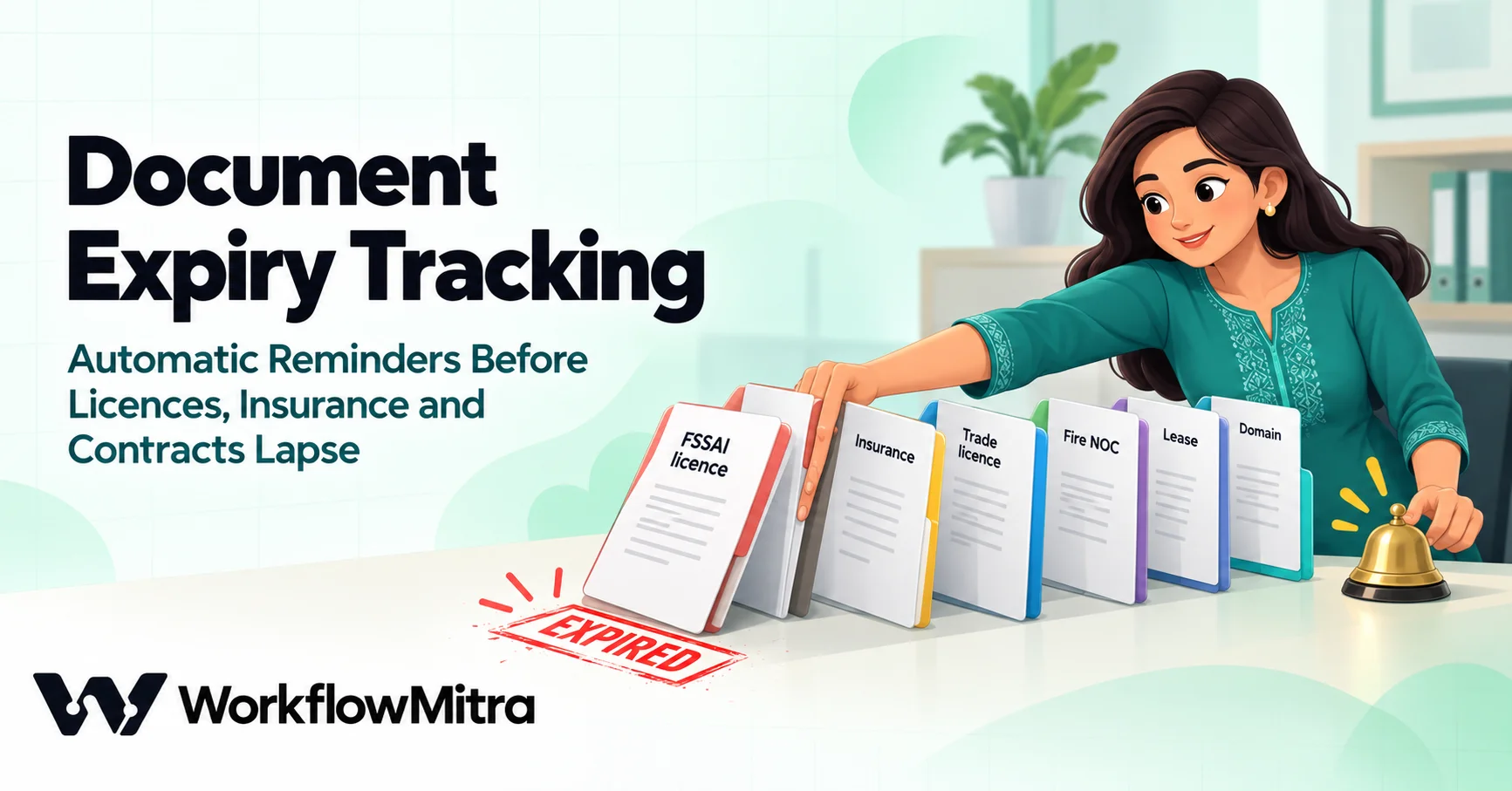
Quick Summary
Document expiry tracking means keeping every licence, insurance policy, certificate and contract with an end date in one register, and getting reminded early enough to renew. A reliable setup has three parts: one Google Sheet with an owner and an expiry date for each document, a daily check that works out how many days each one has left, and tiered reminders (for example at 60, 30, 14, 7, 1 and 0 days, then weekly while overdue) that escalate to a manager near the end. In WorkflowMitra this is a scheduled workflow: read the sheet, find what's due in a Code step, email each owner, record the reminder in the sheet so it is never sent twice, and post a daily summary.
Most businesses don’t lose a licence because they don’t care about it. They lose it because the expiry date lives in one person’s head, on a paper file, or in a calendar reminder set three years ago by someone who has since left. The renewal turns up as a surprise, the paperwork takes longer than expected, and for a few days or weeks the business is operating without cover it thought it had.
Document expiry tracking fixes that with a register and a routine. This guide shows how to build both: a Google Sheet that holds every document with an end date, and a workflow in WorkflowMitra, powered by ChatMitra, that checks it every morning and sends tiered reminders to the right person, escalates near the end, never repeats itself, and posts a daily summary. The workflow logic in this guide was run through WorkflowMitra’s workflow engine on 18 October 2026, including the cases that usually go wrong.
Quick answer: keep one Google Sheet with a row per document: what it is, its expiry date, its owner and how far ahead to start reminding. Run a workflow every morning that works out the days left, sends the owner a reminder at 60, 30, 14, 7, 1 and 0 days (then weekly while overdue), copies a manager in from 7 days, writes the reminder into the sheet so it is never sent twice, and posts a short summary to Slack or Telegram. When a document is renewed, change its expiry date and the cycle restarts by itself.
What to track, and why the date matters
Start by listing every document that stops being valid on a date. For an Indian small business, the list is usually longer than people expect.
| Document | Why the expiry date matters | Suggested first reminder |
|---|---|---|
| FSSAI licence or registration | Food businesses can't trade on an expired licence, and renewing after expiry costs extra | 90 days |
| Trade licence, Shop and Establishment registration | Rules and renewal periods differ by state and city; renewal may need local-body visits | 60 days |
| Fire NOC, pollution control consent | Renewal can involve inspections that have to be booked | 90 days |
| Vehicle insurance, pollution (PUC) certificate | A lapsed policy means no cover from the next day | 30 days |
| Business insurance (shop, stock, liability) | Gaps in cover; insurers may re-inspect after a lapse | 45 days |
| Website TLS certificate, domain name | An expired certificate shows visitors a security warning; an expired domain takes the site and email down | 14 to 30 days |
| Software licences and subscriptions | Tools stop working, or renew automatically at a new price | 30 days |
| Office, shop or godown lease | Notice periods often run months before the end date | Notice period plus 30 days |
| Staff certifications, work visas | A person may not be allowed to do the work once it lapses | 60 days |
Two examples show why the first reminder has to be early. Under FSSAI’s October 2021 order on renewal after expiry, the renewal window opens 180 days before expiry; renewing after expiry costs three times the annual fee for the first 90 days and five times up to day 180, after which no renewal is allowed; and no food business may be carried on between the expiry date and the renewed licence. Check the current rules on FoSCoS before relying on those figures, but the lesson holds: the cost of a late renewal is far higher than the effort of an early reminder.
Website certificates are the opposite problem: they now expire much more often. Under the CA/Browser Forum’s ballot SC-081v3, publicly trusted TLS certificates issued from 15 March 2026 last at most 200 days, falling to 100 days from 15 March 2027 and 47 days from 15 March 2029. If your hosting renews certificates automatically, track the automation rather than the certificate; if it doesn’t, a register with a 14-day reminder is no longer optional.
This guide covers your own documents: the licences, policies and contracts your business holds. Reminding customers about their renewals is a different job; for message wording and WhatsApp template rules, ChatMitra’s guide to WhatsApp reminder messages covers that side.
Why calendar reminders and spreadsheets fail
Most businesses already “track” expiry dates somewhere. The usual setups fail in predictable ways:
- A calendar reminder belongs to one person. When they leave, change roles or go on leave, the reminder goes with them.
- One reminder is too late, or too early. A single alert a week before is too late for a licence that needs an inspection. A single alert three months before is forgotten by the deadline.
- The reminder doesn’t move when the date does. After a renewal, someone has to remember to create the next reminder. That step is the one that gets skipped.
- A spreadsheet only works when someone opens it. A sheet with conditional formatting that turns cells red is accurate and useless if nobody looks at it in the week that matters.
- Nobody else knows. If the owner ignores the reminder, nothing escalates, and the manager hears about it when the inspector arrives.
The fix isn’t a better calendar. It’s a single register that belongs to the business, checked by a routine that doesn’t depend on anyone remembering.
Design the register
Use one Google Sheet tab, called Documents, with one row per document and these columns:
| Column | Example | Rule |
|---|---|---|
| ID | D-01 | Unique and never reused. The workflow uses it to find the row again |
| Document | FSSAI licence (Andheri kitchen) | Specific enough to act on: include the location or vehicle number |
| Category | Licence | Licence, Insurance, IT, Contract, Vehicle, Staff |
| Owner email | [email protected] | The person who does the renewal. One person, not a team list |
| Manager email | [email protected] | Copied in on the last week's reminders |
| Expiry date | 2026-12-18 | A real date cell, or text in YYYY-MM-DD or DD/MM/YYYY |
| Remind from (days) | 90 | How far ahead the first reminder should go. Blank means 60 |
| Status | Active | Active, Renewed or Not needed. Only Active rows get reminders |
| Last reminder | (left blank) | Filled in by the workflow. Don't edit it by hand |
| Renewal notes | Renew on FoSCoS; needs latest water test report | What the owner needs to know to start. Included in every reminder |
A few rules keep the register reliable:
- One row per document per place. Three outlets means three FSSAI rows, each with its own owner and date.
- Keep the date unambiguous. A Google Sheets date cell is best. If you type text, use 2026-12-18 or 18/12/2026. Text such as “Dec 2026” or “next year” can’t be checked, and the workflow will list it as a problem rather than guess.
- Link the file, don’t attach it. Add a column with the Drive link to the current copy of the document if you like; the workflow only needs the dates.
- Make one person own the sheet. Someone has to add new documents when the business gets them. The workflow can’t remind you about a licence nobody entered.
Fill the register the first time
The workflow is the easy part. The first version of the register takes an afternoon of digging, because the dates are scattered. These are the places they usually hide:
- The certificates themselves. Licences, NOCs and registrations print a validity or expiry date. Check the framed copy on the wall against the latest PDF: they’re often different, because the wall copy is the previous one.
- Government portals. FoSCoS, your state’s labour or Shop and Establishment portal and your municipal corporation’s site show current validity once you log in. The portal date wins over any paper copy.
- Insurer and broker emails. Search the mailbox for “policy schedule” and “renewal notice”. The schedule shows the period of insurance; note the end date, not the issue date.
- Your registrar and hosting accounts. Domain expiry dates and certificate renewal settings are on the account dashboard. Note whether auto-renew is on and which card it charges, because an expired card is the usual reason an auto-renewal fails.
- Vendor invoices and contracts. Software subscriptions, AMCs and leases state their term in the order form or agreement. For leases, note the notice period too, and set Remind from to the notice period plus a month.
- Your accountant or consultant. Whoever files your returns often holds a list of registrations they track for you. Ask for it; it’s a fast way to catch what you missed.
- The people who renew things. Ask each department head one question: “What would stop us working if it lapsed?” Vehicle papers, staff certifications and equipment calibration certificates surface this way.
Enter each document as you confirm it, with an owner who agrees to the job. Where you can’t find a date, enter the row anyway with the date blank: the daily summary lists it under “Fix in the tracker” every morning until someone fills it in, which is a gentle but persistent way to finish the audit.
Once the register exists, keep it complete with one habit: whoever receives a new or renewed document updates the row the same day. A ten-minute monthly look at the sheet by the owner of the register, sorted by expiry date, catches anything that slipped through.
The reminder schedule
A good schedule starts early enough for the slowest renewal, then gets more frequent and more visible as the date approaches.
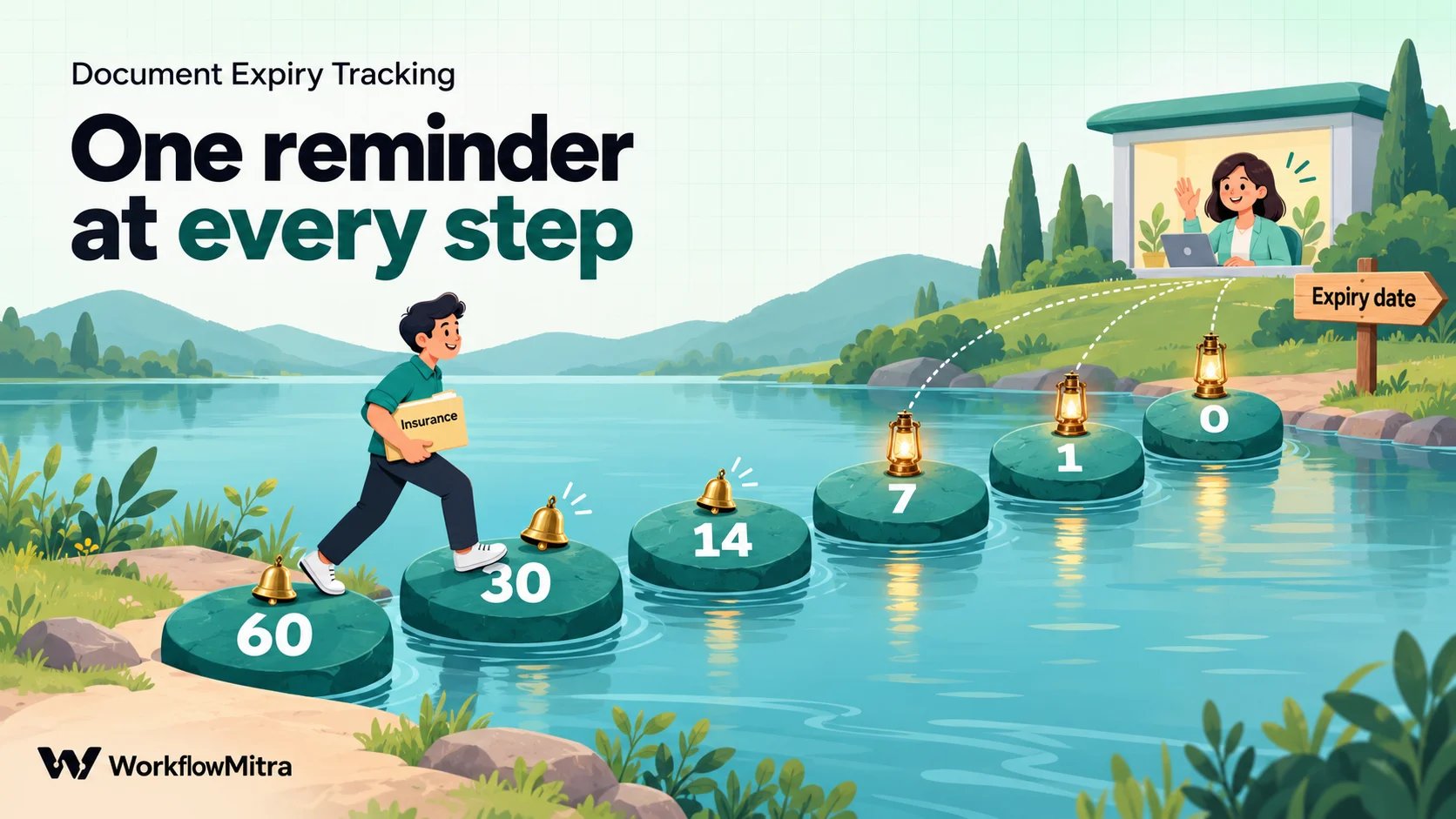
| Days left | Who gets it | Purpose |
|---|---|---|
| 60 (or the row's own "Remind from" value, if smaller) | Owner | Start the renewal: gather papers, book inspections, ask for quotes |
| 30 | Owner | Check progress; most simple renewals should be under way |
| 14 | Owner | Final stretch for anything with a processing time |
| 7 | Owner, manager copied | Escalation: someone senior now knows |
| 1 | Owner, manager copied | Last working reminder |
| 0 | Owner, manager copied | Expires today |
| Overdue | Owner, manager copied | Once a week until the row is renewed or closed |
The Remind from column decides where the schedule starts. A row with 90 still gets its first reminder at the 60-day tier (the largest tier in the list) and then follows the same steps; a website certificate with 14 skips the 60 and 30-day reminders and starts at 14. If you want a reminder at 90 days too, add 90 to the list of tiers in the code below.
One design choice makes the schedule robust: the workflow sends the reminder for the nearest tier the document has reached, not only on the exact day. If a document has 28 days left and the 30-day reminder was never sent (because the workflow was paused, or the row was added late), it sends the 30-day reminder now, once. Exact-day matching (“send when days left equals 30”) silently skips a reminder whenever a run is missed.
Build it in WorkflowMitra
The workflow has seven steps:
- Schedule trigger: every day at 9:30 AM.
- Google Sheets, Read rows: the Documents tab.
- Code step, “Find due documents”: works out days left and which reminders are due.
- Loop: once per due document.
- Email (inside the loop): the reminder to the owner.
- Google Sheets, Update row (inside the loop): records the reminder.
- IF, then a Slack or Telegram message (after the loop): the daily summary.
Step 1: schedule it every morning
Add a Schedule trigger, choose Every day, set the time to 9:30 AM and the time zone to Asia/Kolkata (the editor suggests your browser’s zone). A morning run means owners see reminders at the start of the working day, and running after 05:30 India time avoids the date confusion described in our date calculations guide.
Step 2: read the register
Add a Google Sheets step with the Read rows action, pick the spreadsheet and the Documents tab, and set how values are read to Raw values (numbers stay numbers). With raw values, date cells arrive as Google Sheets serial numbers (46320 for 25 October 2026), which the next step reads reliably. The default, As displayed, sends each date as text formatted for the sheet’s locale, which is fine for Indian-style 25/10/2026 but ambiguous for anything else.
Each row arrives with its column headers as field names and its row number as __row. Read rows starts from the top and reads up to 5,000 rows by default, far more than any document register needs.
Step 3: find the documents that need a reminder
Add a Code step after Read rows and name it Find due documents. Paste this snippet:
const TZ = 'Asia/Kolkata';
const DAY = 86400000;
const TIERS = [60, 30, 14, 7, 1, 0];   // days before expiry

// Today's calendar date in TZ, as a day number
function localDay(d) {
  const p = new Intl.DateTimeFormat('en-GB', {
    timeZone: TZ, year: 'numeric', month: '2-digit', day: '2-digit',
  }).formatToParts(d);
  const get = (t) => Number(p.find((x) => x.type === t).value);
  return Date.UTC(get('year'), get('month') - 1, get('day')) / DAY;
}

// Read an expiry date: Sheets serial, 2026-10-25 or 25/10/2026
function dayOf(v) {
  if (typeof v === 'number') return v - 25569;
  const s = String(v ?? '').trim();
  let m = s.match(/^(\d{4})-(\d{2})-(\d{2})$/);
  if (m) return Date.UTC(+m[1], +m[2] - 1, +m[3]) / DAY;
  m = s.match(/^(\d{1,2})\/(\d{1,2})\/(\d{4})$/);
  if (m && +m[2] <= 12) return Date.UTC(+m[3], +m[2] - 1, +m[1]) / DAY;
  return null;
}

const iso = (day) => new Date(day * DAY).toISOString().slice(0, 10);
const show = (day) => new Date(day * DAY).toLocaleDateString('en-IN', {
  timeZone: 'UTC', day: 'numeric', month: 'short', year: 'numeric',
});

const today = localDay(new Date());
const due = [];
const problems = [];

for (const row of input.rows || []) {
  if (String(row['Status'] ?? '').trim().toLowerCase() !== 'active') continue;
  const name = row['Document'] || 'Row ' + row.__row;
  const expiry = dayOf(row['Expiry date']);
  if (expiry === null) {
    problems.push(`${name}: expiry date "${row['Expiry date'] ?? ''}" can't be read`);
    continue;
  }
  const daysLeft = expiry - today;
  const lead = Number(row['Remind from (days)']) || 60;

  // Which reminder is due now: the nearest tier already reached
  let tier = null;
  if (daysLeft < 0) tier = 'overdue-' + Math.ceil(-daysLeft / 7);
  else for (const t of TIERS) if (t <= lead && daysLeft <= t) tier = t + 'd';
  if (!tier) continue;
  // Remember the tier together with the expiry date, so a renewed
  // document (new expiry date) starts its reminders again by itself
  const key = `${tier} ${iso(expiry)}`;
  if (key === String(row['Last reminder'] ?? '').trim()) continue;

  const when = show(expiry);
  const subject = daysLeft < 0 ? `OVERDUE: ${name} expired on ${when}`
    : daysLeft === 0 ? `${name} expires today`
    : `${name} expires in ${daysLeft} day${daysLeft === 1 ? '' : 's'} (${when})`;

  due.push({
    id: String(row['ID']),
    document: name,
    owner: row['Owner email'],
    cc: daysLeft <= 7 ? (row['Manager email'] || '') : '',
    days_left: daysLeft,
    reminder: key,
    subject,
    message: `${subject}.\n\nCategory: ${row['Category'] || '-'}\n` +
      `Renewal notes: ${row['Renewal notes'] || '-'}\n\n` +
      `When it is renewed, change the expiry date in the tracker.`,
  });
}

due.sort((a, b) => a.days_left - b.days_left);
const lines = due.map((d) => `• ${d.subject} (owner: ${d.owner})`);
if (problems.length) lines.push('', 'Fix in the tracker:', ...problems.map((p) => '• ' + p));

return {
  due,
  count: due.length,
  problems,
  has_news: due.length > 0 || problems.length > 0,
  digest: lines.length ? `Document expiry check, ${show(today)}\n\n${lines.join('\n')}` : '',
};
What it does, in plain terms:
- Skips rows whose Status isn’t Active (in any capitalisation).
- Reads the expiry date whether it is a Sheets serial, YYYY-MM-DD or DD/MM/YYYY, and refuses anything else, including US-style 10/25/2026, rather than misreading it. Unreadable dates go into
problemsand the daily summary. - Works out days left in India time, so a document expiring today has 0 days left all day.
- Picks the tier the document has reached, respecting its own Remind from value, and labels overdue documents by week (
overdue-1,overdue-2), which is what makes the overdue reminder weekly. - Skips the reminder if it was already sent for this expiry date, by comparing with the Last reminder column.
- Copies the manager when 7 or fewer days are left.
- Builds the subject, the email text and a summary of the whole run.
The Code step has a one-second limit and is billed by run time; on a register of a few hundred rows this snippet finishes in a small fraction of that. To change the schedule, edit TIERS; to use another time zone, change TZ to any IANA name such as Asia/Dubai. Our Code step guide explains the step’s other rules.
Step 4: loop over the due documents
Add a Loop step after the Code step and set its list to due. Its loop branch runs once per due document; its done branch runs once afterwards, even when the list is empty. A Loop handles up to 1,000 items per run, and inside the loop branch, {{ $trigger }} refers to the current item. (See loops in workflow automation for more on how loop items work.)
Step 5: email the owner
On the loop branch, add an Email step (from a connected Gmail or SMTP mailbox):
- To:
{{ $trigger.owner }} - CC:
{{ $trigger.cc }}(empty until the last week, and an empty CC is simply left out) - Subject:
{{ $trigger.subject }} - Body:
{{ $trigger.message }}
The email names the document, the date, the days left and the renewal notes, which is everything the owner needs to start.
Step 6: record the reminder in the sheet
After the Email step, still on the loop branch, add Google Sheets › Update row on the Documents tab:
- Key column: ID · Key value:
{{ $trigger.id }} - Set: Last reminder to
{{ $trigger.reminder }} - Write values: Exactly as written (no formulas)
The value looks like 30d 2026-12-18: the tier and the expiry date it was sent for. Because the update comes after the email, a failed email leaves Last reminder unchanged and the reminder goes out on the next run instead of being lost.
Step 7: post the daily summary
On the Loop’s done branch, add an IF step with one route: {{ $node["Find due documents"].has_news }} Is yes. On that route, add a Slack or Telegram step with the message {{ $node["Find due documents"].digest }}, or an Email step to the manager. On a quiet day, IF ends the run and nobody gets a message. For more on combining several alerts into one message, see the notification digest guide; for Telegram setup, see Telegram notifications for business.
What a run looks like
We ran this workflow in WorkflowMitra’s engine on a sample register, with the date set to 19 October 2026 at 09:30 India time and stand-ins for the Email and Update row steps that record what they would have sent and written.
| Document (row) | Expiry date as stored | Last reminder before the run | Result |
|---|---|---|---|
| Fire NOC | 10/10/2026 | 0d 2026-10-10 | Overdue by 9 days: weekly overdue reminder, manager copied |
| Website TLS certificate | 2026-10-19 | 1d 2026-10-19 | "expires today", manager copied |
| Delivery van insurance | 46320 (Sheets serial) | 14d 2026-10-25 | "expires in 6 days (25 Oct 2026)", 7-day tier, manager copied |
| FSSAI licence (Remind from 90) | 2026-12-18 | blank | "expires in 60 days (18 Dec 2026)", owner only |
| Shop and Establishment | 2026-11-15 | 30d 2026-11-15 | 27 days left, 30-day reminder already sent: nothing |
| Accounting software licence, renewed | 2027-12-18 | 60d 2026-12-18 (from the old date) | 425 days left: nothing yet; its 60-day reminder will fire next October |
| Trade licence | 2027-03-31 | blank | 163 days left: nothing |
| Old shop insurance (Status: Renewed) | 2026-10-01 | blank | Skipped |
| Pollution certificate | next month | blank | Listed under "Fix in the tracker" |
| Export certificate | 10/25/2026 (US style) | blank | Listed under "Fix in the tracker", not misread |
The run sent four reminders, wrote four Last reminder values (overdue-2 2026-10-10, 0d 2026-10-19, 7d 2026-10-25, 60d 2026-12-18) and posted one summary listing the four documents, most urgent first, with the two unreadable dates underneath. A second run on a register where nothing was due went straight from the Loop’s done branch to the IF step and stopped there without sending anything.
When a document is renewed
Renewal is where most trackers break, so this workflow is designed around it:
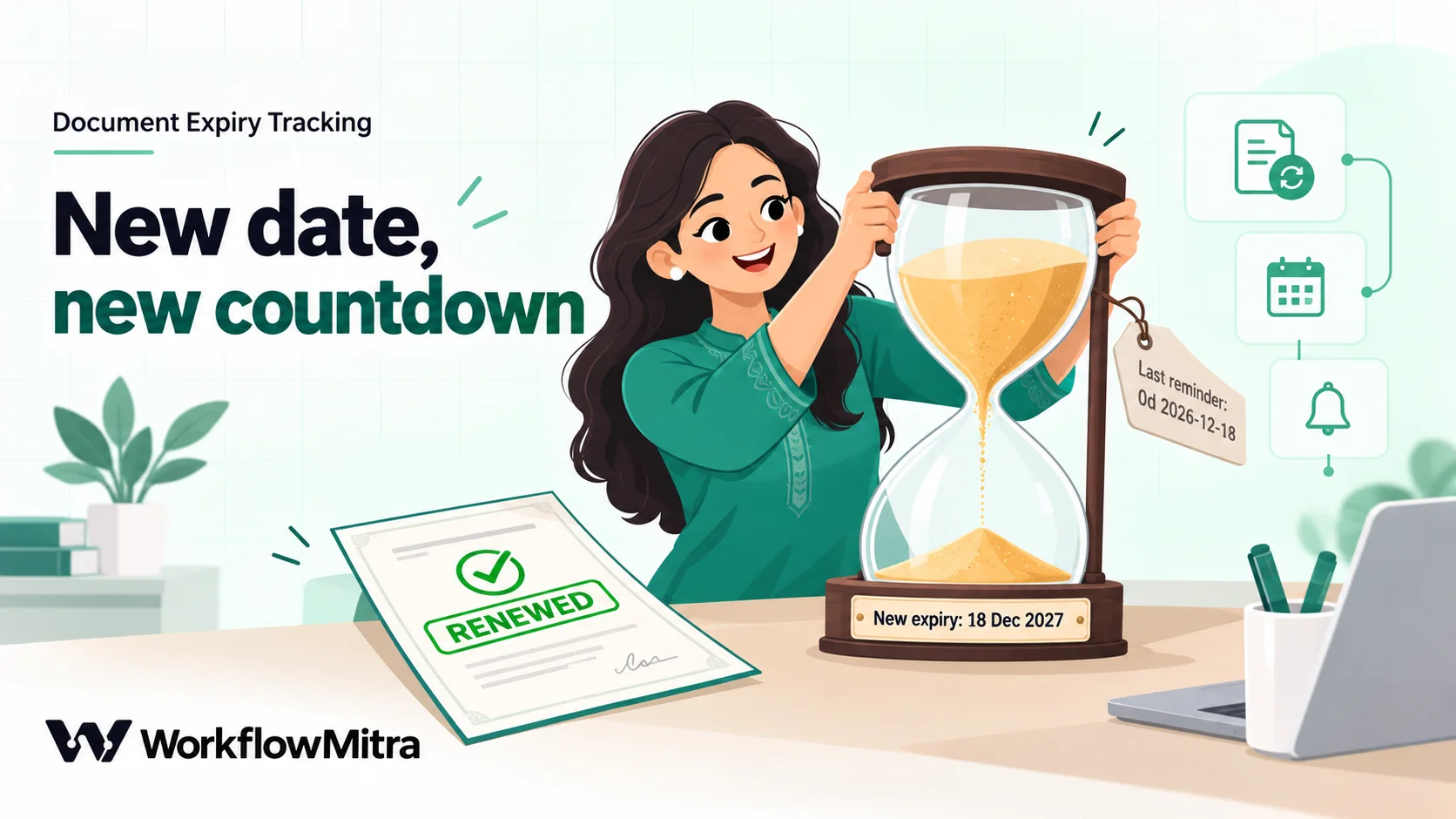
- Same document, new date: change the Expiry date. The next run compares reminders against the new date, so the cycle starts again on its own. There’s nothing to clear.
- Replaced by a different document: set the old row’s Status to Renewed and add a new row with a new ID.
- No longer needed: set Status to Not needed. The row stays as a record.
If you’d like a record of who renewed what and when, add a Renewed on column and fill it in by hand at the same time. To make the renewal itself go through a manager, the owner can submit the new date through a form whose workflow has a Wait for approval step before it updates the sheet; our approval workflow guide shows that pattern.
Reminders on WhatsApp, Slack or Telegram
Email is the right default for reminders, because they carry details people need to act on and an inbox keeps a record. You can add or swap channels:
- Slack or Telegram for the daily summary, or for reminders to staff who live in those apps. Neither needs any approval for the message text.
- WhatsApp through ChatMitra or Meta’s Cloud API. Because a reminder starts the conversation, WhatsApp requires an approved message template for it; plan the template wording before you build the step.
Whichever you choose, keep the Update row step after the message, so a failed send is retried the next day.
What it costs to run
At default credit rates, a day with nothing due costs about 2 credits: the schedule trigger and the Google Sheets read. The Code step is billed by run time and comes to a fraction of a credit here, and IF costs nothing. Each reminder adds about 3 credits: 1 for the Loop item, 1 for the email and 1 for the sheet update. The daily summary adds 1 on days when there is something to report.
A register of 40 documents averaging six reminders each per year sends about 20 reminders a month. That’s roughly 60 credits for the daily checks, 60 for the reminders and up to 20 for summaries: a little over 100 credits a month, which is about 1% of a WorkflowMitra trial’s 10,000 credits.
Common mistakes
- Duplicate IDs. Update row stops with an error when two rows share an ID, and the Loop step fails with it. Keep IDs unique; a simple running number works.
- Team addresses as owners. “accounts@” is nobody’s job. Put a person’s email in Owner email and a team address in Manager email if you want visibility.
- Dates typed as text. “Dec 2026” can’t be checked. Use a date cell or YYYY-MM-DD.
- Editing Last reminder by hand. It is the workflow’s memory. Leave it alone, and change the Expiry date when something is renewed.
- Testing on the real register. In WorkflowMitra, running the workflow from the editor sends real emails and writes to the real sheet. Test on a copy of the tab, with your own address as the owner of every row, as described in our guide to testing an automated workflow.
- One reminder only. A single alert gets snoozed. The tiers exist so the date is impossible to miss.
- No escalation. Without the manager copy in the final week, an ignored reminder fails silently.
Troubleshooting
| What you see | Likely cause | Fix |
|---|---|---|
| No reminders at all | Status isn't Active, or the dates are text the code can't read | Check the daily summary's "Fix in the tracker" lines; set Status to Active |
| Every row listed under "Fix in the tracker" | Read rows is set to "As displayed" and the sheet's locale writes dates another way | Set Read rows to Raw values |
| Same reminder every day | The Update row step isn't writing Last reminder, or writes it to another tab | Check the step's tab, the ID match and the column name |
| Loop step fails with a "rows match" error | Two rows share an ID | Make the IDs unique |
| Reminders a day early or late | The schedule's time zone, or TZ in the code, isn't your zone | Set both to Asia/Kolkata (or your zone) |
| Manager never copied | Manager email blank, or more than 7 days left | Fill in the column; change daysLeft <= 7 to widen the window |
| A renewed document gets no new reminders | The expiry date wasn't changed, or Status was set to Renewed | Change the date on the same row, or add a new Active row |
What this setup doesn’t do
It’s worth being clear about the limits:
- It doesn’t read the documents. WorkflowMitra works from the dates in the sheet; it doesn’t open PDFs or scans to find expiry dates. Someone enters the date once, when the document arrives.
- It doesn’t renew anything. It makes sure the right person knows in time. The renewal is still theirs.
- It’s only as complete as the register. A licence that was never added gets no reminders, so make adding a row part of receiving any new document.
- It runs once a day. For documents that expire within hours, such as some short-lived access tokens, a daily check is the wrong tool.
Within those limits, it replaces the fragile parts of expiry tracking (memory, personal calendars, a sheet nobody opens) with a routine that runs every morning.
Set it up once, renew on time
Document expiry tracking doesn’t need special software. It needs one register that belongs to the business, and a check that happens every morning whether or not anyone remembers. Build the Documents tab, enter what you hold today, add the seven-step workflow, and from tomorrow every renewal gets a 60-day warning, an escalation in its last week, and a weekly nag if it slips.
WorkflowMitra, powered by ChatMitra, runs that check: a timezone-aware schedule, Google Sheets read and update steps, a Code step for the date logic, a Loop for one reminder per document, and Email, Slack, Telegram or WhatsApp to deliver it, with the reminder log kept in your own sheet. If your documents already live in a compliance or HR system with its own reminders, use those; this approach fits the many businesses whose register is a spreadsheet, or nothing at all yet.
You can build it on a WorkflowMitra trial: 14 days, 10,000 credits, no card needed, with plans on the pricing page. For more date recipes, read date calculations in workflows; for chasing customers who owe you money, see payment reminder automation; and for other ways to put a spreadsheet to work, start with Google Sheets automation.
WorkflowMitra behaviour was verified against the product's source code on 18 October 2026: the Schedule trigger's time-zone option, Google Sheets Read rows (raw and displayed values, row numbers, default row limit) and Update row (key matching, errors on duplicate matches), the Loop step's list, item scope, 1,000-item limit and empty-list behaviour, the Email step's CC handling, and credit rates. The complete workflow, with stand-in steps for Email and Update row, and the Code snippet exactly as printed were executed in WorkflowMitra's workflow engine on that date; the results table comes from that run. FSSAI renewal terms come from FSSAI's order on renewal after expiry (2021); TLS certificate lifetimes from CA/Browser Forum ballot SC-081v3. Documents, names, dates and email addresses are examples.
Frequently Asked Questions
Questions people ask when they set up expiry reminders for their business documents.
Document expiry tracking is keeping a register of every business document that has an end date, such as licences, insurance policies, certificates, registrations and contracts, and getting reminders before each one expires. The register records what the document is, who is responsible for renewing it and when it expires, and the reminders go to that person early enough to finish the renewal.
Automate the work between your apps
Build workflows with triggers, conditions and actions, then test them before they go live. Try WorkflowMitra free for 14 days, no card required.
