Gemini Grounding with Google Search in Workflows: What It Does, What It Costs and Where It's Not Allowed

Quick Summary
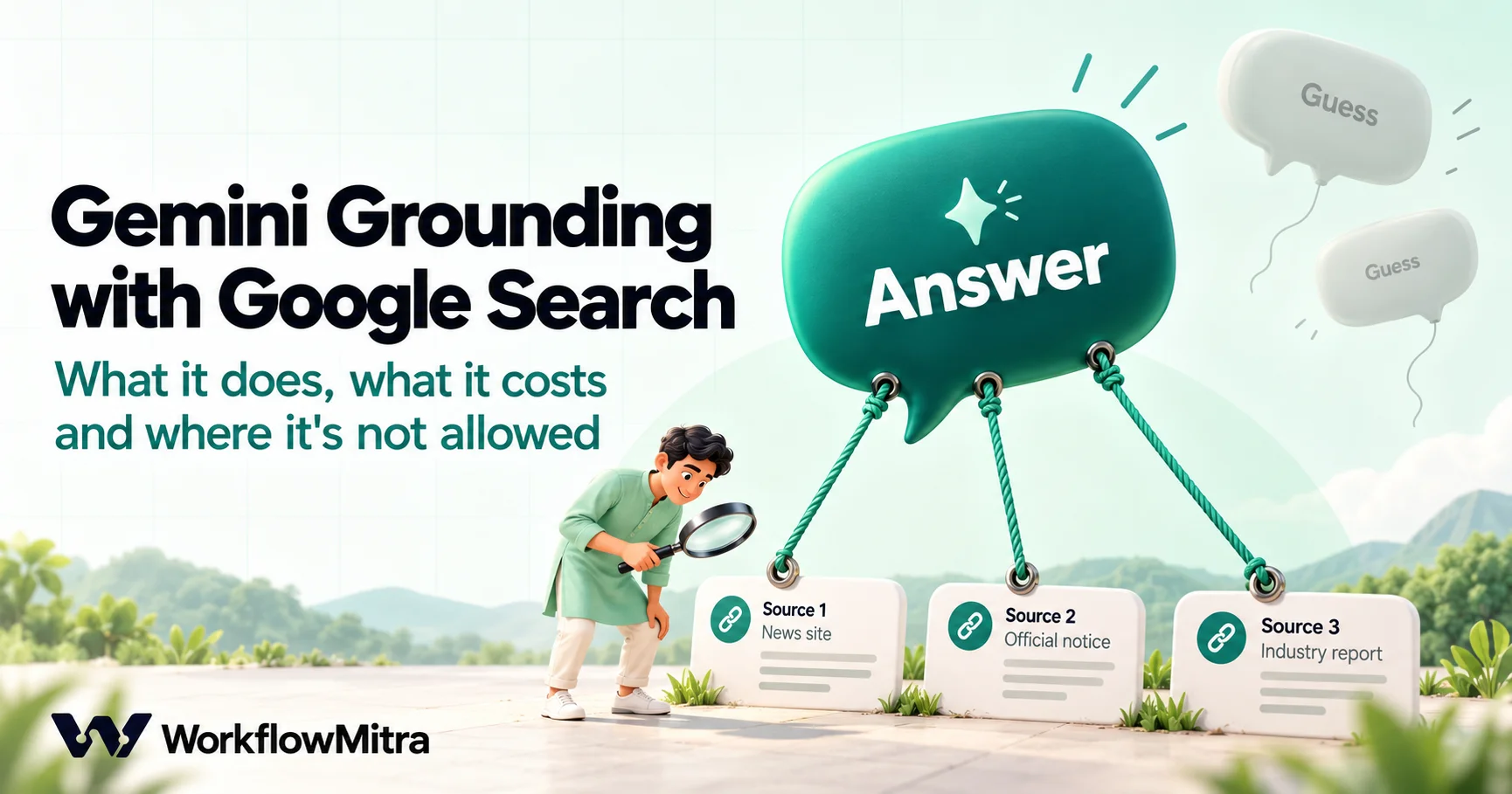
Grounding with Google Search lets Gemini run Google searches while it answers, then return the answer with the sources it used. In WorkflowMitra, powered by ChatMitra, it is a checkbox on the Gemini AI step's Chat action, and the step adds a groundingSources list of titles and links. On Gemini 3 and newer models it needs a paid Gemini API project: 5,000 search requests a month are free, shared across those models, then Google charges $14 per 1,000 searches, and one prompt can run several searches. Google's terms limit grounded results to the person who asked, shown with Google's Search Suggestions, and bar copying, storing, modifying or collecting them by automated means. Because a workflow usually posts, saves or forwards its output, and the step doesn't return Search Suggestions, most automated uses conflict with those terms. For workflows, ground the model on sources you supply yourself instead.
A model that can search Google before it answers sounds like the cure for stale and invented facts. Ask about this week’s RBI circular, a competitor’s new plan or a supplier’s latest product, and Gemini looks it up, writes an answer and hands you the links it used. In WorkflowMitra, powered by ChatMitra, that’s a single checkbox on the Gemini AI step.
Before you tick it inside an automation, two things deserve your attention. First, the price works per search, not per answer, and one answer can run several searches. Second, Google’s terms for this feature are unusually specific about who may see a grounded answer and what you may do with it afterwards, and most of what workflows do with AI output conflicts with them.
This guide explains what grounding does, what the WorkflowMitra step returns, what it costs, what Google’s terms say in plain English, and a pattern that gives you sourced answers inside workflows without those restrictions. Google’s documentation, pricing page and Gemini API terms were read on 19 October 2026, and WorkflowMitra’s behaviour was checked in its source code the same day. This is a practical reading of the terms, not legal advice.
What is Gemini grounding with Google Search?
Grounding with Google Search is a tool in the Gemini API that lets the model run Google searches while it writes an answer, then base the answer on the pages it found. The response comes back with the answer, the search queries the model ran, links to the source pages and Search Suggestions, Google search chips that the terms require you to show with the answer. On Gemini 3 and newer models, Google bills each search after a monthly free allowance, and the terms limit a grounded answer to the person who asked for it.
Without grounding, a model answers from what it learned in training, which stops at a cutoff date and has gaps. With grounding, the model decides whether a question needs fresh information. If it does, it writes one or more search queries, reads the results and answers from them. A question like “What is 18% of ₹4,500?” needs no search; “What did the RBI announce at its last policy meeting?” does.
How a grounded answer is built
Google’s grounding documentation describes the same sequence for every grounded request:
- Your prompt goes to Gemini with the search tool switched on. Switching it on doesn’t force a search; it lets the model search.
- The model decides whether to search. For a general-knowledge or arithmetic question it may simply answer.
- If it searches, it writes its own queries. One prompt can produce one query or several, and you don’t choose them.
- It reads the results and writes the answer, linking statements to the pages they came from.
- The response carries the evidence: the queries it ran, the source links, the Search Suggestions and a map of which sentence came from which source.
That last point matters for automation, because a workflow step only passes on what it was built to pass on. Current models use a tool called google_search; Google’s page notes that older models used google_search_retrieval, so tutorials using that name are out of date.
What WorkflowMitra’s grounding option does
In the AI step, choose Gemini as the provider and the Chat action. A checkbox appears: Ground replies with Google Search. When it’s ticked, WorkflowMitra adds Google’s google_search tool to the request. Our Gemini automation guide covers connecting your Gemini API key and choosing a model, so this guide doesn’t repeat it.
Google’s response has several parts. The step passes some of them on and drops others:
| Part of Google’s response | What it is | In the step’s output? |
|---|---|---|
| Answer text | The grounded answer | Yes, as text (and json if the reply is valid JSON) |
| Source links | Pages the answer drew on, each with a title and link | Yes, as groundingSources, a list of { title, url } |
| Search queries | The searches the model ran | No |
| Search Suggestions | HTML search chips Google’s terms require you to display | No |
| Citation map | Which sentence came from which source | No |
A few more details checked in the code:
- Gemini only, Chat only. The checkbox doesn’t appear for other providers or other Gemini actions, and the AI Agent step has no grounding option.
- Sources appear only when used. If Gemini answers without searching, there’s no
groundingSourcesfield at all. A later step that reads it gets a blank, so test for it with an IF step rather than assuming it’s there.{{ length($node["Ask Gemini"].groundingSources) }}gives the number of sources (2 in our test with a mocked reply). - The title is often just the website’s name. Each source has a
titleand aurlas Google returned them. Use{{ join(map($node["Ask Gemini"].groundingSources, url), "\n") }}to list the links one per line. - Max tokens still applies. Current Gemini models think before answering, and the step’s default answer limit is 1,024 tokens. If the limit runs out first, the step fails with a message telling you to raise Max tokens. Our guide to LLM max tokens explains the trade-off.
What grounding costs
You pay Google for grounding through your own Gemini API key; WorkflowMitra’s AI step is bring-your-own-key. The AI step itself uses 1 WorkflowMitra credit per model call, whether grounding is on or off. Google’s side looked like this on its Gemini API pricing page on 19 October 2026 (model tokens are charged on top, at each model’s normal rate):
| Models | Free tier | Paid tier |
|---|---|---|
| Gemini 3 and newer (3.8 Flash, 3.6 Flash, 3.5 Flash-Lite, 3.1 Pro Preview and others) | Not available | 5,000 search requests a month free, shared across all Gemini 3+ models, then $14 per 1,000 search requests |
| Gemini 2.5 Pro | Not available | 1,500 grounded prompts a day free, then $35 per 1,000 grounded prompts |
| Gemini 2.5 Flash and 2.5 Flash-Lite | Up to 500 requests a day, shared between them | 1,500 grounded prompts a day free (shared), then $35 per 1,000 grounded prompts |
Two details change how you estimate a bill:
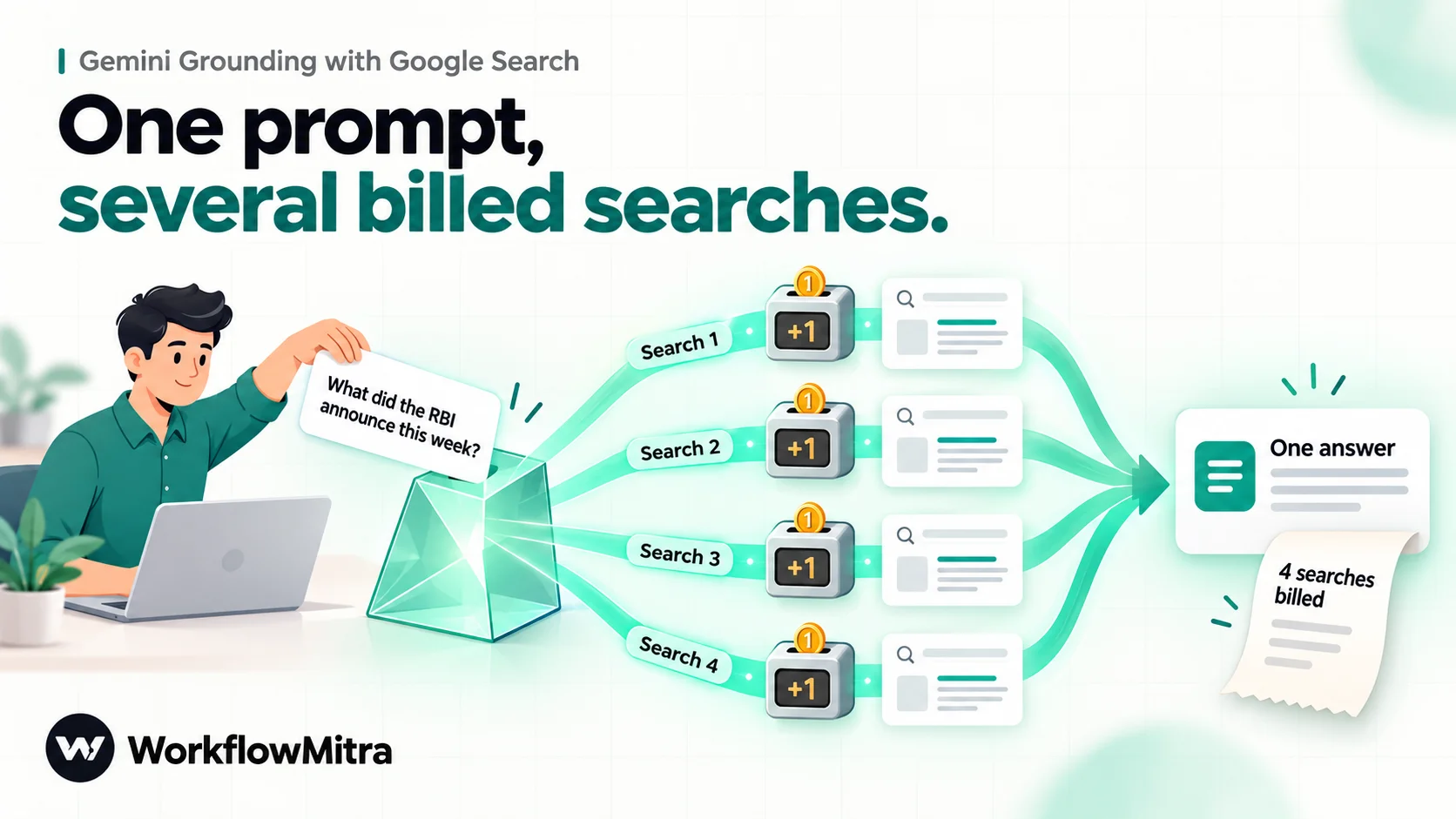
Gemini 3+ bills searches, not prompts. Google’s pricing page notes that “a customer-submitted request to Gemini may result in one or more queries to Google Search” and “you will be charged for each individual search query performed.” A broad question can easily trigger three or four searches. At ₹95.18 to the US dollar (open.er-api.com, 19 October 2026), $14 per 1,000 is about ₹1,333 per 1,000 searches, or roughly ₹1.33 a search once the free 5,000 are used. Gemini 2.5 models charge per grounded prompt instead, about ₹3,331 per 1,000 after the daily free allowance.
You can’t see the search count in the run. The step doesn’t return the queries Gemini ran, so you can’t count them from WorkflowMitra’s run history. Watch usage in your Google project’s billing instead, and set a budget alert there.
A worked estimate
Suppose a team runs 200 grounded prompts a day, every day, and each prompt triggers three searches on average. The three-search figure is an assumption for illustration; your prompts may run more or fewer.
| Gemini 3+ (billed per search) | Gemini 2.5 Flash (billed per grounded prompt) | |
|---|---|---|
| Prompts a month | 6,000 | 6,000 (200 a day) |
| Billable units | 18,000 searches | 200 grounded prompts a day |
| Free allowance | 5,000 searches a month | 1,500 grounded prompts a day |
| Charged units | 13,000 searches | 0 (200 is under 1,500 a day) |
| Grounding charge | 13 × $14 = $182, about ₹17,323 | $0 |
The per-prompt pricing of the 2.5 models comes out far cheaper at this volume, because 200 a day sits inside the daily free allowance. At 2,000 grounded prompts a day the picture changes: 500 prompts a day over the allowance is about 15,000 a month, or $525 at $35 per 1,000. Run your own numbers with your real volume, and remember that these are Google’s charges only; token charges and WorkflowMitra credits are separate.
The default model in WorkflowMitra’s Gemini step is Gemini 3.6 Flash, so a key on Google’s free tier won’t ground at all. Either enable billing on the Google project or, for experiments, type gemini-2.5-flash as a custom model name; Google’s deprecations page listed no shutdown date for it on 19 October 2026. Remember that on the free tier, Google may use what you send to improve its products.
What Google’s terms say
The rules live in the “Grounding with Google Search” section of the Gemini API Additional Terms of Service (last updated 28 April 2026 when we read them). They are stricter than the terms for ordinary Gemini output. Here are the key sentences, quoted exactly:
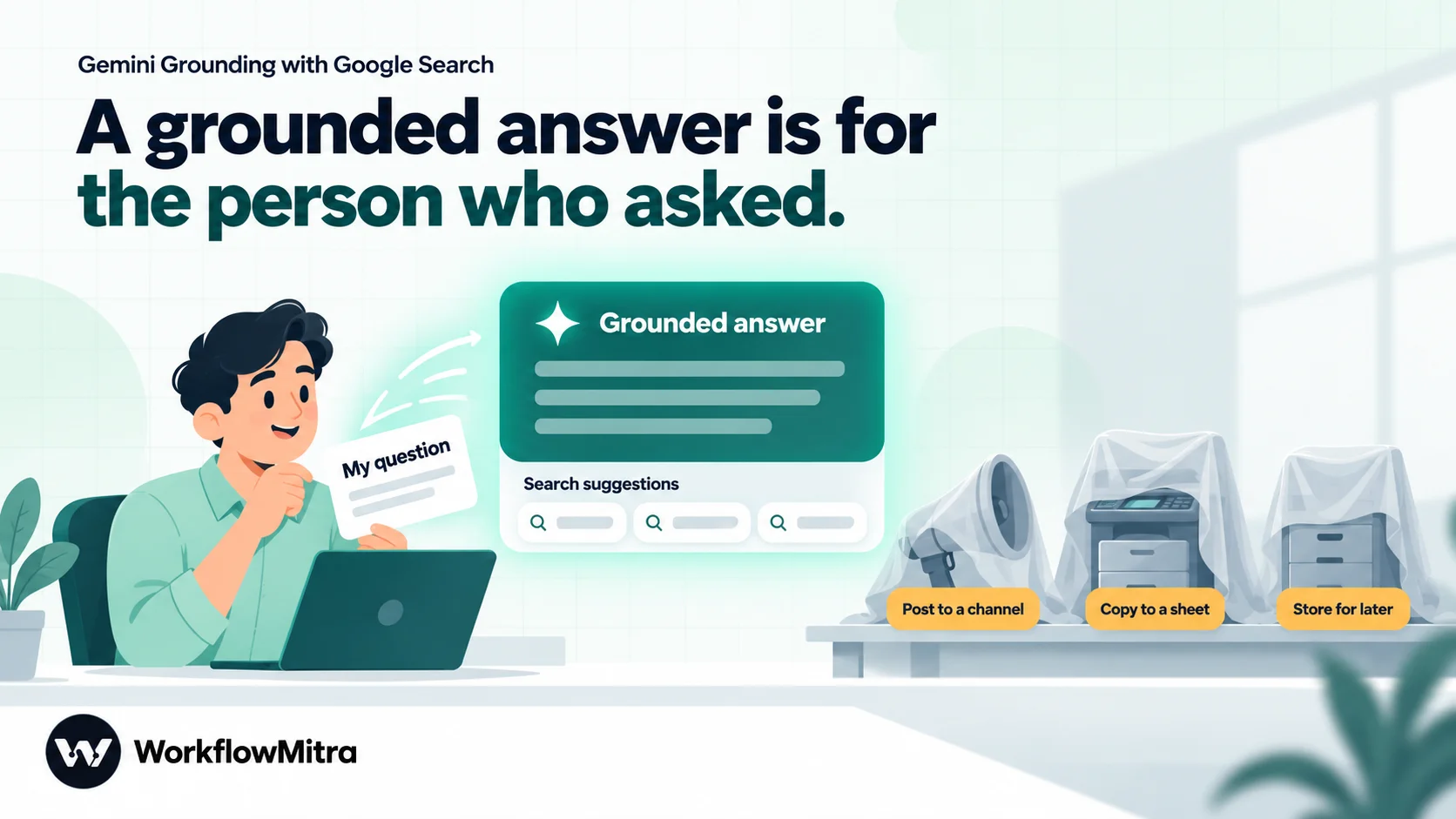
- Who may see it. “You will only use Grounding with Google Search in an application that is owned and operated by you and will only display the Grounded Results with the associated Search Suggestion(s) to the end user who submitted the prompt.”
- No redistribution or analysis. “You will not, and will not allow your end user or any third party to, cache, frame, syndicate, resell, analyze, train on, or otherwise learn from Grounded Results or Search Suggestions.”
- No extracting parts for another purpose. The terms say it is a violation “to use Grounding with Google Search to extract or collect one or more of these components for another purpose (for example, using programmatic or automated means to collect Links, using Links to build an index, or using Links to identify destination pages for crawling or scraping).”
- No copying or storing, with three exceptions: you may store the text for up to two years only to evaluate and optimise how you display grounded results, to keep an end user’s own chat history so they can view it, or briefly to resubmit it for a refined answer. You may also keep results for the minimum time a law requires.
- No modifying. “Unless permitted by Google in writing, you… will not modify, or intersperse any other content with, the Grounded Results or Search Suggestions.”
- Users may keep their own copy, “as long as you do not allow Grounded Results to be accessed or collected by automated or programmatic means or to be used to create a database.”
In plain English: a grounded answer is meant to be shown, untouched and with its Search Suggestions, to the one person who asked, inside your own app. It isn’t meant to become data that flows onward.
Common workflow ideas, checked against the terms
Most automations take an AI answer and do something with it: post it, save it, send it on. Here’s how typical ideas line up with the sentences above. Where a row says “conflicts”, that’s our reading of the terms as written, not a ruling; the terms allow other uses only with Google’s written permission.
| Workflow idea | What it does with the grounded answer | Terms it runs into | Our reading |
|---|---|---|---|
| Daily news brief posted to a Slack channel | Shows it to people who didn’t submit the prompt, without Search Suggestions | Rule 1, rule 2 (syndicate) | Conflicts |
| Research each new lead and save notes to a sheet or CRM | Stores the answer and builds a database | Rules 2, 4 and 6 | Conflicts |
| Collect the source links for later reading or scraping | Extracts Links by automated means | Rule 3 (the terms’ own example) | Conflicts |
| Answer customer questions on WhatsApp or email | Sends a modified answer to someone, without Search Suggestions | Rules 1 and 5 | Conflicts |
| Summarise or reformat the grounded answer in a second AI step | Modifies and analyses it | Rules 2 and 5 | Conflicts |
| An employee asks a question through a form and gets the answer by email | Shows it to the person who asked, but copied into an email, without Search Suggestions | Rules 1 and 4 | Doubtful at best |
Two facts about how the step works make even the last row hard to defend. The step doesn’t return Search Suggestions, so you can’t display them alongside the answer as rule 1 requires. And WorkflowMitra keeps each run’s step outputs in run history for your plan’s retention period, which is a stored copy of the answer. The terms also refer to “an application that is owned and operated by you”, and a workflow platform you subscribe to may not count as one.
So the honest position is that we can’t point you to an automated workflow that clearly fits Google’s grounding terms today. If a grounded workflow matters to your business, ask Google for written permission before building it. For one person’s own research, Google’s Gemini app and Google AI Studio show grounded answers with Search Suggestions as the terms expect.
Where grounding does fit
The terms describe one shape of use: an app you own and operate, where a user types a question and sees the answer with its Search Suggestions on screen. If your developers build that kind of app, calling the Gemini API directly and rendering the Search Suggestions HTML that Google returns, grounding is used the way Google intends. A chat assistant inside your own customer portal, where each user sees only the answers to their own questions, is the typical example.
Ask three questions before switching grounding on anywhere:
- Who will see the answer? If anyone other than the person who asked, grounding is the wrong tool.
- Will the answer be saved, forwarded or reworded? If yes, grounding is the wrong tool.
- Will Search Suggestions be displayed with it? If your setup can’t show them, grounding is the wrong tool.
A workflow almost always answers “someone else”, “yes” and “no”. That’s why the rest of this guide shows a different way to get sourced answers.
A safer pattern: ground the model on sources you supply
Most of what teams want from grounding is an answer that’s based on real documents and says where it came from. You can get that without Google Search by giving the model the documents yourself. The output is then ordinary model output based on your content. The general Gemini API terms still apply, as do your rights to that content, but the Grounded Result restrictions above don’t.
The pattern has four steps:
- Fetch the sources. Read rows from a Google Sheet, records from your database or Data Store, or a page from your own website or help centre with an HTTP Request step.
- Pass them to the AI step with rules. Put the source text in the prompt, give each source an ID, and tell the model to answer only from that text, name the IDs it used, and reply
NOT FOUNDif the answer isn’t there. - Check the reply. An IF step catches
NOT FOUNDand sends the question to a person instead of guessing. - Send or store the answer. It’s your output, so you can post it, save it or forward it like any other step result.
Example: a policy assistant for your team
Staff keep asking the same questions: refund window, delivery areas, warranty terms. Keep the answers in a Google Sheet called “Policies” with three columns: ID, Topic and Policy. Then build:
- Webhook trigger from an internal form with the fields
questionandemail. - Google Sheets → Read rows from the Policies tab.
- AI step (any provider, grounding off):
Answer the staff question using ONLY the policies below.
Name the policy IDs you used, like [P3].
If the policies don't answer it, reply exactly: NOT FOUND

Question: {{ $trigger.question }}

Policies:
{{ $node["Read policies"].rows }}
The rows arrive in the prompt as JSON text, which models read without trouble:
[{"ID":"P1","Topic":"Refunds","Policy":"Refunds within 7 days of delivery."}, …]- IF the reply contains
NOT FOUND→ email the operations lead with the question; otherwise → email the answer to the person who asked.
Because the sources are your own rows, the answer is citable and checkable, and nobody’s terms stop you saving it to a log. Our guides to Google Sheets as a database and AI guardrails in workflows cover the lookup and the checks in more depth.
When the source is a web page
If you fetch a page with the HTTP Request step, the HTML arrives in body. The stripHTML helper removes tags, but in our test it also kept the text inside <style> and <script> blocks and ran headings into paragraphs (“PricingStarter costs ₹999 a month.”). The model copes with that, but the noise costs tokens. Prefer plain-text or JSON sources where they exist, such as an RSS feed, a help-centre API or a published CSV. Cap long pages with substring(stripHTML(...), 0, 20000). Only fetch pages you’re allowed to use: your own site, a partner’s page with permission, or a public source whose terms allow automated access.
Make own-source answers checkable
An answer built from your sources is only as good as the instructions and checks around it. Five habits keep it honest:
- Number every source (
P1,P2…) and require the IDs in the answer, so a reader can find the original in seconds. - Give the model a way out.
NOT FOUND(or a JSON field such as"found": false) is better than a confident guess. Route it to a person. - Keep temperature at 0. The AI step defaults to 0, which makes the same question produce the same answer more often.
- Check the reply before sending it. An IF step can test that the answer contains
[Pbefore it goes out; an answer with no source ID goes to review instead. - Keep the sources small and current. A tab with 40 policy rows works better than a 300-page manual. Update the sheet, not the prompt, when a policy changes.
Grounding versus your own sources
| Google Search grounding | Your own sources | |
|---|---|---|
| Finds information you don’t have | Yes | No, you supply it |
| You choose and control the sources | No | Yes |
| Can be posted, stored and forwarded by a workflow | Restricted by Google’s terms | Yes, within your rights to the content |
| Cost beyond the model call | Per search (Gemini 3+) or per grounded prompt (2.5) | None (the fetch and read steps use WorkflowMitra credits) |
| Shows which source each fact came from | Partly (the step returns sources, not the citation map) | Yes, if you ask for source IDs |
| Works with Claude, OpenAI and other providers | No, Gemini only | Yes |
Grounding still needs checking
Grounding reduces invented facts about current, public topics, but it doesn’t remove them. The model can lean on a weak page, misread a table, or blend two sources. Treat groundingSources as a reading list, not a guarantee: for anything you’ll act on, open the sources. Our guide to deterministic AI in workflows explains how to keep AI steps predictable, and prompt chaining covers splitting a job into checkable steps.
Troubleshooting the grounding checkbox
If you’re testing grounding in the editor, these are the problems you’re most likely to meet. The error texts are the ones the AI step produces; “Gemini:” is the provider name it puts first.
| What you see | Likely cause | What to do |
|---|---|---|
| The checkbox isn’t there | The provider isn’t Gemini, or the action isn’t Chat | Switch the provider to Gemini and the action to Chat |
| The step fails with “Gemini:” followed by Google’s own message | Google refused the request, for example grounding on a free-tier key with a Gemini 3.x model | Read the message after the dash; enable billing or test with gemini-2.5-flash |
| ”the answer limit (1024 tokens) was used up before it could reply” | The model spent its budget thinking and searching | Raise Max tokens on the step |
| ”Gemini: the provider is rate-limiting this key” | Too many requests for your project’s limits | Space out runs, or raise the project’s limits with Google |
| ”Gemini: the API key was rejected” | Wrong, deleted or restricted key | Create a new key in Google AI Studio and update the connection |
No groundingSources in the output | Gemini answered without searching | Normal for questions that don’t need fresh facts; handle the blank with an IF step |
Common mistakes
- Ticking grounding on a free-tier key with the default model. Gemini 3.x models don’t ground on the free tier. Enable billing or use a 2.5 model for tests.
- Estimating cost per prompt on Gemini 3+. Google bills per search, and one prompt can run several. Watch the billing page for the first week.
- Assuming
groundingSourcesis always there. It’s absent when Gemini didn’t search. Check with an IF step. - Posting grounded answers to a channel, a customer or a sheet. That conflicts with the terms as written. Use your own sources for anything that leaves the person who asked.
- Chaining a second AI step to tidy up a grounded answer. Modifying grounded results is barred unless Google permits it in writing.
- Leaving Max tokens at 1,024 on a thinking model. Grounded answers can run out of room. Raise the limit if the step fails with the answer-limit message.
- Treating sources as proof. Check the pages before acting.
Choose the right kind of grounding
If you need fresh, public information for your own reading, Google Search grounding in Google’s own apps does the job and shows the suggestions its terms require. If you need sourced answers that a workflow can post, store or send, give the model your own sources and ask it to cite them. That second pattern works with any AI provider, costs nothing extra on Google’s side and keeps you clear of the Grounded Result rules.
You can build the policy assistant and the checks above on a 14-day WorkflowMitra trial, with no card needed. For the wider picture of AI inside workflows, see our guides to Gemini automation, AI prompts for automation and LLM fallback.
Google's Grounding with Google Search documentation, Gemini API pricing (grounding rows and the per-query footnote), model deprecation page and Gemini API Additional Terms of Service (Grounding with Google Search section, last updated 28 April 2026) were read on 19 October 2026. WorkflowMitra behaviour (the Gemini Chat checkbox, the google_search tool request, the groundingSources output and what the step leaves out, Max tokens and model defaults, credit rates and run-history retention) was checked in WorkflowMitra's source code on 19 October 2026; the expressions shown were run through the product's template engine with mocked step outputs. No live Gemini grounding call was made. Exchange rate from open.er-api.com on 19 October 2026. This article is a practical reading of the terms, not legal advice.
Frequently Asked Questions
Questions teams ask before switching on Gemini's Google Search grounding in an automation.
It is a Gemini API tool that lets the model run Google searches while it writes an answer and base the answer on what it finds. The response includes the answer, the search queries the model ran, links to the source pages and Search Suggestions, which are ready-made Google search chips that Google's terms require you to display with the answer.
Automate the work between your apps
Build workflows with triggers, conditions and actions, then test them before they go live. Try WorkflowMitra free for 14 days, no card required.
