Generate Unique Discount Codes Automatically for Every Customer on Shopify and WooCommerce

Quick Summary
To generate unique discount codes automatically, let a workflow create one code per customer at the moment it's needed, instead of sharing one code with everyone. When a customer signs up (or has a birthday, or leaves a review), a Code step makes a short random code such as WELC-7KQ2M9, the workflow creates it in your store through Shopify's discountCodeBasicCreate mutation or WooCommerce's coupons API, limited to one use and to that customer, and then emails or WhatsApps it to them and logs it in a sheet. Because each code works only once and only for its owner, it can't leak to coupon sites, and every redemption tells you exactly which campaign and customer it came from.
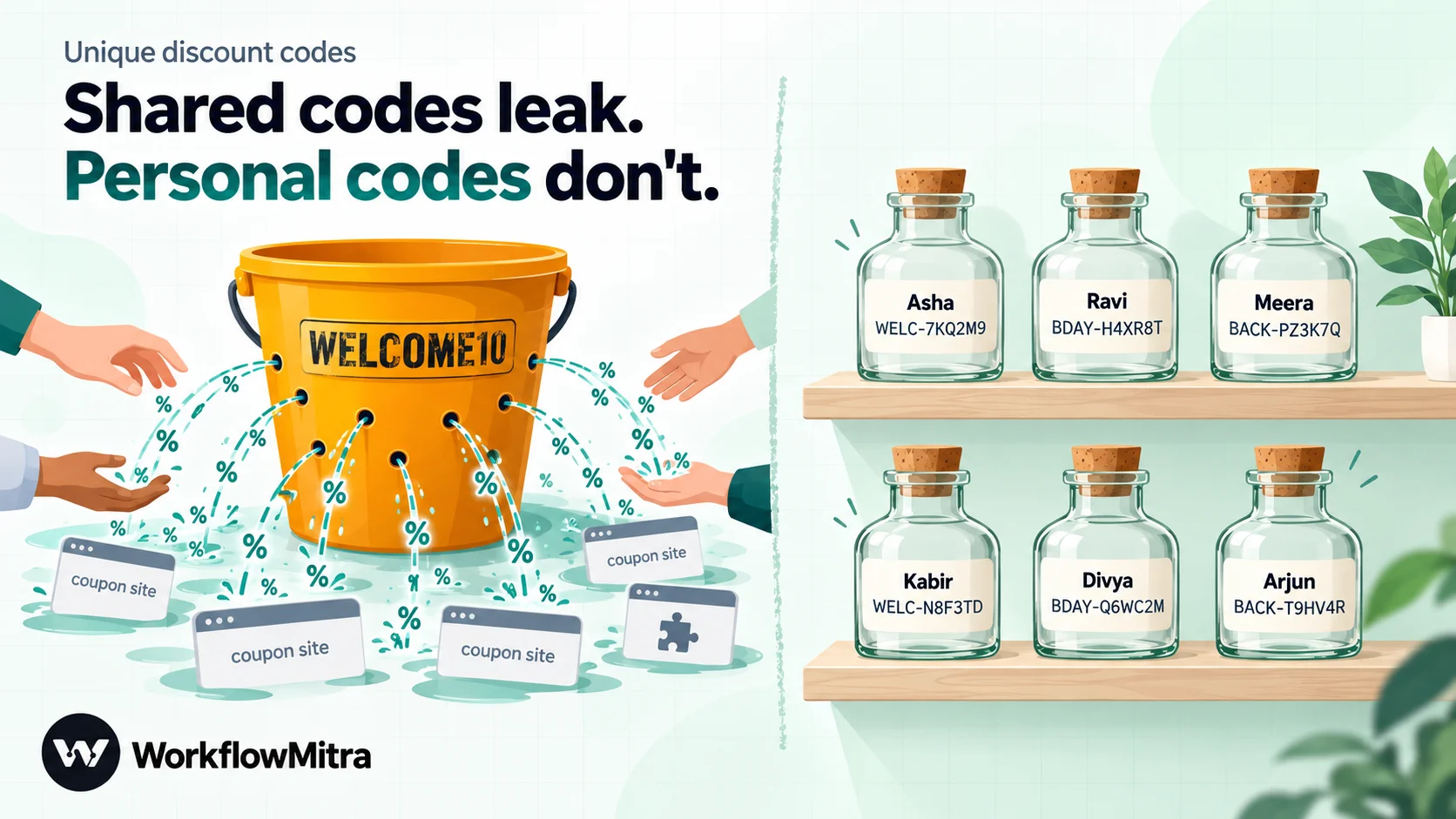
A skincare brand in Jaipur put WELCOME10 in its Instagram bio to reward new followers. Within a month the code was on three coupon websites, a browser extension was applying it automatically at checkout, and the brand couldn’t tell which of its 10% discounts came from new customers and which from bargain hunters who had never seen the post. Turning the code off would have annoyed the real followers; leaving it on meant giving 10% to everyone.
A shared code is a password that everyone knows. The fix is to give each customer their own code, usable once, by them, before a date. Stores that do this by hand end up with a spreadsheet of codes and someone copying them into emails. This guide shows how to generate unique discount codes automatically instead: a workflow creates the code in your Shopify or WooCommerce store the moment a customer qualifies, sends it by email or WhatsApp, and logs it.
The examples use WorkflowMitra, powered by ChatMitra. The coupon requests were tested against a live WooCommerce 11.2.1 store running in WordPress Playground, the request bodies and the code generator were run in WorkflowMitra’s own engine, and Shopify’s side was checked against its 2026-10 Admin API documentation, all on 20 October 2026.
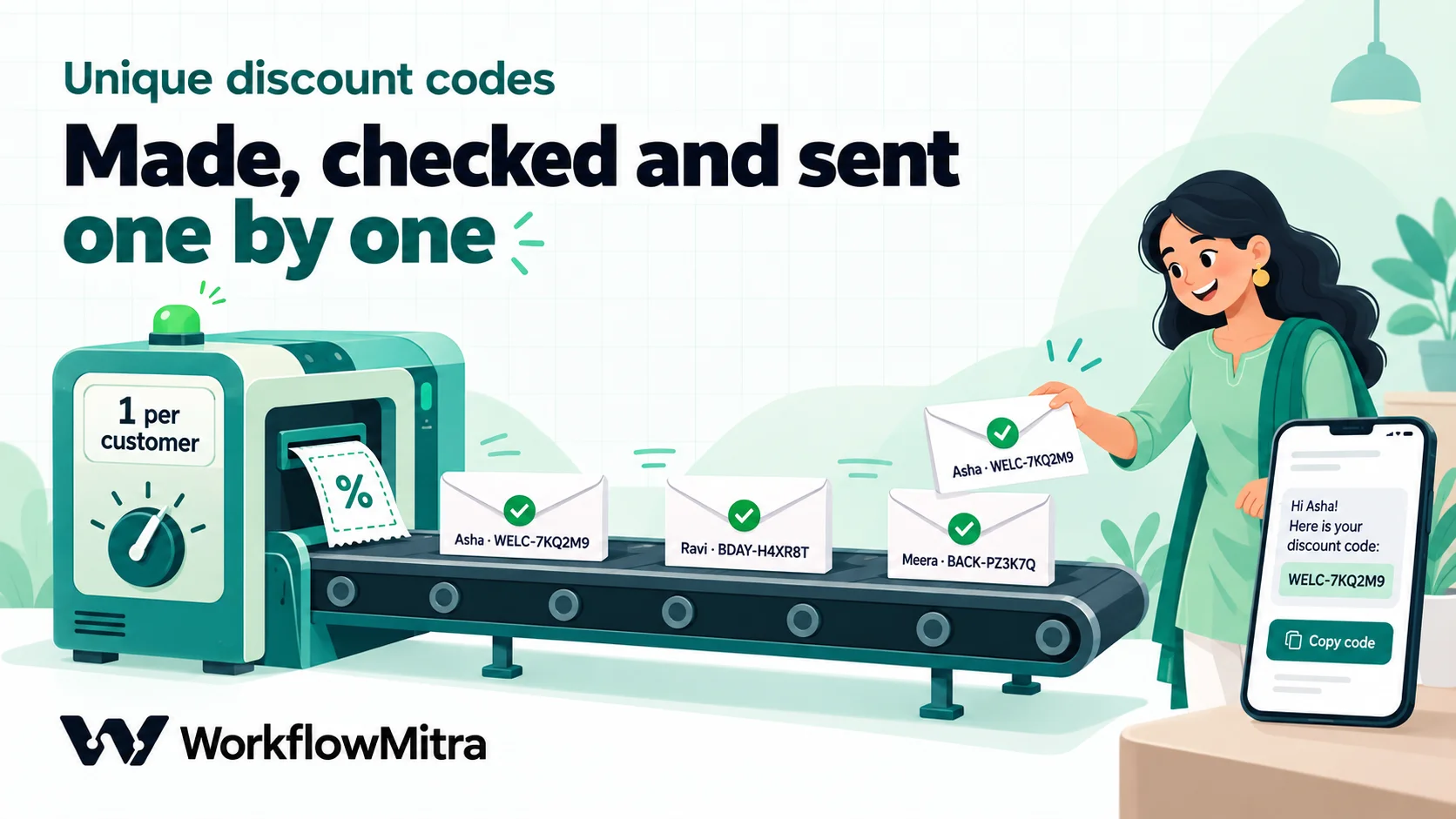
Quick answer: trigger a workflow when a customer qualifies (signs up, has a birthday, leaves a review). A Code step makes a short random code such as WELC-7KQ2M9. The workflow creates it in your store, with Shopify's discountCodeBasicCreate mutation or WooCommerce's POST /wp-json/wc/v3/coupons, limited to one use, to that customer and to an end date. Then it sends the code by email or a WhatsApp copy-code template and adds a row to a log sheet.
Shared codes versus unique codes
Both have a place. The difference is what happens after the code leaves your hands.
| One shared code (WELCOME10) | A unique code per customer (WELC-7KQ2M9) | |
|---|---|---|
| If it leaks | Anyone can use it, as often as they like | It works once, and only for the customer it was made for |
| Measuring | You know the code was used, not by whom or from which campaign | Every redemption traces to one customer and one trigger |
| Expiry | One date for everyone | Each customer gets their own window, such as 30 days from signup |
| Setup | Two minutes in the admin | A workflow, built once |
| Best for | Public sales: Diwali, end of season, a flash sale you want shared | Welcome offers, birthdays, win-backs, review thank-yous, apology vouchers |
Leaking isn’t a hypothetical. AdExchanger’s reporting on coupon-code leakage describes how a browser extension such as Honey “monitors the coupon or promo field as consumers add items to a cart and check out”, collecting codes that then get applied for other shoppers. Its conclusion: “daily sales take a hit, losses compound over time and accurate attribution goes out the window.” A unique, single-use, customer-locked code gives those tools nothing worth collecting.
When a unique code is worth the effort
Use a unique code whenever the discount is a reward for something one person did:
- Welcome offer when someone creates an account or joins your list.
- Birthday or anniversary codes from a list of dates.
- Win-back codes for customers who haven’t ordered in 90 days.
- Review or referral thank-yous.
- Service recovery after a late delivery or a damaged parcel, where a support agent wants to send a goodwill voucher without making a code by hand.
A public festival sale is the opposite case: you want the code shared, so a single code is simpler and fine.
What makes a good unique code
Before building anything, decide the code’s format and rules. They’re easy to set now and hard to change once codes are in customers’ inboxes.
- A campaign prefix.
WELC-,BDAY-,BACK-,SORRY-. Anyone reading an order can see which campaign the code came from. - A random part long enough not to be guessed. Six characters from a 31-character alphabet give 31⁶, about 887 million combinations. If you’ve issued 10,000 codes, a guesser has roughly a 1 in 90,000 chance per try, and every code only works for its owner anyway.
- No look-alike characters. Leave out 0 and O, 1, I and L. Customers type codes from a phone screen, and “WELC-0I1” is three support tickets waiting to happen.
- Short. WELC-7KQ2M9 is 11 characters. Meta’s documentation allows up to 20 characters in a WhatsApp copy-code button, while some providers’ documentation and ChatMitra’s own guide still say 15, so stay at 15 or fewer to be safe.
- Case doesn’t matter. WooCommerce’s documentation says “Coupon codes aren’t case-sensitive, so “SAVE10” and “save10” will both work”, and it saves them in lowercase: our WELC-7KQ2M9 came back from the API as
welc-7kq2m9. Shopify’s documentation calls discount codes case-insensitive too. Show codes in capitals; never rely on case to make two codes different. - Locked down. One use in total, one use per customer, restricted to that customer, a minimum order value if you need one, and an end date.
The workflow at a glance
The same workflow works for both platforms. Only the step that creates the code differs.
| # | Step | What it does |
|---|---|---|
| 1 | Trigger | A Shopify Customer creation webhook, a WooCommerce Customer created webhook, a signup form, or a daily schedule over a list |
| 2 | Code: Make code | Makes the code, cleans the email and phone, and works out the end date |
| 3 | IF + Google Sheets: Find row | Skips bad emails, and checks the log so nobody gets two welcome codes |
| 4 | Create the code | App Request to WooCommerce, or two HTTP Request steps to Shopify |
| 5 | IF | Checks the store really created it; if not, alerts you |
| 6 | Email or WhatsApp | Sends the customer their code and its end date |
| 7 | Google Sheets: Add row(s) | Logs the code, the customer and the dates |
Step 1: choose the trigger
WorkflowMitra, powered by ChatMitra, starts this workflow from whichever moment you reward:
- Shopify: in your Shopify admin’s webhook settings, add a Customer creation webhook pointing at an On webhook call trigger with the Shopify preset, which checks Shopify’s signature header. The payload carries the customer’s
email,first_nameandadmin_graphql_api_id. Webhooks you add in the admin don’t need an API token; our guide to the Shopify Admin API access token explains why. - WooCommerce: under WooCommerce › Settings › Advanced › Webhooks, add a Customer created webhook to a trigger with the WooCommerce preset. The payload is the customer record, with the email and a
billingblock. - A signup form on your site or a landing page, posted to a webhook.
- A schedule that reads a sheet of birthdays or lapsed customers each morning and loops over today’s list.
Both store presets skip a delivery they’ve already seen (by the payload’s id), so a store that retries a webhook doesn’t produce a second code.
Step 2: make the code
Add a Code step, rename it Make code and paste this:
// ---- Settings ----
const PREFIX = 'WELC';    // 2–5 letters naming the campaign
const LENGTH = 6;         // random characters after the prefix
const VALID_DAYS = 30;    // the code works until 23:59:59 India time on the last day
// No 0/O, 1/I or L, so nobody misreads a code
const ALPHABET = 'ABCDEFGHJKMNPQRSTUVWXYZ23456789';

let random = '';
for (let i = 0; i < LENGTH; i++) {
  random += ALPHABET[Math.floor(Math.random() * ALPHABET.length)];
}
// Works with a form, a WooCommerce customer or a Shopify customer
const billing = input.billing || {};
const email = String(input.email || billing.email || '').trim().toLowerCase();
const name = String(input.name || input.first_name || billing.first_name || '').trim();
// Last valid day, counted in India time (UTC+5:30)
const last = new Date(Date.now() + 330 * 60000 + VALID_DAYS * 86400000).toISOString().slice(0, 10);
return {
  code: PREFIX + '-' + random,
  email,
  name: name || 'there',
  phone: String(input.phone || billing.phone || '').replace(/\D/g, ''),
  validEmail: /^[^@\s"'<>,;]+@[^@\s"'<>,;]+\.[a-z]{2,}$/.test(email),
  expiresWoo: last + 'T23:59:59',           // WooCommerce reads this in your store's time zone
  expiresShopify: last + 'T23:59:59+05:30', // Shopify needs the offset
  expiresText: new Intl.DateTimeFormat('en-IN', { day: 'numeric', month: 'short',
    year: 'numeric', timeZone: 'UTC' }).format(new Date(last + 'T00:00:00Z'))
};
It returns the code, the customer’s email in lowercase, a first name with a friendly fallback, the phone number as digits, a validEmail flag, and the last valid day in the three formats the next steps need. We ran it in the sandbox that powers WorkflowMitra’s Code step with six inputs: a form signup with spaces and capitals in the email, a Shopify customer, a WooCommerce customer whose name sat only in the billing block, an email containing a quote mark, a non-email, and an empty request. It produced the right fields for the first three and flagged the last three as invalid. Over 2,000 runs, every code was different.
Why a Code step rather than a built-in random function? WorkflowMitra’s expressions do have a uuid() function, but a 36-character UUID is far too long to type at checkout or fit in a WhatsApp copy-code button.
A note on the end date. WooCommerce reads date_expires “in the site’s timezone”, according to its REST API documentation, so 2026-11-19T23:59:59 means 23:59:59 in whatever time zone your WordPress site is set to (Settings › General). Shopify’s endsAt is a full date-time, so the code adds +05:30. Change the offset if your store isn’t on India time.
Step 3: skip bad emails and repeat signups
Add an IF step: {{ $node["Make code"].validEmail }} Is yes. Leave the Else branch empty, so a form submitted with “test” in the email field simply ends there.
On the yes branch, add a Google Sheets › Find row step, renamed Past code, on a tab called Codes with the columns Code, Email, Name, Phone, Campaign, Created, Expires, Store. Under Which rows, set Email equal to {{ $node["Make code"].email }}.
Then another IF: {{ $node["Past code"].found }} Is yes. On that branch, send a short Email reminding them of the code they already have ({{ $node["Past code"].row.Code }}), and stop. On the Else branch, carry on to create a new code. This one check stops the commonest abuse of welcome offers, where the same person signs up again and again for another discount, and it costs one credit.
Step 4a: create the code in WooCommerce
Connect your store in WorkflowMitra with a WooCommerce REST API key (WooCommerce › Settings › Advanced › REST API, permissions Read/Write) and your site address. Then add an App Request step, renamed Create coupon:
- App: WooCommerce
- What should it do? POST, path
/wp-json/wc/v3/coupons - Information to send:
{
  "code": "{{ $node["Make code"].code }}",
  "discount_type": "percent",
  "amount": "10",
  "individual_use": true,
  "usage_limit": 1,
  "usage_limit_per_user": 1,
  "email_restrictions": ["{{ $node["Make code"].email }}"],
  "minimum_amount": "999",
  "date_expires": "{{ $node["Make code"].expiresWoo }}",
  "description": "Welcome code for {{ $node["Make code"].email }}"
}
What each setting does, in WooCommerce’s own words from its documentation:
discount_typeispercent,fixed_cartorfixed_product. Anything else gets a 400 error listing those three.amount“should always be numeric, even if setting a percentage”, so 10 means 10%.usage_limitis “how many times the coupon can be used in total”, andusage_limit_per_useris how many times per customer.email_restrictionsis “verified against customer’s billing email.”individual_usemeans “other applied coupons will be removed from the cart”, so a welcome code can’t be stacked on a sale code.
WorkflowMitra fills in the values JSON-safely: we sent this body through the App Request step to an echo server, and an email containing a double quote came out correctly escaped. We then posted the exact body it produced to the live test store, and here’s what happened:
| Test | Result |
|---|---|
| Create the coupon | 201 Created; the code saved as welc-jdp9jt, expiry 23:59:59 IST (18:29:59 GMT) |
| Create the same code again, in capitals or lowercase | 400, woocommerce_rest_coupon_code_already_exists |
| Order for ₹1,299 by the restricted email | Accepted, ₹129.90 off |
| Same code on a second order | Refused: usage limit reached |
| Another coupon used by a different email | Refused: "Please enter a valid email at checkout" |
| Restricted email typed with different capitals | Accepted |
Add an IF after the App Request: {{ $node["Create coupon"].status }} Equal to 201. App Request doesn’t stop on a 4xx answer unless you turn on Treat error responses as a failure, so this IF is what catches a wrong key, a missing permission or a duplicate. Send the Else branch to an Email to yourself: No coupon for {{ $node["Make code"].email }}: {{ $node["Create coupon"].body.message }}.
Don’t use the /coupons/batch endpoint for this. In our test, a batch containing a duplicate code returned HTTP 200 with the error hidden inside the item, so a status check would wave it through.
Step 4b: create the code in Shopify
Shopify’s Admin API is GraphQL, and since 1 January 2026 new API access comes from apps built in Shopify’s Dev Dashboard, whose tokens last 24 hours. So the Shopify version gets a fresh token at the start of every run, exactly as described in our Shopify Admin API access token guide: an HTTP Request step named Get Shopify token, and an IF that checks it worked. Your app needs the write_discounts access scope (and read_discounts if you also want to look codes up).
Then add a second HTTP Request step, renamed Create discount:
- Method: POST
- URL: your store’s address followed by
/admin/api/2026-10/graphql.json - Headers:
Content-Type=application/jsonandX-Shopify-Access-Token={{ $node["Get Shopify token"].body.access_token }} - Body: Raw, as one line (a line break inside the
querystring makes the JSON invalid):
{"query": "mutation CreateCode($input: DiscountCodeBasicInput!) { discountCodeBasicCreate(basicCodeDiscount: $input) { codeDiscountNode { id } userErrors { field code message } } }", "variables": {"input": {"title": "Welcome 10% for {{ $node["Make code"].email }}", "code": "{{ $node["Make code"].code }}", "startsAt": "{{ now() }}", "endsAt": "{{ $node["Make code"].expiresShopify }}", "context": {"customers": {"add": ["{{ $trigger.admin_graphql_api_id }}"]}}, "customerGets": {"value": {"percentage": 0.1}, "items": {"all": true}}, "minimumRequirement": {"subtotal": {"greaterThanOrEqualToSubtotal": "999"}}, "usageLimit": 1, "appliesOncePerCustomer": true}}}How it maps to Shopify’s documentation for DiscountCodeBasicInput:
code,context,customerGets,startsAtandtitleare the fields required when creating.context.customers.addlimits the code to the customer who triggered the workflow. Use the webhook’sadmin_graphql_api_id, a text value, not the numericid: Shopify’s customer IDs are bigger than JavaScript can store exactly, and in our test the sample ID 706405506930370084 came out as 706405506930370000.percentageis a fraction, “between 0.00 - 1.00”, so0.1is 10%.usageLimit: 1makes the code single-use, andappliesOncePerCustomeris “whether a customer can only use the discount once.”- If the trigger is a form rather than a Shopify customer, replace the
contextline with"context": {"all": "ALL"}. The code is then usable by anyone, but only once.
We sent this body through WorkflowMitra’s HTTP Request step to an echo server with a Shopify customer as the trigger: the JSON parsed, and the customer ID, dates and code landed in the right places. We didn’t have a Shopify store to run it against, so test it on a development store first.
GraphQL reports problems inside a normal 200 response, so don’t check the status. Add an IF: {{ $node["Create discount"].body.data.discountCodeBasicCreate.codeDiscountNode.id }} Is not empty. That’s only true when Shopify created the discount. On the Else branch, email yourself {{ $node["Create discount"].body }}, which contains the userErrors, such as a code that’s already TAKEN.
What if a code already exists?
Rarely, a random code collides with one you’ve already created. With 887 million combinations and 10,000 existing codes, the chance for any new code is about 1 in 90,000. Both platforms refuse a duplicate rather than overwrite it (WooCommerce with a 400, Shopify with a user error), so the IF in step 4 catches it and alerts you, and nothing is sent to the customer. Rerun that customer from the run history and they get a fresh code. If you issue codes in the hundreds of thousands, raise LENGTH to 7 or 8 rather than building retry logic.
Step 5: send the code
By email. An Email step (Send an email) to {{ $node["Make code"].email }}, subject Your welcome code: {{ $node["Make code"].code }}, and a plain message:
Hi {{ $node["Make code"].name }}, here's your personal welcome code: {{ $node["Make code"].code }}. It takes 10% off your first order over ₹999 and works until {{ $node["Make code"].expiresText }}. It's linked to this email address, so use it with the same email at checkout.
That last sentence matters. A customer who checks out with a different email will be refused, and they should know why before they try.
By WhatsApp. Many Indian shoppers open WhatsApp long before email. WorkflowMitra’s WhatsApp step can send through ChatMitra or Meta’s Cloud API directly, and it supports templates with a Copy code button: in the step’s Button variable field, put {{ $node["Make code"].code }}, and each customer gets their own code from one approved template. Meta’s documentation describes these as “marketing templates that display a single copy code button”, with the code supplied when each message is sent. Three conditions:
- Consent. Only message customers who agreed to receive marketing on WhatsApp. Put a separate, unticked checkbox on your signup form for it.
- Marketing pricing. Coupon templates are charged as marketing messages by Meta. ChatMitra’s own fee is per conversation (once per contact in 24 hours), not per message; see ChatMitra pricing for current rates.
- Not on WhatsApp Web. Meta notes that coupon code templates “are currently not supported by the WhatsApp web client”, so customers see the button on their phones.
ChatMitra’s guide to WhatsApp coupon code templates covers creating and getting the template approved.
Step 6: log every code
Finish with a Google Sheets › Add row(s) step on the Codes tab: code, email, name, phone, campaign (WELC), today’s date, the end date and the store. The log is what step 3 checks for repeat signups, and it’s the list your support team searches when a customer says “my code isn’t working”. Set Write values to Exactly as written (no formulas) so a code or phone number is stored as typed.
Tracking which codes get used
Both platforms report the codes used on each order: WooCommerce order data has a coupon_lines list (our test order showed welc-jdp9jt with ₹129.90 off), and Shopify’s order webhook includes discount_codes. A second workflow on the store’s order webhook can mark the matching row in the Codes tab as redeemed. Because WooCommerce returns codes in lowercase, convert the code back to capitals before looking it up. A one-line Code step does it, return { code: String(((input.coupon_lines || [])[0] || {}).code || '').toUpperCase() }; (use input.discount_codes for Shopify), followed by Update row with Code equal to {{ code }}.
After a month you can answer questions a shared code never could: what share of new signups used their welcome code, how fast, and how their first-order value compares with customers who didn’t.
Housekeeping
- WooCommerce keeps every coupon. A trashed coupon doesn’t block its code from being created again (we tested it), and a
DELETErequest moves a coupon to the trash, or deletes it permanently with?force=true. A monthly scheduled workflow that clears out expired codes keeps the admin’s coupon list readable. - Shopify has, in its Help Center’s words, “a cumulative limit of 20,000,000 unique discount codes for each store.” A small store won’t get near it, but it’s a reason not to create codes speculatively.
- Bulk codes on Shopify. If you ever need thousands of codes at once, for example for a printed insert, Shopify’s
discountRedeemCodeBulkAddmutation adds up to 250 codes per call to one discount. For one code per customer as they arrive,discountCodeBasicCreateis simpler.
Keep the offer from being abused
Unique codes close the biggest hole, leaking, but a welcome offer still invites people to sign up more than once. Practical limits, in order of value:
- One code per email, enforced by the Find row check in step 3.
- Restricted to that customer, so a code forwarded to a friend doesn’t work.
- A minimum order value that makes the discount worth less to someone farming codes.
- A short window, 14 to 30 days, so codes don’t accumulate.
- If the trigger is a public form, make sure the webhook only accepts requests you expect. Our guide to webhook security covers the options.
What it costs
WorkflowMitra charges one credit per executed step. IF steps are free, and the Code step costs a small fraction of a credit.
| Version | Steps that cost a credit | Credits per customer |
|---|---|---|
| WooCommerce | Trigger, Find row, App Request, Email or WhatsApp, Add row(s) | 5 |
| Shopify | Trigger, Find row, token request, create discount, Email or WhatsApp, Add row(s) | 6 |
A store issuing 1,000 welcome codes a month uses 5,000 to 6,000 credits, inside the Starter plan’s 10,000 credits for ₹999 a month (₹849 a month billed yearly), according to WorkflowMitra’s live plan list on 20 October 2026. WhatsApp messages carry Meta’s and your provider’s charges on top.
Common mistakes
- Using
fixed_cartwhen you meant 10%. WooCommerce’s default discount type is a fixed amount, soamount: 10withoutdiscount_type: percentis ₹10 off. - Expiry at midnight. A date with no time means the start of that day. Use 23:59:59, and the right time zone.
- Checking a Shopify status code. GraphQL errors arrive with HTTP 200. Check for the created discount’s ID instead.
- The numeric Shopify customer ID. Use
admin_graphql_api_id. - Codes too long for WhatsApp. Keep them to 15 characters or fewer.
- Look-alike characters. Leave out 0, O, 1, I and L.
- No duplicate check. Without the Find row step, the same person can collect a code for every signup.
- Not telling the customer the code is tied to their email. They’ll try it with another address and assume it’s broken.
Where WorkflowMitra fits
WorkflowMitra, powered by ChatMitra, does the joining-up: it receives the store’s webhook or your form, makes the code, creates it through the store’s API, sends it by email or a WhatsApp copy-code template, and logs it, with every run visible in the history. It doesn’t add discount types your store doesn’t have, and it doesn’t replace a loyalty or referral app with points, tiers and a customer dashboard. If you already use an email platform or app that creates per-customer codes for its own campaigns, use it for those campaigns; a workflow is the better fit when the trigger lives elsewhere (a form, a support ticket, a sheet of birthdays) or when the code has to go out on WhatsApp.
Replace your shared welcome code this week
Start with one campaign: the welcome offer. Build the WooCommerce or Shopify version, test it on a staging store or with your own email, then switch your signup form or store webhook over and retire the public code. Once it’s running, the birthday and win-back versions are copies with a different prefix and trigger.
You can build it on a 14-day WorkflowMitra trial with no card required, using the Shopify and HTTP Request integrations or the App Request step for WooCommerce. For more store workflows, see ecommerce automation, and for order updates on WhatsApp, WooCommerce WhatsApp notifications.
Shopify's discountCodeBasicCreate mutation, DiscountCodeBasicInput fields, required write_discounts scope, discountRedeemCodeBulkAdd limit and customers/create payload are from Shopify's Admin API and webhook documentation (2026-10); the case-insensitivity of discount codes from Shopify's Storefront API documentation; the 20,000,000-code limit from Shopify's Help Center. WooCommerce field descriptions are from its REST API documentation and coupon management guide; the copy-code button rules from Meta's coupon code templates documentation; the quotes on coupon leakage from AdExchanger. All were read on 20 October 2026. WooCommerce behaviour (creation, duplicates in either case, lowercase storage, expiry in the site's time zone, the email restriction, the usage limit, batch errors at HTTP 200, trash and reuse) was tested against WooCommerce running in WordPress Playground that day. WorkflowMitra behaviour (the Code step sandbox, JSON-safe values in App Request and HTTP Request bodies, App Request's WooCommerce connection and error option, the webhook presets, Find row, Add row(s), the WhatsApp step's copy-code button variable and the credit rates per step) was checked in the product's source code, and the code generator and both request bodies were run in its engine; plan prices come from WorkflowMitra's live plan list. Store names, customers, codes and volumes in the examples are illustrations. Sources: Shopify, discountCodeBasicCreate; Shopify, DiscountCodeBasicInput; Shopify, CartDiscountCode; Shopify, discountRedeemCodeBulkAdd; Shopify Help Center, discount codes; WooCommerce REST API documentation; WooCommerce, coupon management; Meta, coupon code templates; AdExchanger, the hidden costs of coupon code leakage.
Frequently Asked Questions
Questions store owners ask before generating discount codes per customer.
Use a workflow that runs whenever a customer qualifies, for example when they sign up. It makes a random code, creates it in your store through the store's API (Shopify's discountCodeBasicCreate mutation or WooCommerce's coupons endpoint) with a usage limit of one and a restriction to that customer, then sends the code by email or WhatsApp and records it in a sheet.
Automate the work between your apps
Build workflows with triggers, conditions and actions, then test them before they go live. Try WorkflowMitra free for 14 days, no card required.
